

Perfection Samsung – 50″ TU690T Series LED 4K UHD Smart Tizen TV
$105,637.20
- Samsung 50″ Class TU690T Series LED 4K UHD Smart Tizen TV
- Crystal UHD with Smart TV technology
- 4K resolution with PurColor
- Smart TV powered by Tizen for easy streaming and browsing
- Crystal Processor 4K for enhanced picture quality
- Direct Lit LED technology for enhanced contrast
- Works with Amazon Alexa, Google Assistant, and Apple AirPlay 2
- Bluetooth enabled with SmartShare and screen mirroring capabilities
Buy more, save more
Buy 2–4 of this item and save 5%.
Buy 5 or more of this item and save 10%.
Discount is automatic in your cart on regular-priced items. It cannot be combined with coupon codes or sale prices.
Buy 2–4 of this item and save 5%.
Buy 5 or more of this item and save 10%.
Discount is automatic in your cart on regular-priced items. It cannot be combined with coupon codes or sale prices.
Country suggested using IP or browser language; you can change it. Shipping is confirmed at checkout.
Description
Samsung – 50″ TU690T Series LED 4K UHD Smart Tizen TV,
How to Use the Samsung 50″ Class TU690T Series LED 4K UHD Smart Tizen TV
Setting Up the TV
- Unbox the TV and carefully remove all packaging materials.
- Place the TV on a stable surface or mount it on the wall using a VESA-compatible wall mount (not included).
- Plug in the power cable and connect it to a power outlet.
- Attach the included tabletop stand if you prefer not to wall mount the TV.
Turning On the TV
- Press the power button located on the remote control or on the side of the TV.
- Follow the on-screen instructions to select your language, set up your Wi-Fi connection, and agree to the terms and conditions.
Navigating the Smart TV Interface
- Use the directional buttons on the remote control to navigate through the menu options.
- Press the “Home” button to access the main menu.
- Scroll through the menu options using the directional buttons and select an option by pressing the “OK” button.
Streaming Content
- To access streaming services, select the “Apps” option from the main menu.
- Scroll through the available apps using the directional buttons and select the app you want to use.
- If prompted, sign in to your streaming service account.
- Browse through the available content and select a title to start streaming.
Adjusting Picture and Sound Settings
- Press the “Home” button on the remote control to access the main menu.
- Select the “Settings” option.
- Scroll down and select “Picture” or “Sound” to adjust the respective settings.
- Use the directional buttons to navigate through the available options and make your desired adjustments.
- Press the “OK” button to save your changes.
Connecting External Devices
- Locate the appropriate input ports on the back of the TV.
- Connect the HDMI, USB, or other cables from your external device (e.g., Blu-ray player, gaming console) to the corresponding input ports.
- Switch the TV to the input source you want to use by pressing the “Source” button on the remote control and selecting the appropriate input.
Congratulations! You are now ready to enjoy your Samsung 50″ Class TU690T Series LED 4K UHD Smart Tizen TV.
, , Samsung
| Brand | |
|---|---|
| MPN | UN50TU690TFXZA |
| UPC | 887276713236 |
| Manufacturer Warranty | Yes |
| Warranty - Parts | 1 year |
| Warranty - Labor | 1 year |
| Type | Televisions |
| Model | UN50TU690TFXZA |
| Display Technology | LED |
| Maximum Resolution | 4K (2160p) |
| Screen Size | 49.5 inches |
Only logged in customers who have purchased this product may leave a review.
Popular items in this category

Untapped 2023 Model Samsung 50" Class CU8000 Crystal UHD 4K HDR Smart LED TV
$387.80
Add to cart
Join the Elite Club with LG 86-inch UQ75 Series LED 4K UHD Smart webOS TV
$3,047.90
Add to cart
Revitalize Your Routine 55" 4K UHD HDR Smart Roku TV with 4-Series, 2160p Resolution, and Ultra High Def
$6,749.60
Add to cart
Guaranteed Satisfaction Insignia- 43" F30 Series Smart Fire TV with 4K UHD LED Display
$1,175.00
Add to cartSimilar items you might like

Game-Changer Westinghouse - 43-inch 4K UHD Smart Roku TV with HDR
$51,698.30
Add to cart
Empowering Solutions Toshiba - 50 inch C350 Series LED 4K UHD Smart Fire TV
$94,000.50
Add to cart
Revamp Samsung 43-inch CU8000 Crystal LED 4K UHD Tizen Smart TV
$423.00
Add to cart
Prime Hisense - 40" A4 Series LED Full HD Smart Vidaa TV
$1,645.00
Add to cartProducts related to this item

Sensational Savings TCL 4-Series 4K Ultra HD HDR LED Smart TV - 43 Inch
$824.80
Add to cart
Revitalize Your Lifestyle Onn 24" HD (720P) Roku Smart LED TV (100012590) with Remote and Free Mobile App
$16,683.10
Add to cart
Enhance Your Everyday TCL - 50-inch 4-Series LED 4K UHD Smart Google TV
$9,142.20
Add to cart
Uncover Your True Potentialy Toshiba 43-inch Class V35 Series LED Full HD Smart VIDAA TV
$51.70
Add to cartProducts you may also like

Related products
-

Empowering Solutions Pioneer – 50″ LED 4K UHD Smart Xumo TV
$399.50 -
Guaranteed Satisfaction Insignia- 43″ F30 Series Smart Fire TV with 4K UHD LED Display
$1,175.00 -
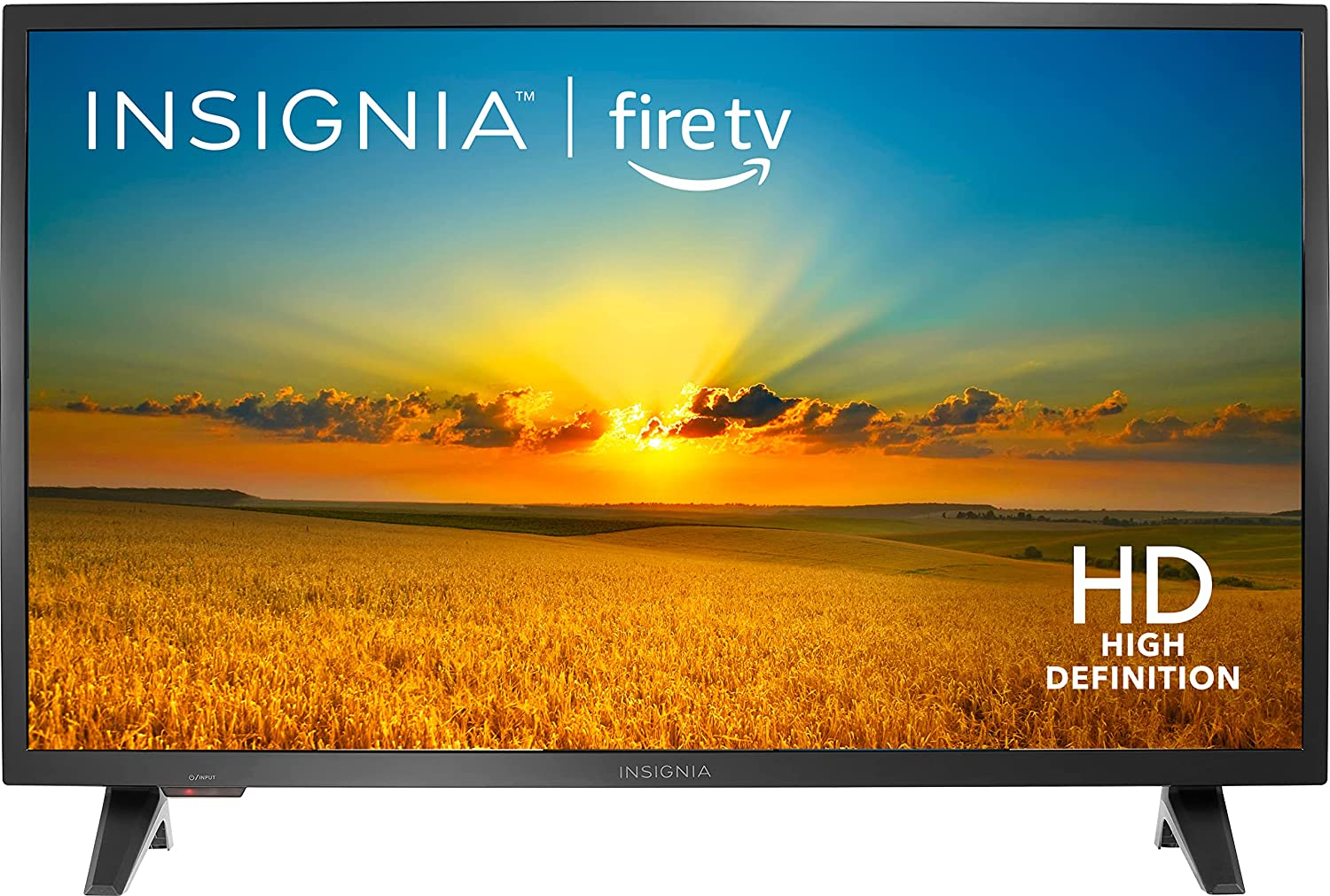
Maximize Your Productivity Insignia- F20 Series 32″ Class LED HD Smart Fire TV
$223.20 -
Game-Changer Westinghouse – 43-inch 4K UHD Smart Roku TV with HDR
$51,698.30

Reviews
There are no reviews yet.