
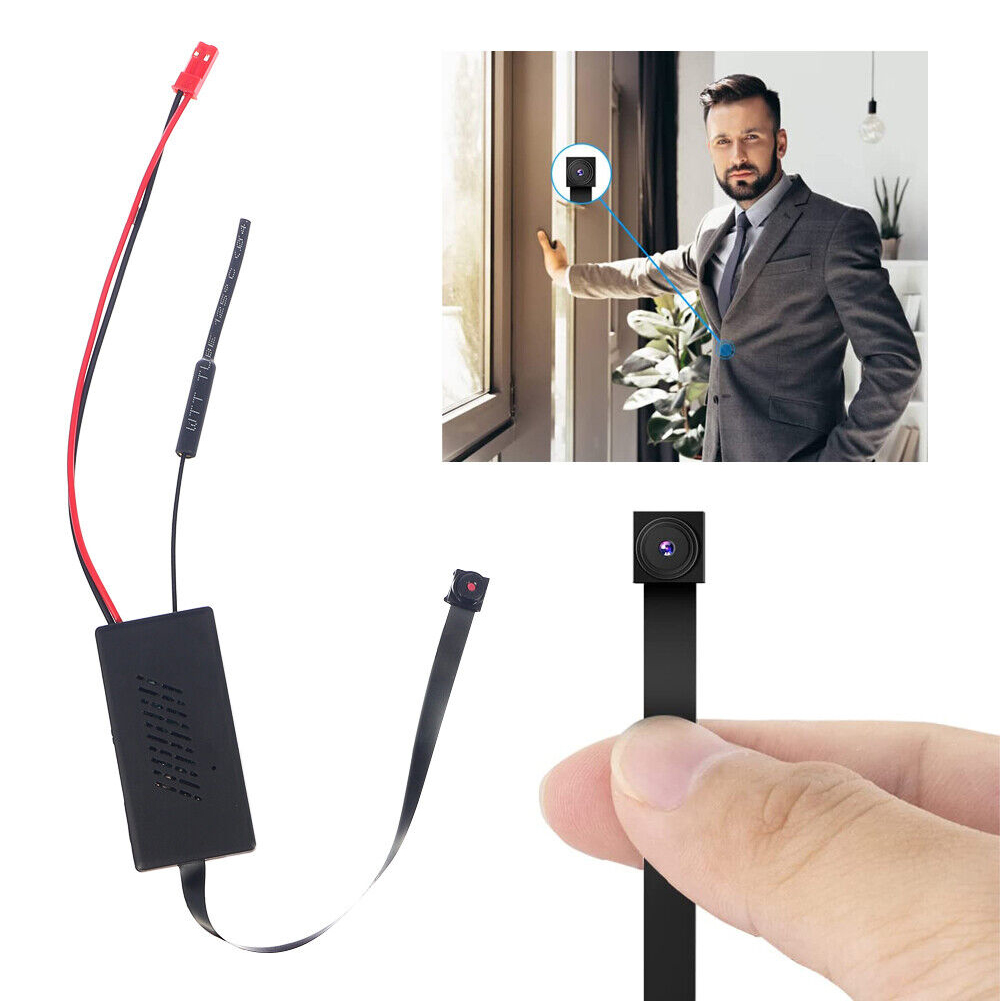

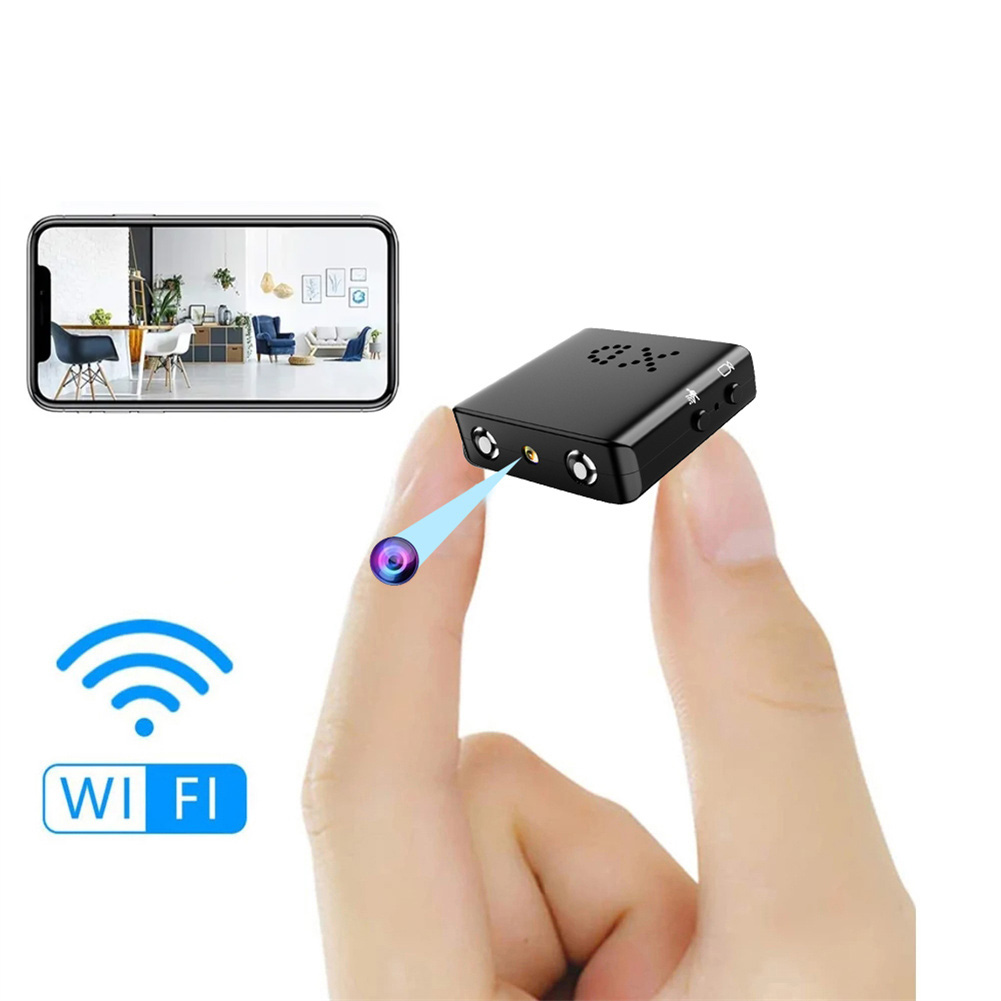
Wireless Home Camera with Wifi and App Connectivity, Easy Battery Setup, Security Protection, Hidden 1080P Video Recorder – V77,
How to Use the Wifi Camera Wireless Home Camera with App Battery Easy Setup Security Protection Video Recorder Hidden 1080P V77
Step 1: Installation
- Place the camera in the desired location, ensuring it has a good view of the area you want to monitor.
- Connect the camera to a power source using the provided USB cable.
Step 2: Downloading the App
- Search for the camera’s app (specified in the product manual) in your phone’s app store.
- Download and install the app on your smartphone.
Step 3: Connecting to Wi-Fi
- Make sure your phone is connected to Wi-Fi.
- Open the app and create a new account if required.
- Follow the app’s instructions to connect the camera to your Wi-Fi network.
Step 4: Camera Configuration
- Wait for the camera to connect to the app and show as online.
- Access the camera settings through the app.
- Configure your desired settings, such as video resolution and motion detection.
Step 5: Viewing and Recording
- To view the live feed from the camera, open the app and select the camera from the list.
- To start recording, either insert a TF card into the camera (up to 128 GB, not included) or set up cloud storage if available.
- Explore the app’s features, such as remote viewing, two-way audio, and playback of recorded videos.
Note: For more detailed instructions, refer to the product manual provided with the camera., ,



Reviews
There are no reviews yet.