
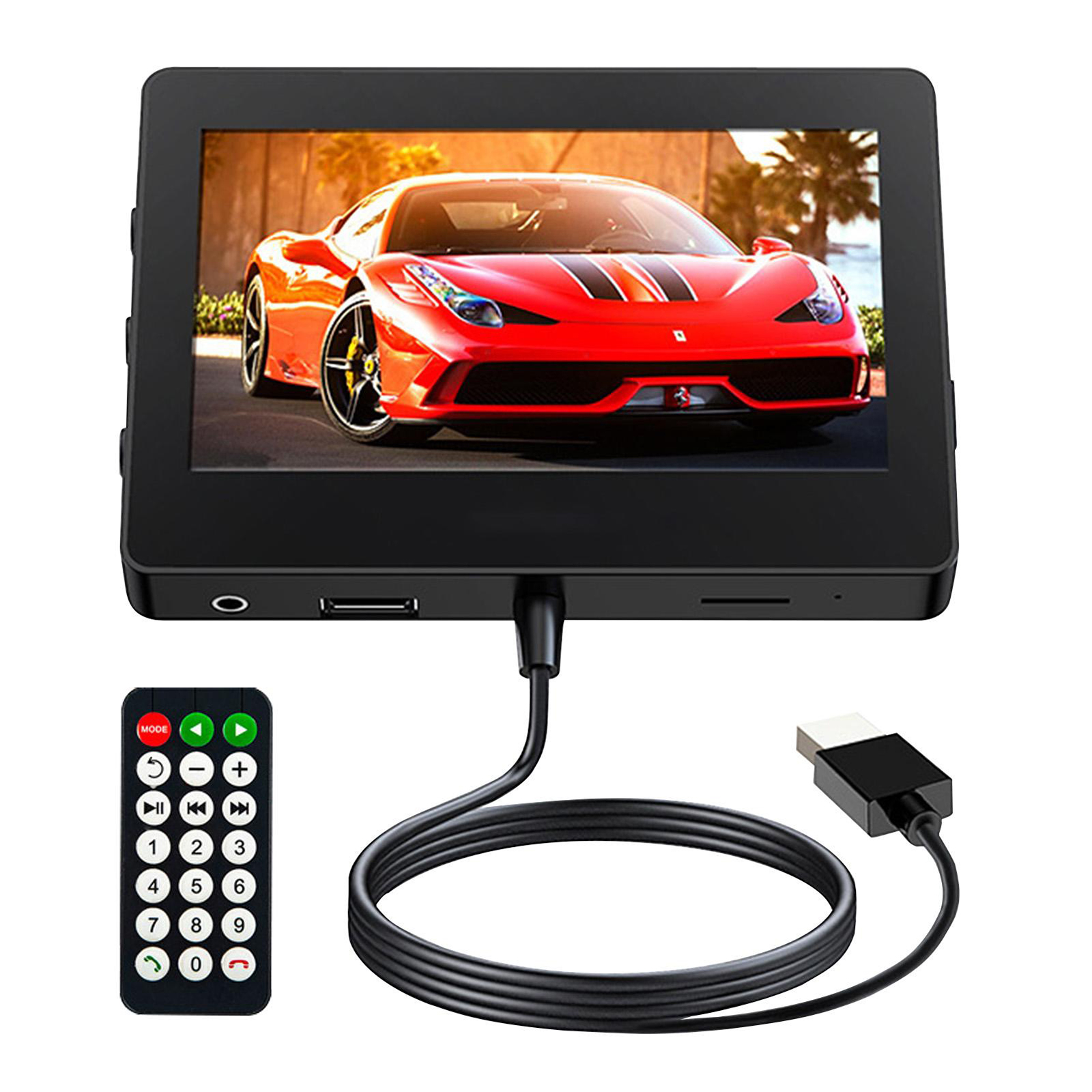
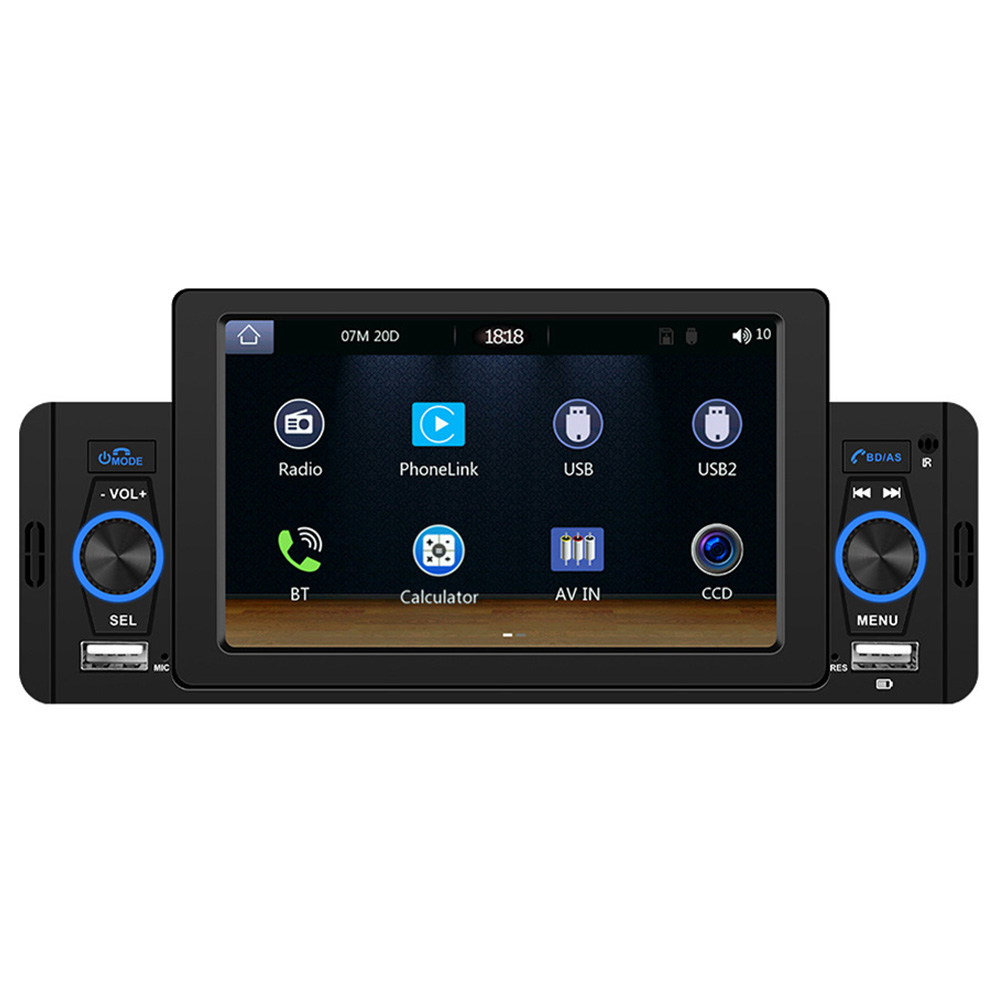
4.3 Inch Car Mp5 Player
$94.00
- Built-in Bluetooth for hands-free calling and music streaming
- Support for TF card for additional storage space
- AUX audio input for external audio devices
- Universal car MP5 with a metal air outlet clip for stability and safety
- Simple installation for convenient use
- Extendable USB power supply for versatile power options
Buy more, save more
Buy 2–4 of this item and save 5%.
Buy 5 or more of this item and save 10%.
Discount is automatic in your cart on regular-priced items. It cannot be combined with coupon codes or sale prices.
Buy 2–4 of this item and save 5%.
Buy 5 or more of this item and save 10%.
Discount is automatic in your cart on regular-priced items. It cannot be combined with coupon codes or sale prices.
Country suggested using IP or browser language; you can change it. Shipping is confirmed at checkout.
Description
4.3 Inch Car Mp5 Player,
How to Use the 4.3 Inch Car Mp5 Player M6
-
Step 1: Mounting the Device
- Locate a suitable spot in your car to mount the MP5 player.
- Attach the metal air outlet clip securely to the desired location.
-
Step 2: Powering the Device
- Connect the MP5 player to a power source using the included USB power supply cable.
- Plug the USB end into the MP5 player and the other end into any USB port.
-
Step 3: Pairing with Bluetooth
- Turn on the MP5 player by pressing the power button.
- Go to the Bluetooth settings on your mobile phone and enable Bluetooth.
- On the MP5 player, navigate to the Bluetooth menu and select “Pair new device”.
- Find your mobile phone’s name in the list of available devices and select it.
- Enter the pairing code displayed on the MP5 player if prompted.
- Once successfully paired, you can now play music and make hands-free calls through the MP5 player.
-
Step 4: Using TF-card and AUX input
- To expand the storage space, insert a TF-card into the MP5 player’s TF-card slot.
- For external audio input, connect a mobile phone or music player to the MP5 player using the AUX audio input interface.
-
Step 5: Controlling the Device
- Use the remote control included with the MP5 player to navigate through menus and control playback.
- For convenience, you can also directly access functions using the buttons on the MP5 player itself.
, ,
Only logged in customers who have purchased this product may leave a review.
Special deals for you
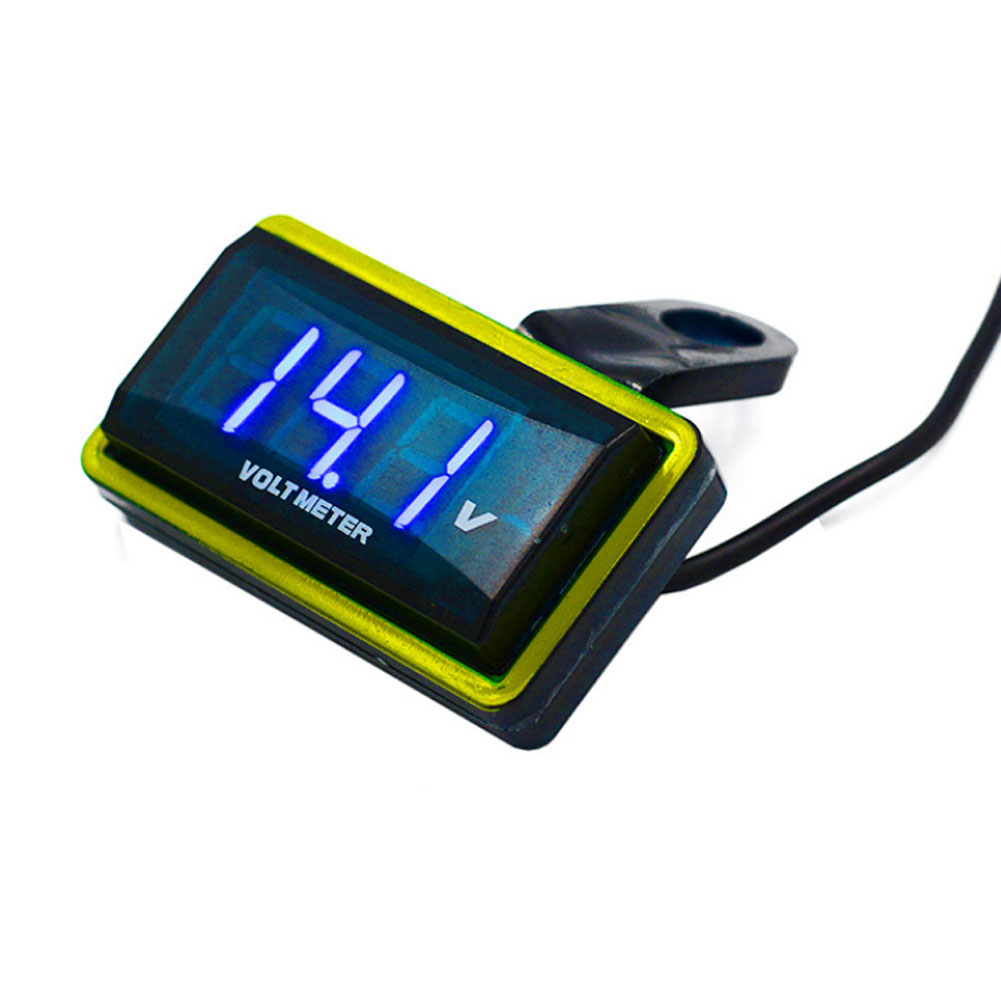
12V Car Voltmeter with Digital LED Display
Original price was: $20,030.60.$20.60Current price is: $20.60.
Add to cartPopular items in this category

Meterk 6-Tooth Wood Carving Disc – 16mm Bore Angle-Grinder Attachment
Price range: $12.08 through $26.62
Select options
Motorcycle accessories
$6.33
Add to cart
ECO OBD2 Plug-In Vehicle Module – Fuel-Saving Claims Not Verified
Price range: $2.67 through $14.61
Select options
Motorcycle-Style Leather Jacket – Black, Brown and Dark Brown
$26.88
Select optionsSimilar items you might like
Products related to this item
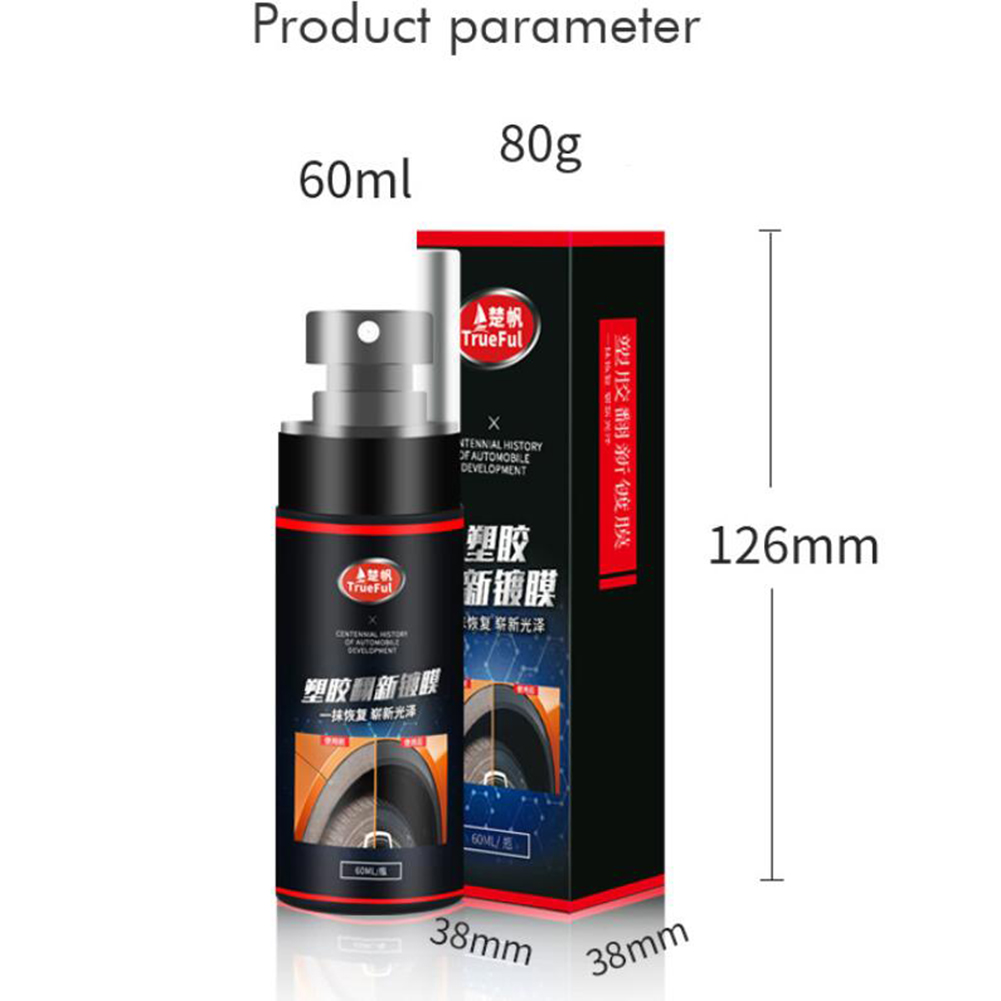
60ml car plastic refurbishment agent Instrument Panel Wax car interior leather Seat Restore Leather cleaning Repair agent Black red_60ml
$20.10
Add to cart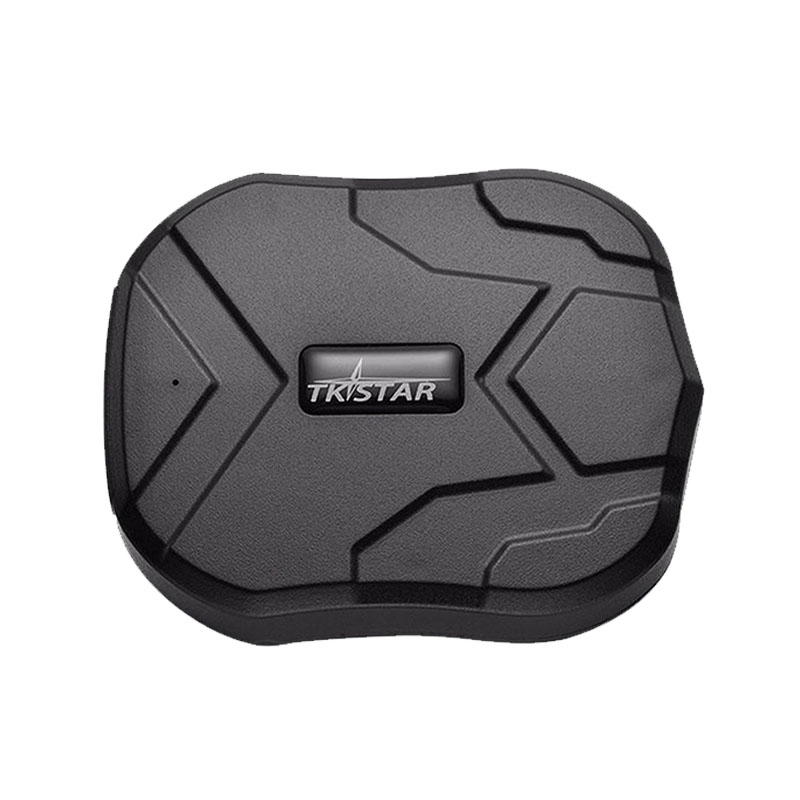
GPS Tracker Car 5000mAh 90 Days Standby 2G Vehicle Tracker GPS Locator Waterproof Magnet Voice Monitor Free Web APP black
$139.40
Add to cart
Magnetic GPS Tracker with Long Standby
$26.90
Add to cart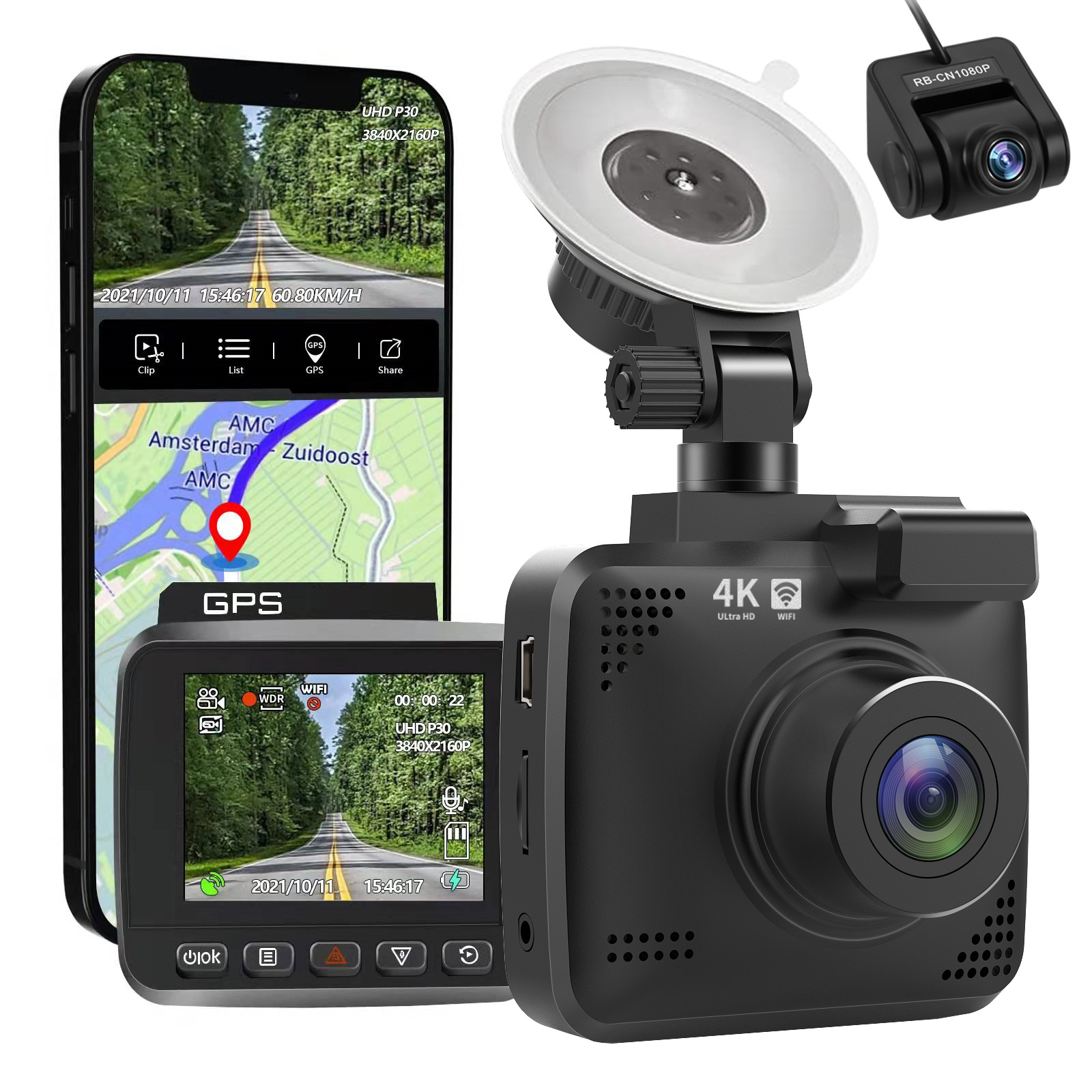
4k Wifi GPS Car Dash Cam
$197.20
Add to cartProducts you may also like
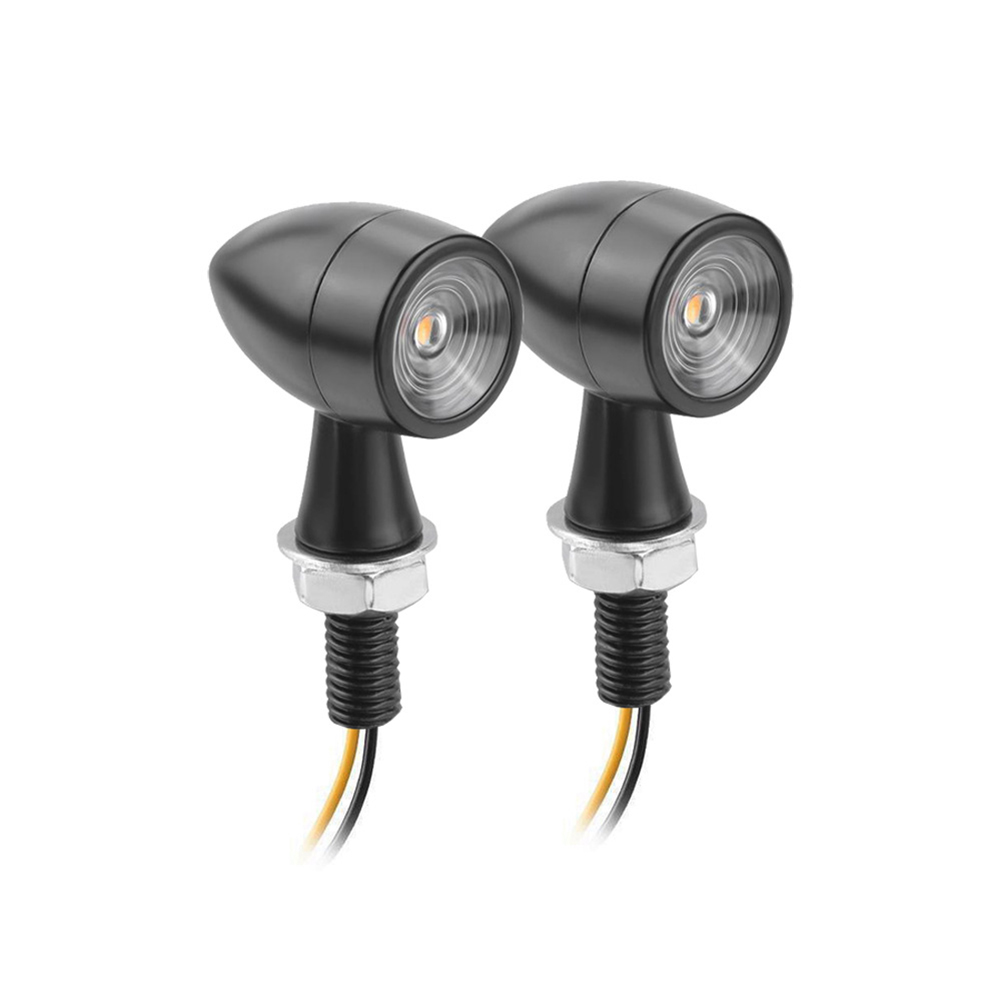
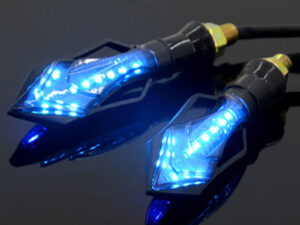
Upgrade with US 1 Pair Aluminum + Pc Lens Motorcycle Led Mini Turn Signal Waterproof Anti-scratch Retro Style Metal Signal Light 2 packs
$63.30
Add to cartMagnetic GPS Tracker with Long Standby
$26.90
Add to cart
Pioneering Pack of 10 Auto Drive Multi-Purpose Microfiber Cleaning Towels in Assorted Colors
$12.40
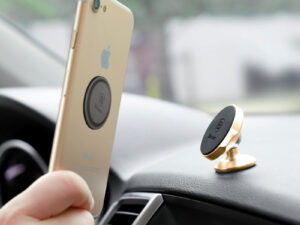
Add to cart![Car Holder Clip Mount Dashboard Car Phone Holder 360 Rotatable Stand Mount Display GPS Bracket [dashboard clips]](https://cdn.chv.me/images/PjZw0u-b.jpeg "Car Holder Clip Mount Dashboard Car Phone Holder 360 Rotatable Stand Mount Display GPS Bracket [dashboard clips]")
Car Holder Clip Mount Dashboard Car Phone Holder 360 Rotatable Stand Mount Display GPS Bracket [dashboard clips]
$18.50
Add to cartRecommended for You

RM35 350cc Water-Cooled Dual-Cylinder Motorcycle – Fuel Details to Verify
$5,805.00
Add to cart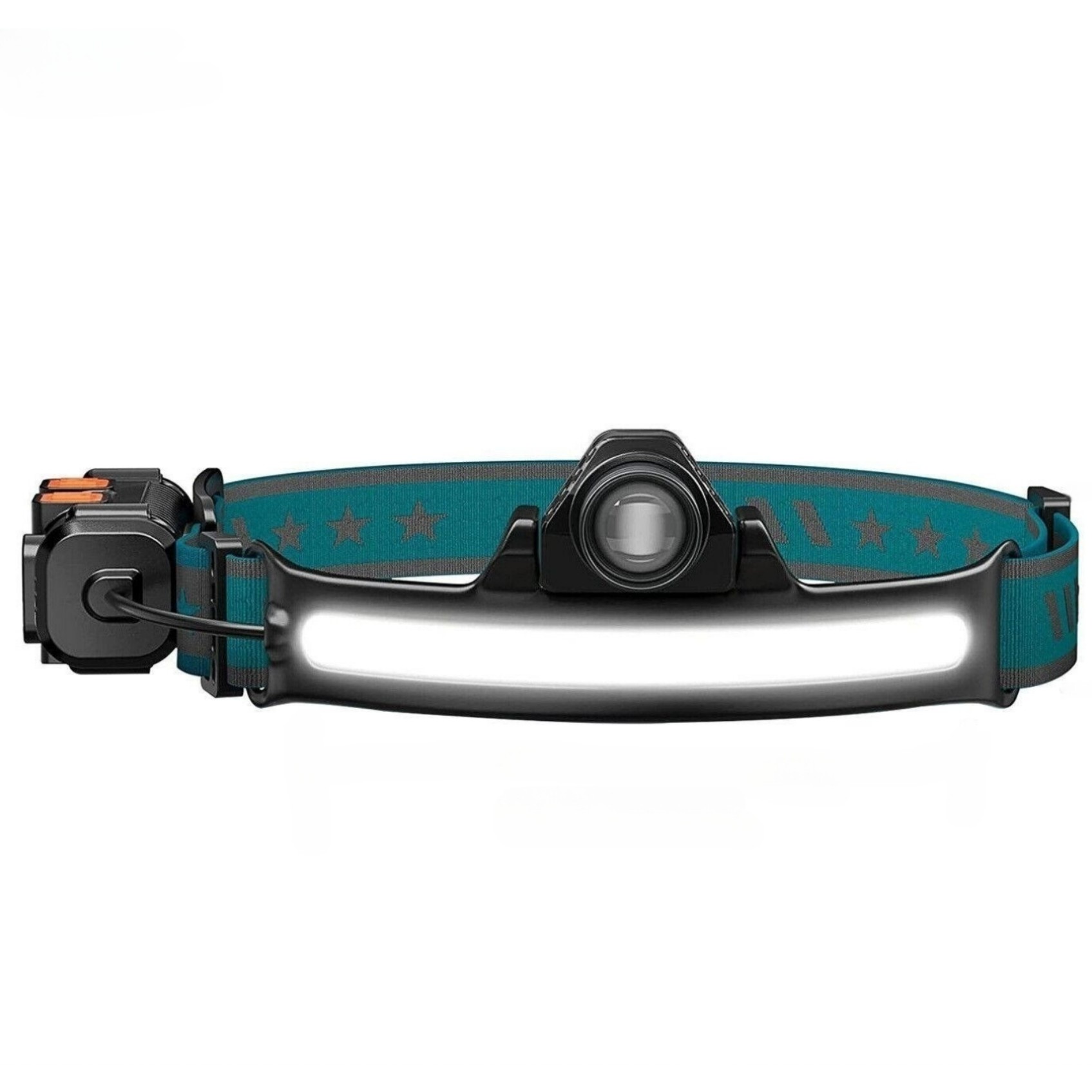
Elite 10W Zoomable COB LED Headlamp With Motion Sensor 6 Modes 270°/90° Adjustable Angle USB Rechargeable Torch Headlight Flashlight Zoomable (sensing)
$43.90
Add to cart
E-Better GN125 Motorcycle – Powertrain to Verify
$993.60
Add to cart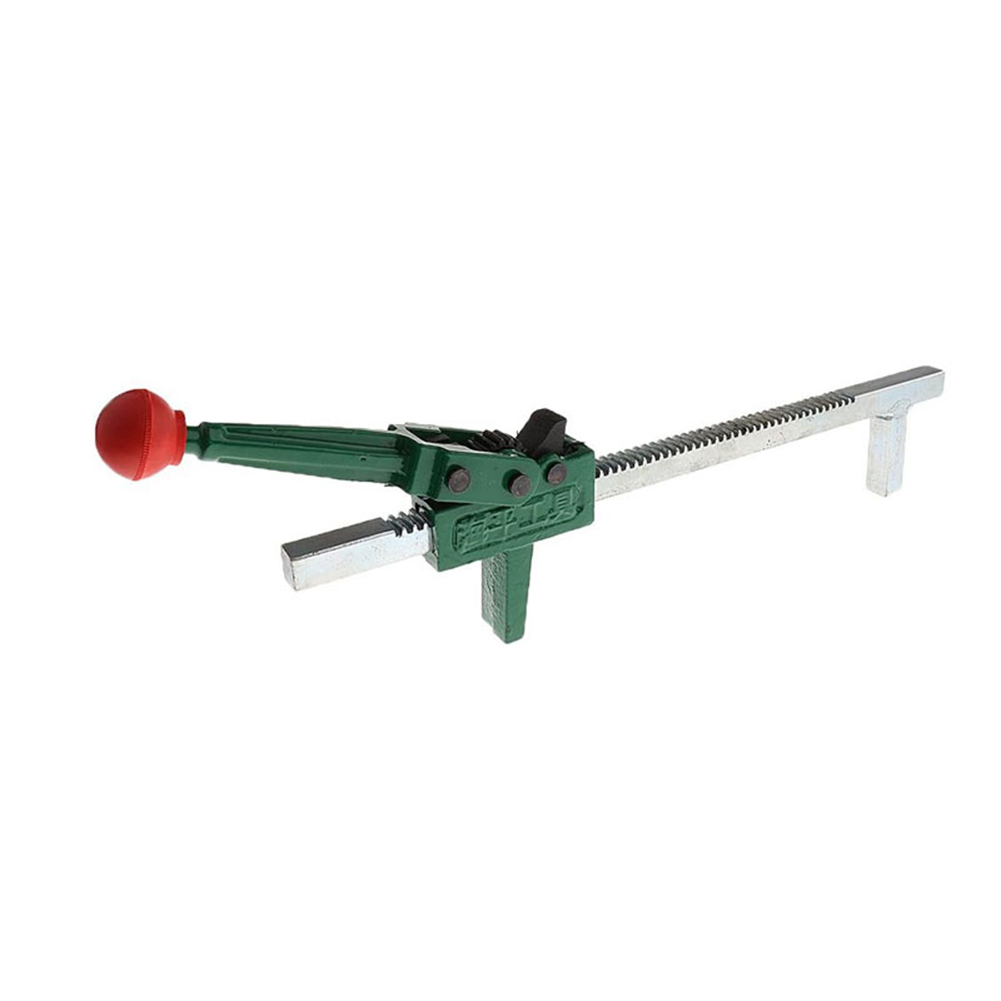
Manual Tire Expander Repair Tool Portable Wheel Tire Manual Hand Expander Tool Automotive Maintenance Parts 40cm
$89.90
Add to cart

Reviews
There are no reviews yet.