
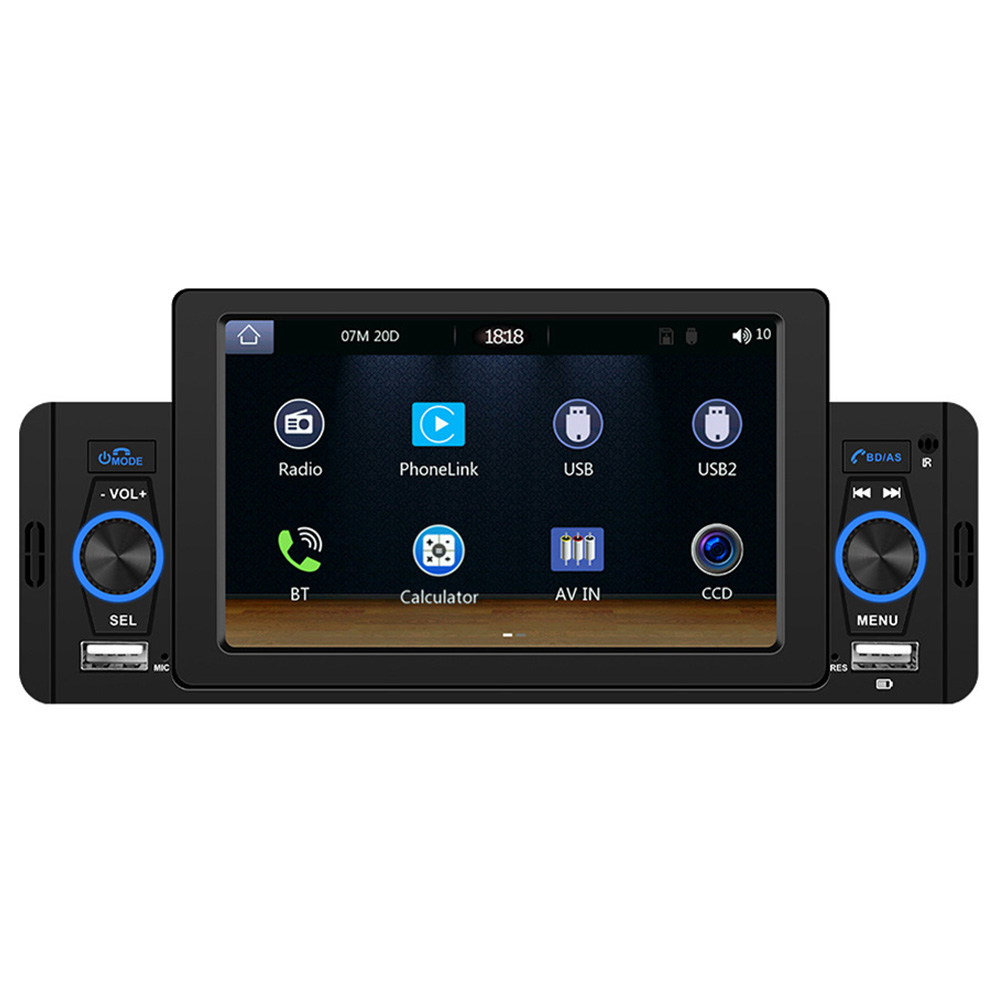
5″ HD Screen Car MP5 Audio Player
$159.10
- 5-inch HD screen for video playback
- FM radio with 18 preset stations
- Support for fast charging of mobile phones via USB
- Bluetooth-compatible with dual-pass Bluetooth version 4.2
- Supports incoming and outgoing calls, address book synchronization, mobile phone music playback, and voice function
- Android Auto compatible through USB connection
Buy more, save more
Buy 2–4 of this item and save 5%.
Buy 5 or more of this item and save 10%.
Discount is automatic in your cart on regular-priced items. It cannot be combined with coupon codes or sale prices.
Buy 2–4 of this item and save 5%.
Buy 5 or more of this item and save 10%.
Discount is automatic in your cart on regular-priced items. It cannot be combined with coupon codes or sale prices.
Country suggested using IP or browser language; you can change it. Shipping is confirmed at checkout.
Description
5″ HD Screen Car MP5 Audio Player,
How to Use the 1 Din 5-inch HD Screen Car MP5 Audio Player
Step 1: Mounting
- Ensure the car ignition is turned off before installation.
- Remove the existing car stereo system if present.
- Mount the 1 Din 5-inch HD Screen Car MP5 Audio Player in the empty cavity.
- Secure the audio player using the appropriate mounting brackets and screws.
Step 2: Power Connection
- Connect the audio player’s red wire to the vehicle’s ignition switch positive wire.
- Connect the audio player’s yellow wire to the vehicle’s battery positive wire.
- Connect the audio player’s black wire to the vehicle’s ground wire.
- Ensure all connections are secure and insulated.
Step 3: Audio Output Connection
- Connect the audio player’s RCA output cables to the corresponding inputs on your car amplifier.
- Adjust the audio player’s volume control to a low setting.
- Turn on the car ignition and test the audio output for proper functioning.
Step 4: Bluetooth Setup
- Turn on the Bluetooth function on your mobile device.
- Go to the settings menu on the audio player and select “Bluetooth.”
- Select the option to pair a new device.
- Choose your mobile device from the list of available devices.
- Follow the on-screen instructions to complete the pairing process.
Step 5: Using Android Auto
- Connect your mobile device to the audio player using a USB cable.
- Open the Android Auto app on your mobile device.
- Follow the on-screen instructions to set up Android Auto on the audio player.
- You can control compatible apps and functions using the audio player’s touchscreen interface.
Step 6: Using FM Radio
- Ensure the audio player is powered on.
- Select the FM Radio feature on the touchscreen interface.
- Use the on-screen controls to navigate through available stations.
- Select your desired station using the touchscreen or physical buttons.
Step 7: Fast Charging
- Connect your mobile device to the audio player’s USB port using a compatible charging cable.
- Ensure the audio player is powered on.
- Your mobile device will start fast charging automatically.
, ,
Only logged in customers who have purchased this product may leave a review.
Special deals for you
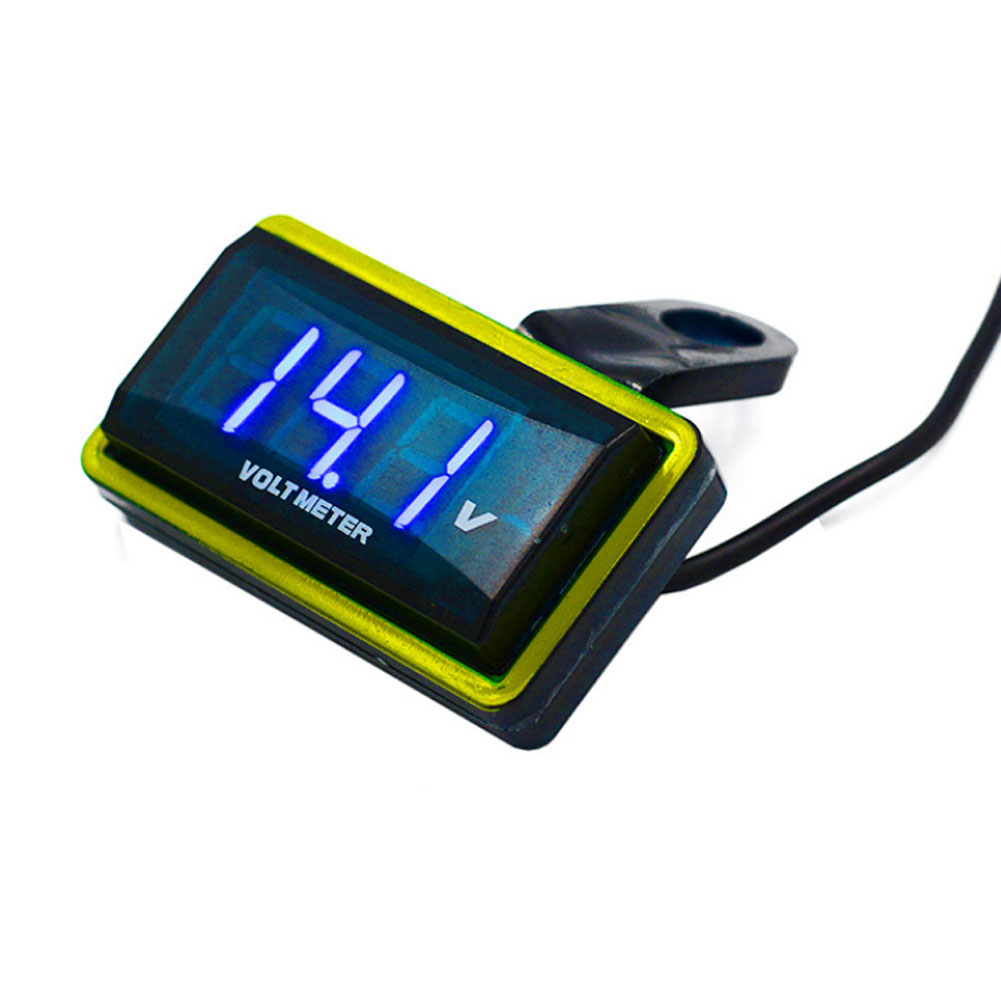
12V Car Voltmeter with Digital LED Display
Original price was: $20,030.60.$20.60Current price is: $20.60.
Add to cartPopular items in this category
Meterk 6-Tooth Wood Carving Disc – 16mm Bore Angle-Grinder Attachment
Price range: $12.08 through $26.62
Select options
Motorcycle accessories
$6.33
Add to cart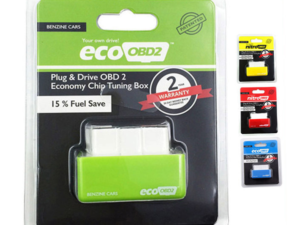
ECO OBD2 Plug-In Vehicle Module – Fuel-Saving Claims Not Verified
Price range: $2.67 through $14.61
Select options
Motorcycle-Style Leather Jacket – Black, Brown and Dark Brown
$26.88
Select optionsSimilar items you might like
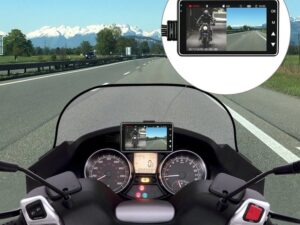
Products related to this item
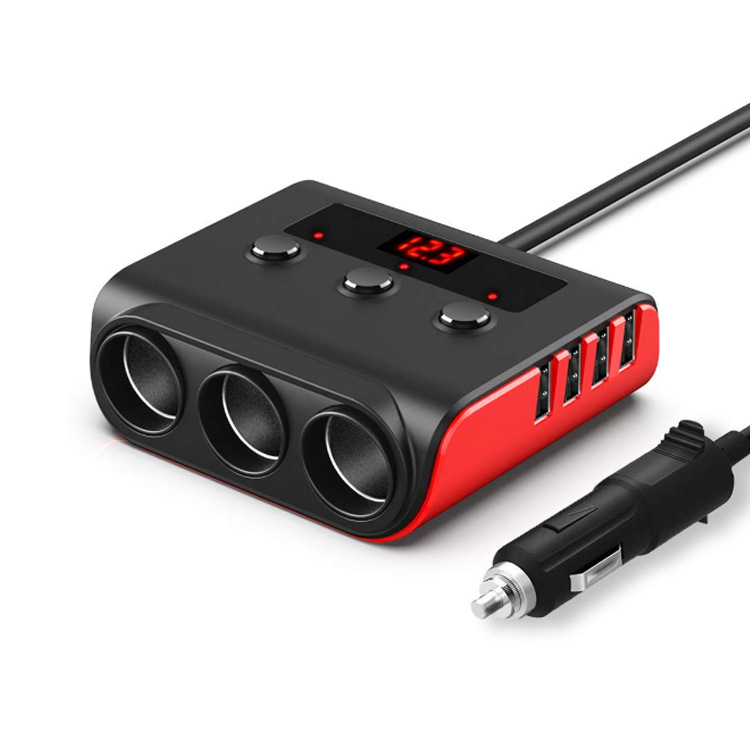
120w Car Cigarette Lighter Adapter Quick Charge 3.0 12v/24v 3 Outlet Power Splitter Dc Outlet With 8.5a 4 Usb Ports black red
$49.70
Add to cart
Motorcycle Handguard Hand Guard Protector for Kawasaki Suzuki Honda black
$20.80
Add to cart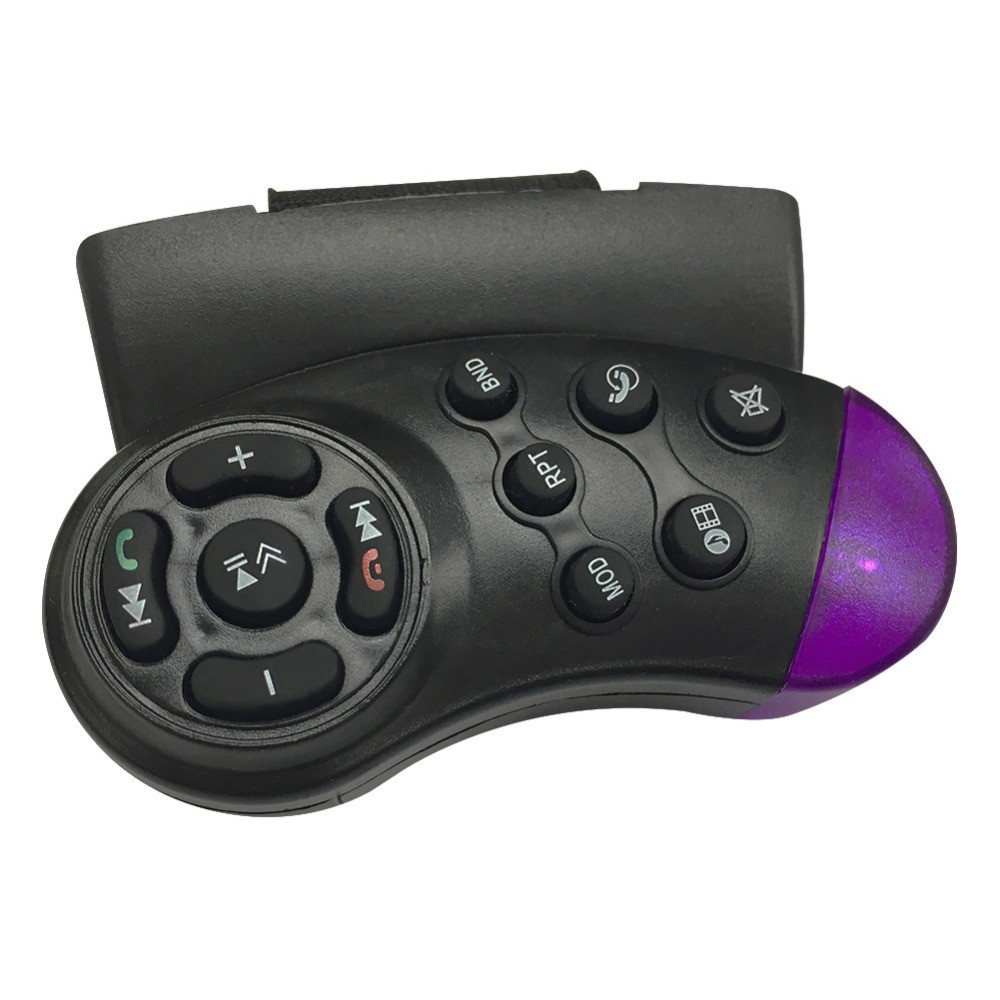
Universal Steering Wheel Button Remote Control Key for Car Navigation DVD Multimedia Music Player
$14.30
Add to cart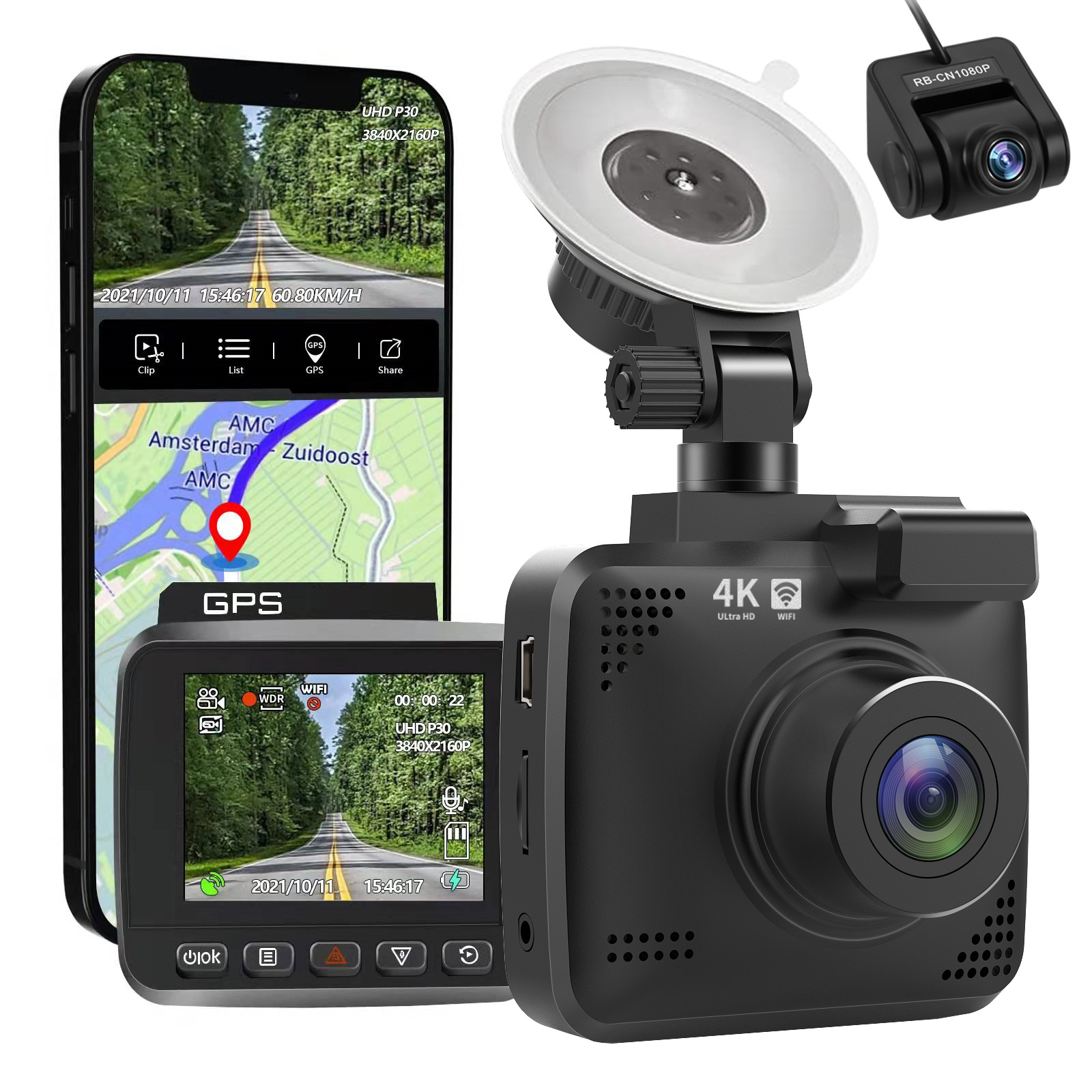
4k Wifi GPS Car Dash Cam
$197.20
Add to cartProducts you may also like
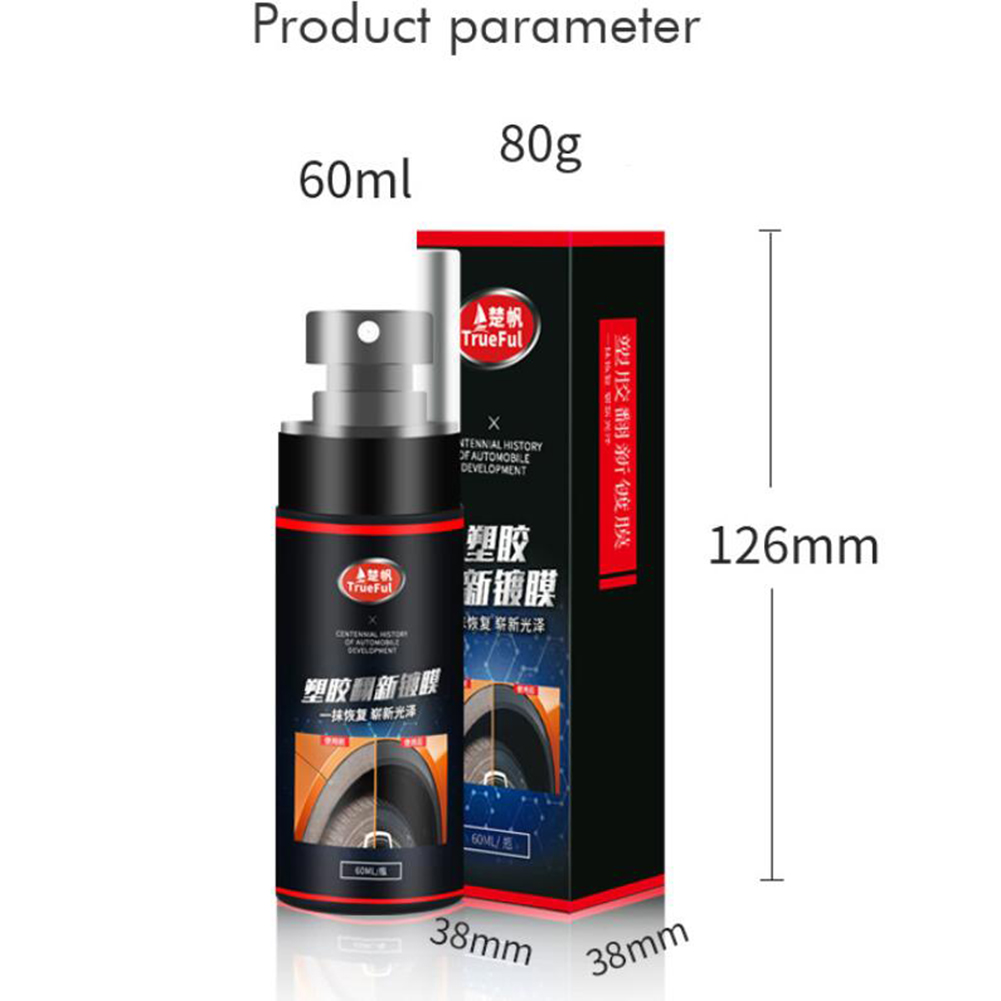
60ml car plastic refurbishment agent Instrument Panel Wax car interior leather Seat Restore Leather cleaning Repair agent Black red_60ml
$20.10
Add to cart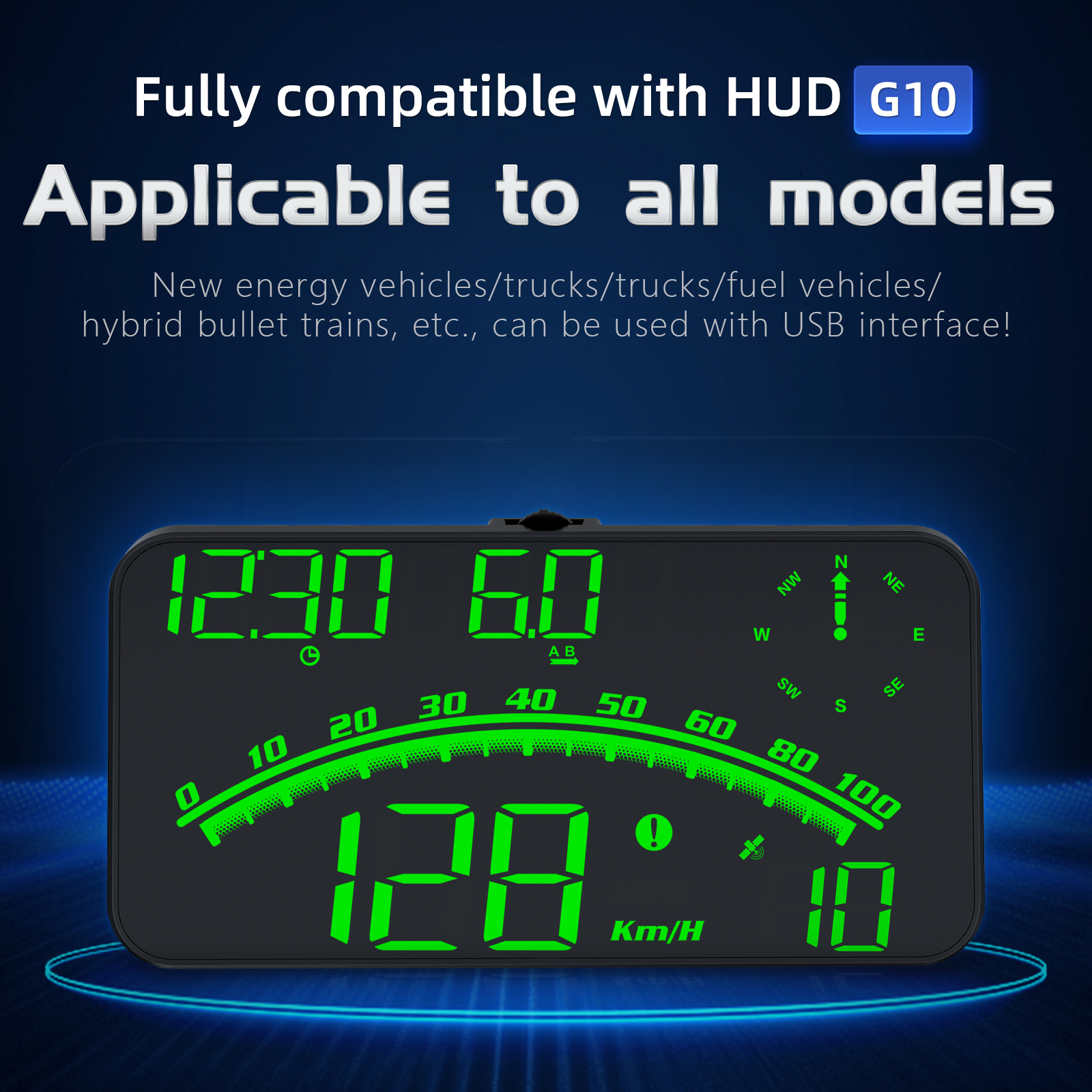
G10 Hud Gps Head Up Display Speedometer Overspeed Led Monitor Green Light
$70.10
Add to cart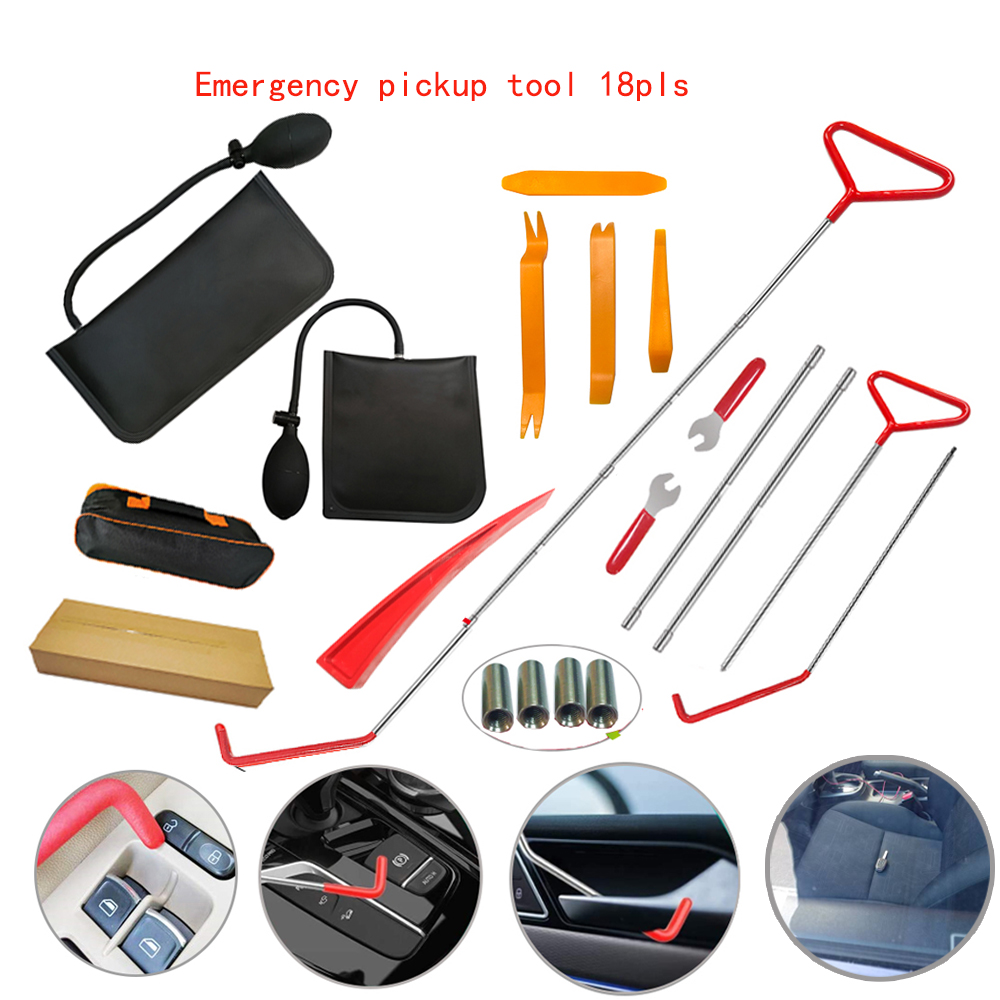
Enhance Your Everyday US 18pcs Car Tools Kit Air Bladder Trim Removal Tools Fastener Nuts for All Vehicle Types
$116.00
Add to cart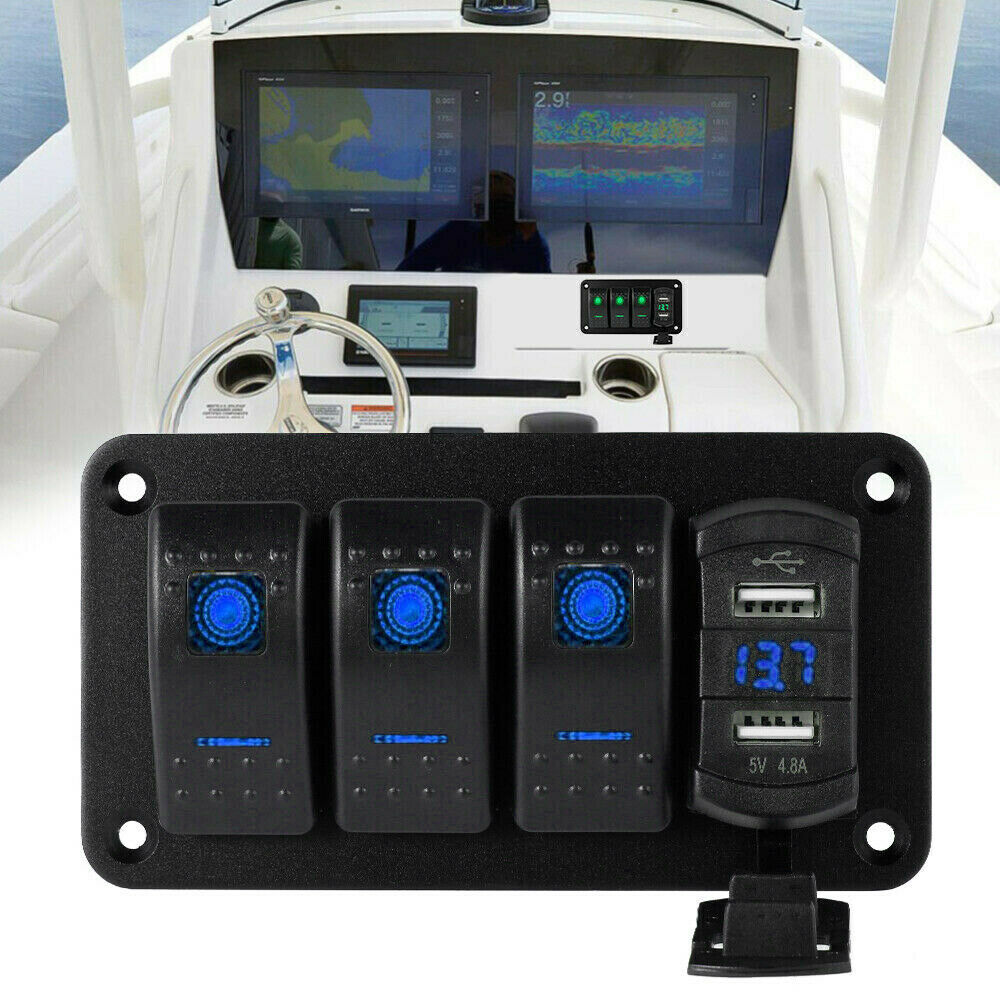
Rocker Switch Panel Dual Usb+ Voltage Digital Display Panel Car Modification Parts Blue light
$62.40
Add to cartRecommended for You
Guaranteed Satisfaction US 18pcs Car Tools Kit Air Bladder Trim Removal Tools Fastener Nuts for All Vehicle Types
$116.00
Add to cart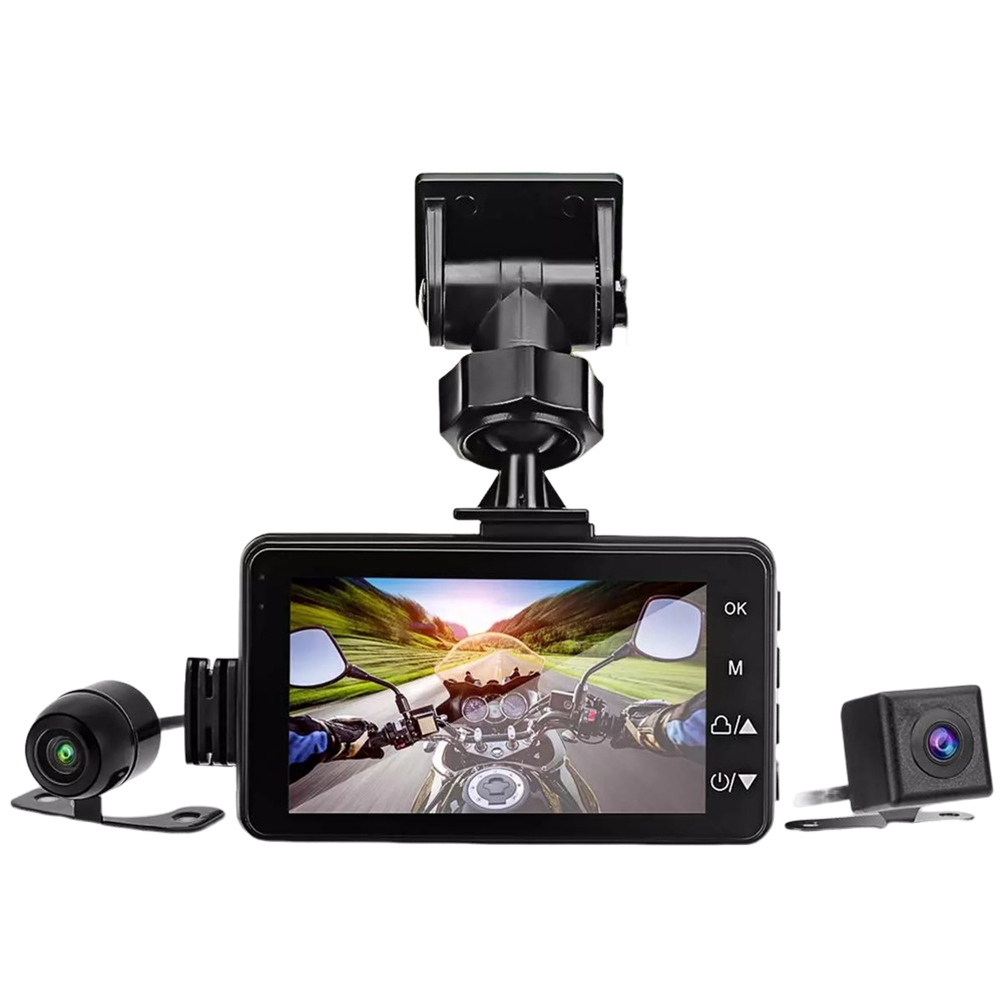
Motorcycle Dash Cam Dual Video Recorder
$95.70
Add to cart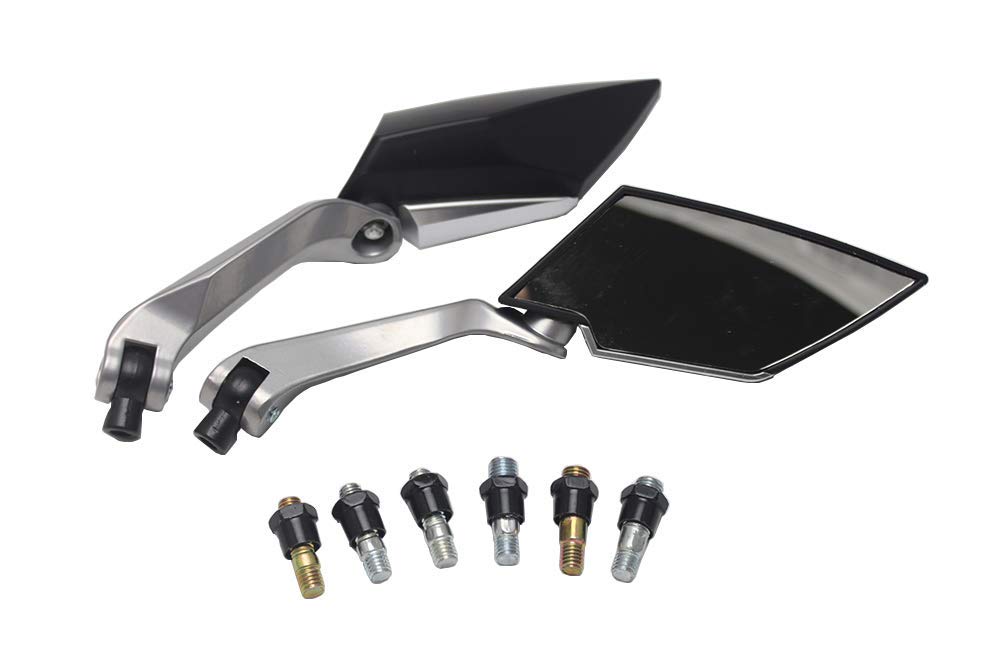
Unlock Your Potential Carbon Alloy Motor Rearview Mirror Motorcycle Aluminum CNC Motor Rear View Mirror black
$44.40
Add to cart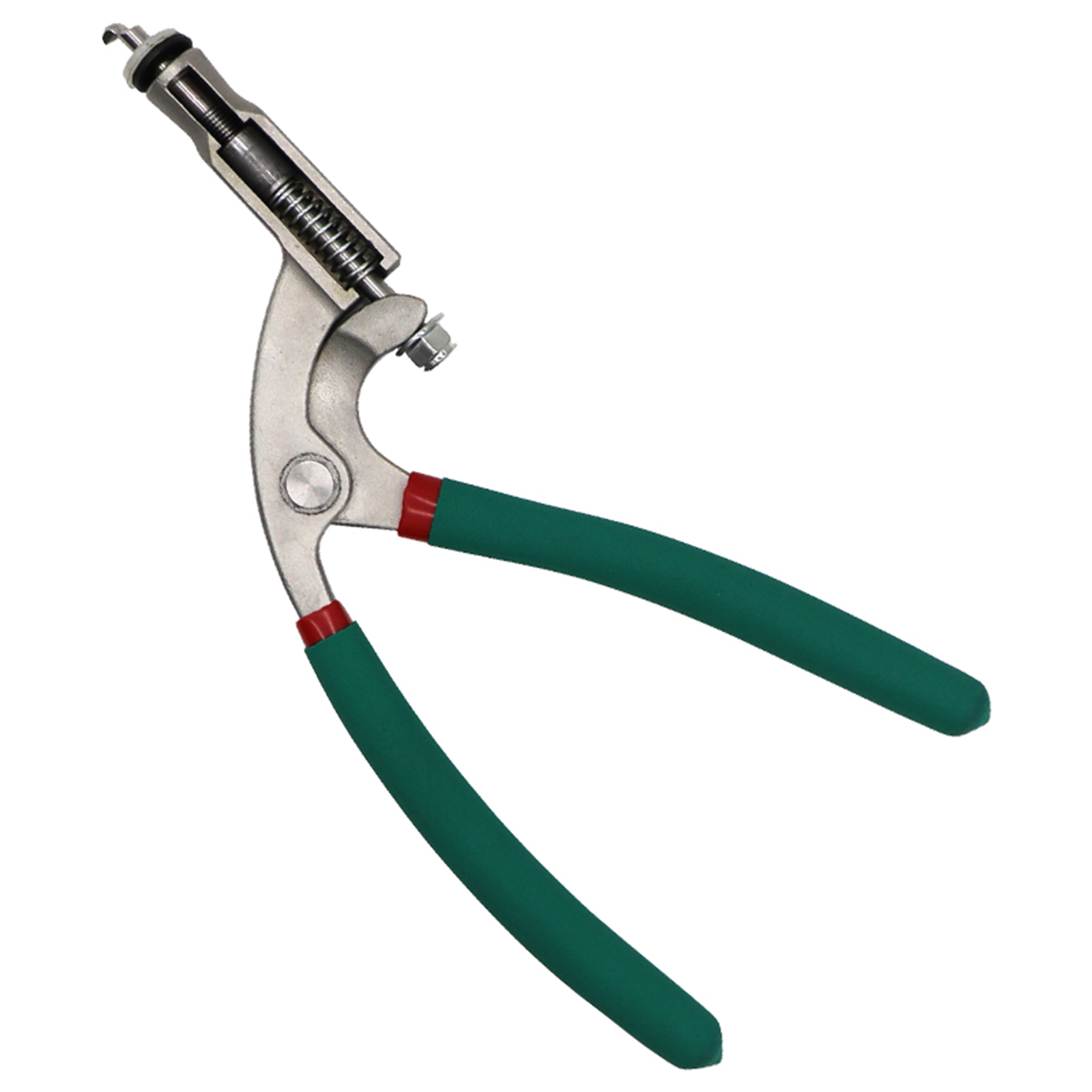
Best Offer US Car Hood Repair Tool Body Hood Pliers Automobile Depression Pit Removal Tool Sheet Metal Clamping Edge Pliers Green flat hole pliers
$90.30
Add to cartRelated products
-
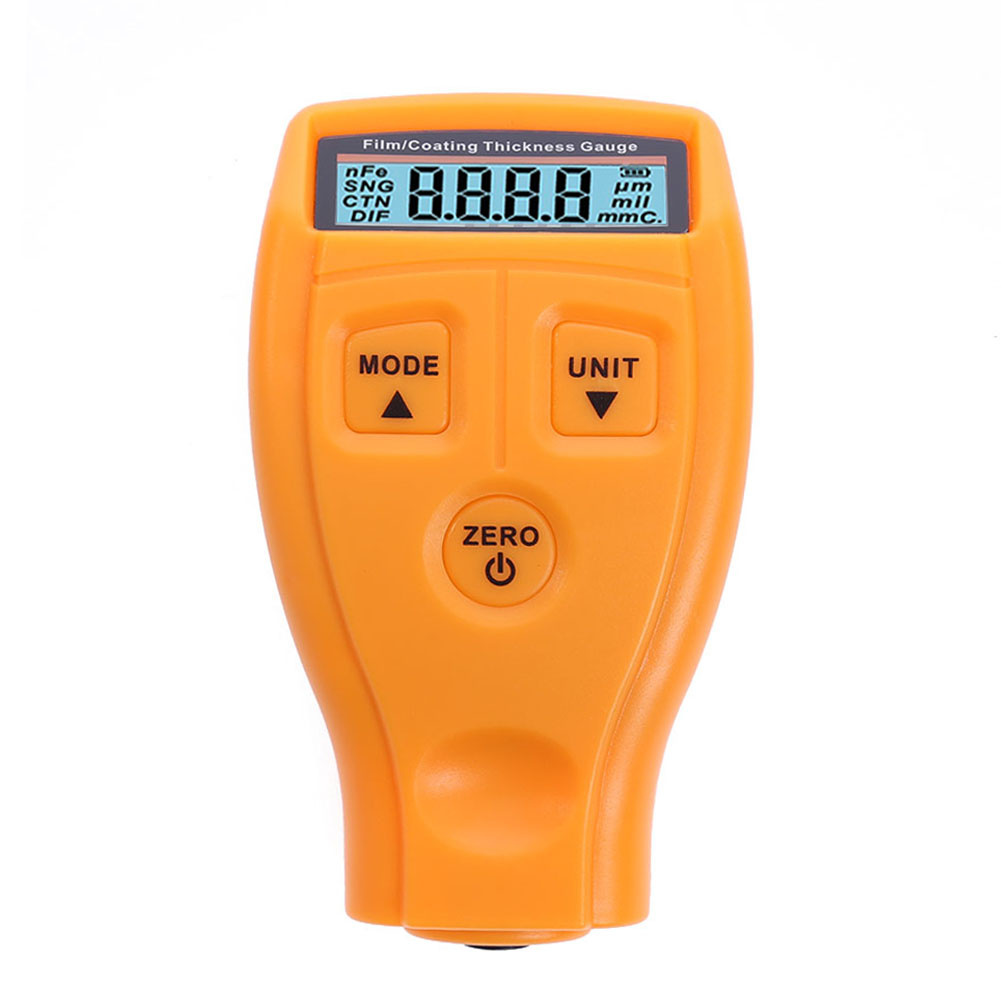
GM200 Automotive Painting Thickness Tester Digital Lcd Display Orange
$47.20 -
![Car Holder Clip Mount Dashboard Car Phone Holder 360 Rotatable Stand Mount Display GPS Bracket [dashboard clips]](https://cdn.chv.me/images/PjZw0u-b.jpeg "Car Holder Clip Mount Dashboard Car Phone Holder 360 Rotatable Stand Mount Display GPS Bracket [dashboard clips]")
Car Holder Clip Mount Dashboard Car Phone Holder 360 Rotatable Stand Mount Display GPS Bracket [dashboard clips]
$18.50 -
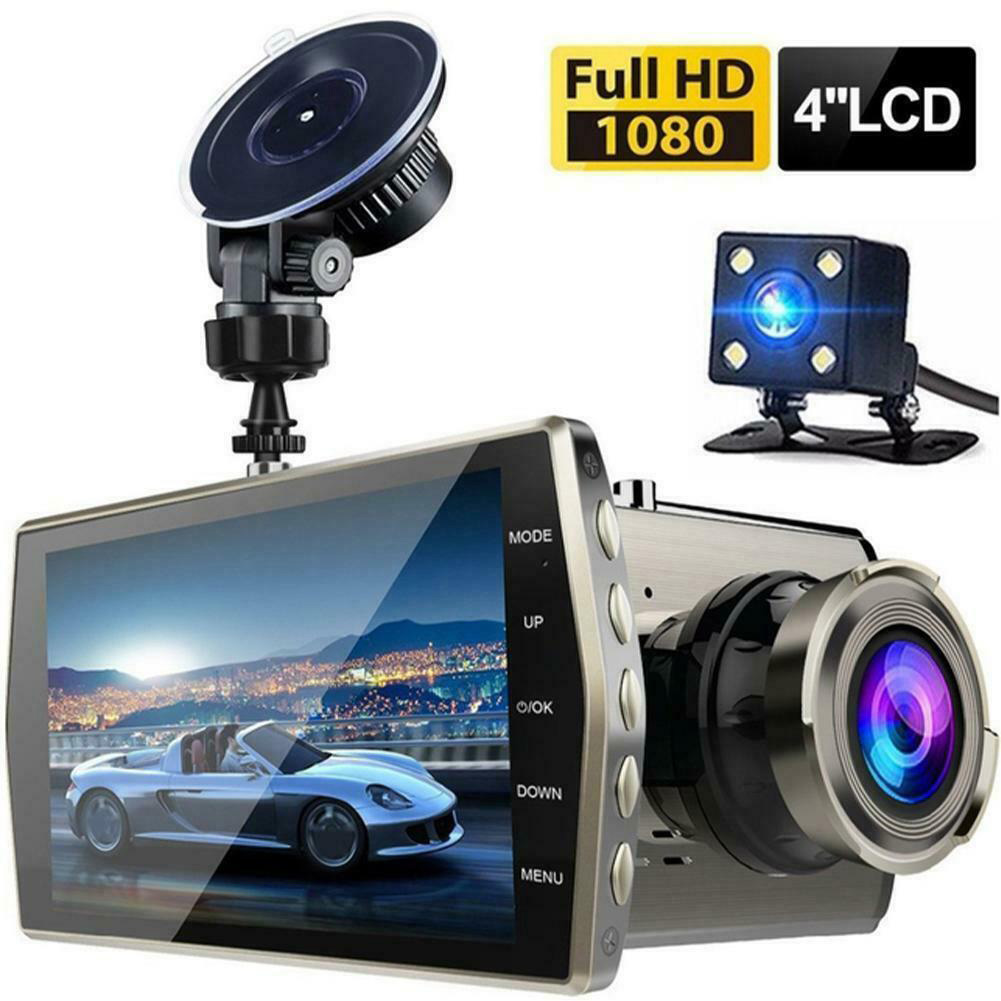
HD Screen Car Dash Cam with Night Vision
$77.70 -
60ml car plastic refurbishment agent Instrument Panel Wax car interior leather Seat Restore Leather cleaning Repair agent Black red_60ml
$20.10

Reviews
There are no reviews yet.