
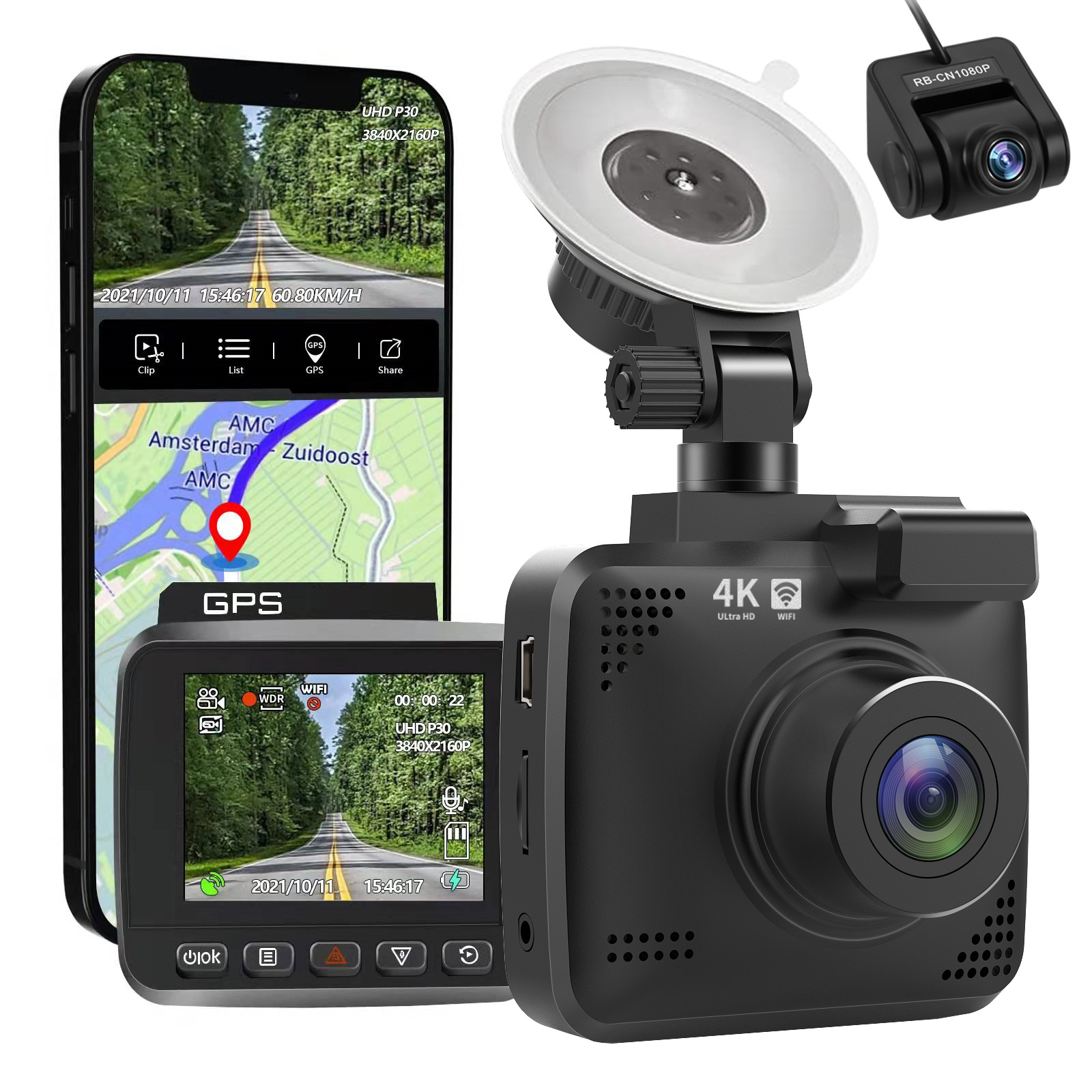
4k Wifi GPS Car Dash Cam
$197.20
- 4k driving recorder with built-in Wifi and GPS
- Dual camera with rear camera option
- Adjustable viewing angle with 360° rotation
- Super capacitor for enhanced temperature resistance
- Intelligent voice interaction for easier recording
- High-speed processor detects abnormalities and notifies driver by voice
Buy more, save more
Buy 2–4 of this item and save 5%.
Buy 5 or more of this item and save 10%.
Discount is automatic in your cart on regular-priced items. It cannot be combined with coupon codes or sale prices.
Buy 2–4 of this item and save 5%.
Buy 5 or more of this item and save 10%.
Discount is automatic in your cart on regular-priced items. It cannot be combined with coupon codes or sale prices.
Country suggested using IP or browser language; you can change it. Shipping is confirmed at checkout.
Description
4k Wifi GPS Car Dash Cam,
How to Use the 4k Driving Recorder
Product Overview
- 4k Driving Recorder with built-in WiFi and GPS
- Car Dashboard Camera Recorder Dash Cam with Night Vision
- Dual cameras – front and rear (optional rear camera)
Step-by-Step Instructions
1. Mounting the Recorder
- Choose a suitable spot on your car’s dashboard to mount the recorder.
- Ensure the surface is clean and free from debris.
- Peel off the adhesive backing from the mount and firmly press it onto the chosen spot.
- Attach the recorder onto the mount and ensure it is securely fastened.
2. Powering On
- Connect the recorder to the car’s power source using the provided power cable.
- Turn on the car’s ignition to power on the recorder.
3. Adjusting the Viewing Angle
- Loosen the screw located on the recorder to adjust the camera’s viewing angle.
- Rotate the camera 360° to record any orientation you prefer.
- Tighten the screw to lock the angle in place.
4. Recording and Playback
Recording:
- Once the recorder is powered on, it will start recording automatically.
- The recorded video will be saved onto a memory card (not included).
- Ensure the memory card is inserted into the provided card slot.
Playback:
- To view the recorded videos, connect your mobile device to the recorder’s built-in WiFi network.
- Download and install the dedicated app (instructions in the provided manual) on your mobile device.
- Open the app and follow the on-screen instructions to access and play back the recorded videos.
5. Additional Features
Intelligent voice interaction:
- The recorder utilizes intelligent voice interaction for easier control.
- Follow the provided manual to activate and use this feature.
Abnormality detection:
- The high-speed processor of the recorder can detect abnormalities in the machine.
- If an abnormality is detected, it will immediately inform the driver via voice.
- Follow the provided manual to understand and respond to different abnormality alerts.
, ,
Only logged in customers who have purchased this product may leave a review.
Special deals for you
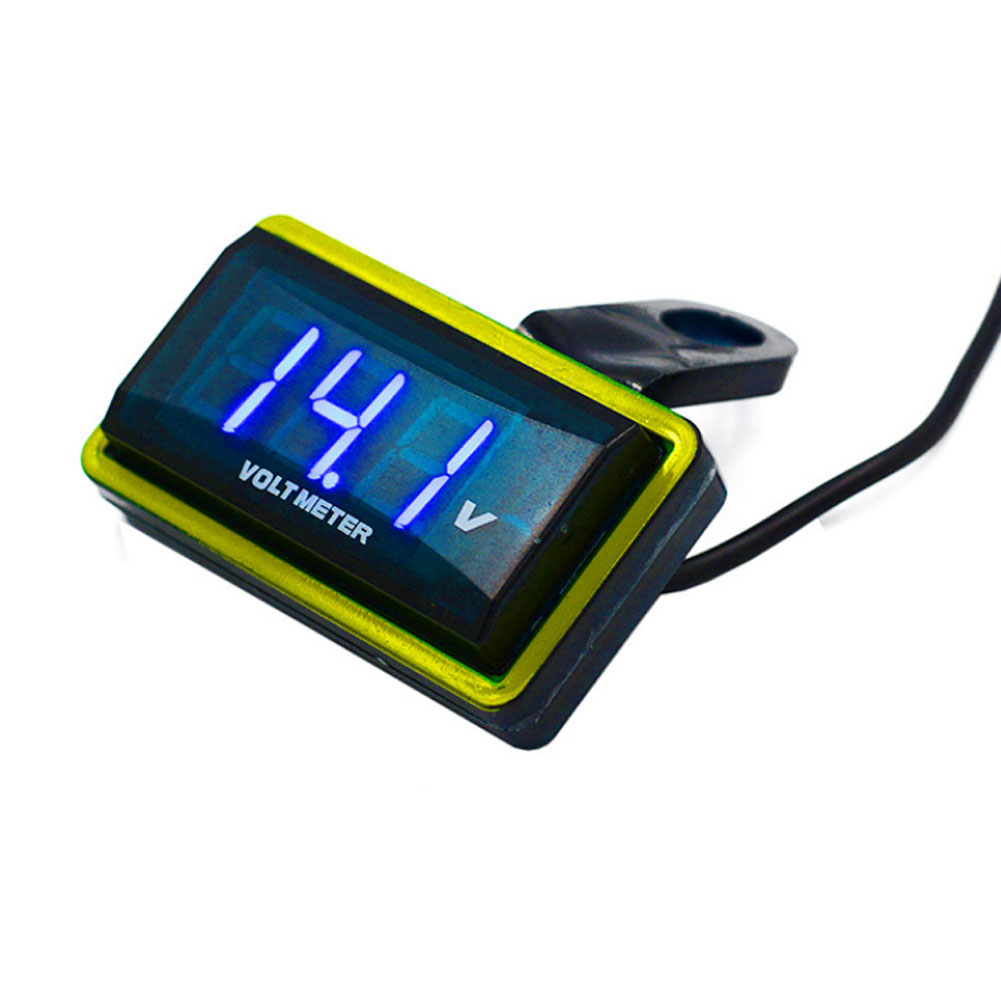
12V Car Voltmeter with Digital LED Display
Original price was: $20,030.60.$20.60Current price is: $20.60.
Add to cartPopular items in this category

Meterk 6-Tooth Wood Carving Disc – 16mm Bore Angle-Grinder Attachment
Price range: $12.08 through $26.62
Select options
Motorcycle accessories
$6.33
Add to cart
ECO OBD2 Plug-In Vehicle Module – Fuel-Saving Claims Not Verified
Price range: $2.67 through $14.61
Select options
Motorcycle-Style Leather Jacket – Black, Brown and Dark Brown
$26.88
Select optionsSimilar items you might like


Products related to this item
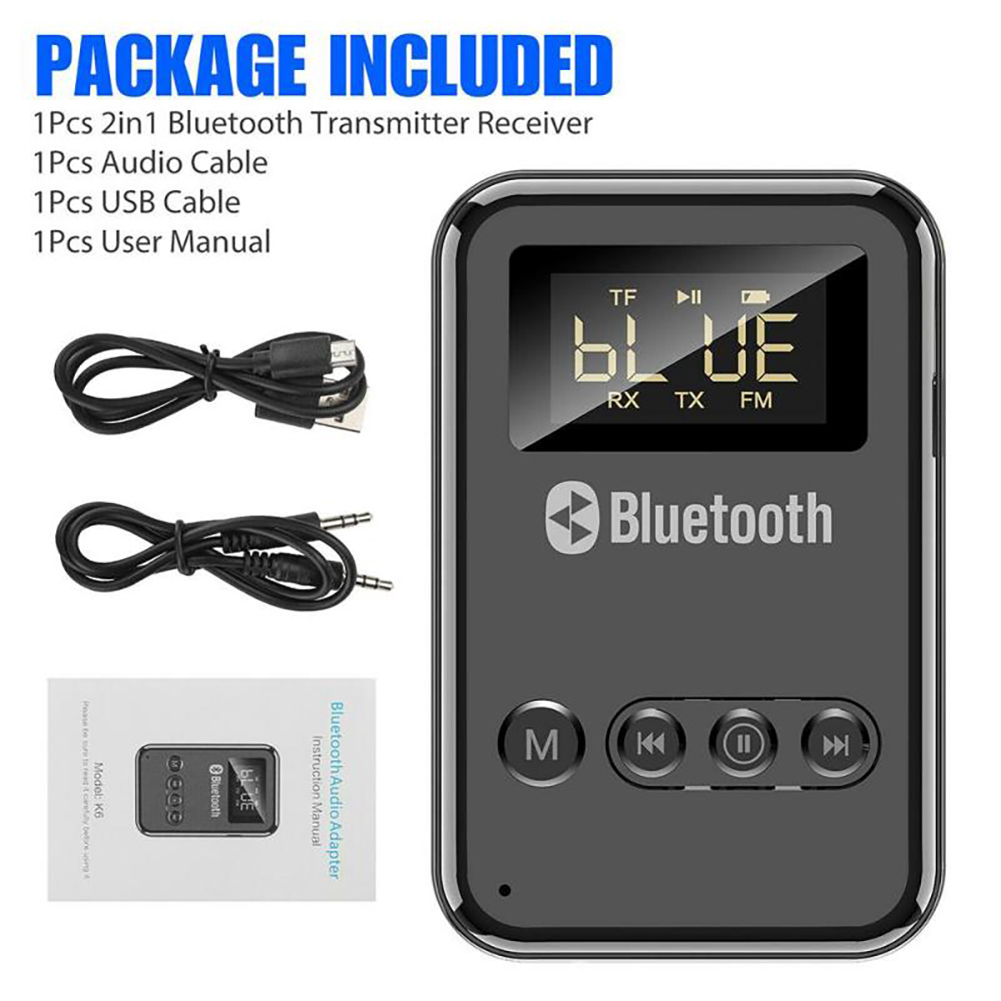
K6 Bluetooth 5.0 Transmitter Receiver Aux 3.5mm Jack Wireless Adapter Fm Outputs Black
$49.40
Add to cart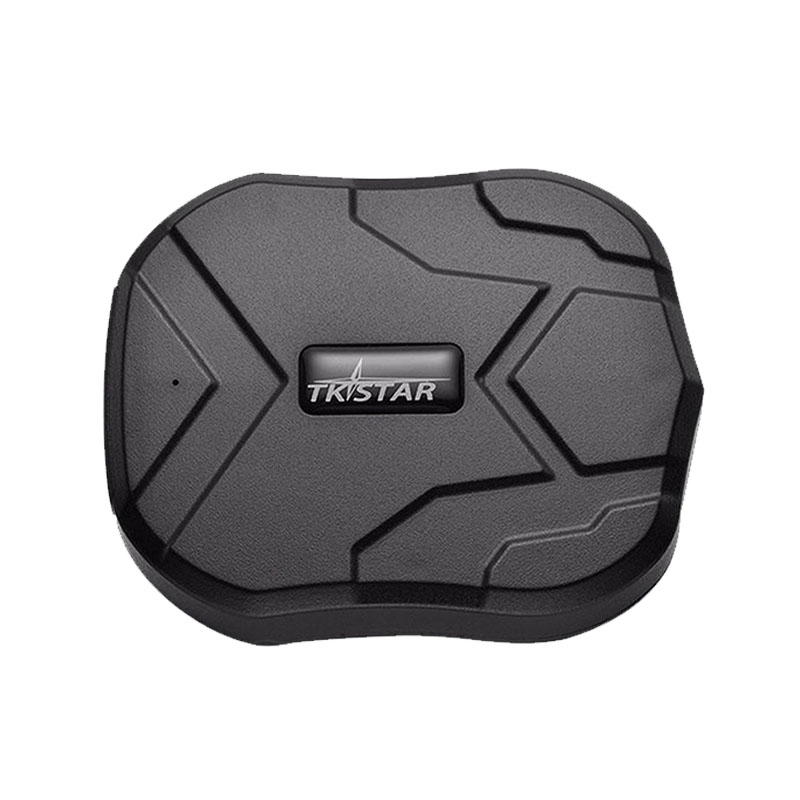
GPS Tracker Car 5000mAh 90 Days Standby 2G Vehicle Tracker GPS Locator Waterproof Magnet Voice Monitor Free Web APP black
$139.40
Add to cart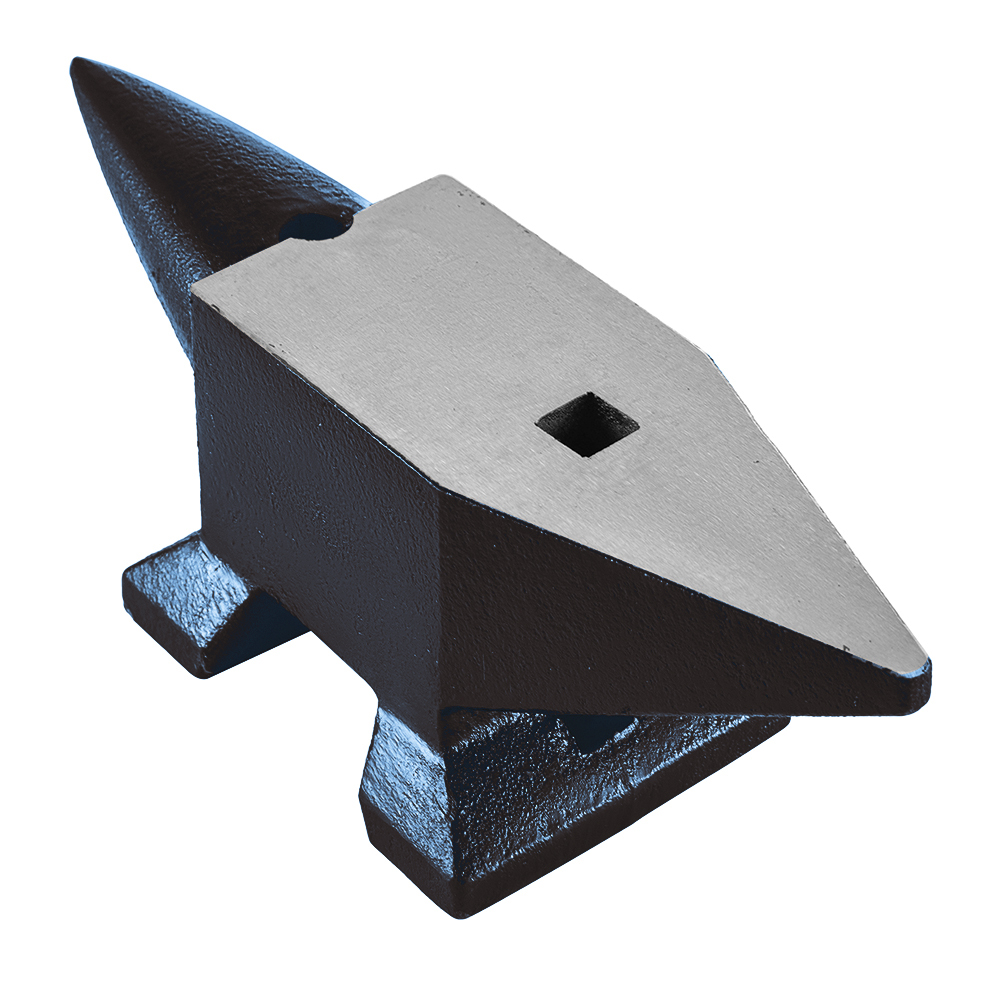
Best Buy Offer US Cast Steel Anvil Anvil Blacksmith for Sale Forge Tools Jewelers Metalsmith Blacksmith Tool Blue 132 Lbs
$1,783.90
Add to cart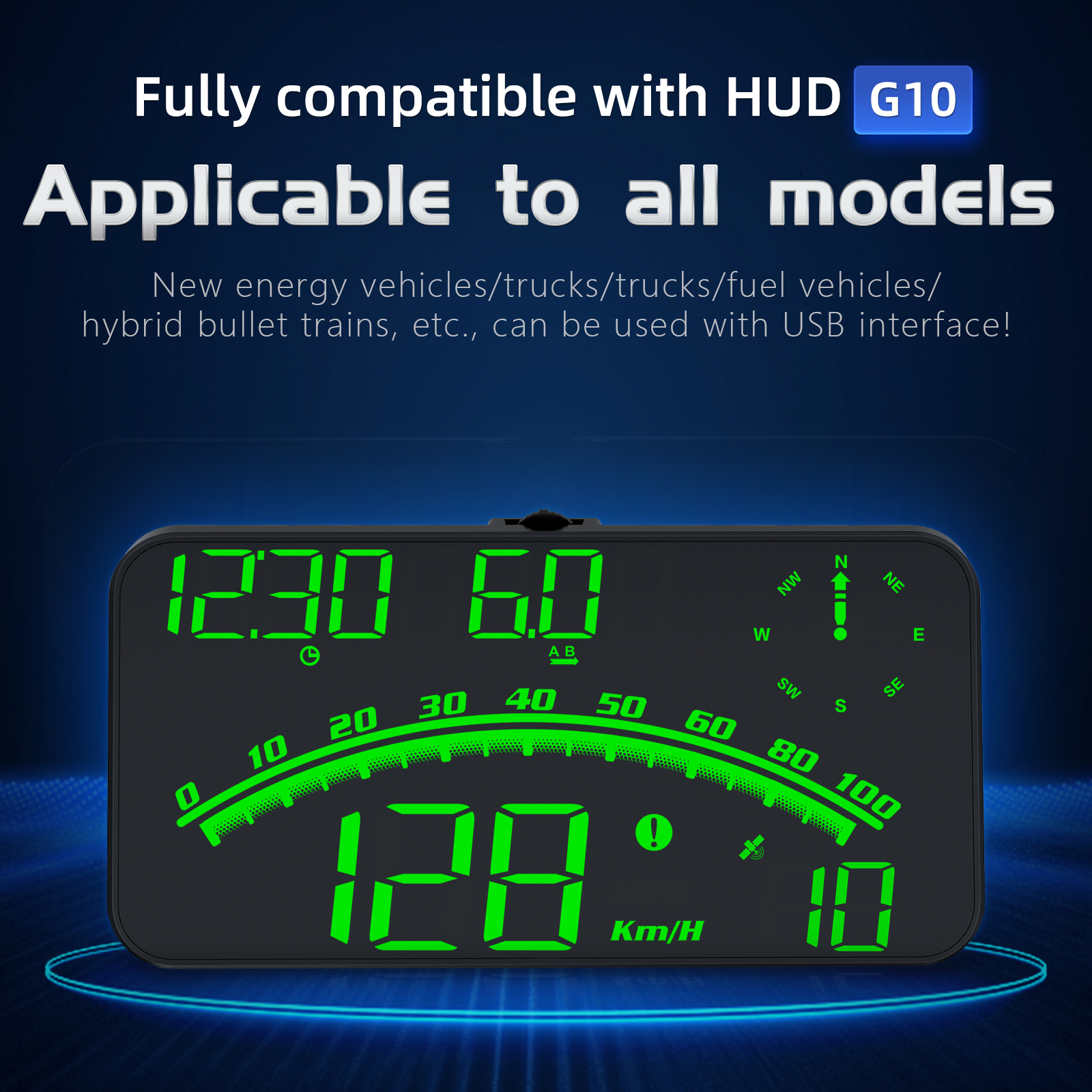
G10 Hud Gps Head Up Display Speedometer Overspeed Led Monitor Green Light
$70.10
Add to cartProducts you may also like
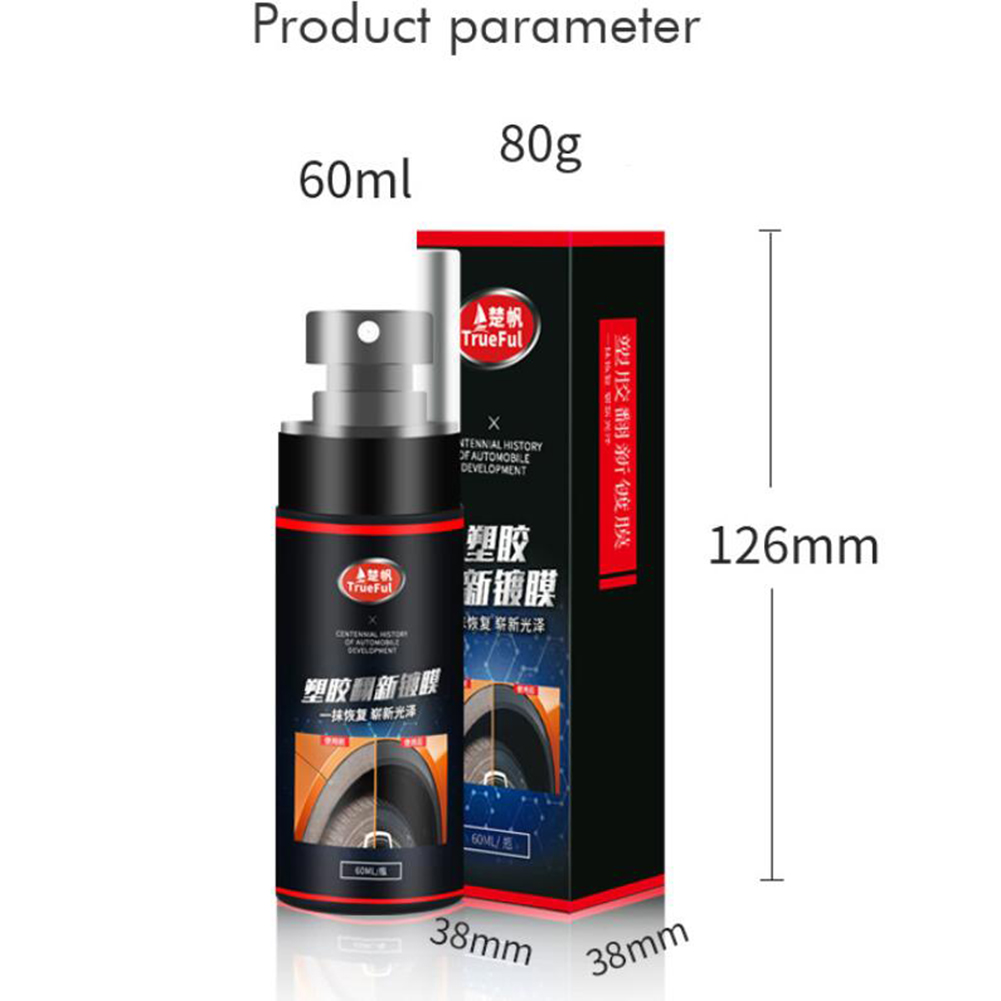
60ml car plastic refurbishment agent Instrument Panel Wax car interior leather Seat Restore Leather cleaning Repair agent Black red_60ml
$20.10
Add to cart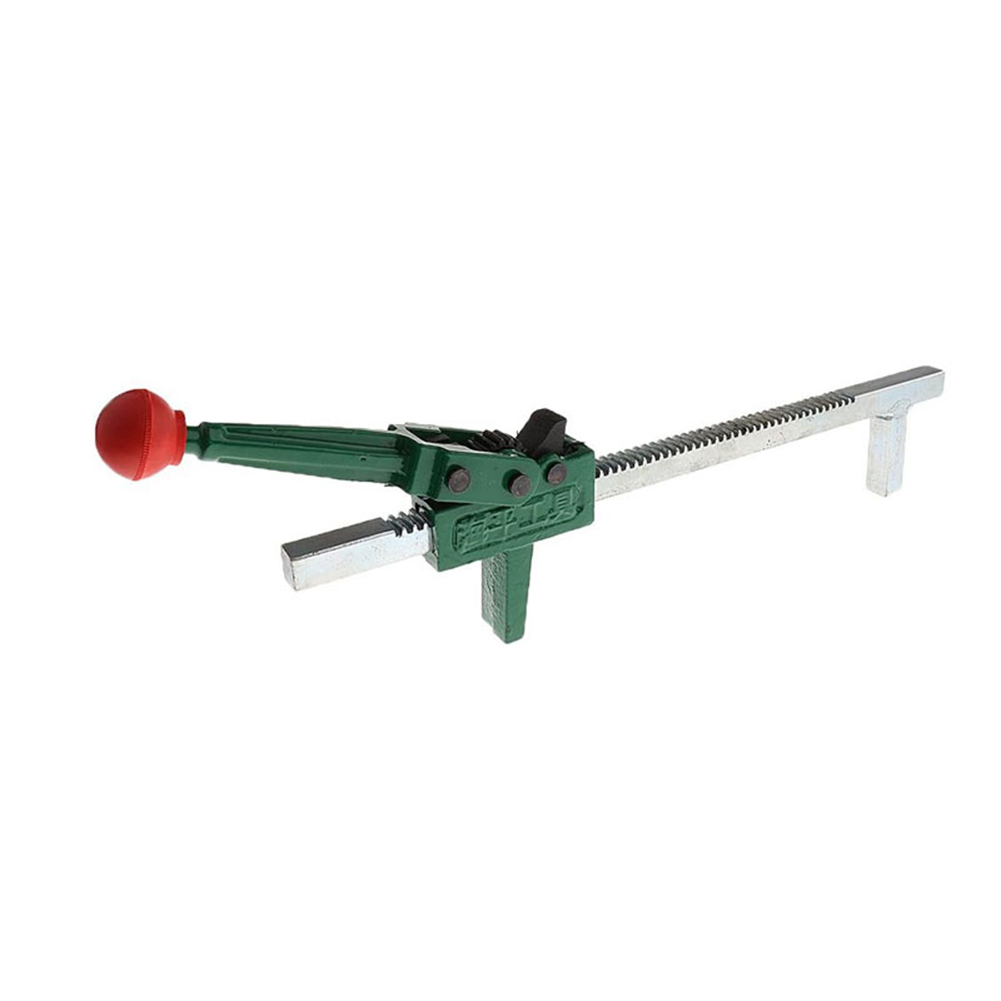
Manual Tire Expander Repair Tool Portable Wheel Tire Manual Hand Expander Tool Automotive Maintenance Parts 40cm
$89.90
Add to cart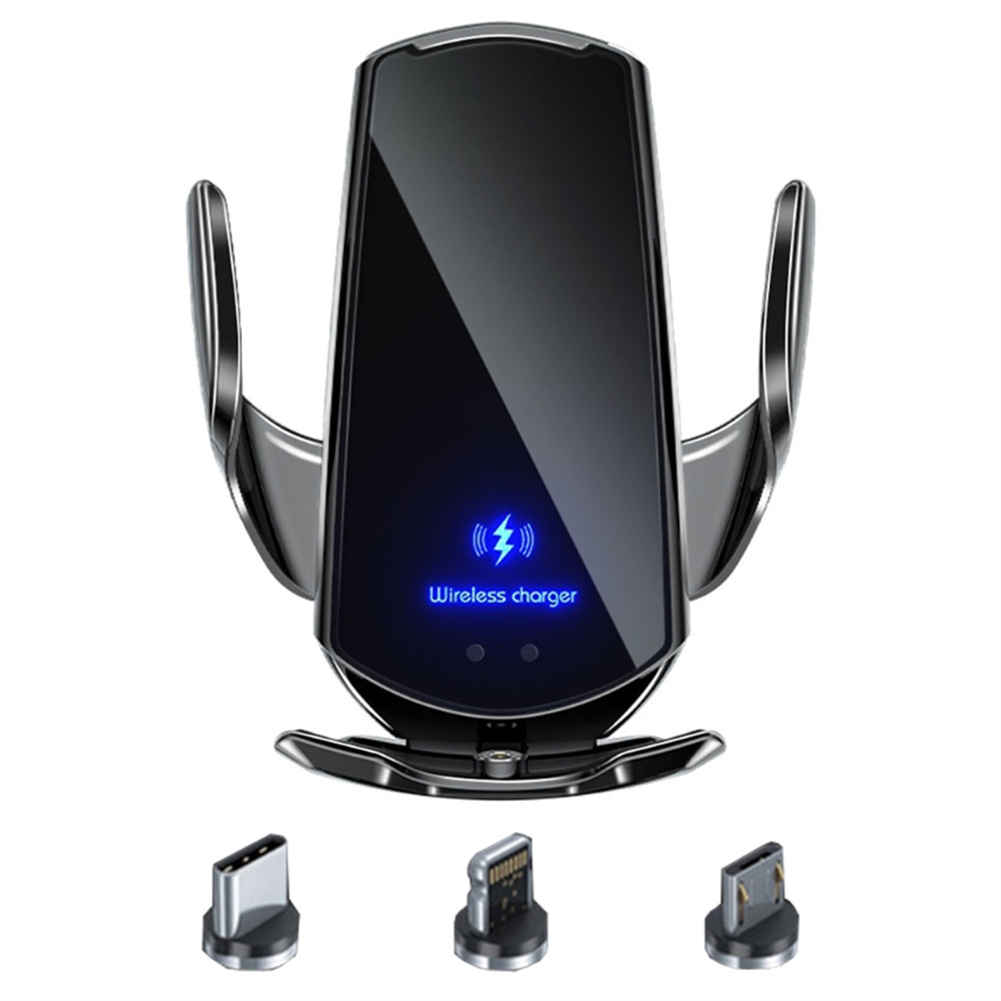
Wireless Car Charger Mount, Fast Charging
$58.30
Add to cart
Best Buy Offer Liquid Glass 9H Nano Hydrophobic Ceramic Coating Car Polish Anti-scratch Auto Protector
$23.70
Add to cartRecommended for You
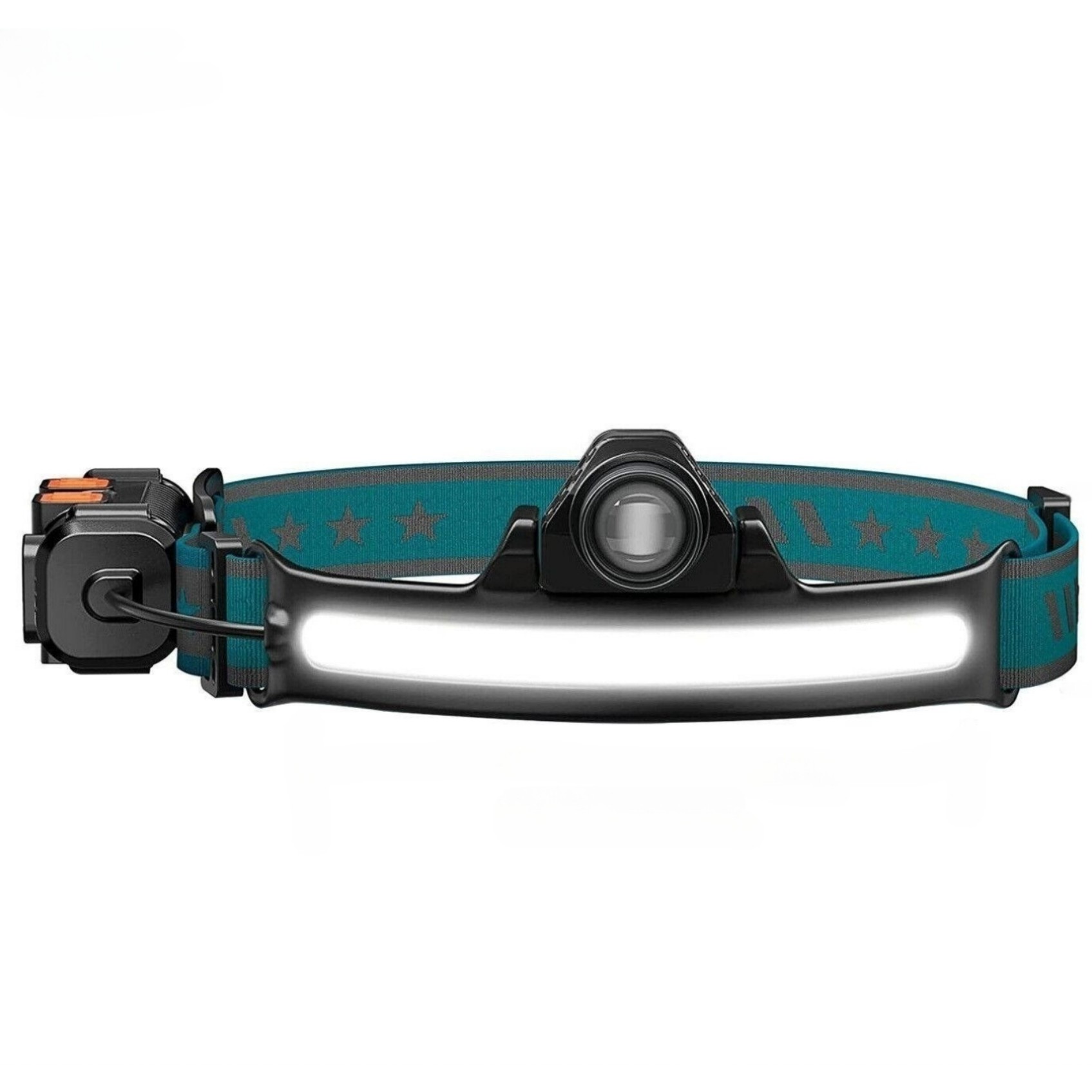
Elite 10W Zoomable COB LED Headlamp With Motion Sensor 6 Modes 270°/90° Adjustable Angle USB Rechargeable Torch Headlight Flashlight Zoomable (sensing)
$43.90
Add to cart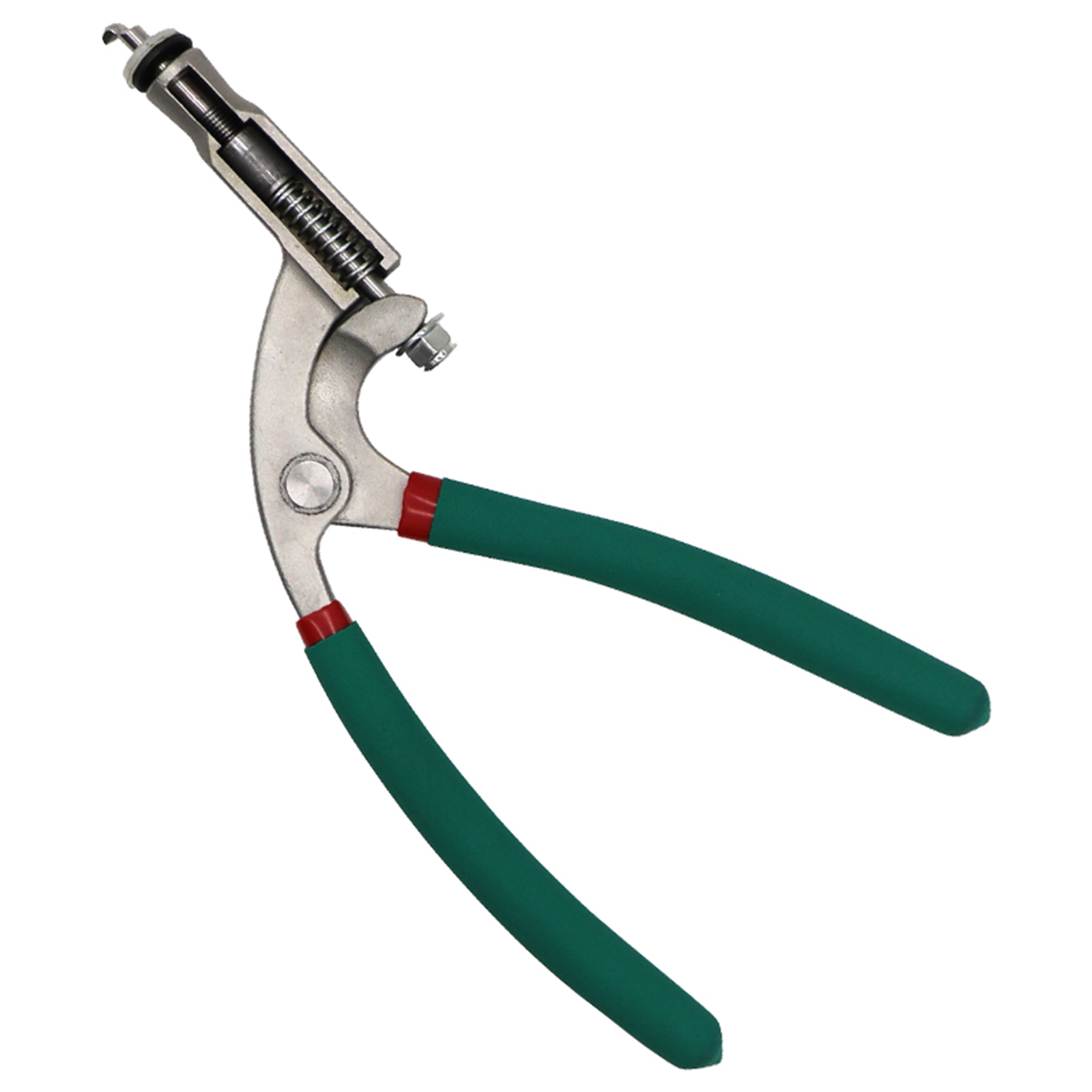
Unlock Your Potential US Car Hood Repair Tool Body Hood Pliers Automobile Depression Pit Removal Tool Sheet Metal Clamping Edge Pliers Green flat hole pliers
$90.30
Add to cart
Motorcycle helmet
Price range: $35.71 through $39.13
Select options
Mountain Bike Downhill Short Stem Bicycle Standpipe
Price range: $61.52 through $73.91
Select options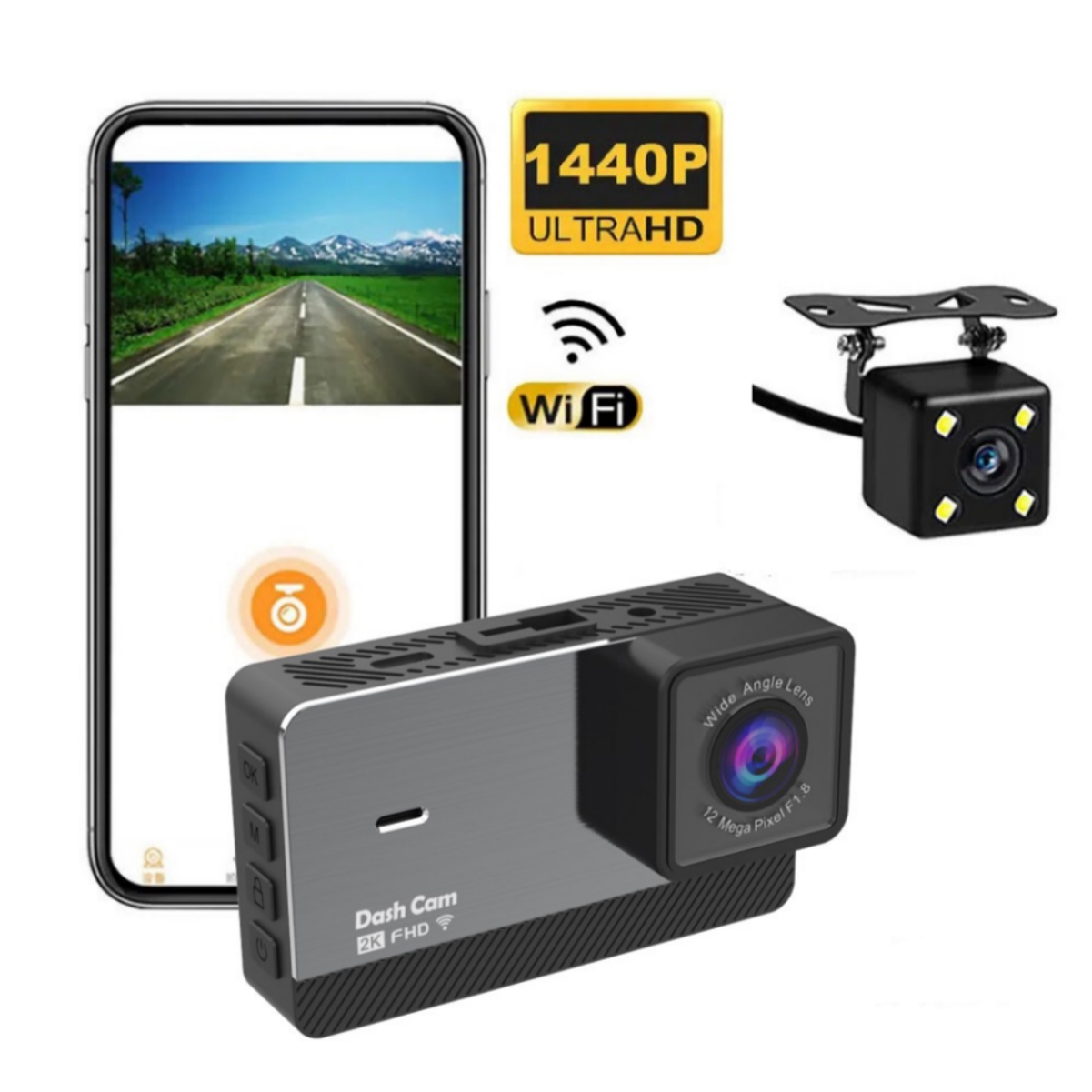


 English
  French
  Spanish
  German
  Portuguese
  Arabic
Reviews
There are no reviews yet.