
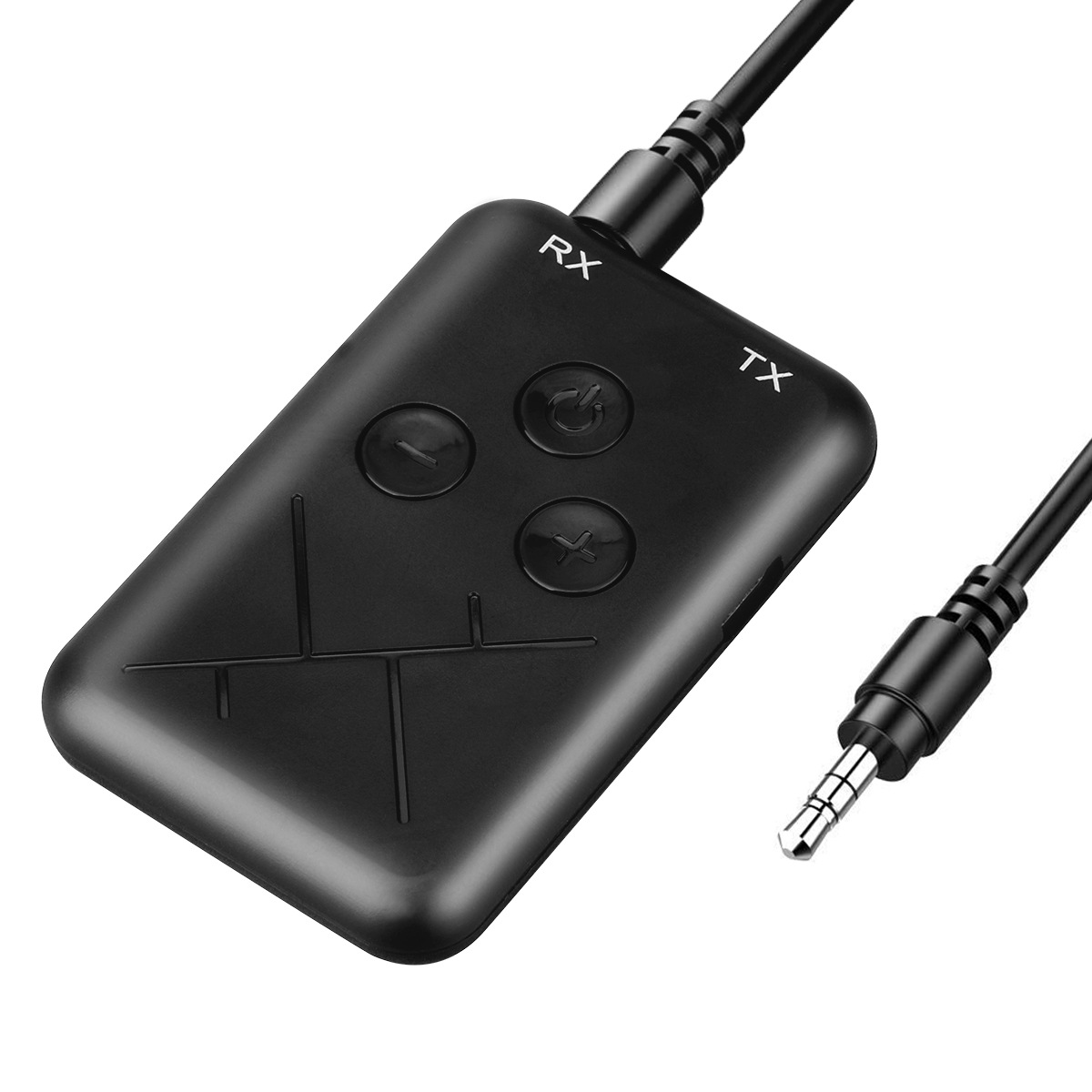
Black 2 in 1 Bluetooth 4.2 Transmitter Receiver Adapter with 3.5mm Audio Wireless Capability
$29.00
- 2 in 1 Bluetooth device that can be used as a receiver or transmitter
- Simple and easy to use
- Can send phone music to traditional home audio equipment through Bluetooth reception mode
- Can send audio from TV, CD player, MP3, or other sources to Bluetooth speakers or headsets
- Supports Bluetooth 4.2 technology
Buy more, save more
Buy 2–4 of this item and save 5%.
Buy 5 or more of this item and save 10%.
Discount is automatic in your cart on regular-priced items. It cannot be combined with coupon codes or sale prices.
Buy 2–4 of this item and save 5%.
Buy 5 or more of this item and save 10%.
Discount is automatic in your cart on regular-priced items. It cannot be combined with coupon codes or sale prices.
Country suggested using IP or browser language; you can change it. Shipping is confirmed at checkout.
Description
Black 2 in 1 Bluetooth 4.2 Transmitter Receiver Adapter with 3.5mm Audio Wireless Capability,
How to Use the 2 in 1 Bluetooth 4.2 Transmitter
Step 1: Charging
- Charge the transmitter using the provided USB cable.
- Connect the USB cable to a power source, such as a computer or a wall adapter.
- The LED indicator will turn red during charging and will turn off when fully charged.
Step 2: Pairing
- Make sure the device you want to connect to the transmitter is Bluetooth enabled.
- Turn on the Bluetooth function on that device.
- Press and hold the power button on the transmitter for 5 seconds until the LED indicator starts flashing red and blue alternately.
- On your device, search for available Bluetooth devices and select “2 in 1 Bluetooth Transmitter” from the list.
- If prompted, enter the default pairing code “0000” or “1234”.
- The LED indicator will turn solid blue when the pairing is successful.
Step 3: Transmitting Mode
- To transmit audio from your phone or other devices to a traditional home audio system, switch the transmitter to Transmitting mode.
- Connect the 3.5mm audio jack of the transmitter to the audio output of your device.
- Turn on your home audio system and set it to the correct input source.
- Play music or audio on your device.
- The audio will be transmitted to your home audio system through Bluetooth.
Step 4: Receiving Mode
- To receive audio from a TV, CD player, MP3 player or other sources on a Bluetooth speaker or headset, switch the transmitter to Receiving mode.
- Connect the 3.5mm audio jack of the transmitter to the audio input of your Bluetooth speaker or headset.
- Turn on the Bluetooth speaker or headset and set it to pairing mode if required.
- Turn on the TV, CD player, MP3 player or other audio source.
- The audio will be received by the transmitter and transmitted to the Bluetooth speaker or headset.
Enjoy wireless audio transmission and reception with the 2 in 1 Bluetooth 4.2 Transmitter!
, ,
Only logged in customers who have purchased this product may leave a review.
Popular items in this category

Tire Pressure Monitoring System Sensors Cigarette Lighter USB port Auto Security Alarm Systems Tire Pressure
$29.61
Add to cart
Join the Elite Club with Outdoor WiFi Camera with Dual Lens, 4K Resolution, 8MP, Wireless, PTZ Security, Night Vision, AI Humanoid Detection, Auto Tracking, Two-Way Audio, ONVIF H.265+, IP Cameras
$16.10
Add to cart
Best Offer Intelligent Thermostatic Radiator Valve with Zigbee Connectivity for Smart Home Control via APP, Voice, Alexa and Google Home
$16.10
Add to cart
Sensational Savings Wireless Smart Camera with WiFi Connectivity, 1080p Resolution, IR Night Vision, AI Motion Detection, Wide Angle View, Dual Storage, and Enhanced Security Features
$16.10
Add to cartSimilar items you might like

Join the Elite Club with ESCAM QF005 3MP WiFi IP Camera with Dual Light Source, Motion Detection, Two-way Intercom, Night Vision, and Memory Card Support for Home Security Monitoring
$16.10
Add to cart
Exceptional Smart Home Zigbee 3.0 Human Presence Sensor with Microwave Radar Detection - Sonoff SNZB-06P - Compatible with IFTTT, Alexa, and Google Home
$16.10
Add to cart
Discover the Secret Hiseeu 4K 32-Channel NVR for IP Camera Security Surveillance System with H.265+ Support, 5MP DVR, Network Video Audio Recorder, Humanoid Detection, and EU Plug
$16.10
Add to cart
Limited-Time Offer HD WiFi PTZ Camera with ICSEE App for Remote Monitoring, Night Vision, Motion Detection, Two-Way Audio, Alarm Alerts, Video Playback, and Home Security Surveillance
$16.10
Add to cartProducts related to this item
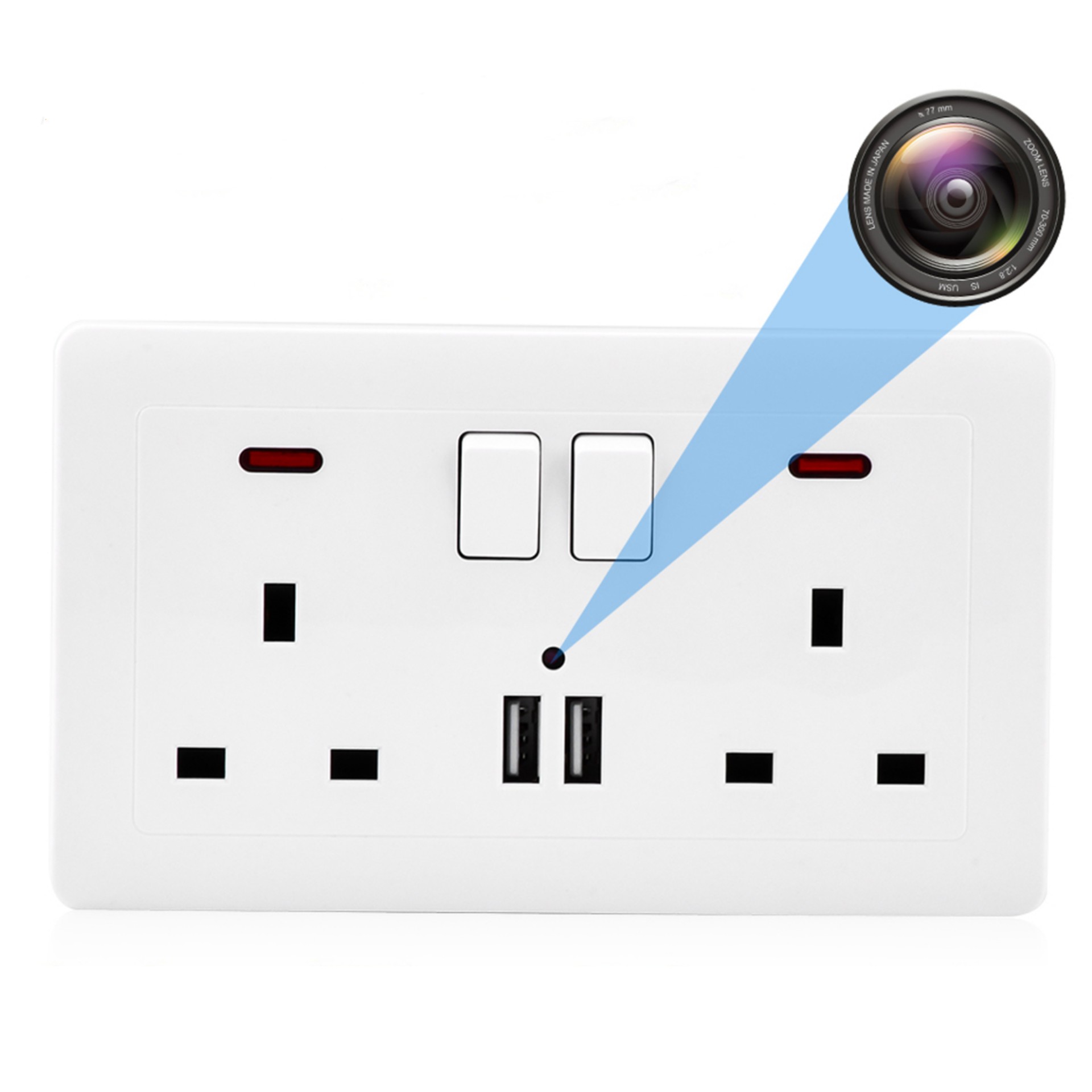
Masterpiece White Home Security Nanny Cam Wifi Wall Outlet with Dual USB Charger Port and 1080P HD Mini Camera
$128.60
Add to cart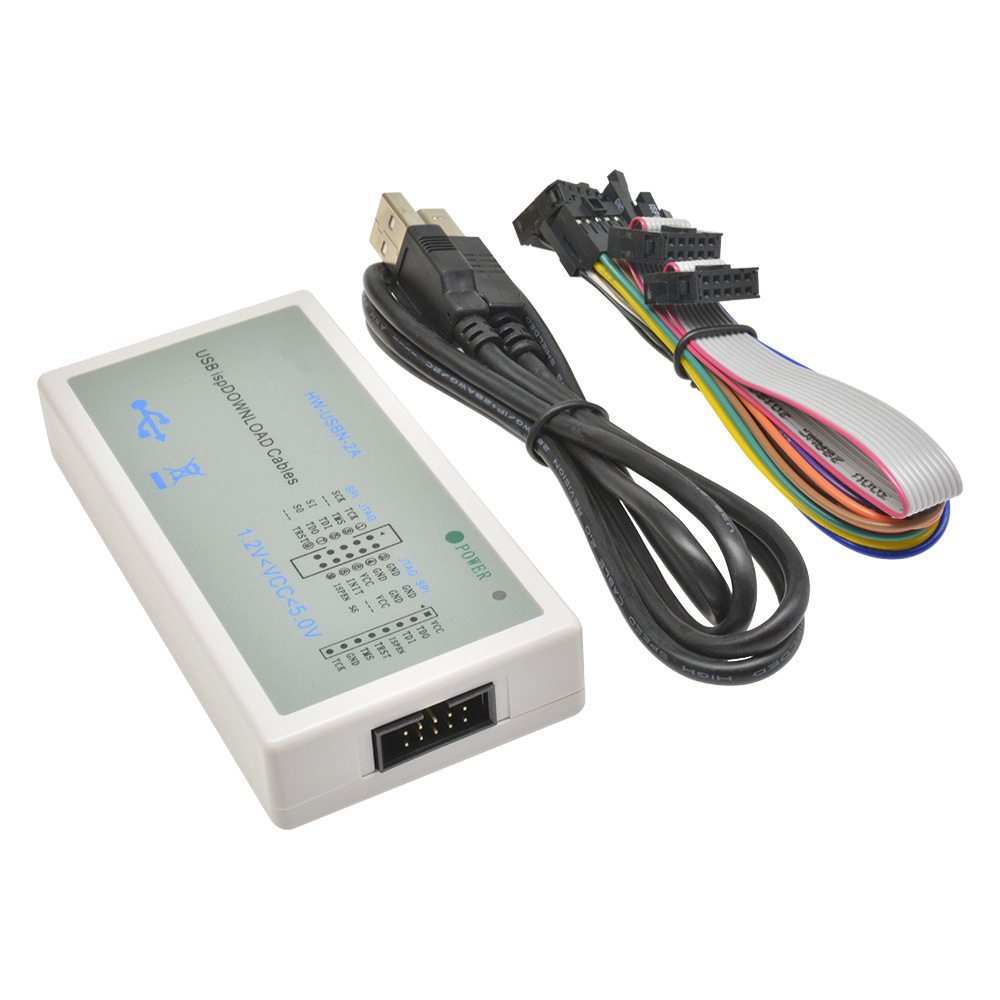
Spectacular Lattice FPGA CPLD USB Downloader Jtag ISP Programmer ispDownload Cable HW-USBN-2
$60.60
Add to cart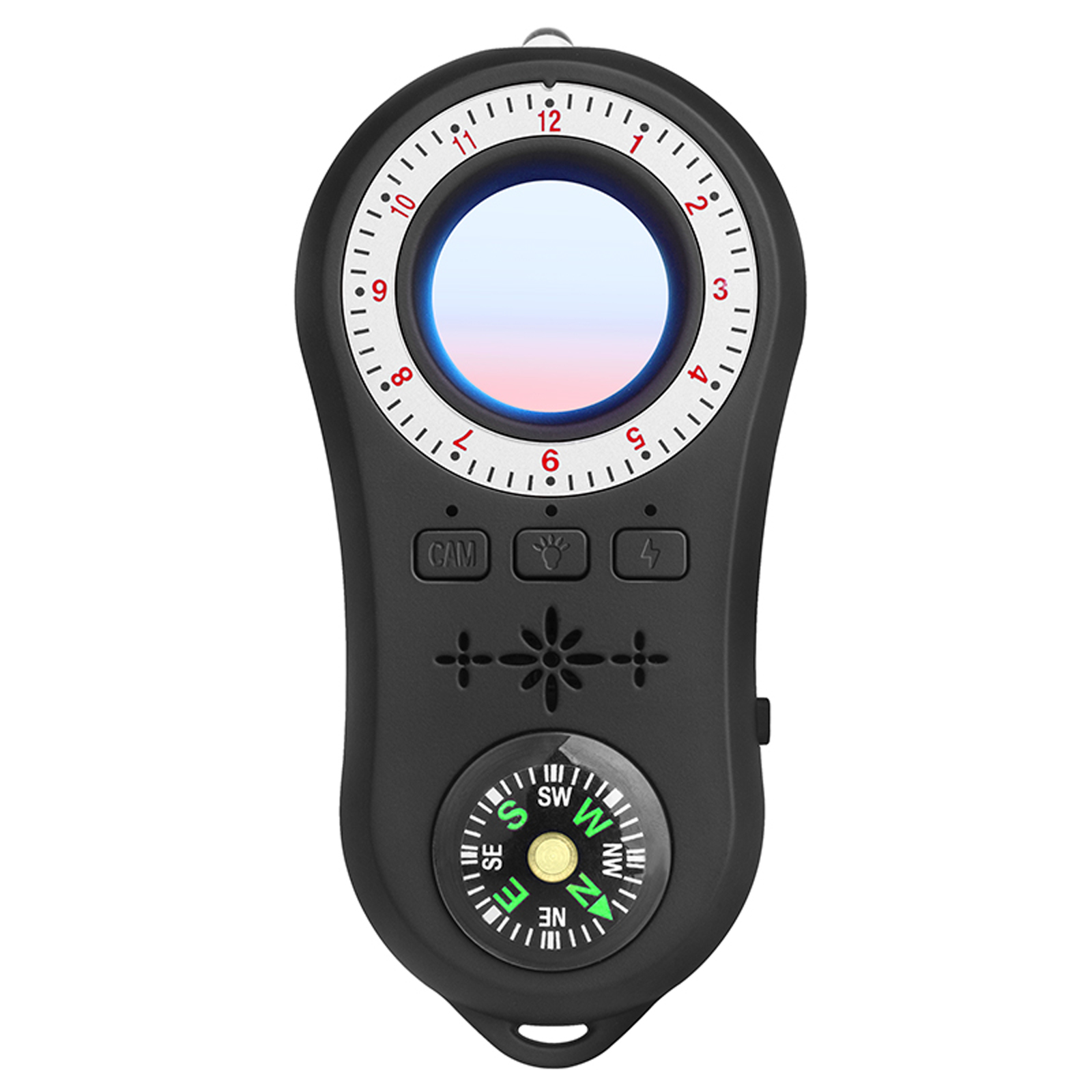
Multi-functional Infrared Detector with Vibration Alarm and Compass for Hotel Security in Black
$59.30
Add to cart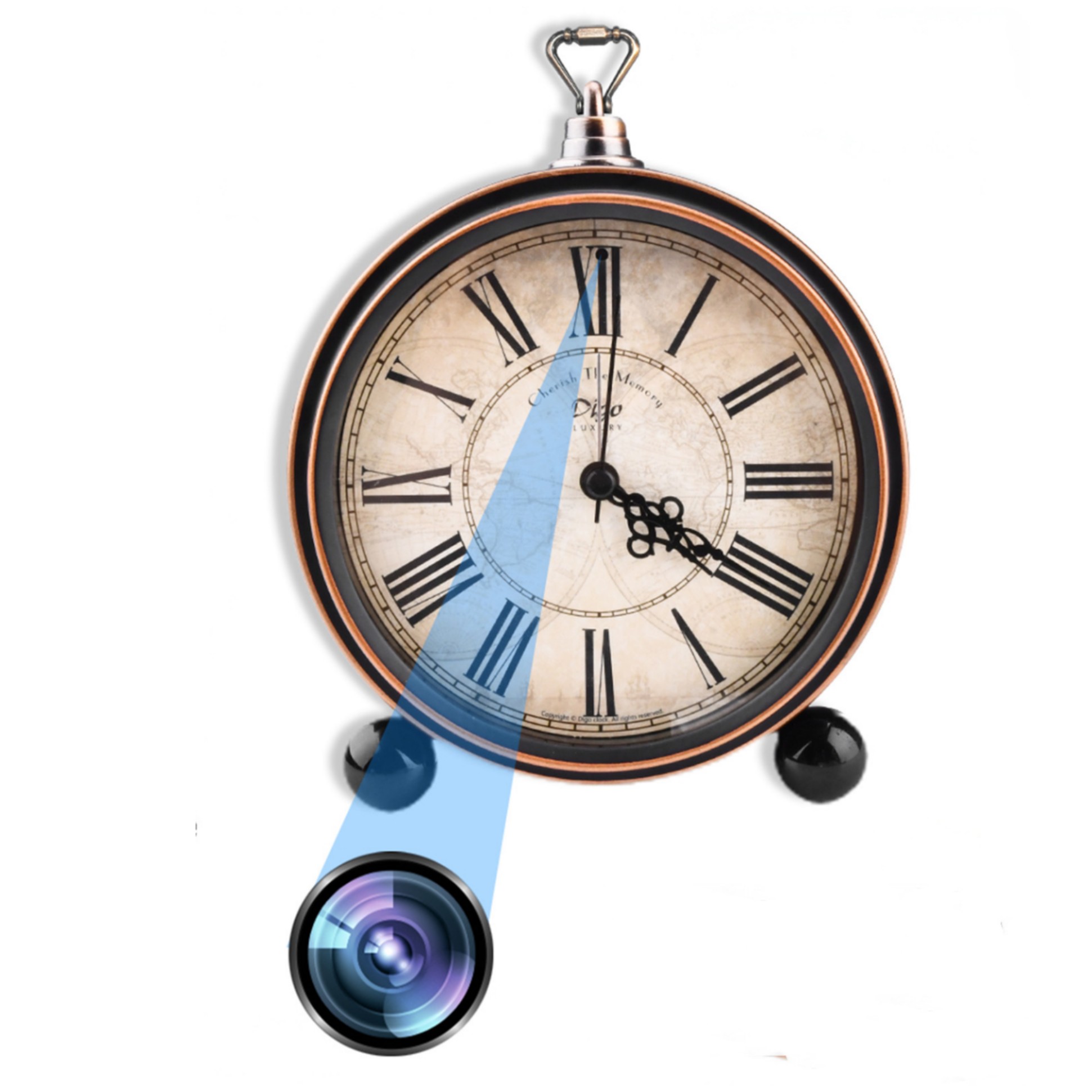
Maximize Your Experience Bronze Retro Roman Numeral Clock with Motion Detection Home Surveillance - 1080P HD Mini WiFi Camera
$132.90
Add to cartProducts you may also like
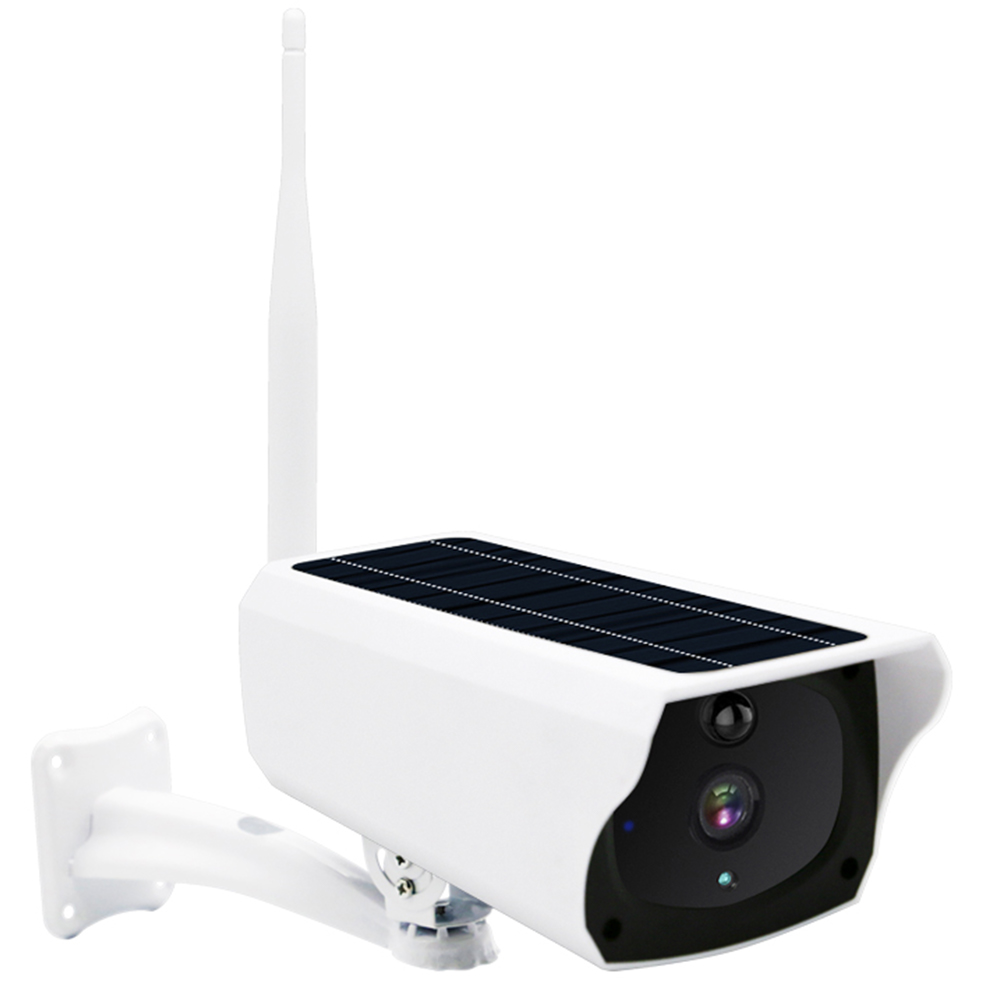
Classic Deal Outdoor Solar Security Camera: AI Motion Detection, Color Night Vision, IP66 Waterproof, 2 Way Audio, 3MP HD with Built-in Battery
$150.90
Add to cart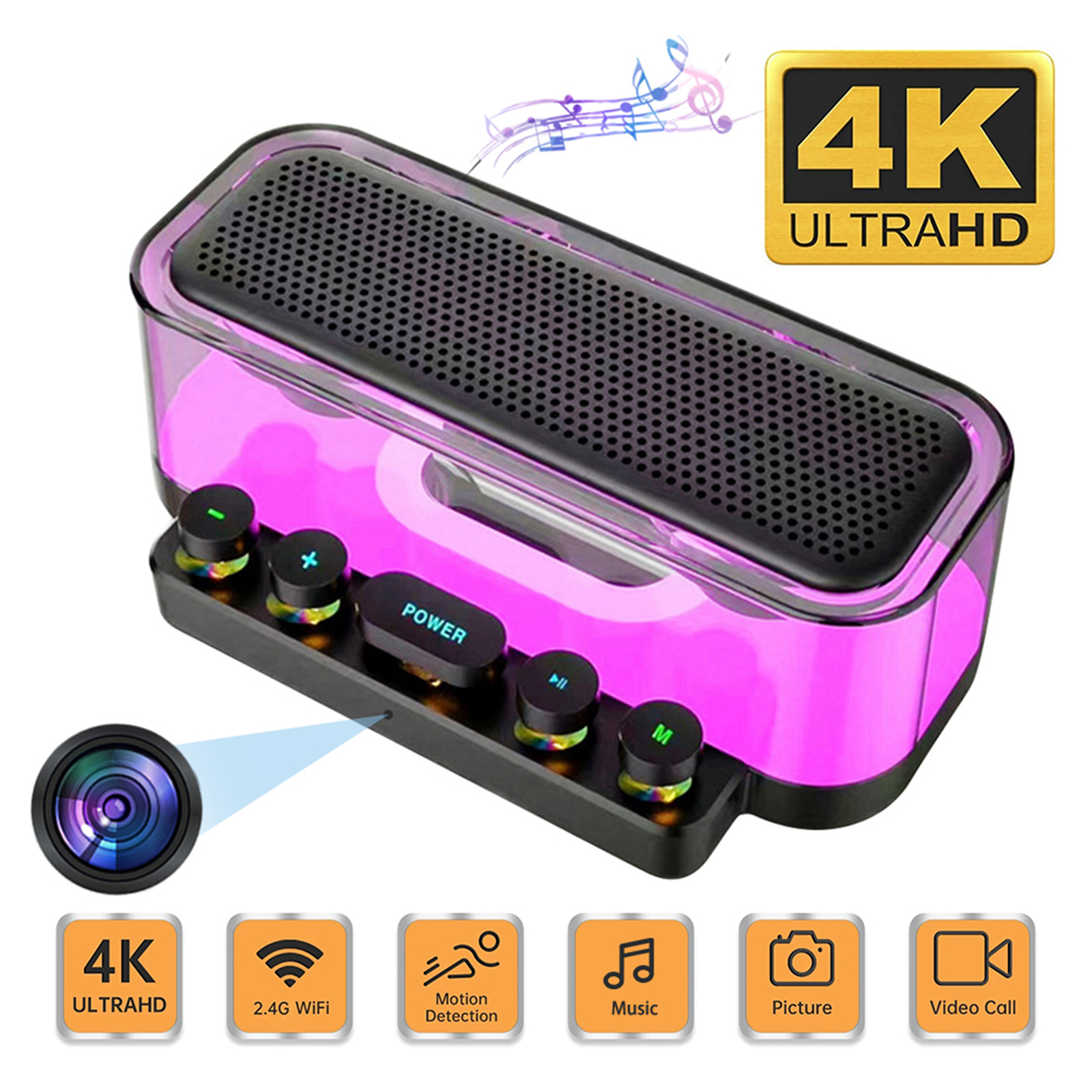
Premium Camera Speaker 160° Wide Angle 5MP Pixel Lens Easy Operating Premium Speaker Cams 1080P Mini Home Camcorders
$138.60
Add to cart
White A10 Baby Monitor with Intelligent Video, Two-way Voice Calling, 100-degree Super Wide-angle Lens, 1080p Resolution High-definition Vision Camera
$177.70
Add to cart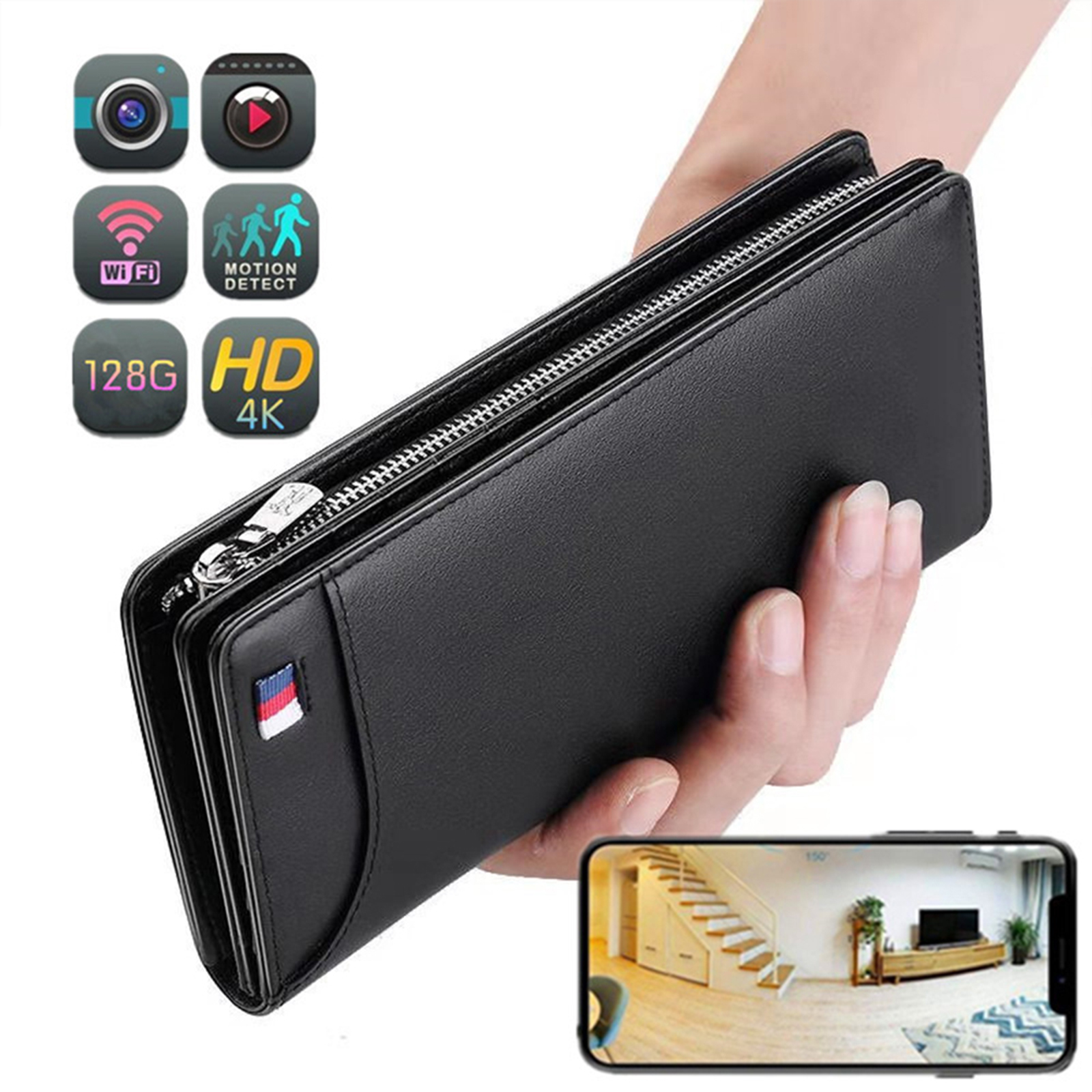
Portable Mini Wi-Fi Camera with 4K Resolution, 1080p HD, Motion Detection, Wireless Connectivity, and 64GB Storage - Ideal for Home Security (Black)
$155.80
Add to cartRecommended for You
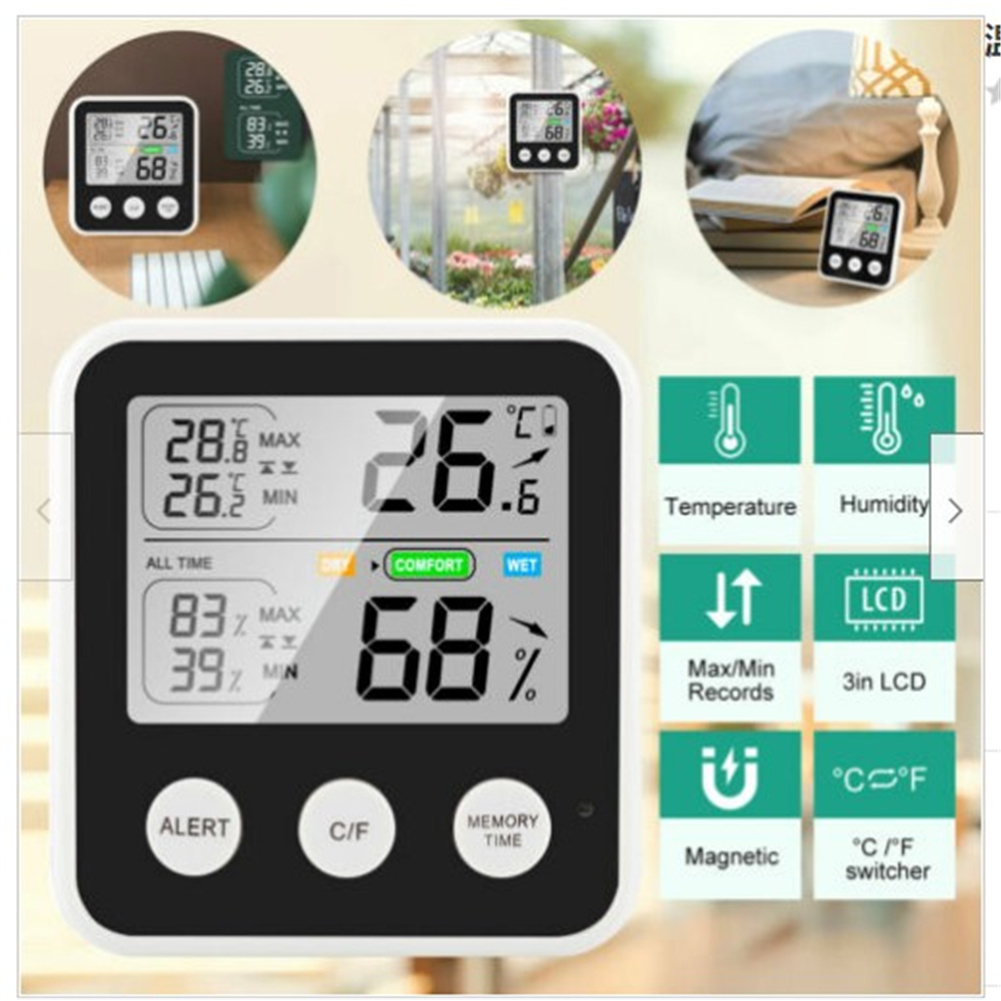
TS-9909-B Digital LCD Hygrometer Thermometer with High Precision for Indoor and Outdoor Temperature and Humidity Measurement
$36.90
Add to cart
Maximize Your Productivity Wireless Solar Security Camera with Night Vision, PIR Motion Detection, and IP67 Weatherproof Rating in 1080P HD Resolution
$16.10
Add to cart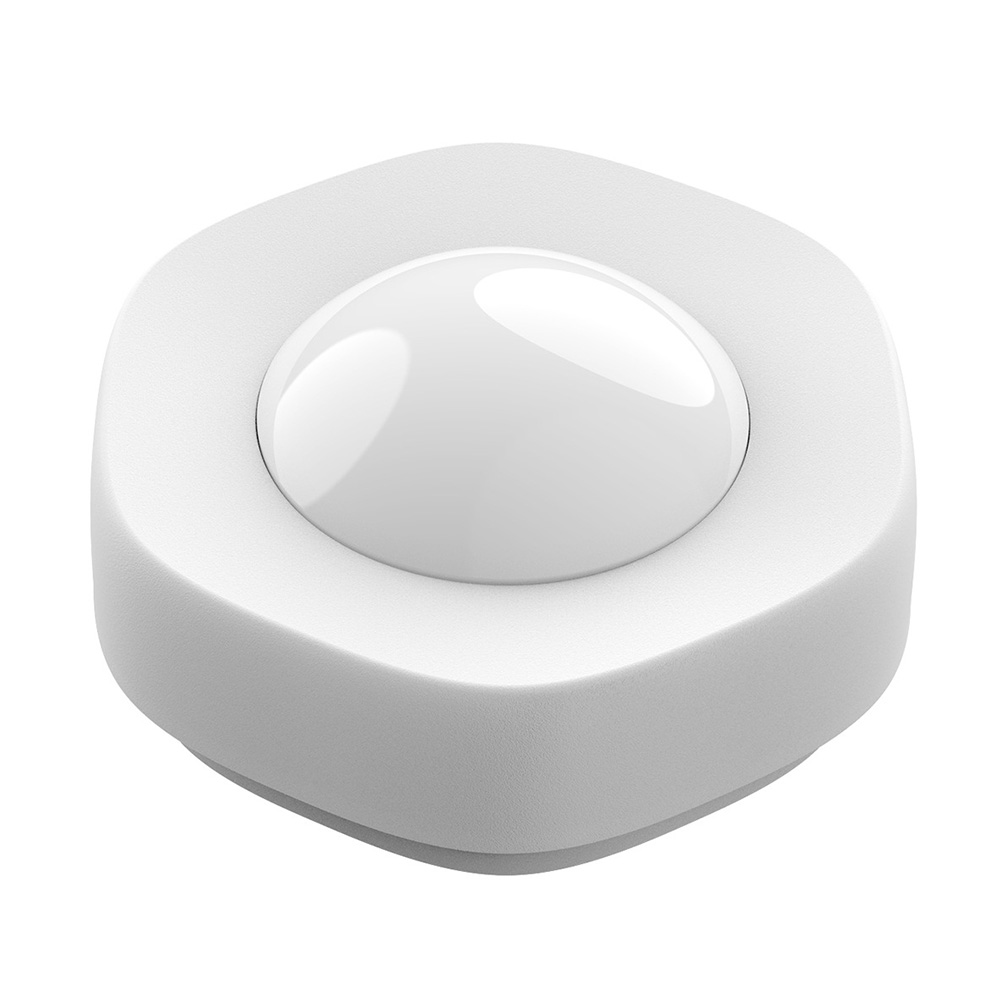
Smart Wireless WIFI Motion Sensor Human Body Detector - White
$60.70
Add to cart
Find Your Perfect Match Title: "Mini WiFi Camera V720 HD 1080p with Remote Wireless Voice Recorder - Night Vision Home Security Camcorder for Surveillance
$16.10
Add to cartRelated products
-
White A10 Baby Monitor with Intelligent Video, Two-way Voice Calling, 100-degree Super Wide-angle Lens, 1080p Resolution High-definition Vision Camera
$177.70 -
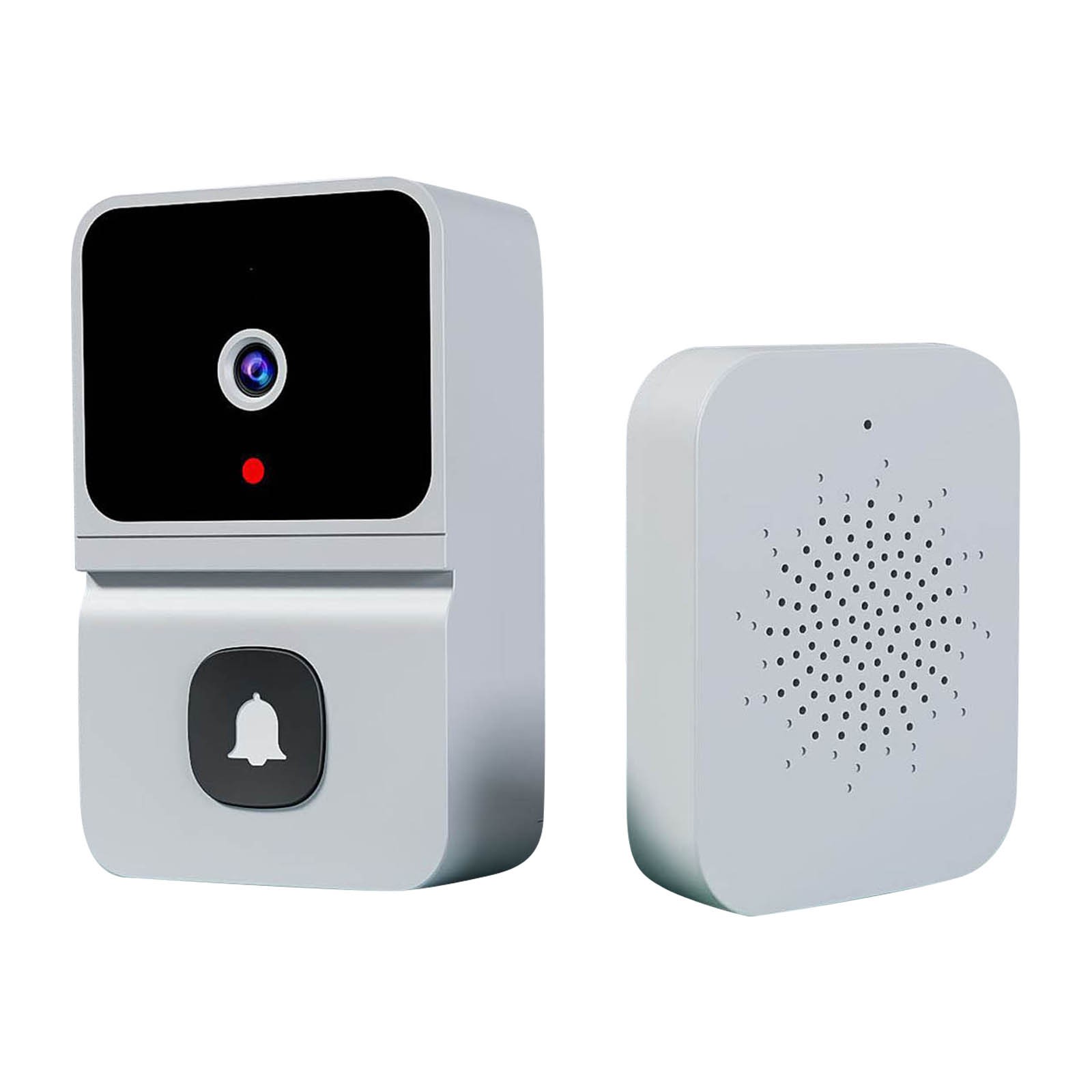
Wireless HD Video Doorbell Camera Z30 with Chime, Night Vision, 2.4ghz Wifi, Smart Door Bell, Two-Way Audio, in White
$47.00 -
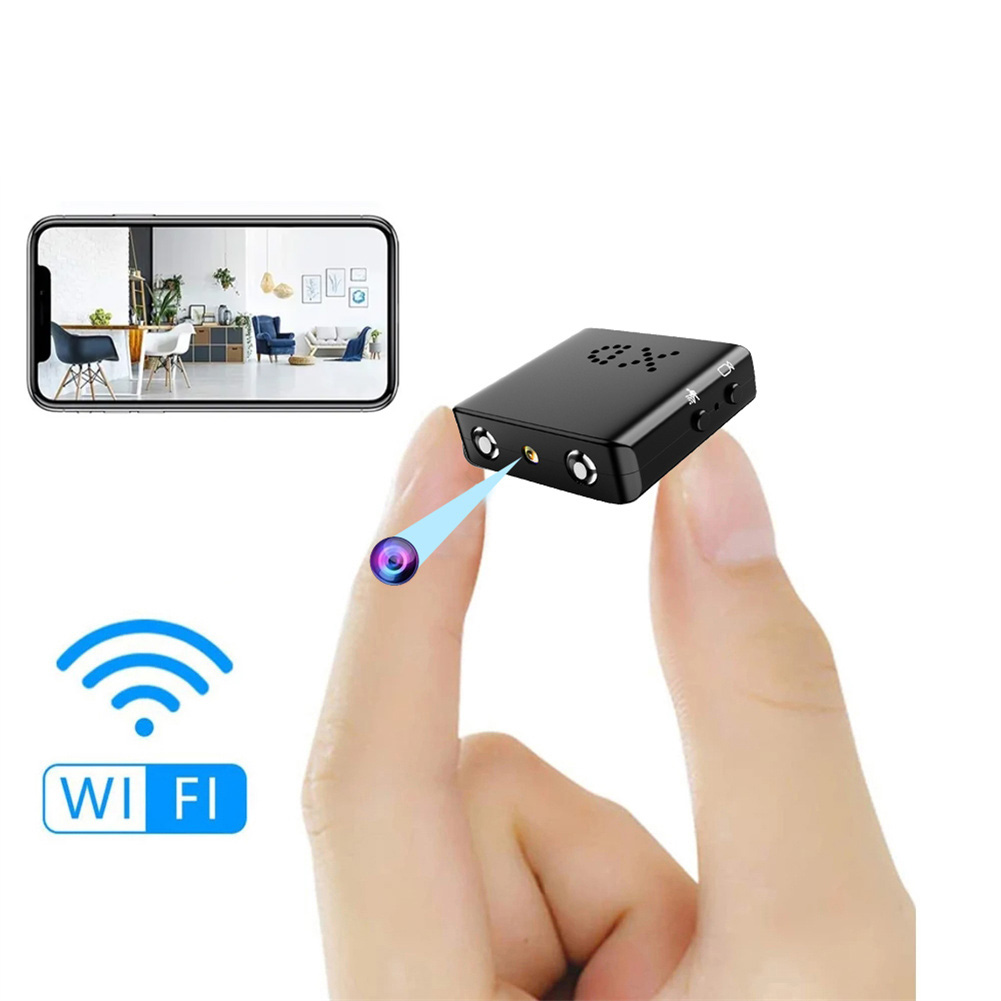
Bkw1 Hidden Camera – Ultra Compact Mini WiFi 1080P IR-Cutting Camera with Night Vision, Motion Detection, and Battery-Free Operation
$59.60 -
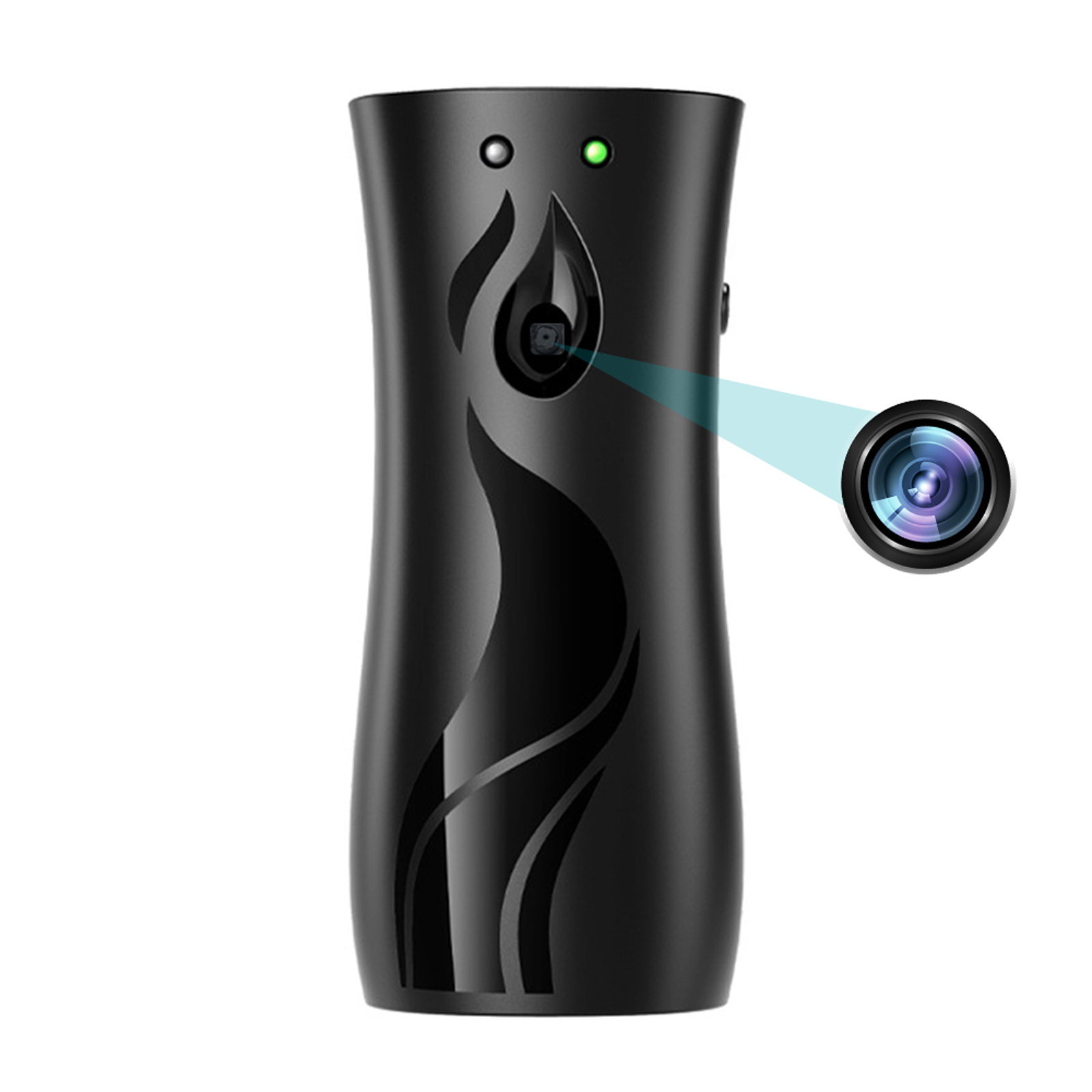
Black Aroma Diffuser Design Mini Camera – 1080P HD, Wifi, Night Vision, Home Security Video Surveillance Recorder
$131.60

Reviews
There are no reviews yet.