
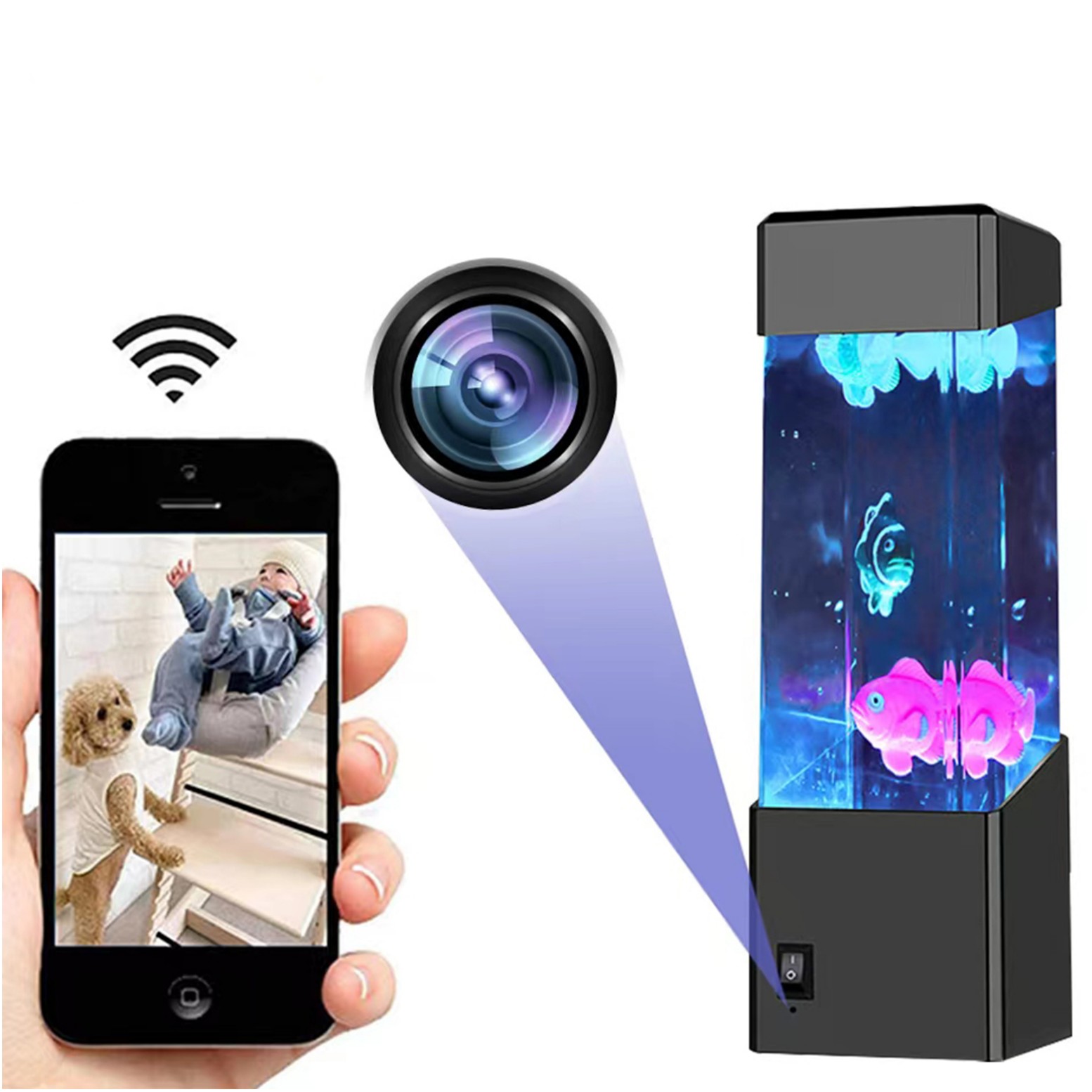
Black Wifi Camera with HD 1080p Resolution, Motion Detection, and Home Security Capabilities
$138.20
- LED night light aquarium that can be used as a surveillance camera
- Advanced motion detection and smart reminder function
- Instant notifications on your phone when motion is detected
- Allows instant viewing of events and works at night
- Micro SD recording and storage capability
Buy more, save more
Buy 2–4 of this item and save 5%.
Buy 5 or more of this item and save 10%.
Discount is automatic in your cart on regular-priced items. It cannot be combined with coupon codes or sale prices.
Buy 2–4 of this item and save 5%.
Buy 5 or more of this item and save 10%.
Discount is automatic in your cart on regular-priced items. It cannot be combined with coupon codes or sale prices.
Country suggested using IP or browser language; you can change it. Shipping is confirmed at checkout.
Description
Black Wifi Camera with HD 1080p Resolution, Motion Detection, and Home Security Capabilities,
HOW TO USE
Step 1: Installation
- Find a suitable location for the camera near your aquarium.
- Ensure the camera is securely mounted and facing the desired area.
- Connect the camera to a power source using the provided cable and plug.
Step 2: Connection
- Make sure your smartphone or tablet is connected to your home Wi-Fi network.
- Download and install the accompanying app on your mobile device.
Step 3: Camera Setup
- Open the app and create a new account or log in to your existing account.
- Follow the on-screen instructions to add a new camera to your account.
- Scan the QR code sticker on the camera or manually enter the camera’s identification code.
- Enter your Wi-Fi network password when prompted to connect the camera to your home network.
Step 4: Camera Control
- Once the camera is successfully connected, you can view the live video feed on your mobile device.
- Use the app’s controls to pan, tilt, and zoom the camera to your desired viewing angle.
- Toggle the LED night light on/off using the app.
- Enable motion detection and smart reminder features to receive notifications on your phone when motion is detected.
Step 5: Recording and Storage
- Insert a micro SD card into the camera’s SD card slot for local video storage.
- Configure the recording settings in the app to determine when and how video recordings are captured.
- Access recorded videos through the app’s playback feature or remove the micro SD card and view the files on your computer.
Note:
You may refer to the user manual for more detailed instructions on using this product., ,
Only logged in customers who have purchased this product may leave a review.
Popular items in this category
Tire Pressure Monitoring System Sensors Cigarette Lighter USB port Auto Security Alarm Systems Tire Pressure
$29.61
Add to cart
Join the Elite Club with Outdoor WiFi Camera with Dual Lens, 4K Resolution, 8MP, Wireless, PTZ Security, Night Vision, AI Humanoid Detection, Auto Tracking, Two-Way Audio, ONVIF H.265+, IP Cameras
$16.10
Add to cart
Best Offer Intelligent Thermostatic Radiator Valve with Zigbee Connectivity for Smart Home Control via APP, Voice, Alexa and Google Home
$16.10
Add to cart
Sensational Savings Wireless Smart Camera with WiFi Connectivity, 1080p Resolution, IR Night Vision, AI Motion Detection, Wide Angle View, Dual Storage, and Enhanced Security Features
$16.10
Add to cartSimilar items you might like

Join the Elite Club with ESCAM QF005 3MP WiFi IP Camera with Dual Light Source, Motion Detection, Two-way Intercom, Night Vision, and Memory Card Support for Home Security Monitoring
$16.10
Add to cart
Exceptional Smart Home Zigbee 3.0 Human Presence Sensor with Microwave Radar Detection - Sonoff SNZB-06P - Compatible with IFTTT, Alexa, and Google Home
$16.10
Add to cart
Discover the Secret Hiseeu 4K 32-Channel NVR for IP Camera Security Surveillance System with H.265+ Support, 5MP DVR, Network Video Audio Recorder, Humanoid Detection, and EU Plug
$16.10
Add to cart
Limited-Time Offer HD WiFi PTZ Camera with ICSEE App for Remote Monitoring, Night Vision, Motion Detection, Two-Way Audio, Alarm Alerts, Video Playback, and Home Security Surveillance
$16.10
Add to cartProducts related to this item
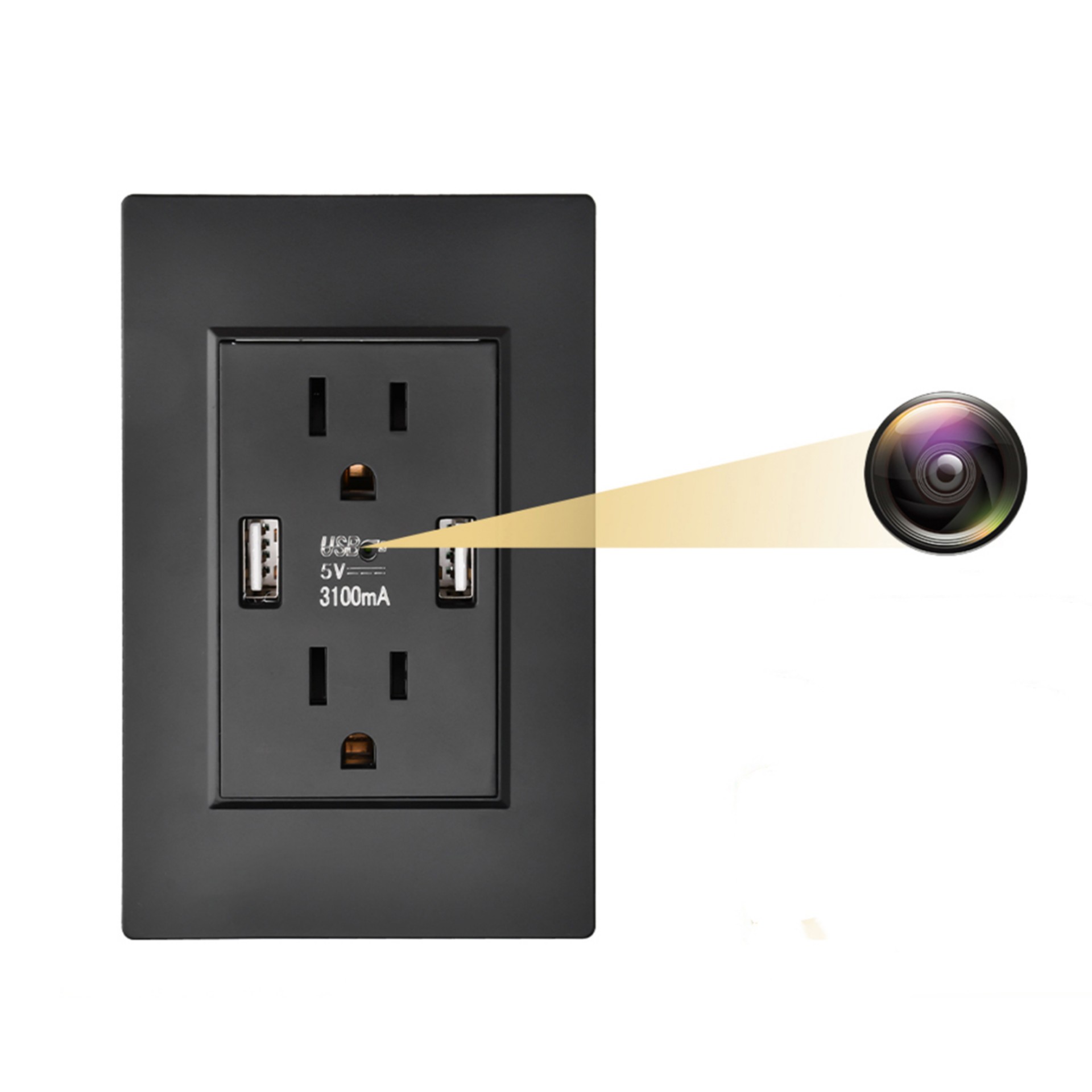
Black Q9 Wall Outlet Camera with USB Interface, Wifi Remote Monitoring, Night Vision and Motion Detection
$119.60
Add to cart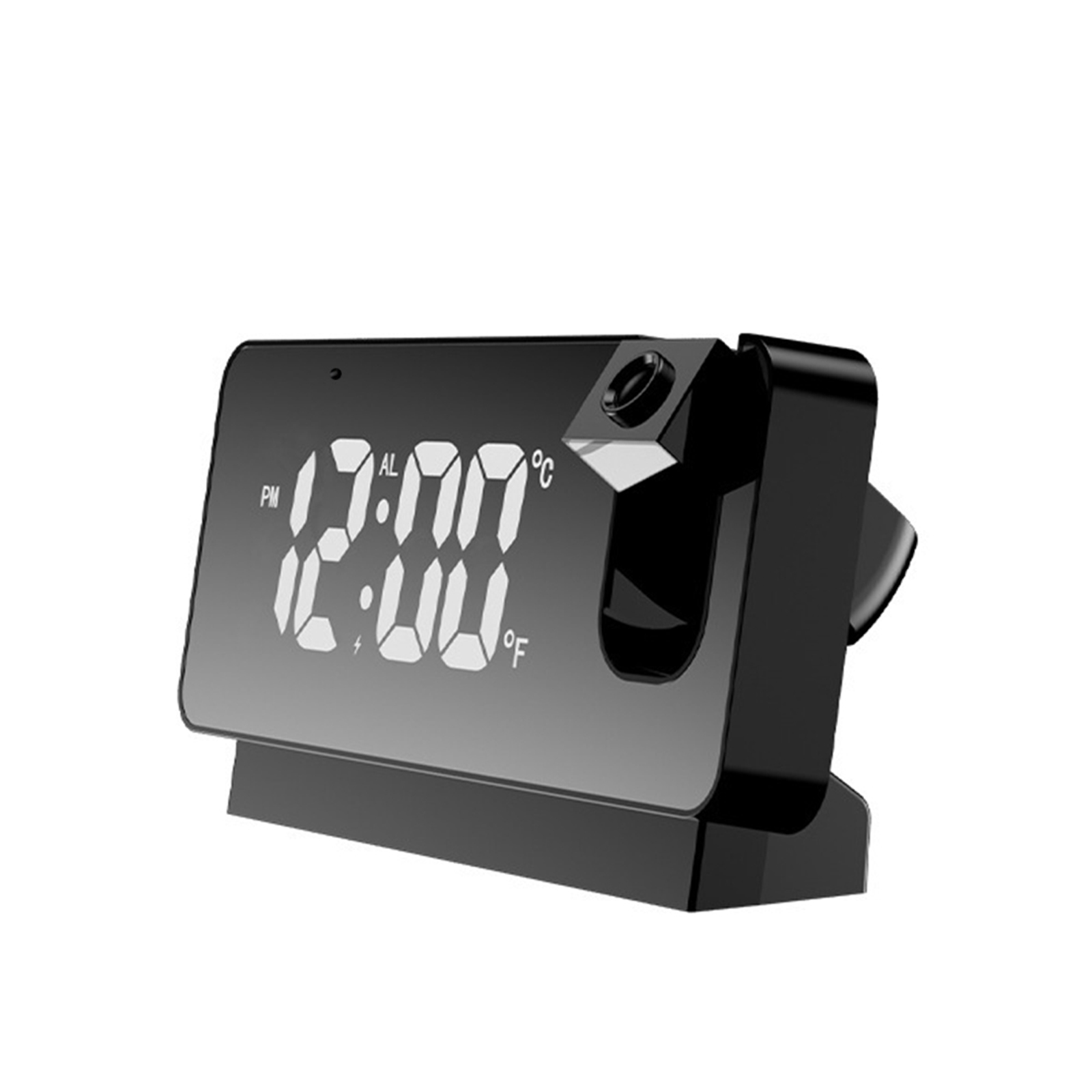
Black Ceiling Projection Alarm Clock with HD 1080P Digital Camera and Wifi Connectivity for Home Security
$127.00
Add to cart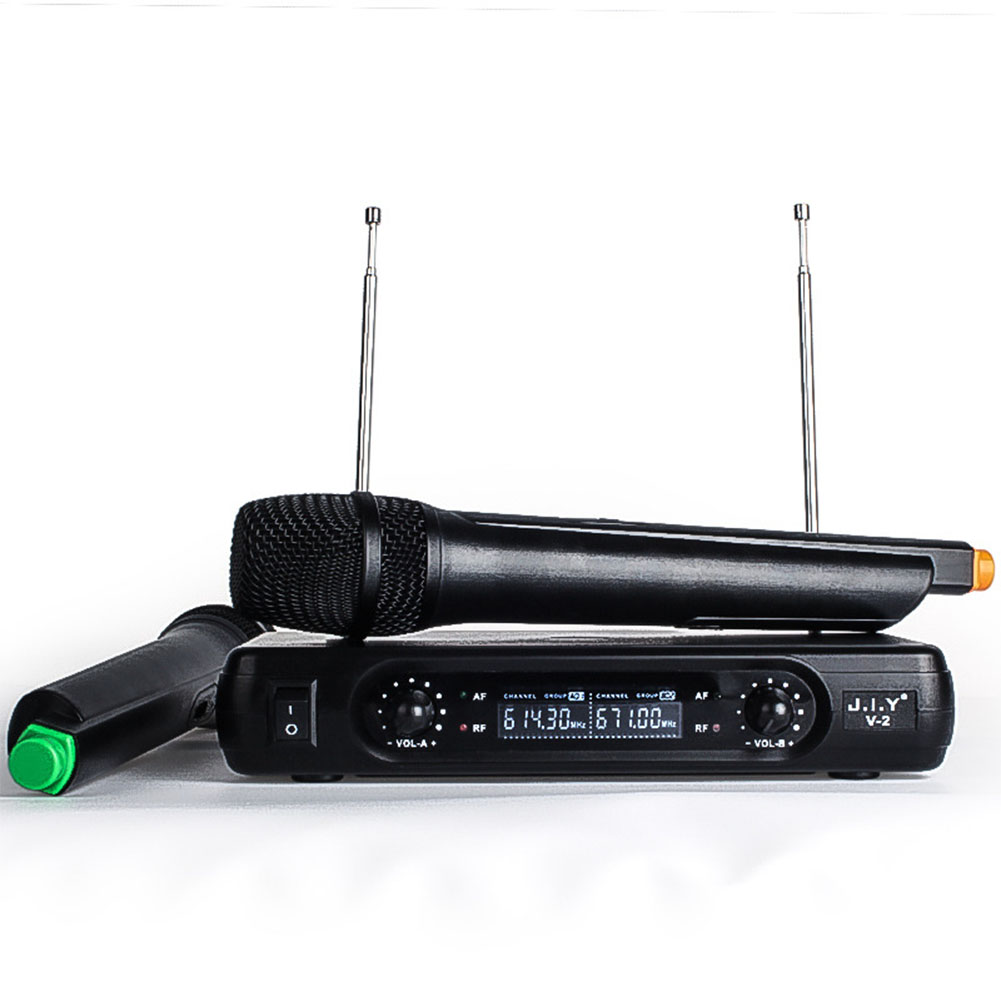
Game-Changer Wireless Karaoke Microphone Mixer Set with LCD Handheld Mic - Black (U.S Plug)
$97.60
Add to cart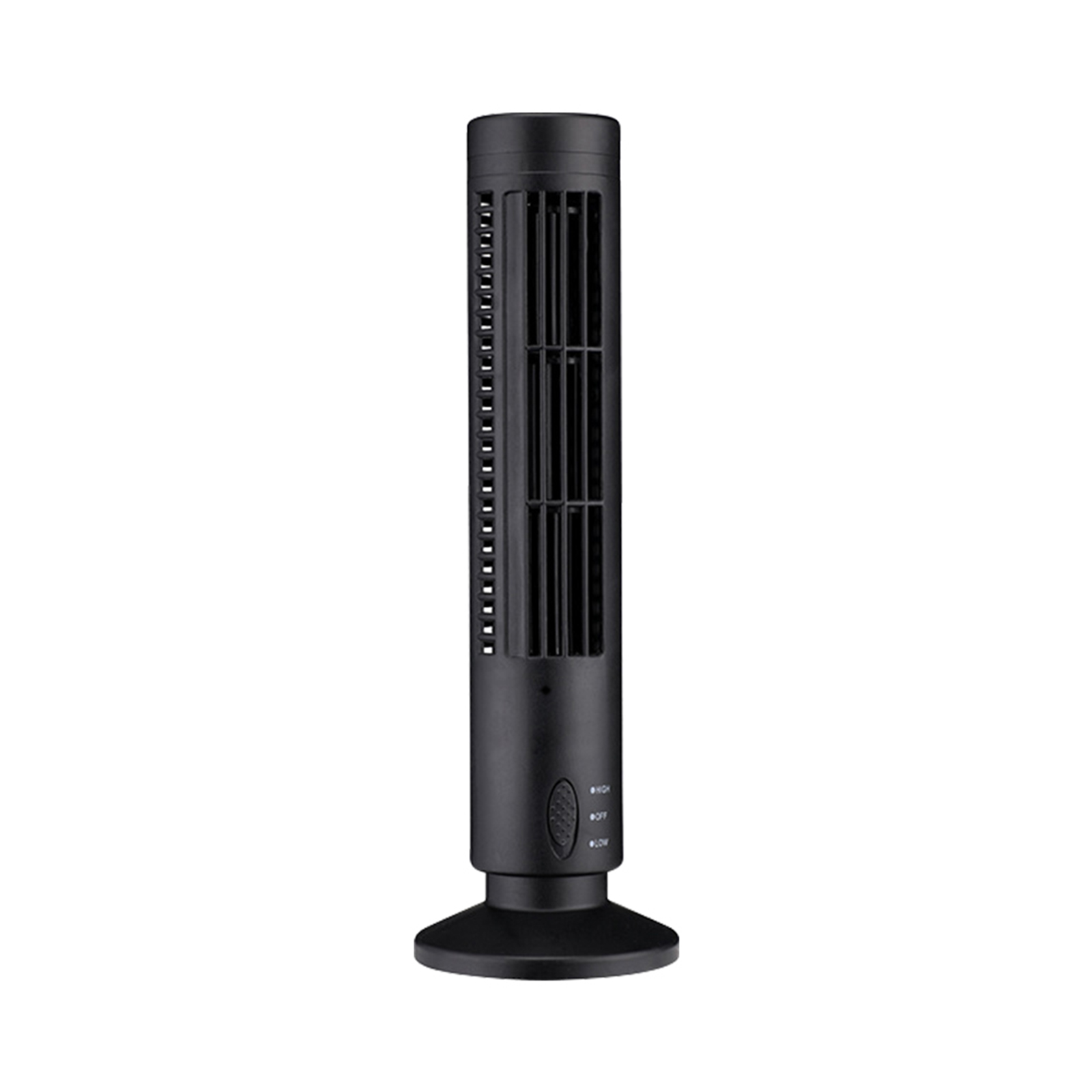
Black USB Tower Fan Camcorder with 1080p HD Wifi, Motion Detection for Home Security and Nanny Cam
$143.50
Add to cartProducts you may also like
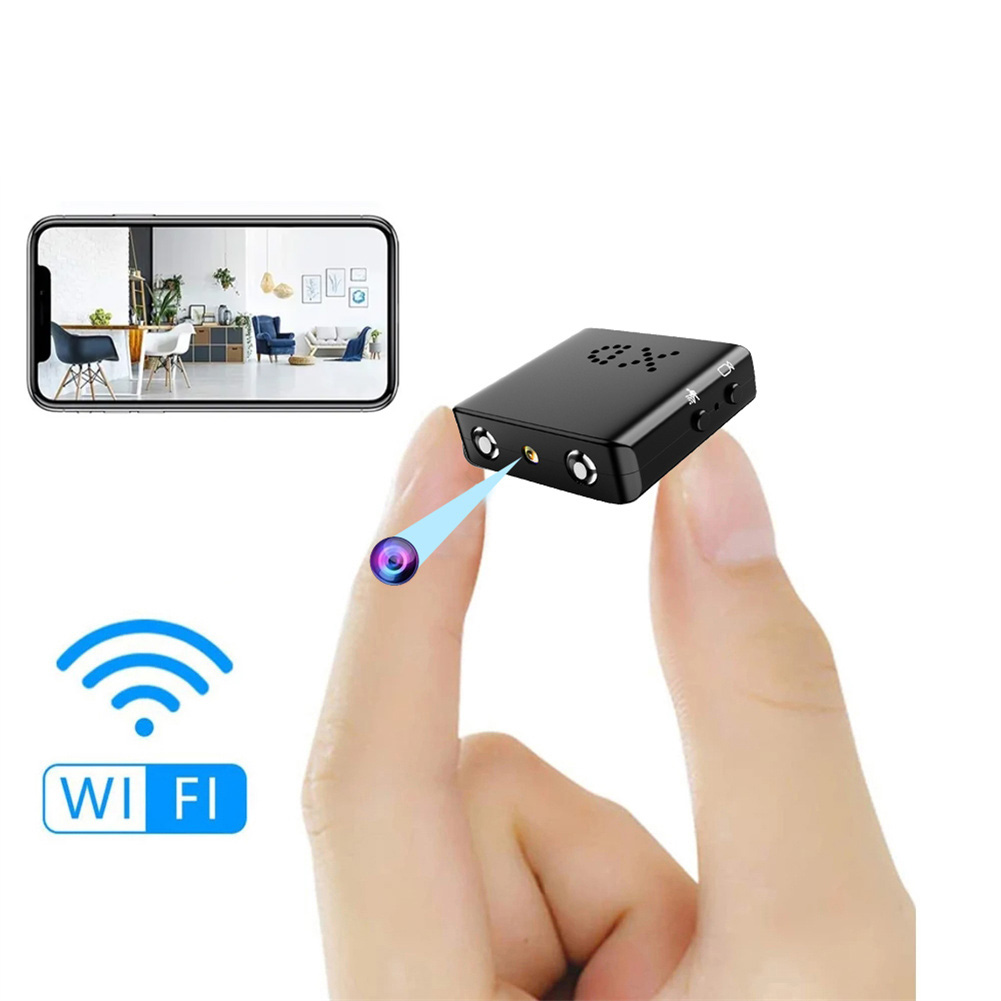
Bkw1 Hidden Camera - Ultra Compact Mini WiFi 1080P IR-Cutting Camera with Night Vision, Motion Detection, and Battery-Free Operation
$59.60
Add to cart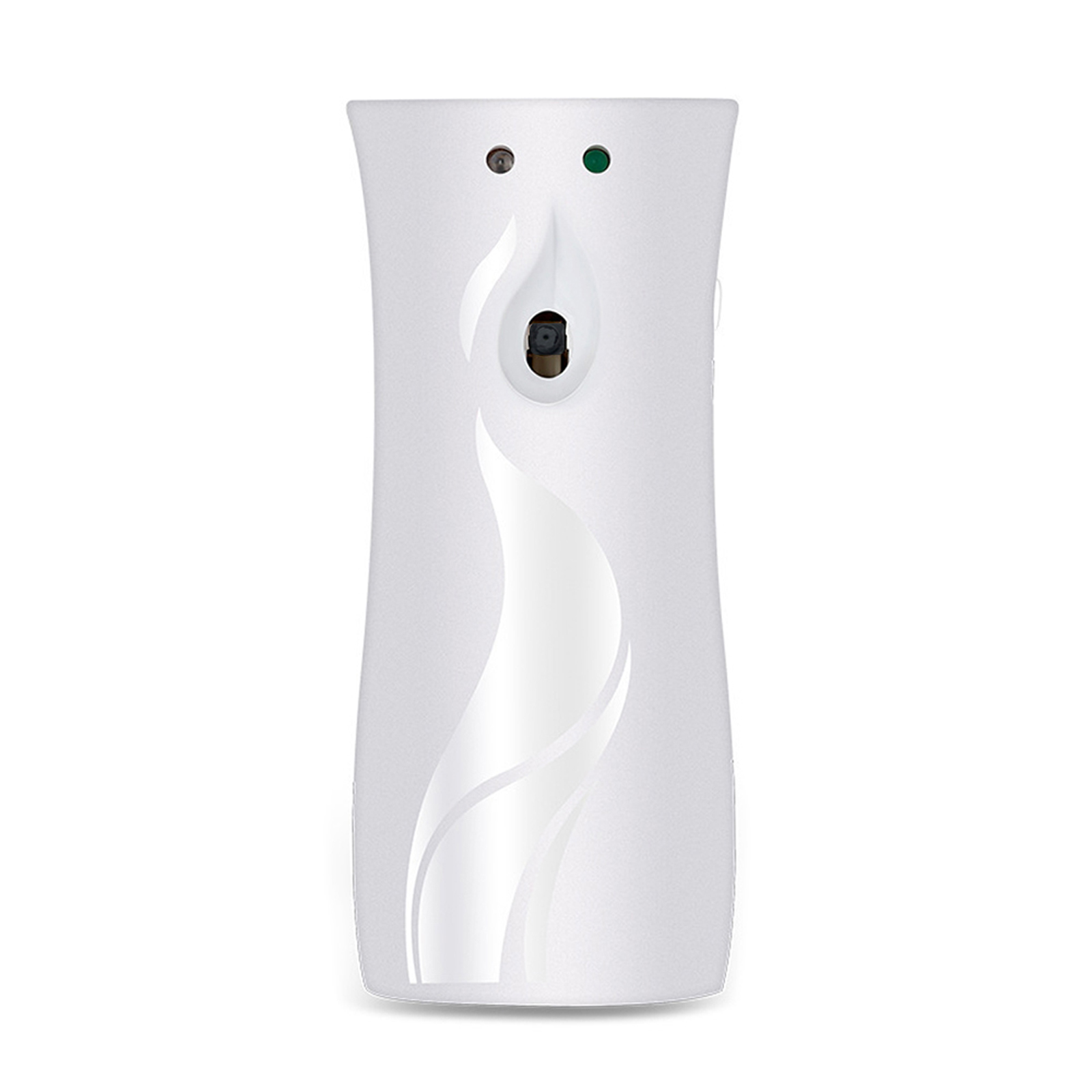
White Aroma Diffuser Design Mini Camera with Wifi, Night Vision, 1080P HD Video Surveillance Recorder for Home Security
$131.60
Add to cart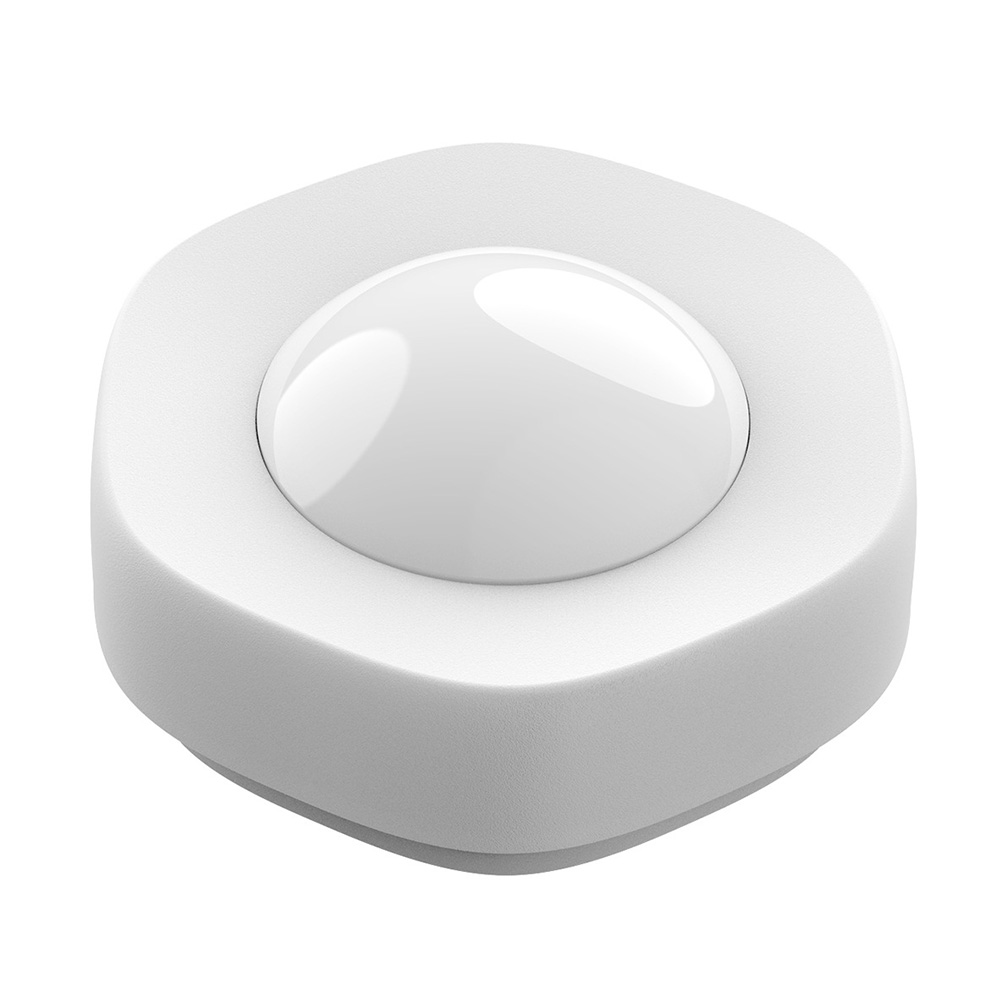
Smart Wireless WIFI Motion Sensor Human Body Detector - White
$60.70
Add to cart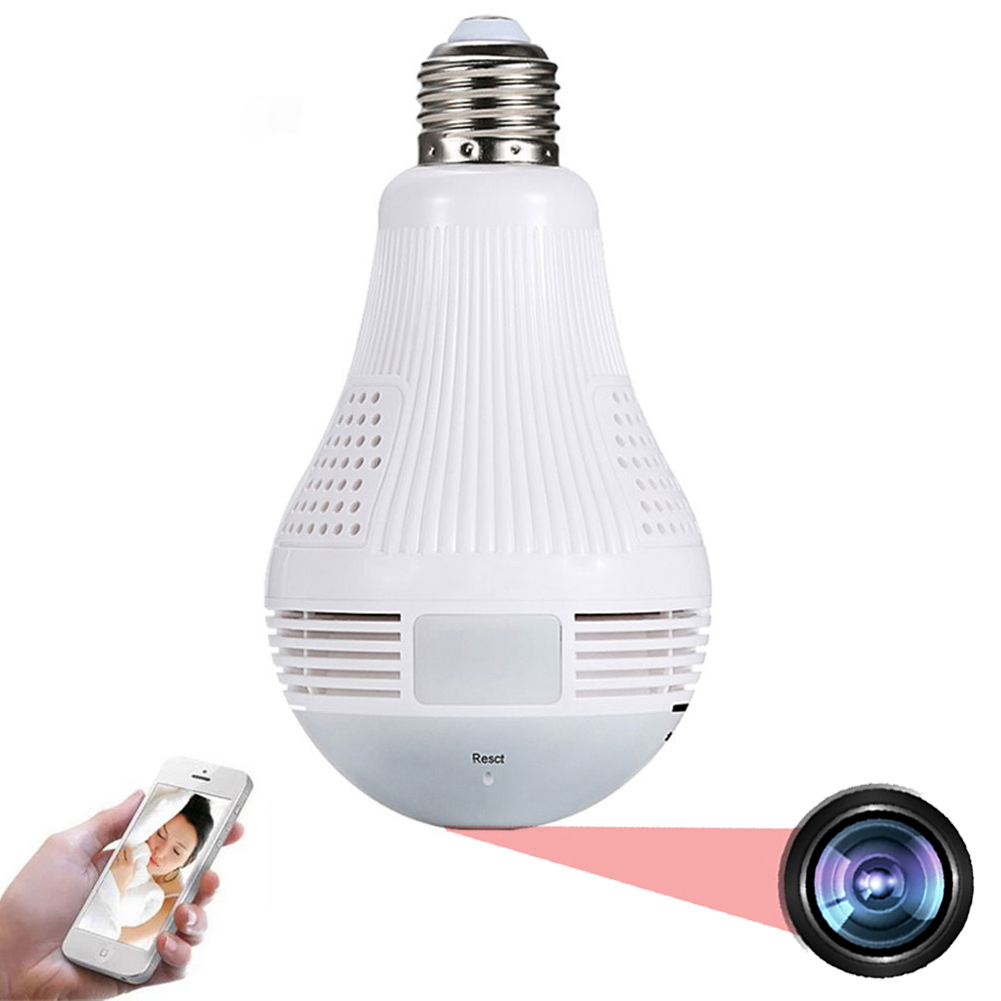
360 Degree Panoramic Light Bulb Camera with 960p 2.0MP H.265 Security, Wifi, IP CCTV, Video Surveillance, Fisheye HD, Night Vision, and Dual Light Source
$54.30
Add to cartRecommended for You

Best Offer Compact 1080P Wireless Mini Wifi Security Camera with IR Night Vision and Motion Detection for Remote Home Monitoring and Safety
$16.10
Add to cart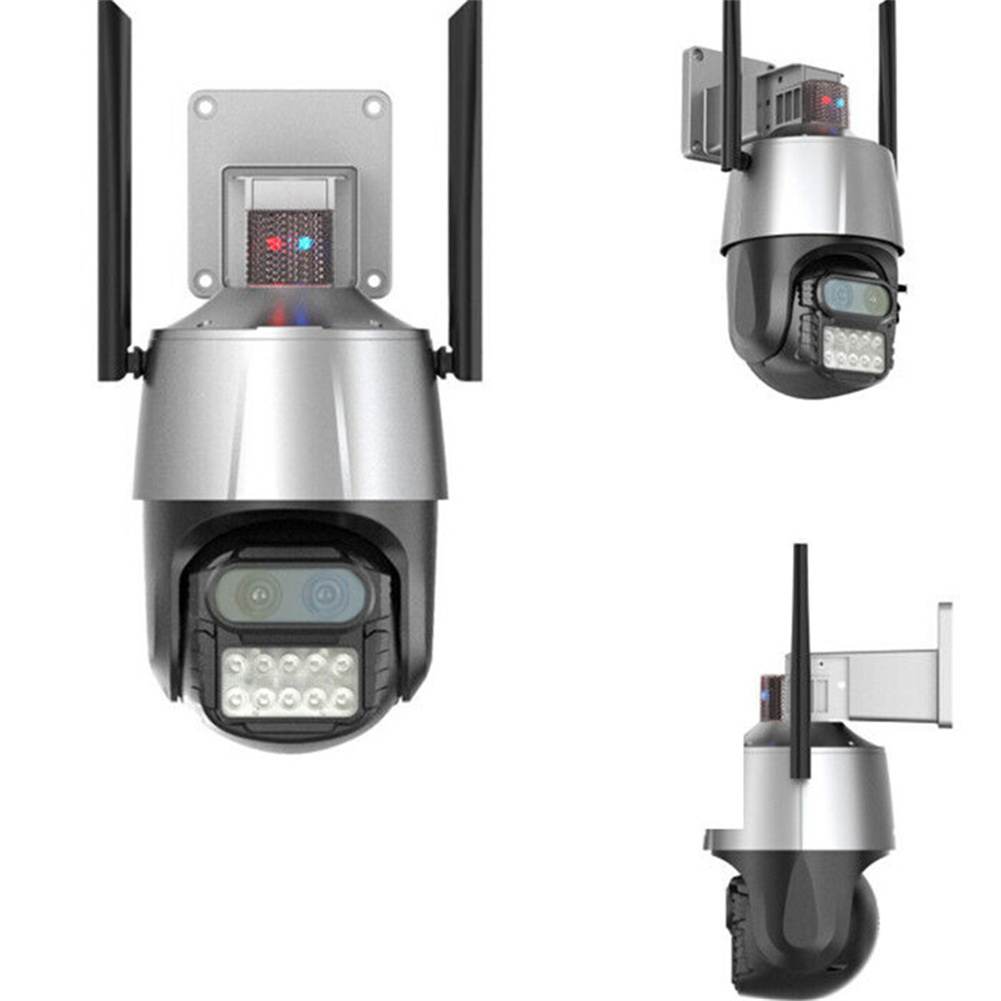
Sensational Savings Grey US Plug Wireless HD Surveillance Camera with 8MP Dual Lens, 8x Zoom, Wi-Fi Connectivity, Binoculars, Waterproof Dome, and Monitor
$165.50
Add to cart
Irresistible Deals Home Surveillance System: Hiseeu 3MP Wireless PTZ Camera with Auto Tracking, Two-Way Audio, Motion Detection, Night Vision, IP66 Waterproof, Record Playback, and EU Plug
$16.10
Add to cart
Discover the Secret Compact A18 Mini HD Camera with 1080P Resolution, Pen-like Design, Body Clip, Night Vision, Motion Detection, and Small Size for Security Recording
$16.10
Add to cartRelated products
-

MECO(TM) Wireless Security Entry Alarm System for Home Doors and Windows – Quick Installation with FREE Batteries! (Pack of 6)
$30.50 -
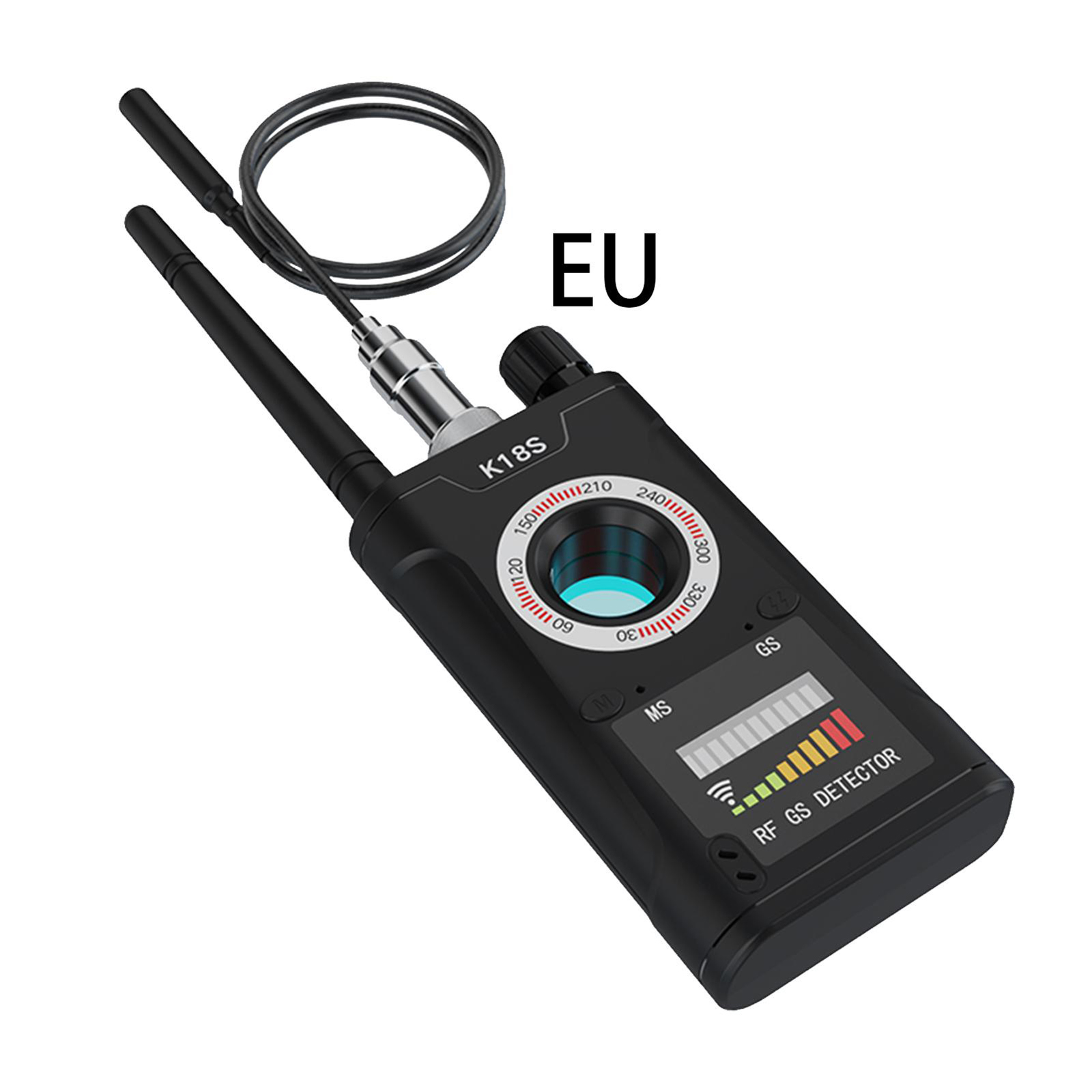
EU Plug K18s Camera Detector: Signal Detection Scanner, Infrared Finder, GPS Anti-location Detector for Home, Office, Hotel
$60.50 -
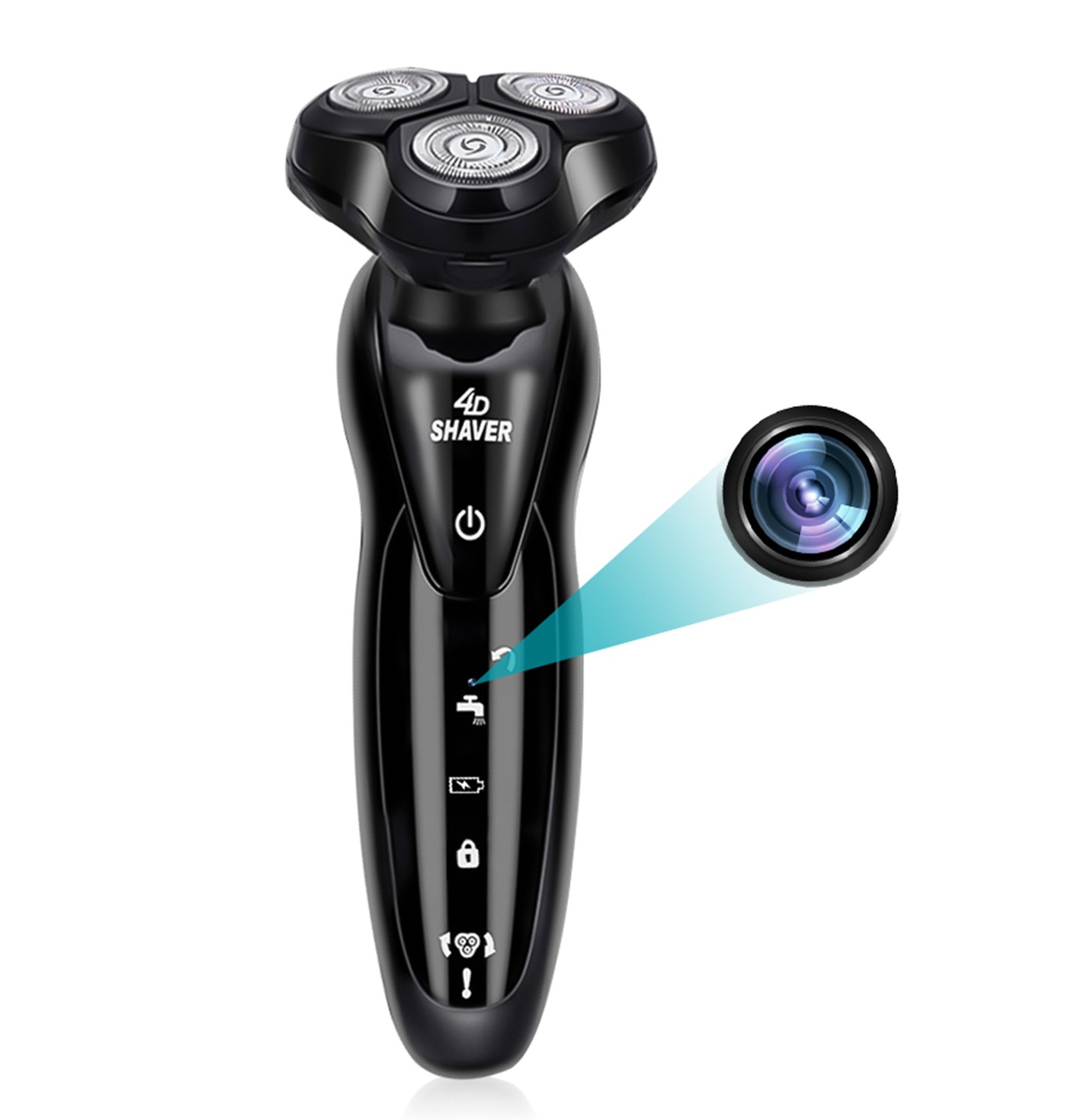
Mini Camera Shaver with Wifi and 4D Technology – HD Camcorder with 1080p Resolution, 64GB Memory Card, and Portable Home Security Surveillance Features
$255.40 -
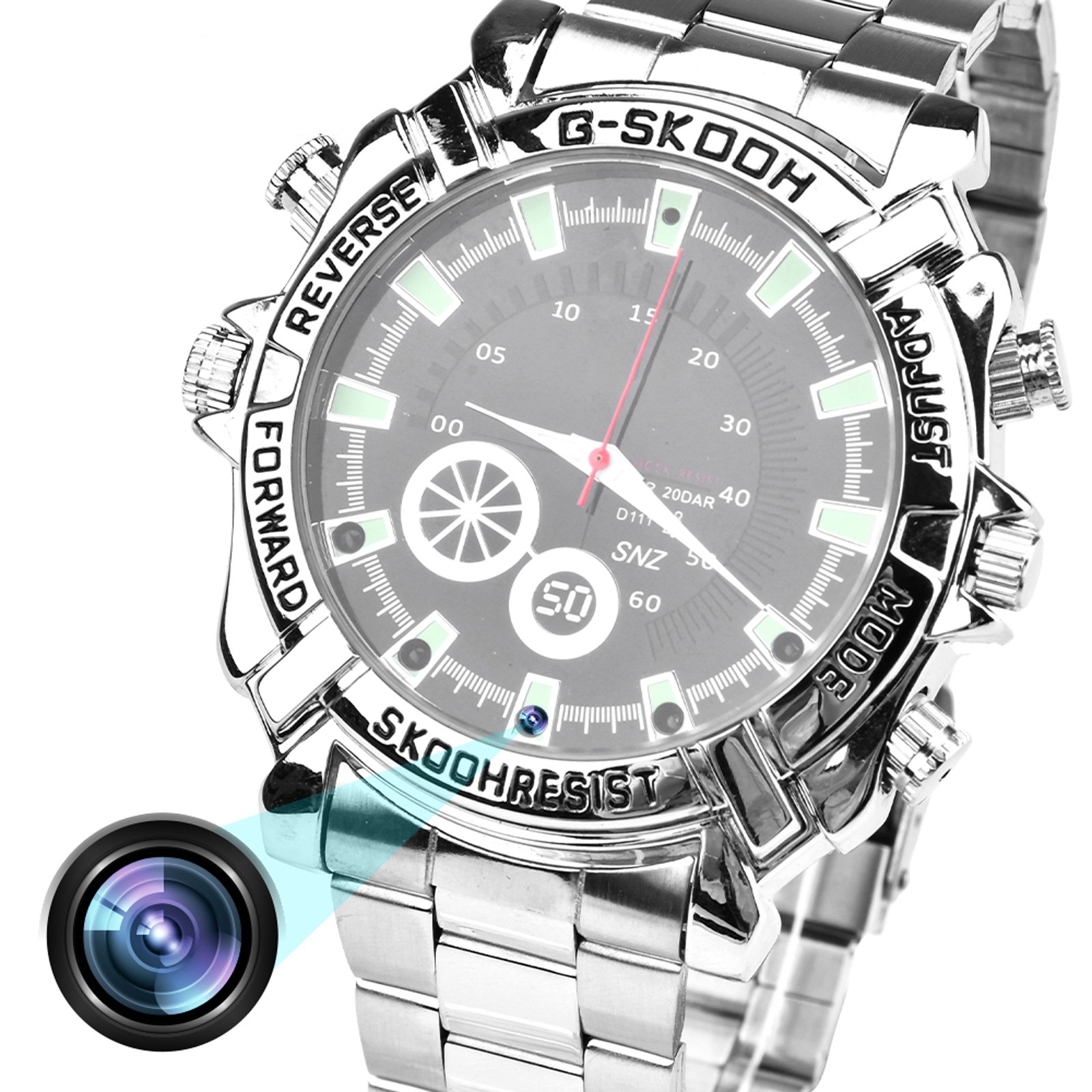
W2 Camera Watch: 1080P Video Recording Watch with Night Vision, Action Camera for Sports and Meetings, 16G Storage
$88.90

Reviews
There are no reviews yet.