
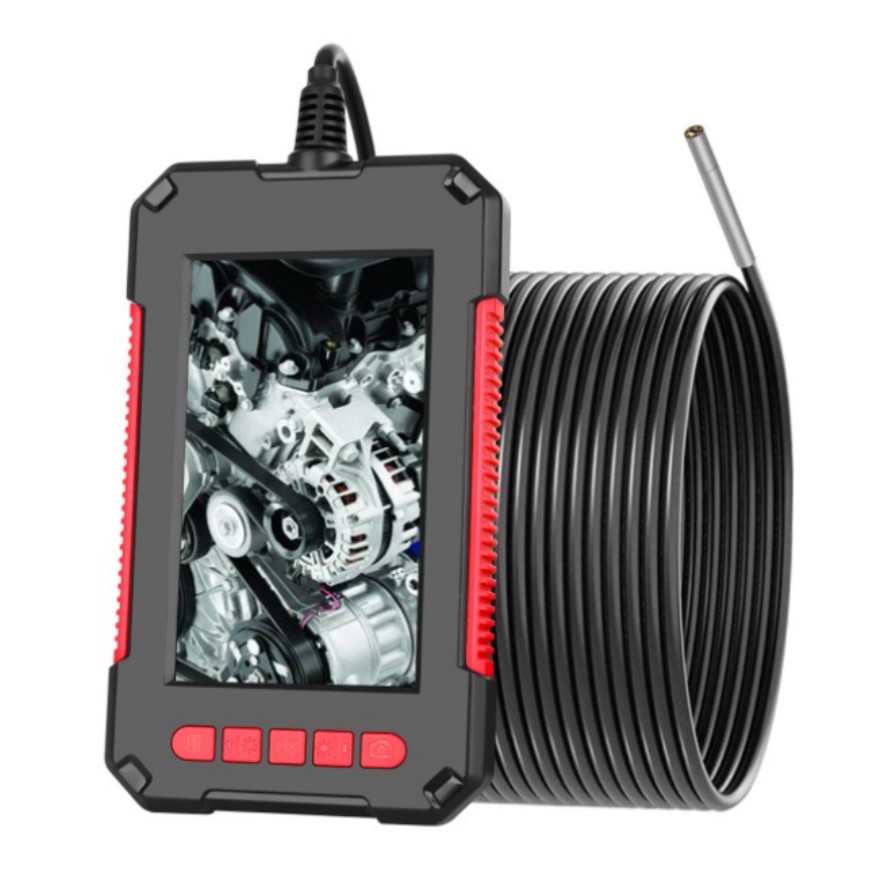
Handheld Industrial Borescope with Waterproof 4.3-inch Screen and 3.9mm HD Camera, 5-meter Length
$117.10
- 4.3-inch HD 1080p display screen
- 8 adjustable LED lights for improved visibility in dark or low light areas
- IP67 waterproof function
- Built-in 2600 MAH rechargeable lithium battery
- TF card slot for taking photos or recording video
- Widely used in automobile inspection, pipeline inspection, air conditioning inspection, etc
- 3.9mm diameter camera head
- 5-meter length for extended reach
Buy more, save more
Buy 2–4 of this item and save 5%.
Buy 5 or more of this item and save 10%.
Discount is automatic in your cart on regular-priced items. It cannot be combined with coupon codes or sale prices.
Buy 2–4 of this item and save 5%.
Buy 5 or more of this item and save 10%.
Discount is automatic in your cart on regular-priced items. It cannot be combined with coupon codes or sale prices.
Country suggested using IP or browser language; you can change it. Shipping is confirmed at checkout.
Description
Handheld Industrial Borescope with Waterproof 4.3-inch Screen and 3.9mm HD Camera, 5-meter Length,
[HOW TO USE]
Step 1: Prepare the Endoscope
- Ensure the endoscope is fully charged by connecting it to a power source with the provided USB cable.
- Insert a TF card into the TF card slot, if you want to capture photos or record videos.
- Make sure the endoscope lens is clean before use.
Step 2: Power On
- Press and hold the power button located on the endoscope handle until the screen lights up.
- The display will show the live feed from the endoscope camera.
Step 3: Adjusting LED Lights
- Use the “LED Light” adjustment buttons (marked with “+” and “-“) to control the brightness of the LED lights.
- Adjust the lights according to the lighting conditions of your inspection area for optimal visibility.
Step 4: Navigating the Menu
- Press the “Menu” button to access the main menu.
- Use the up and down buttons to navigate through the different options.
- Press the “OK” button to confirm your selection.
Step 5: Capture Photos
- Select the “Photo” option from the menu.
- Use the up and down buttons to adjust photo resolution if desired.
- Position the endoscope lens at the desired spot and press the “OK” button to capture a photo.
Step 6: Record Videos
- Select the “Video” option from the menu.
- Use the up and down buttons to adjust video resolution and duration if desired.
- Press the “OK” button to start recording and press it again to stop.
Step 7: Power Off
- Press and hold the power button until the screen turns off to power off the endoscope.
- Ensure the endoscope is properly stored for future use.
With these simple steps, you can effectively use the 4.3-inch Screen Waterproof Endoscope 3.9mm HD Handheld Industrial Borescope 5 meters for your inspection needs.
, ,
Only logged in customers who have purchased this product may leave a review.
Special deals for you
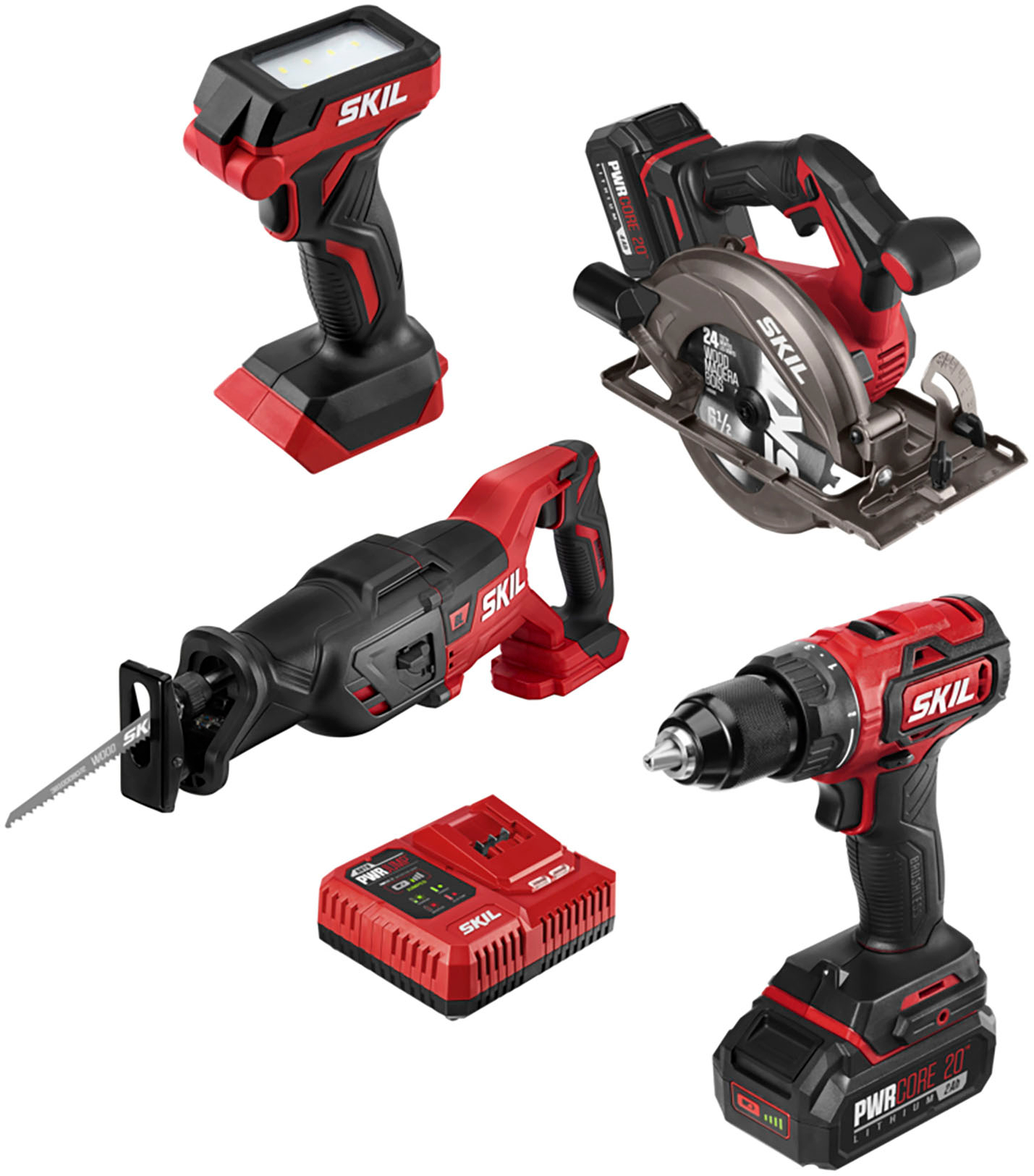
Revitalize Your Routine Skil - PWR CORE 20 Brushless 20V 4-Tool Bundle: Includes Drill Driver, Reciprocating Saw, Circular Saw, and LED Light - Red/Black
Original price was: $170,194.50.$961.10Current price is: $961.10.
Add to cart
Revitalize Your Lifestyle WORX - WG779 40V 14" Lawn Mower with Grass Collection Bag and Mulcher, including 2 x 4.0 Ah Batteries and 1 x Charger - Black
Original price was: $118,743.60.$646.20Current price is: $646.20.
Add to cartPopular items in this category
USB Rechargeable Reflective Vest Backpack with LED Turn Signal Light Remote Control Outdoor Sport Safety Bag Gear for Cycling
Price range: $16.57 through $90.45
Select options
winter gloves
$10.68
Select options
Gloves women winter suede gloves
Price range: $7.65 through $7.77
Select options
Couple knitted gloves touch screen gloves
Price range: $2.55 through $3.84
Select optionsSimilar items you might like

FNIRSI DSO153 2-in-1 Mini Digital Oscilloscope & Signal Generator
$16.10
Add to cart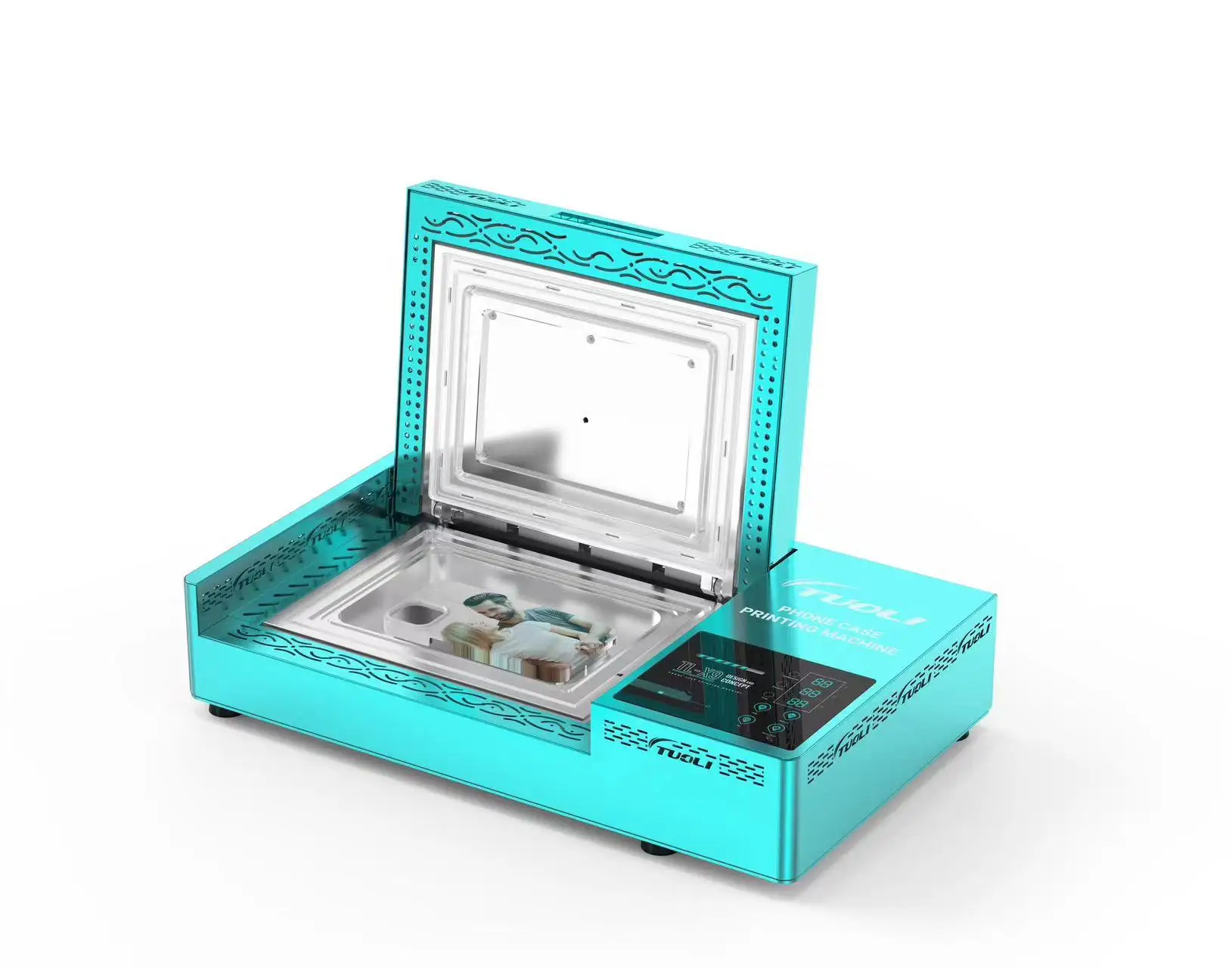
TUOLI TL-X9 Phone Case Printing Machine
$594.00
Add to cart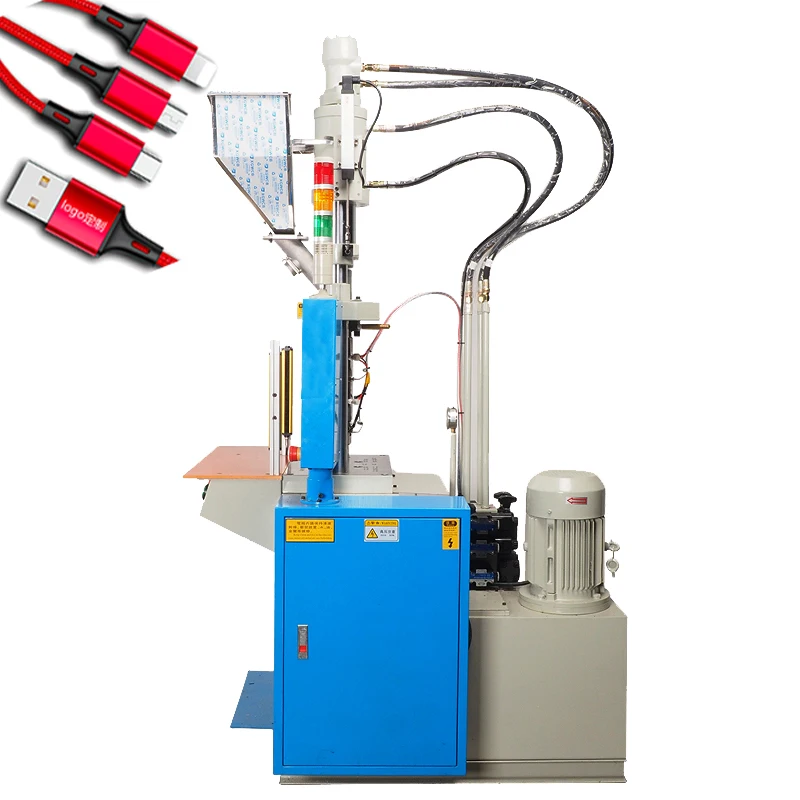
Vertical Injection Molding Machine for Micro-USB Cable Production
$7,557.30
Add to cart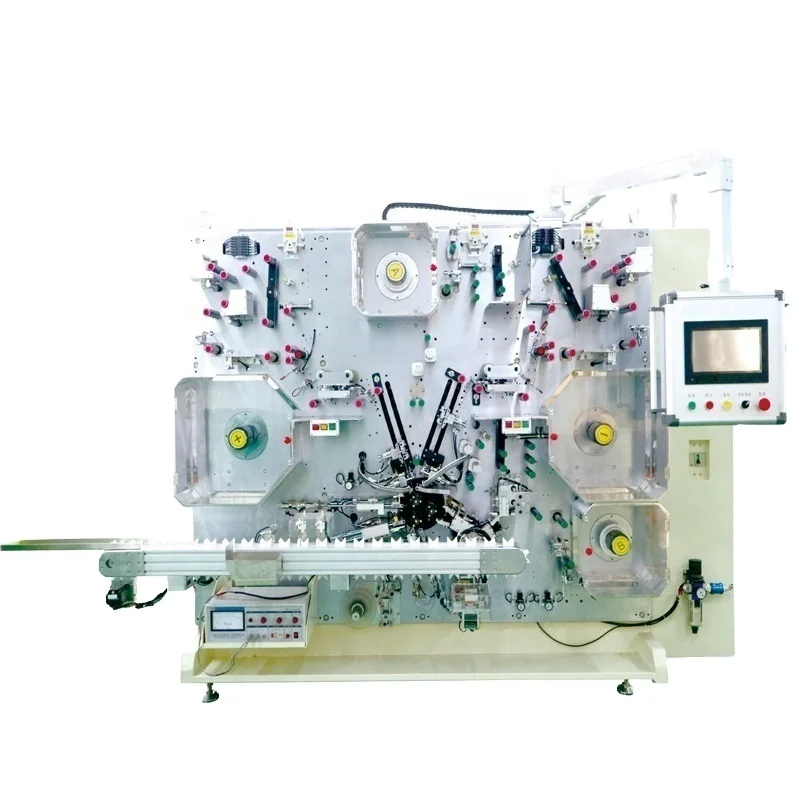
Gelon Turnkey Battery Production Line for Cylindrical and Pouch Cells
$1,215,000.00
Add to cartProducts related to this item
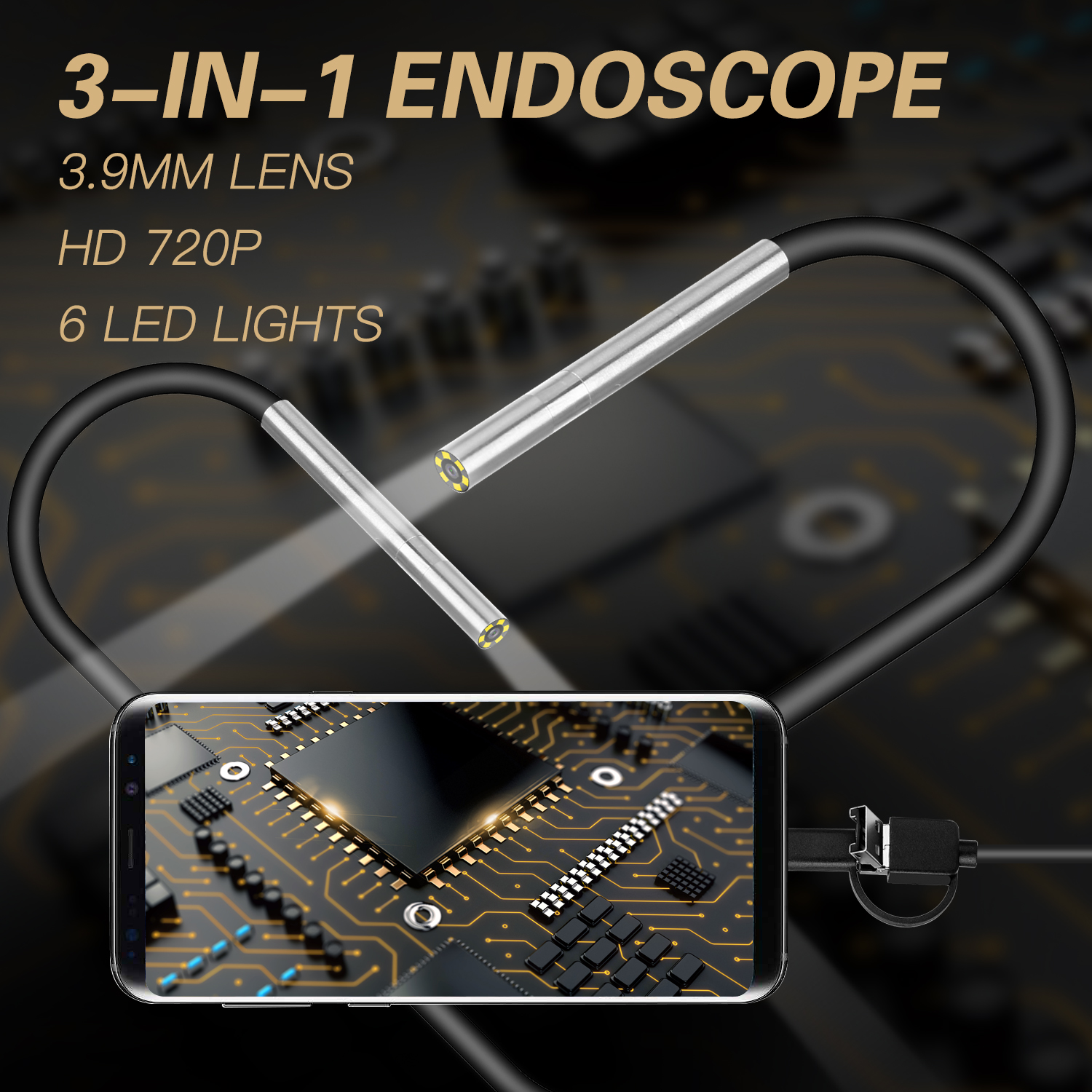
AN100 Rigid Line Endoscope Camera Flexible IP67 Waterproof Inspection Borescope Camera Hard line 10 meters
$61.80
Add to cart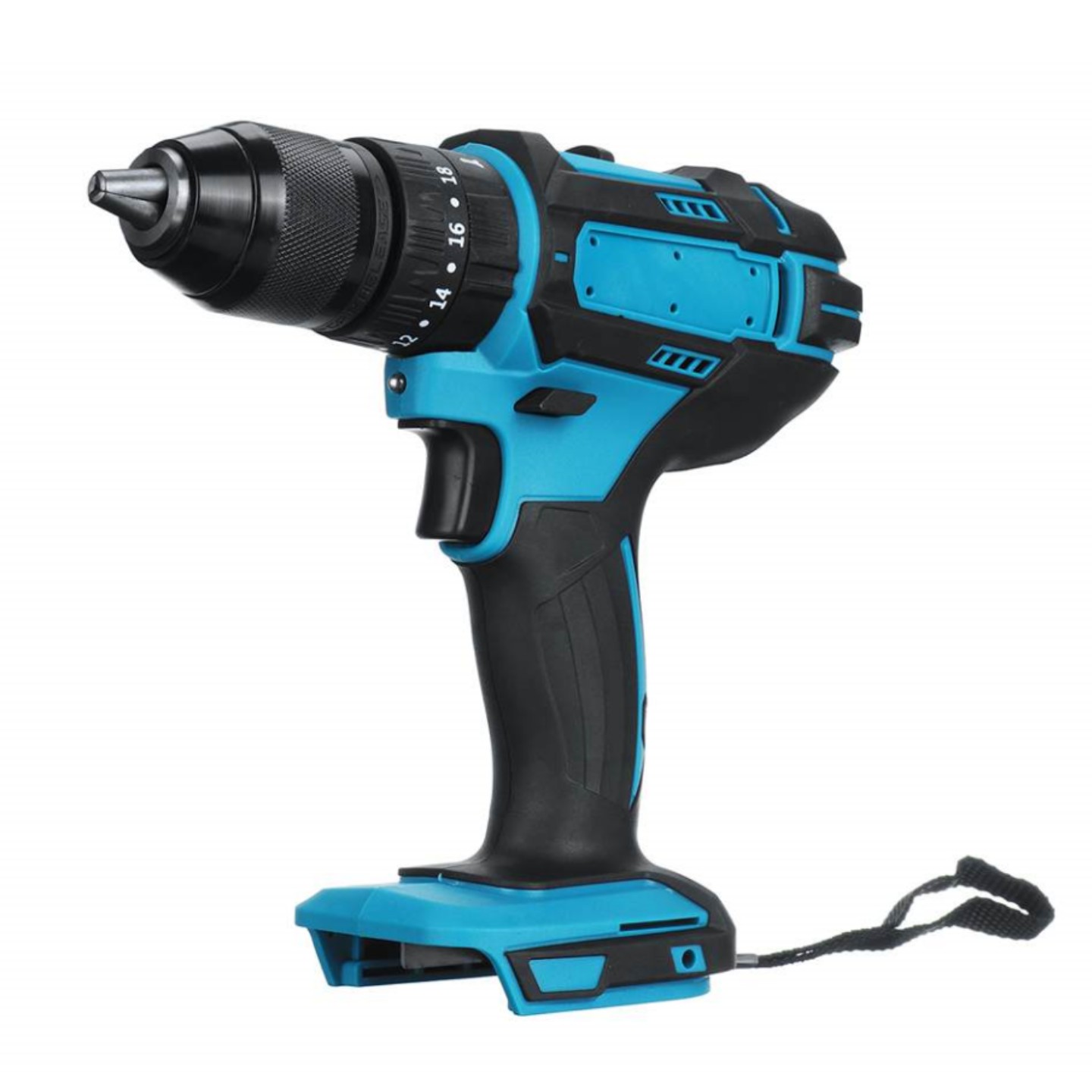
3 in 1 Electric Cordless Impact Drill 18V Electric Screwdriver Drill Power Tool
$98.70
Add to cart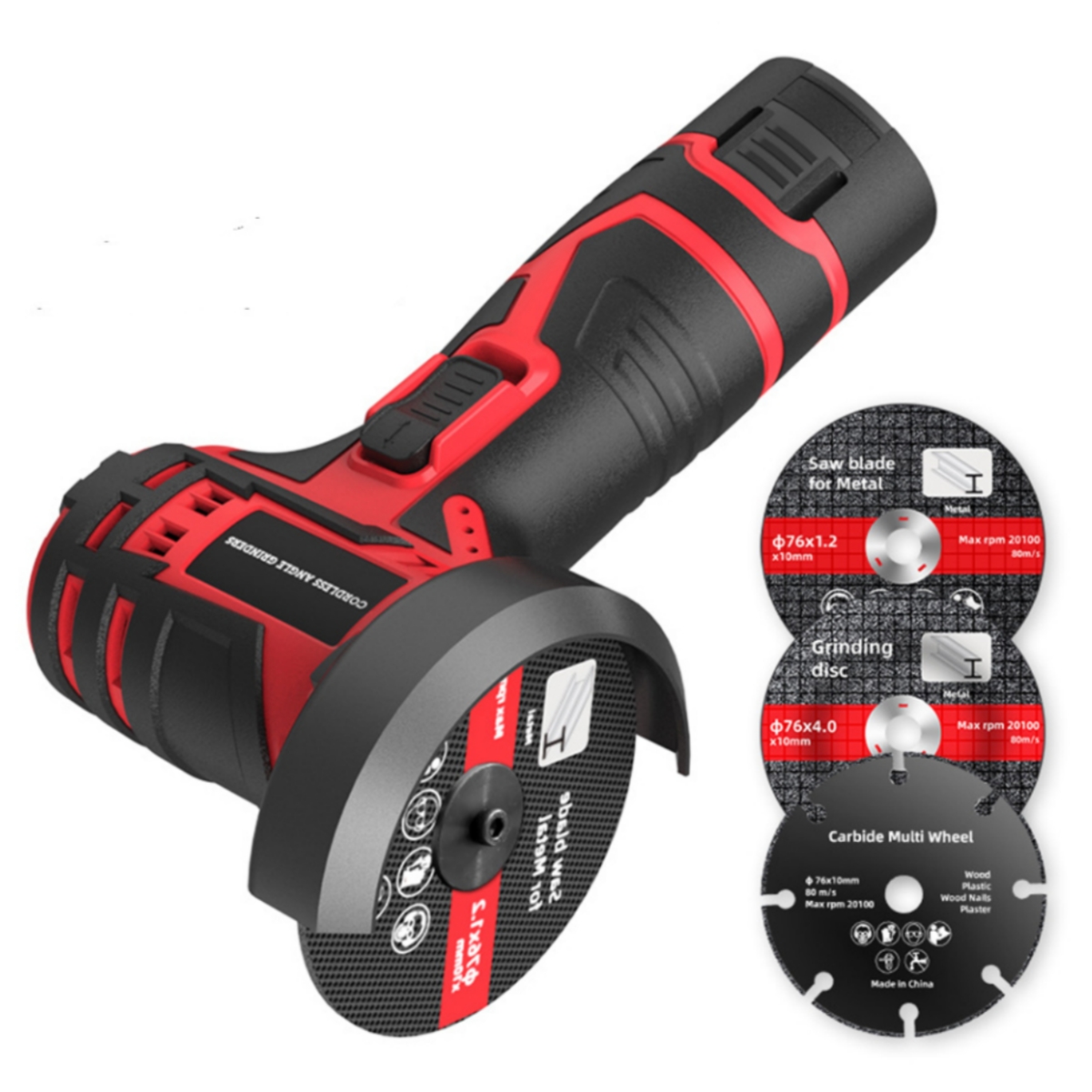
12v 3" Mini Angle Grinder Handheld Lithium Battery Large Capacity Professional Cordless Grinding Machine Electric Tools
$171.90
Add to cart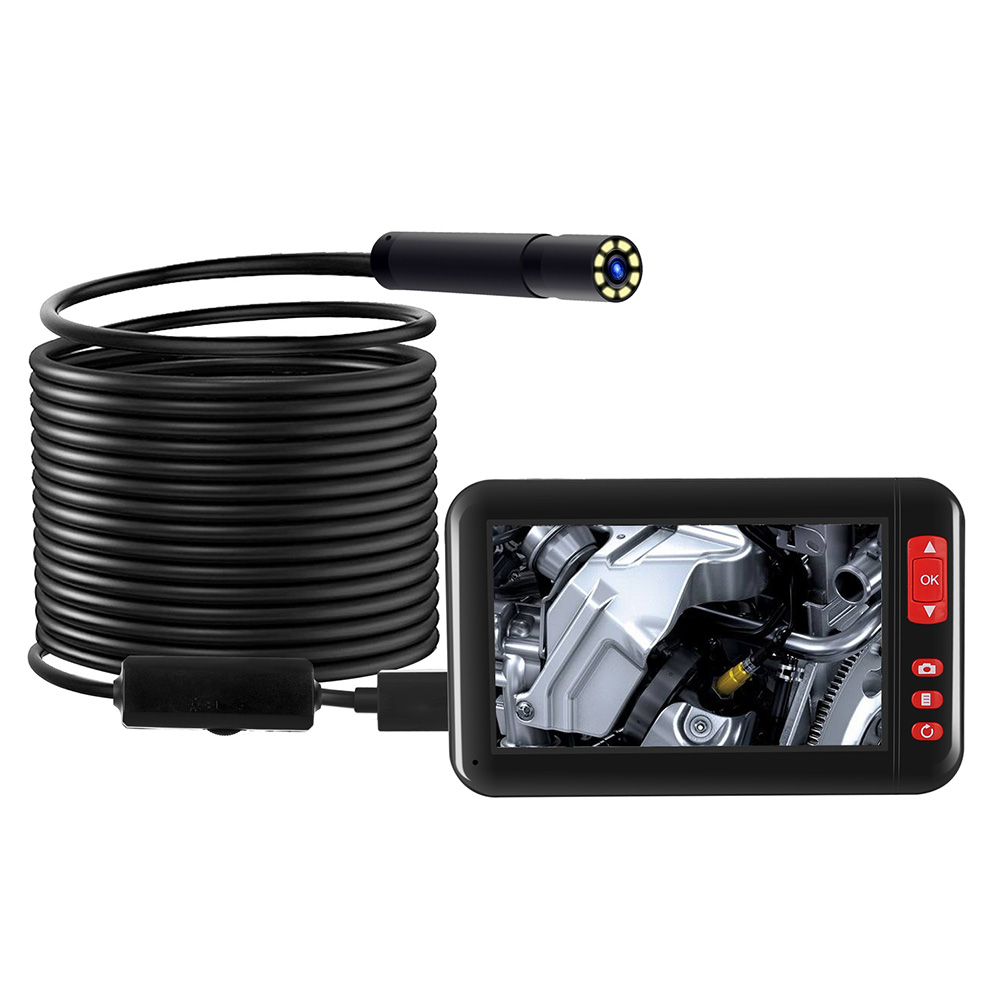
Industrial Endoscope Borescope Inspection Camera with 4.3inch HD 1080P Display Screen, 8 LEDs, 8mm Lens, Built-in 2000mAh Rechargeable Lithium Battery, and 5m Cable
$104.50
Add to cartProducts you may also like
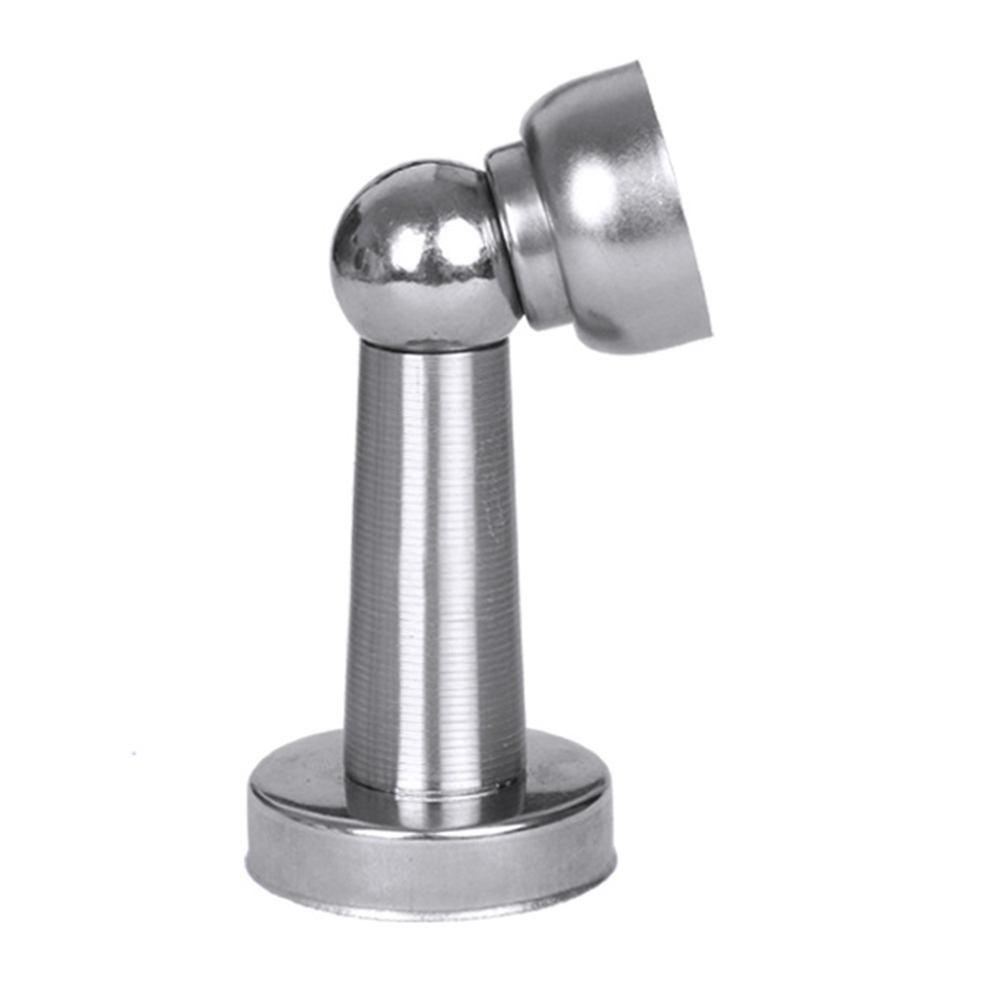
Stainless Steel Thickened Magnetic Door Stopper Noiseless Doormagnet 0.5mm
$15.20
Add to cart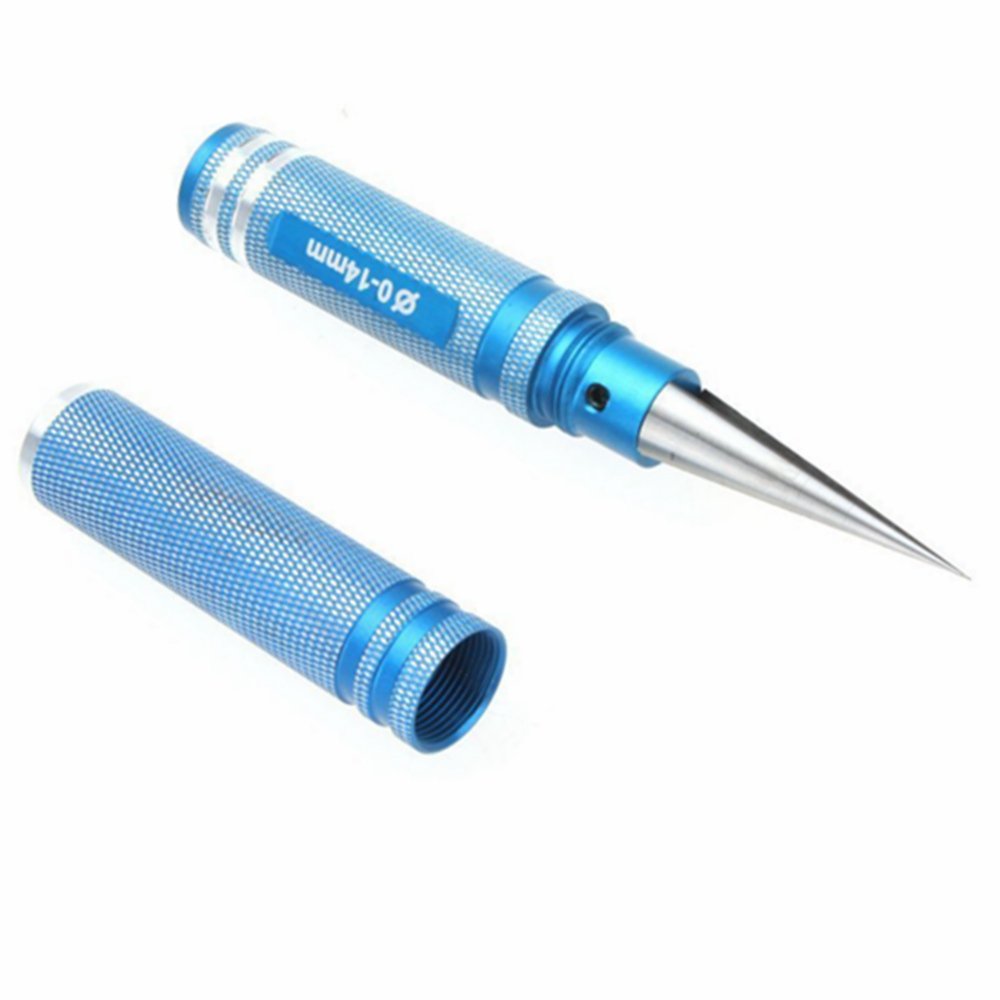
0-14mm Aluminum Alloy Expanding Hole Puncher Opener Reamer Tool with Protective Sleeve for RC Model Car Body Shell blue
$30.20
Add to cart
Portable Hand Crank Generator for Outdoor Activities
$16.10
Add to cart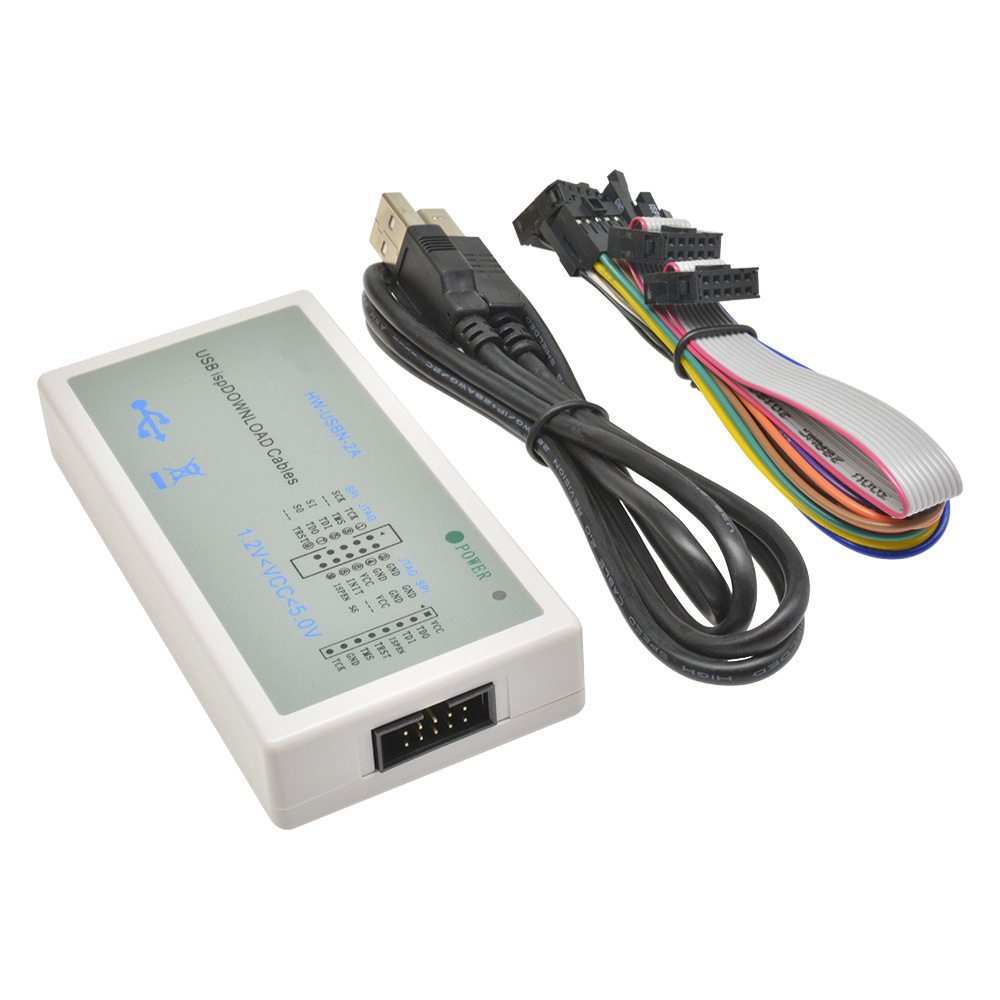
USB Downloader Jtag ISP Programmer ispDownload Cable Lattice FPGA CPLD HW-USBN-2 Lattice USB download line downloader
$60.60
Add to cartRecommended for You
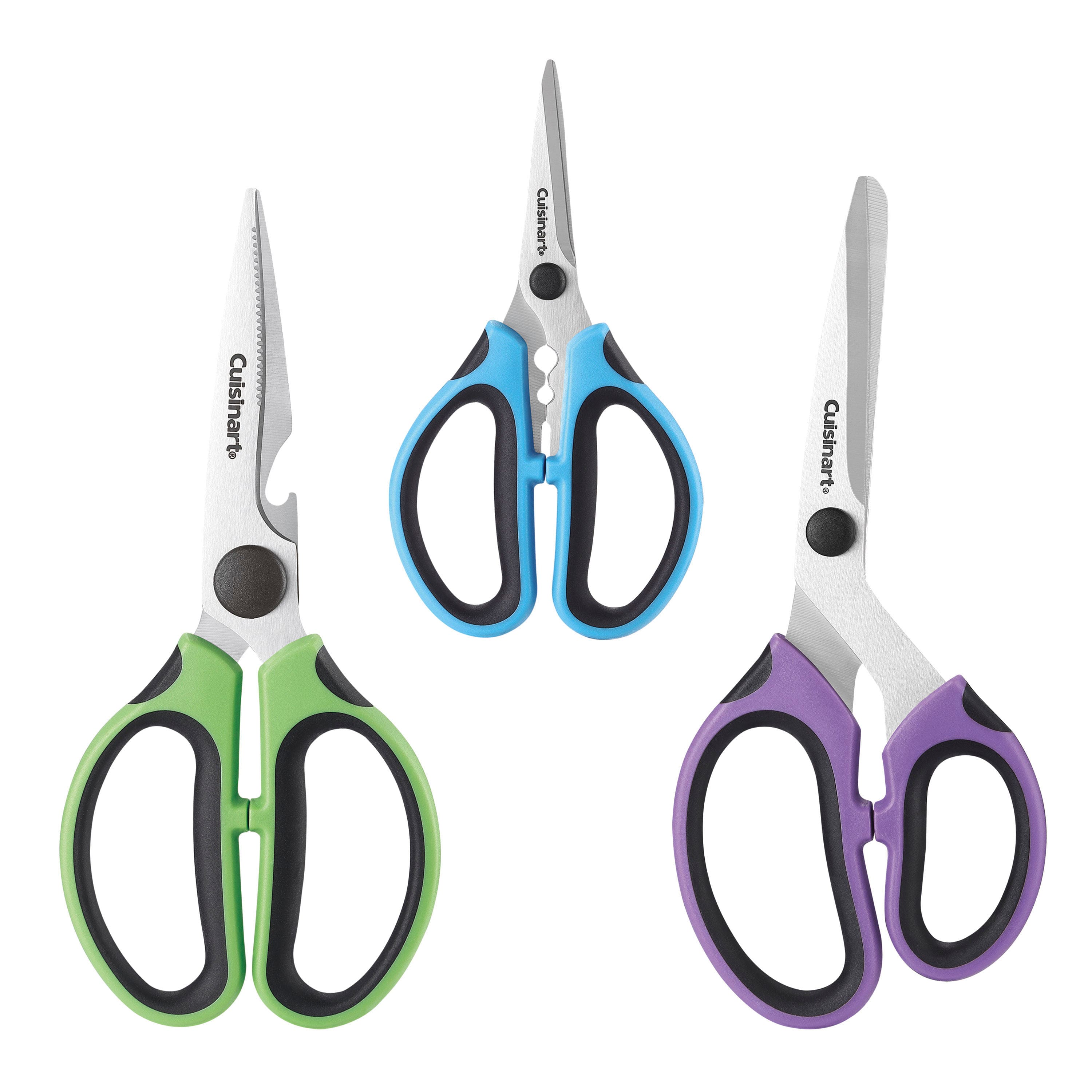
Masterpiece Cuisinart - Set of 3 Shears - Multiple Uses
$58.60
Add to cart
Classic Deal Industrial Scientific SP40 Sampling Pump (Part Number: 1810-5437) for M40 Unit Use
$63.30
Add to cart
Used Yutong Diesel Coach Bus with Manual Transmission
$21,600.00
Add to cart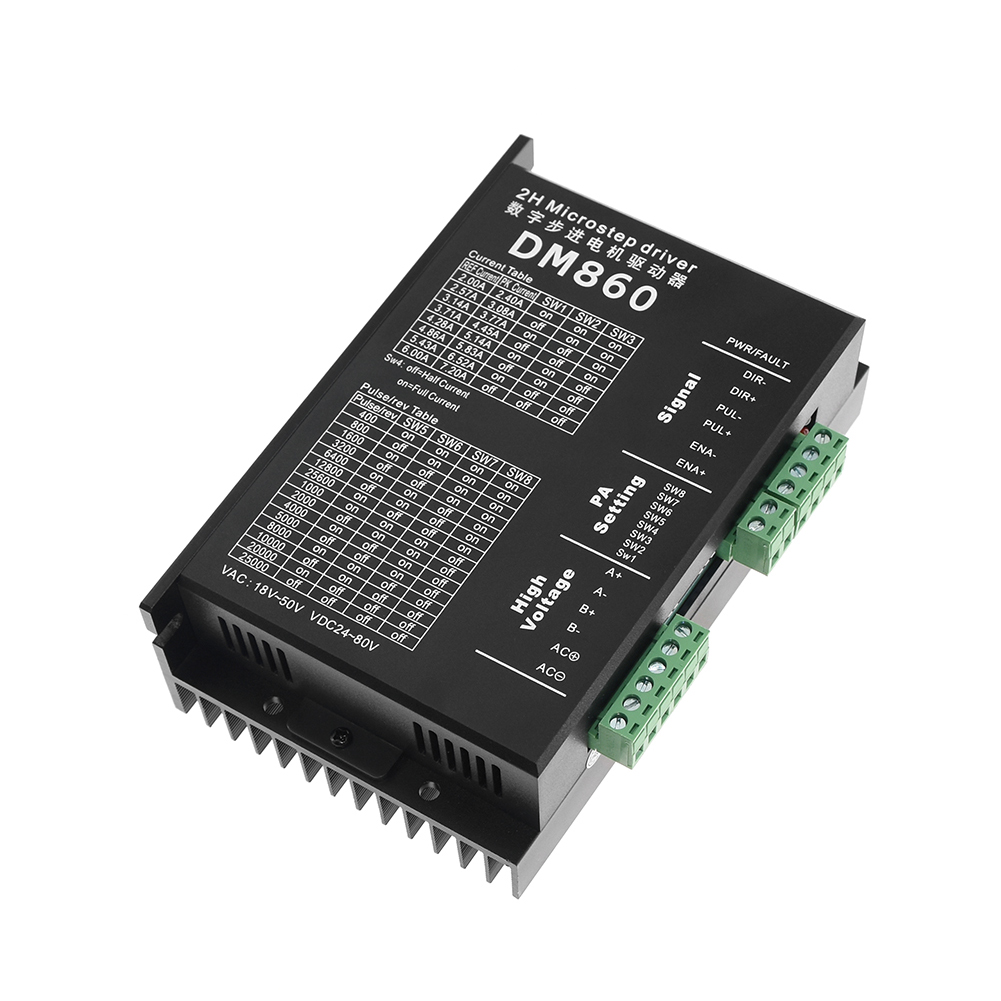
Stepper Motor Driver Cintroller DM860 Microstep Motor Brushless DC Motor Shell for 57 86 Stepper Motor Nema23 Nema34 black
$107.50
Add to cartRelated products
-

Cordless Brushless Electric Impact Driver Wrench with Screwdriver
$102.50 -
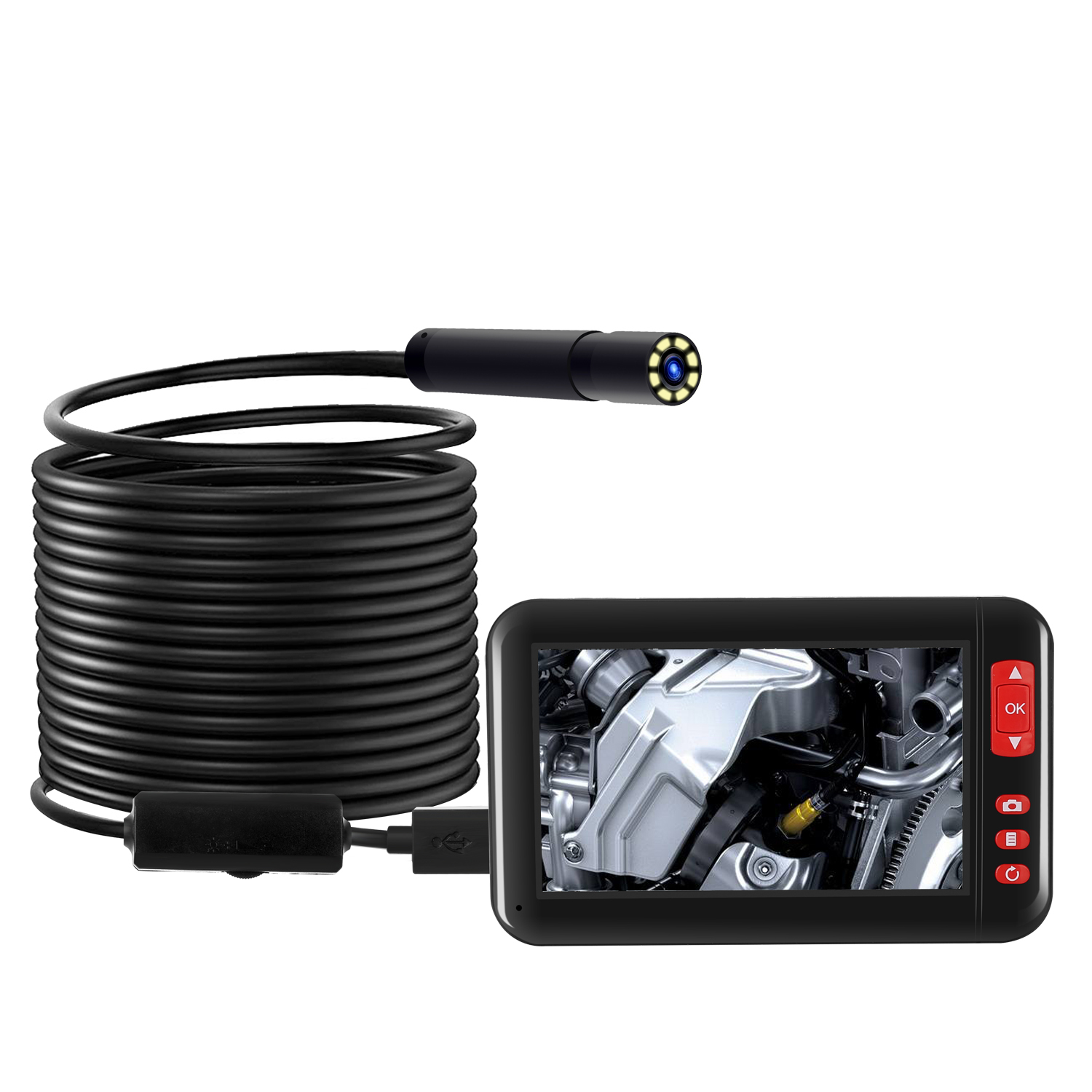
8mm 1080P Endoscope Camera with 4.3 Inch Screen Display 2000mAh 8 LED Light waterproof Inspection Borescope Camera 2 meters
$97.50 -
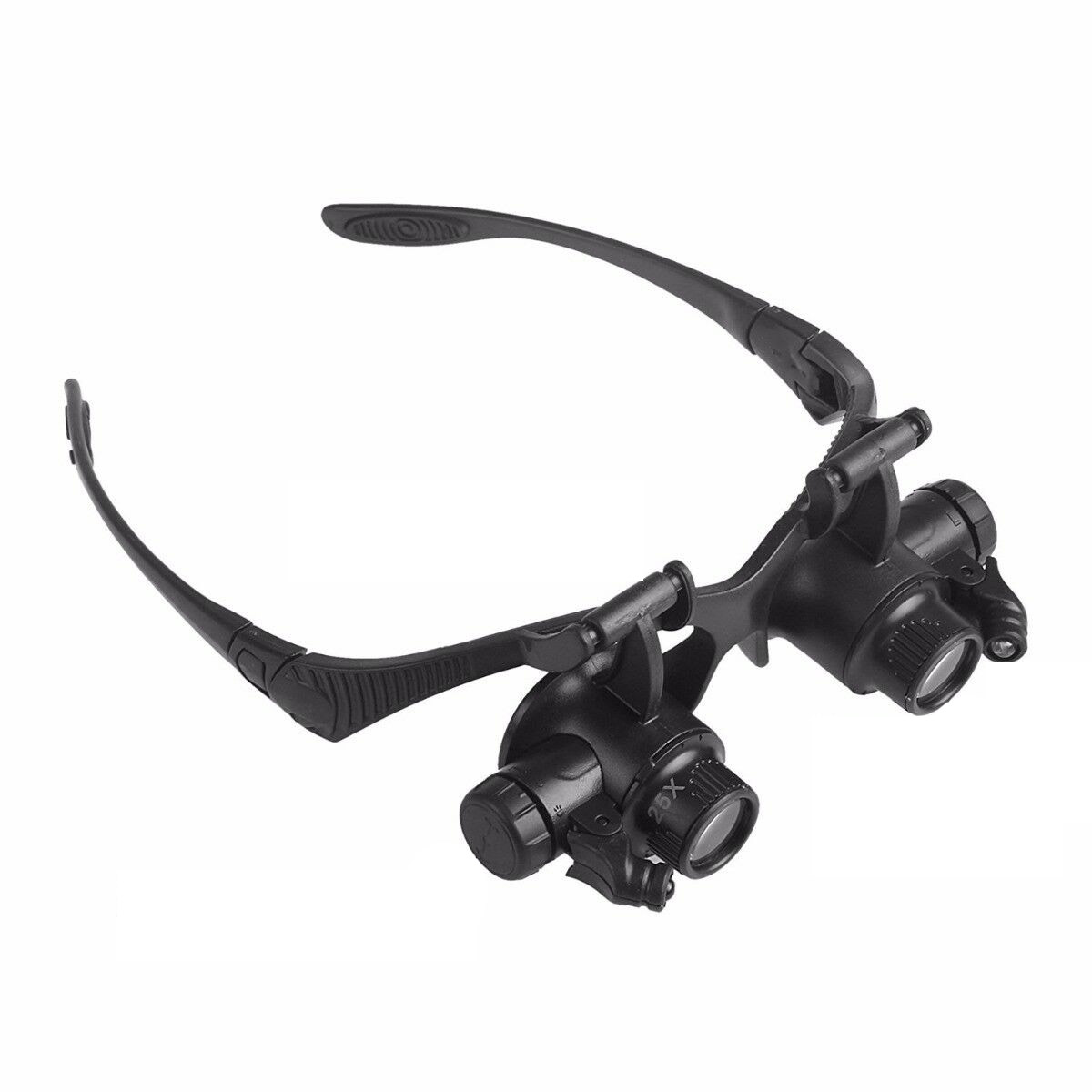
Double Eye Magnifier Glasses Jewelry Watch Repair Loupe Glasses with LED Light and 8 Lens black
$36.50 -
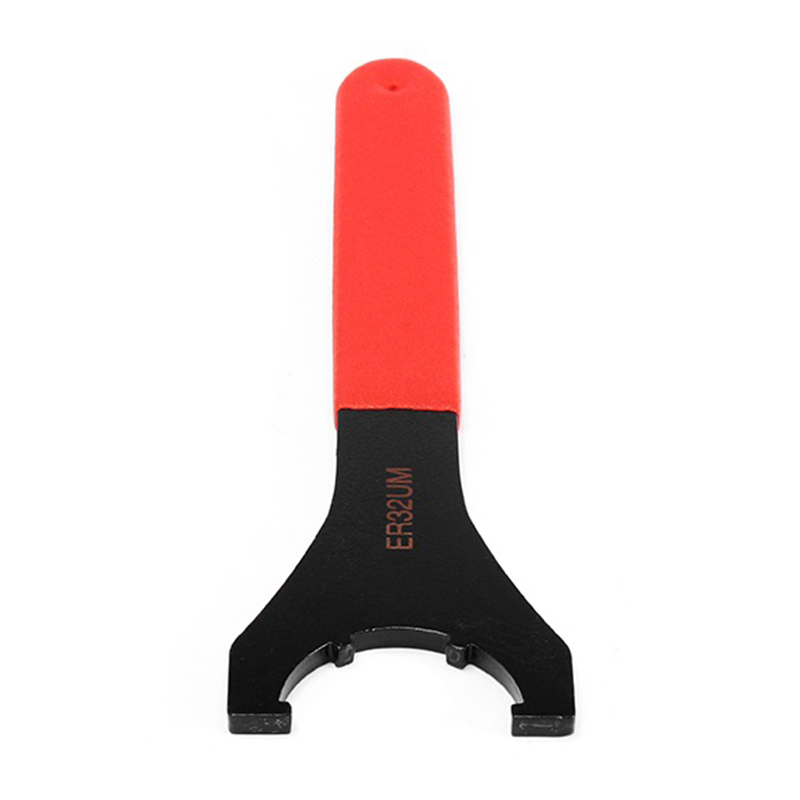
ER Spanner UM Type ER16 ER20 ER25 ER32 ER40 Wrench for ER Nut Collet Chuck Holder ER32UM
$33.70

Reviews
There are no reviews yet.