
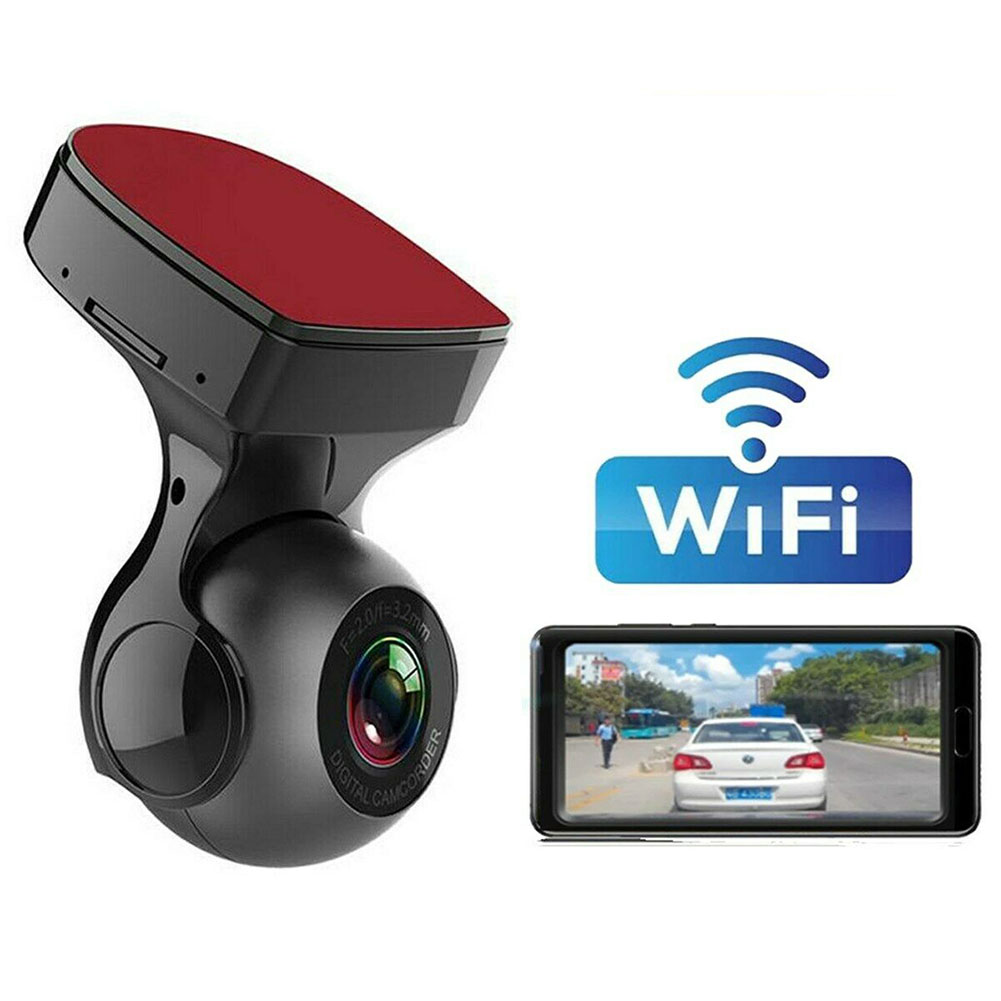
Wifi Car DVR Recorder 1080p Dash Cam
$68.90
- 1080P HD Resolution for clear video and images
- Super night vision for high-quality visuals in dark conditions
- Mobile APP connectivity for live broadcast, playback, and video download
- Extremely compact design that doesn’t block the line of sight
- Hidden compact design that can be placed behind the rearview mirror
Buy more, save more
Buy 2–4 of this item and save 5%.
Buy 5 or more of this item and save 10%.
Discount is automatic in your cart on regular-priced items. It cannot be combined with coupon codes or sale prices.
Buy 2–4 of this item and save 5%.
Buy 5 or more of this item and save 10%.
Discount is automatic in your cart on regular-priced items. It cannot be combined with coupon codes or sale prices.
Country suggested using IP or browser language; you can change it. Shipping is confirmed at checkout.
Description
Wifi Car DVR Recorder 1080p Dash Cam,
How to Use the 170 Degree Wifi Car Driving Recorder
Step 1: Installation
- Mount the car camera on the windshield behind the rearview mirror using the provided adhesive mount.
- Connect the car camera to the car’s power source using the included car charger.
Step 2: Connecting to Wi-Fi
- Turn on the car camera by pressing the power button.
- Go to your phone’s Wi-Fi settings and connect to the Wi-Fi network named [Product Name].
- Open the mobile app [App Name] on your phone.
- In the app, go to the settings menu and select “Connect to Device”.
- Select the car camera’s Wi-Fi network from the available networks.
- Enter the password [password] when prompted.
Step 3: Adjusting Settings
- In the mobile app, navigate to the settings menu to customize the recording quality, loop recording, motion detection, etc.
- Make sure to set the date and time correctly for accurate video timestamps.
- Adjust the camera angle if needed by gently rotating the camera body.
Step 4: Recording and Viewing videos
- To start recording, simply turn on the car camera. It will automatically start recording once the car engine starts.
- To view the recorded videos, open the mobile app and go to the playback menu.
- Select the desired video from the list and tap on it to start playback.
- From the playback menu, you can also download the videos to your phone for future viewing or sharing.
Step 5: G-Sensor and Super Night Vision
- The built-in G-sensor of the car camera will detect any sudden impact or collision and automatically lock the current video footage for safekeeping.
- During night driving, the car camera’s Super Night Vision feature will enhance visibility in low-light conditions, providing clear video footage.
Step 6: Powering Off
- To power off the car camera, simply press and hold the power button until the device shuts down.
- Disconnect the car charger from the car’s power source.
With these simple steps, you can now use the 170 Degree Wifi Car Driving Recorder to capture high-quality video footage, ensuring your driving safety and providing evidence in case of accidents or incidents.
, ,
3 reviews for Wifi Car DVR Recorder 1080p Dash Cam
Only logged in customers who have purchased this product may leave a review.
Special deals for you
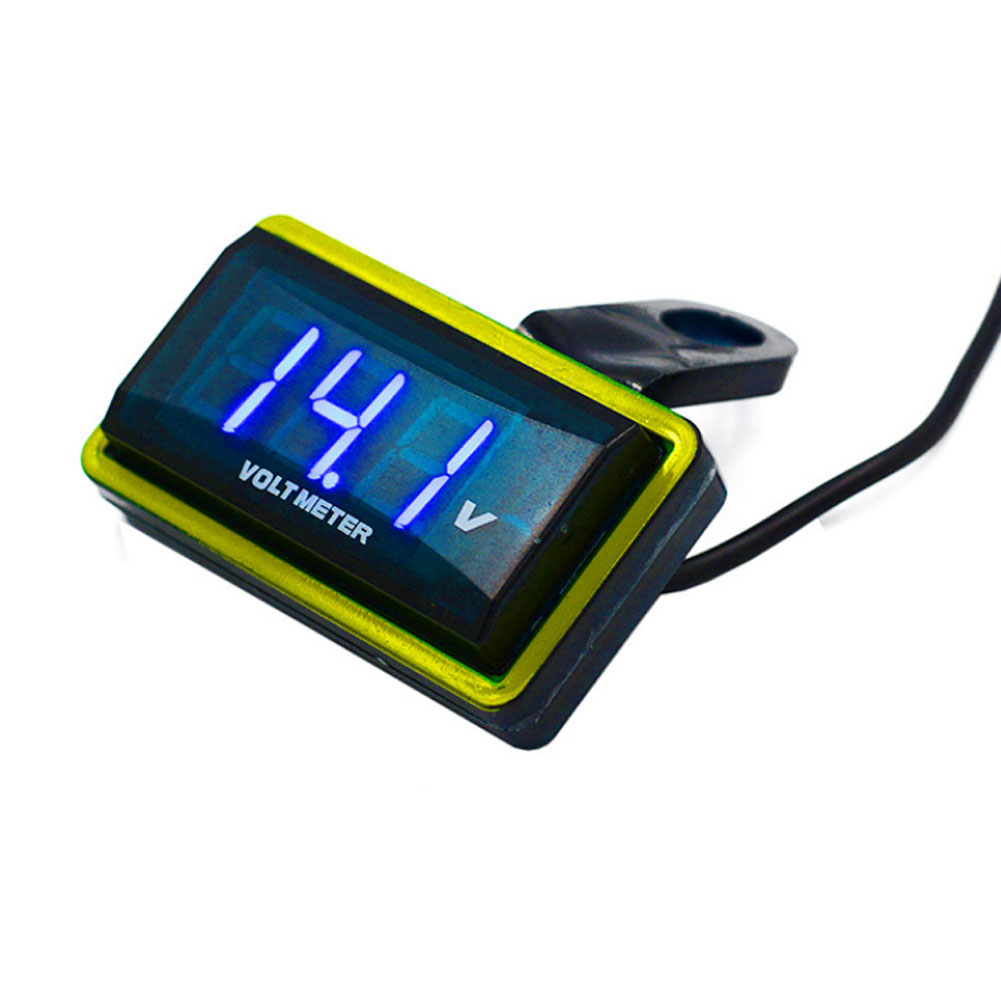
12V Car Voltmeter with Digital LED Display
Original price was: $20,030.60.$20.60Current price is: $20.60.
Add to cartPopular items in this category

Meterk 6-Tooth Wood Carving Disc – 16mm Bore Angle-Grinder Attachment
Price range: $12.08 through $26.62
Select options
Motorcycle accessories
$6.33
Add to cart
ECO OBD2 Plug-In Vehicle Module – Fuel-Saving Claims Not Verified
Price range: $2.67 through $14.61
Select options
Motorcycle-Style Leather Jacket – Black, Brown and Dark Brown
$26.88
Select optionsSimilar items you might like


Products related to this item
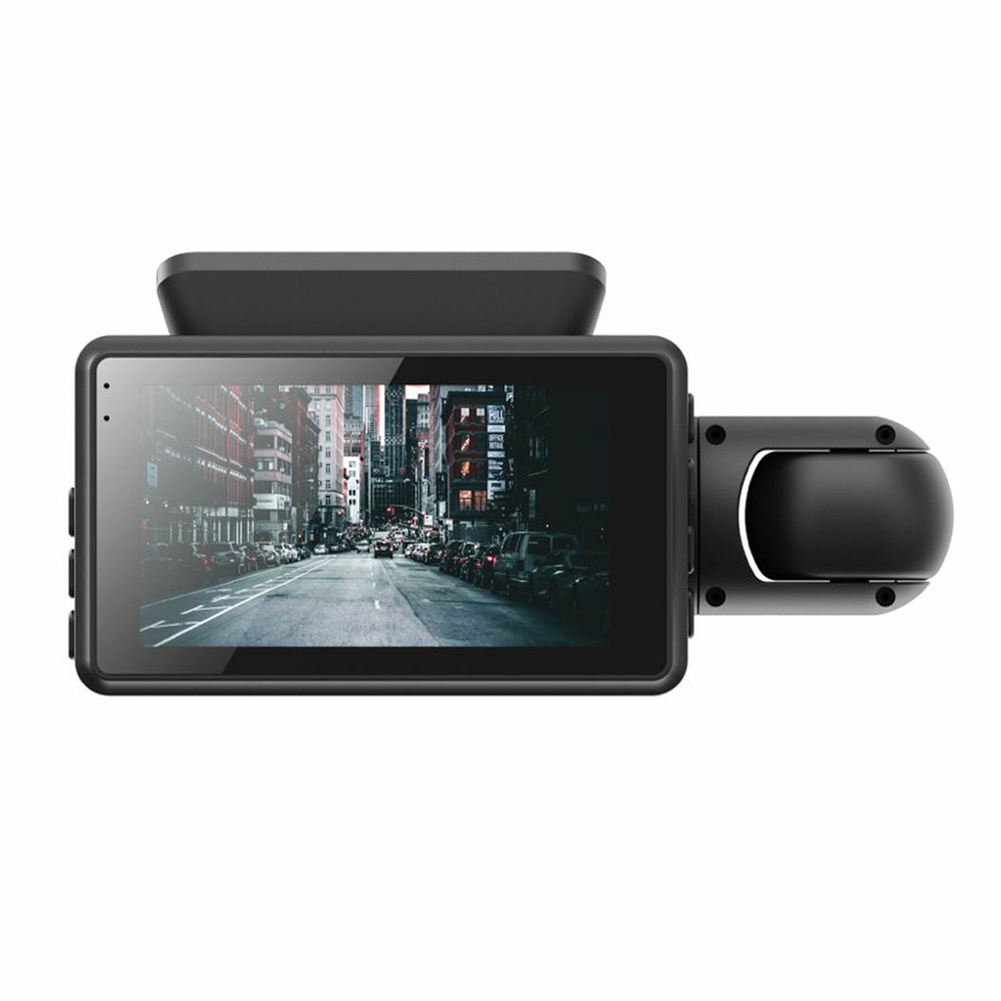
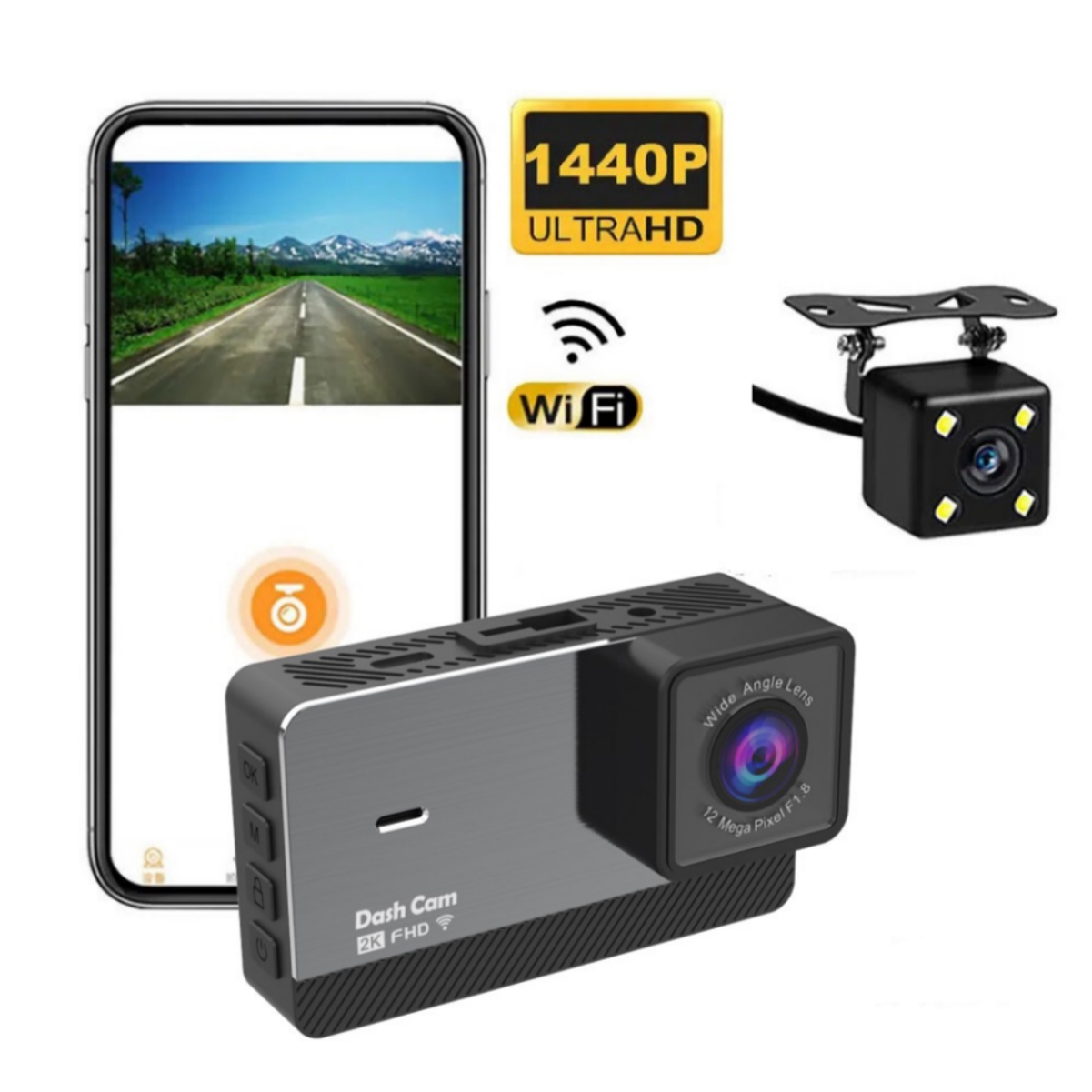
Dual Lens Car Video Recorder HD 1080P Dash Cam 3.0 Inch Ips Camera Night Vision G Sensor with 32GB card
$74.00
Add to cart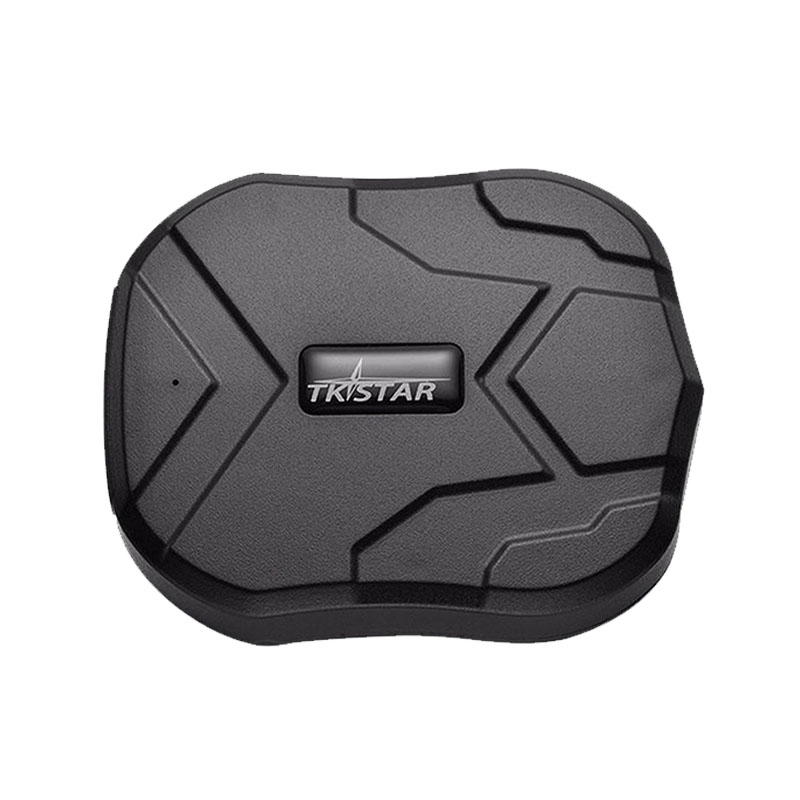
GPS Tracker Car 5000mAh 90 Days Standby 2G Vehicle Tracker GPS Locator Waterproof Magnet Voice Monitor Free Web APP black
$139.40
Add to cart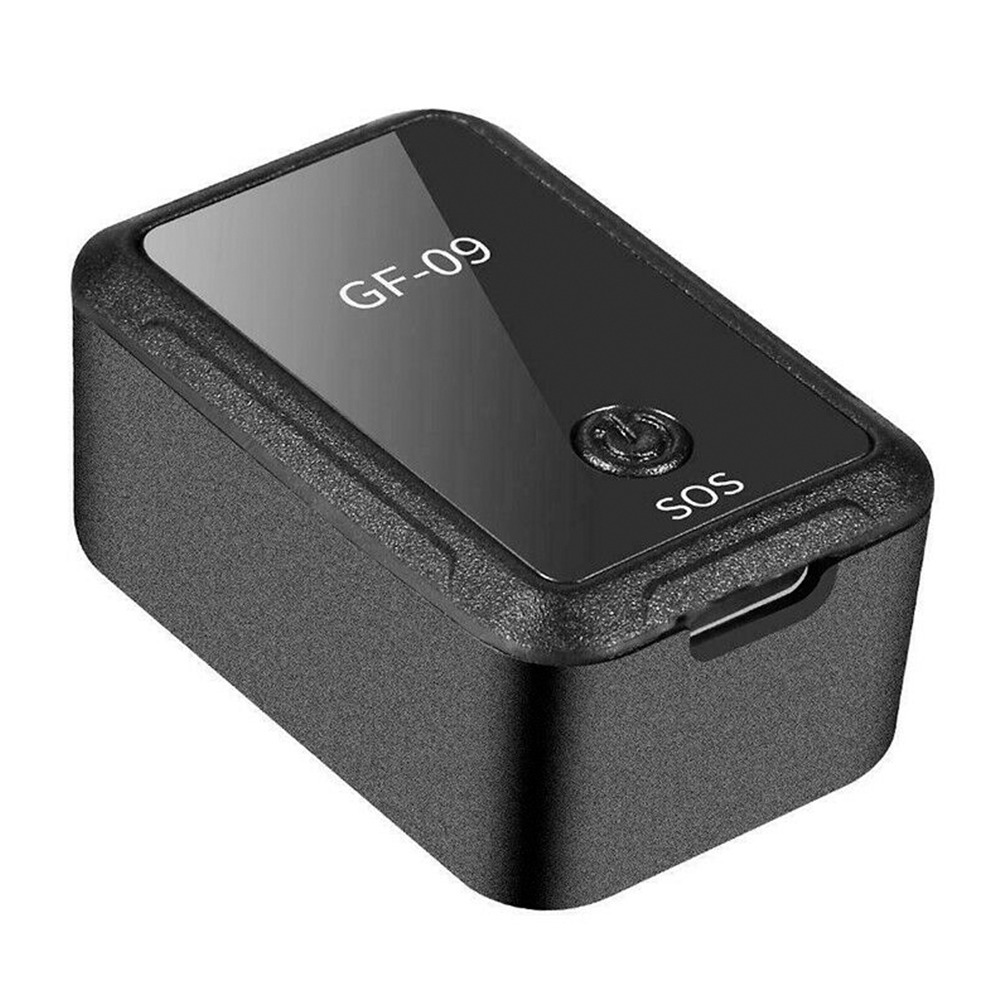
Magnetic Mini Vehicle Car GPS Anti-thief Tracker APP Control Real Time Tracking USB black
$50.80
Add to cart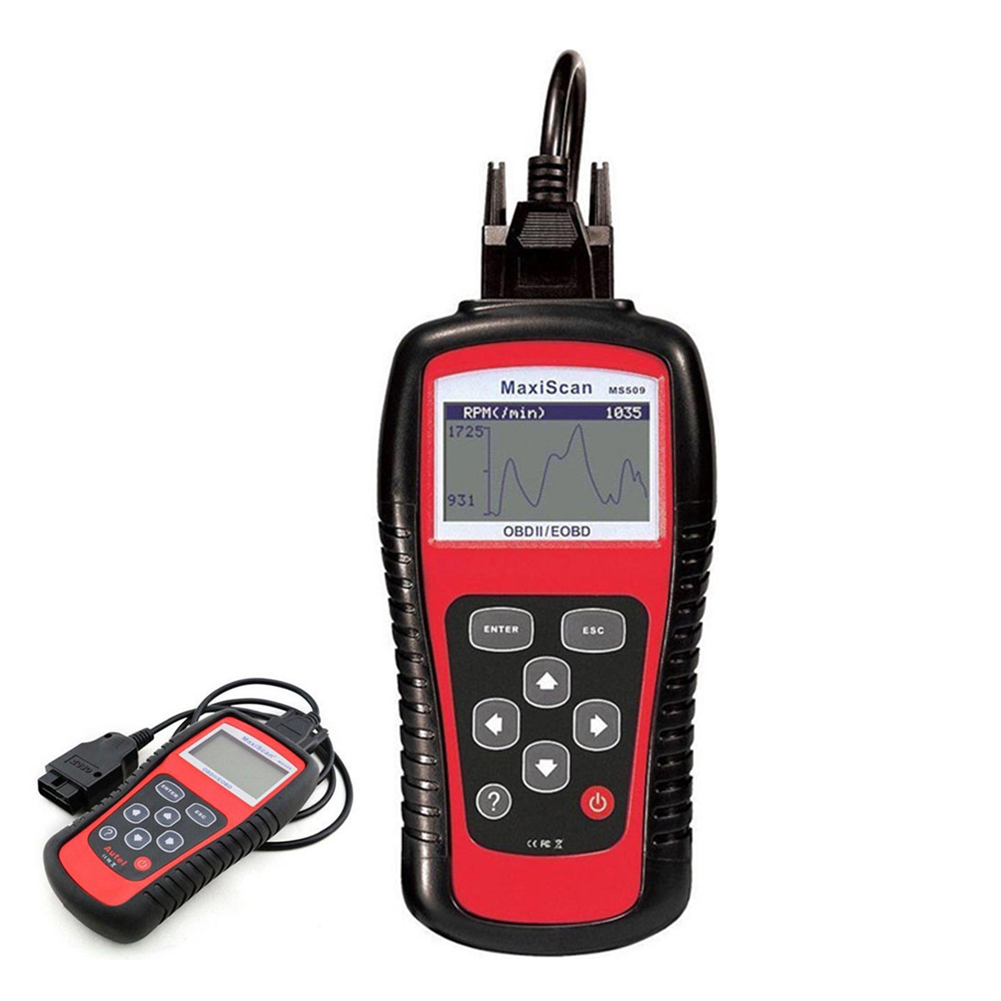
Automobile Diagnosing Instruments Code Reader Automobile Scanning Tool obd2 Real-time Data Red black
$97.50
Add to cartProducts you may also like

Recommended for You

Car seat belt for pregnant women, car co-pilot special anti-stroke cover, pregnant driving
$14.16
Select options
Motorcycle helmet
Price range: $35.71 through $39.13
Select options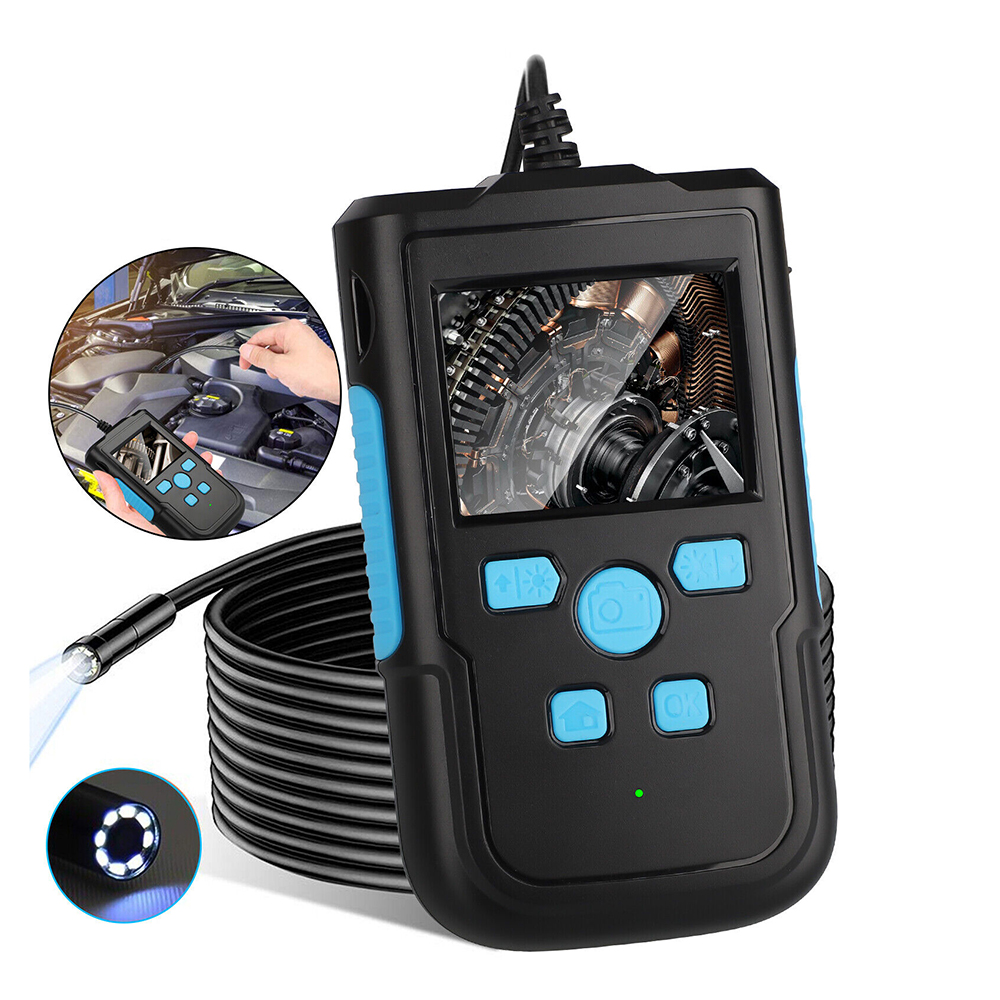
1080P HD Industrial Endoscope Camera 2.4-inch Screen Pipeline Borescope Video Inspection Camera 8mm-2m Black
$82.00
Add to cart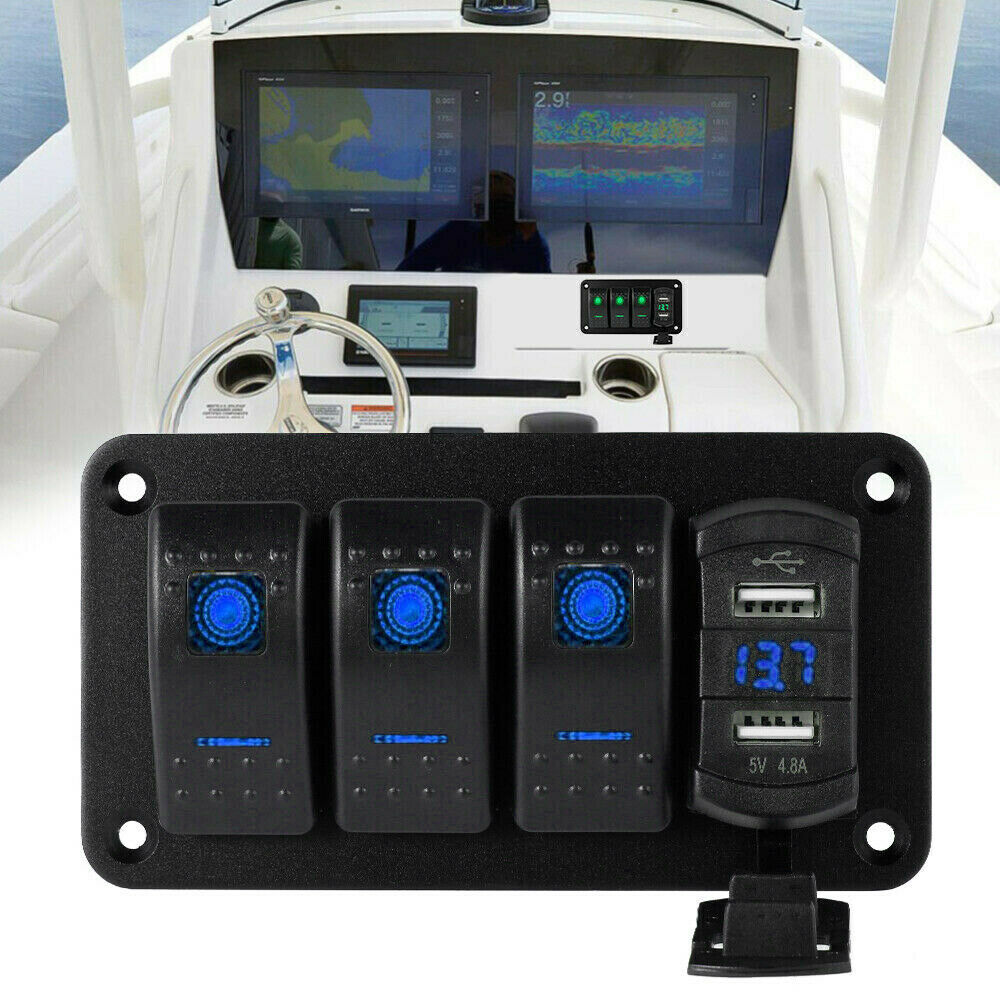
Rocker Switch Panel Dual Usb+ Voltage Digital Display Panel Car Modification Parts Blue light
$62.40
Add to cartRelated products
-

Car Sticker 3D Sport Emblem Racing Car Sticker Badge Door Side Logo Adhesive Tail For Trunk Cars Car Styling Accessories red
$12.30 -
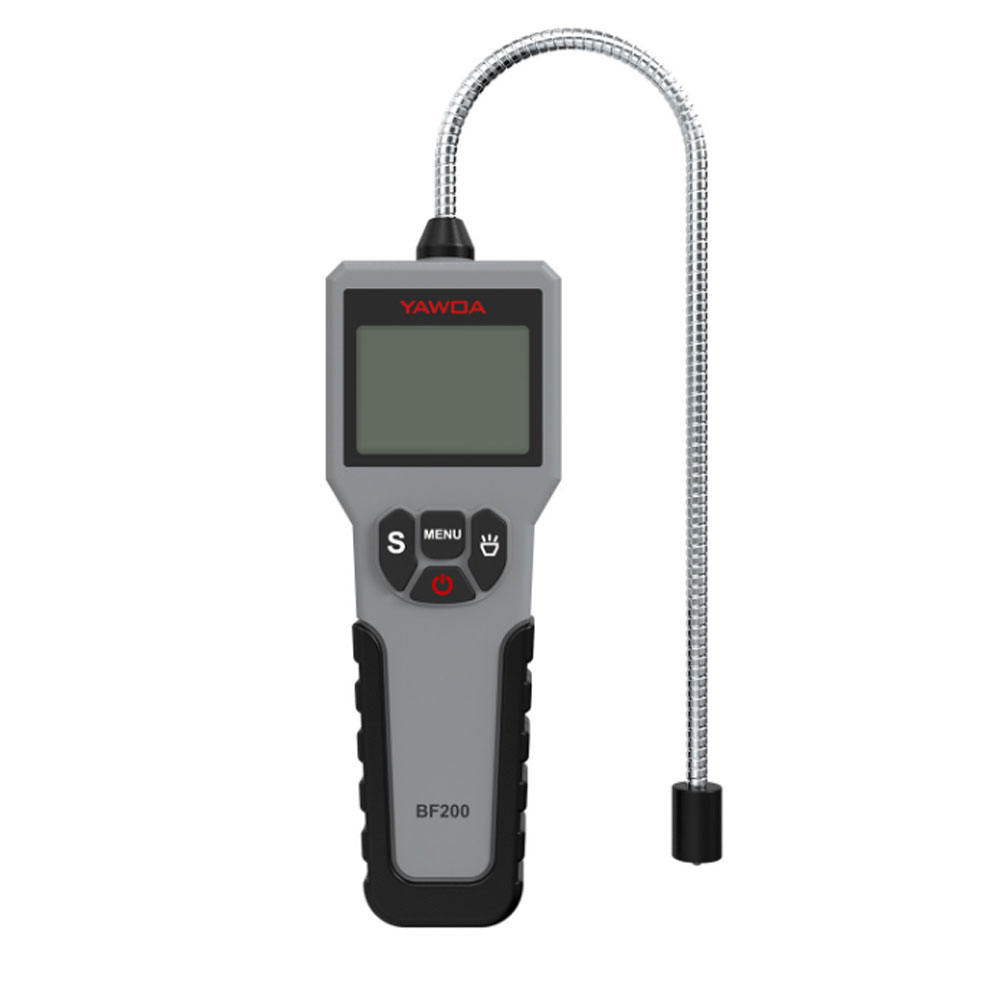
Car Brake Fluid Tester Pen Auto Brake Oil Detector Universal Detector Car Diagnostic Tool Car Fault Diagnosis Instrument grey
$60.20 -
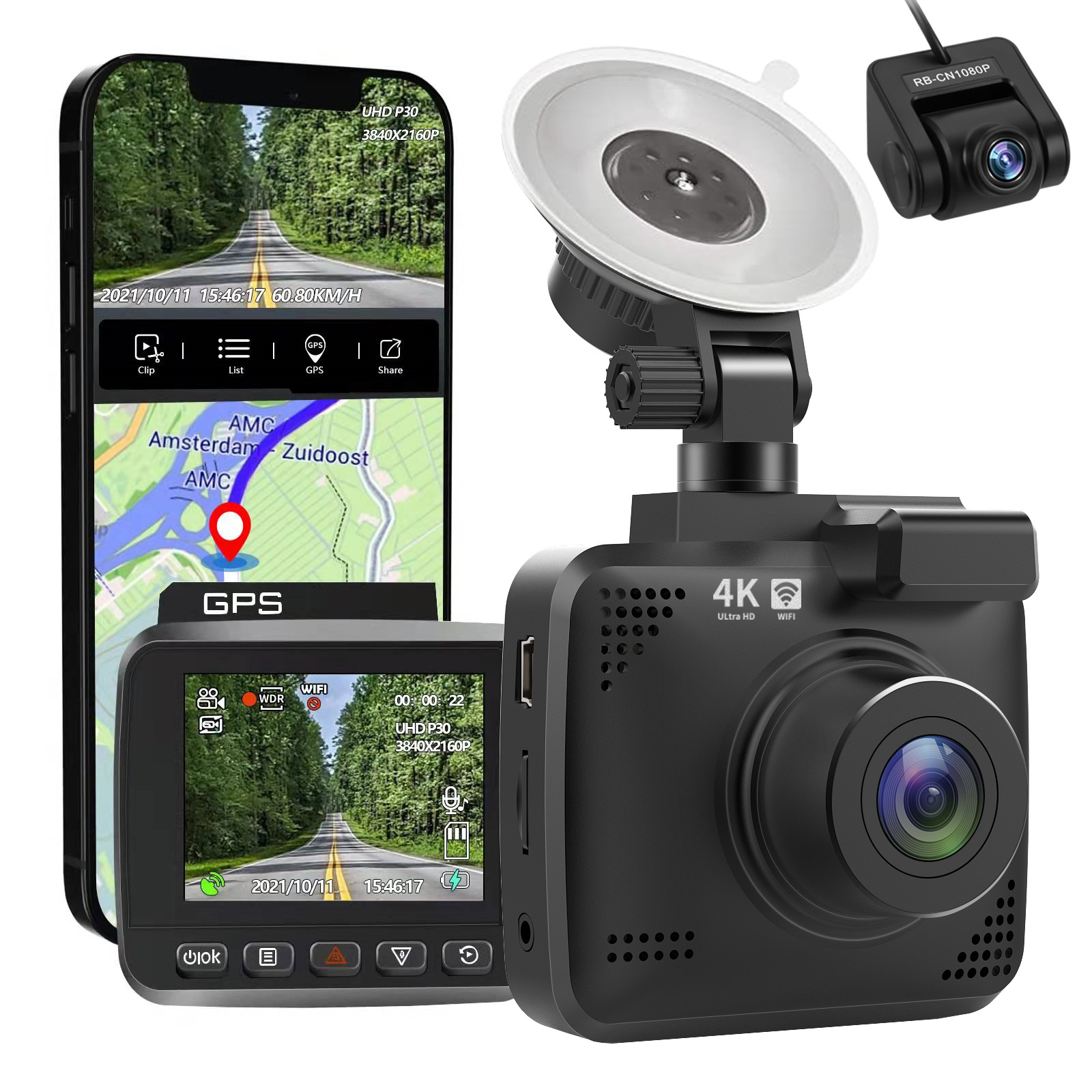
4k Wifi GPS Car Dash Cam
$197.20 -
![Car Holder Clip Mount Dashboard Car Phone Holder 360 Rotatable Stand Mount Display GPS Bracket [dashboard clips]](https://cdn.chv.me/images/PjZw0u-b.jpeg "Car Holder Clip Mount Dashboard Car Phone Holder 360 Rotatable Stand Mount Display GPS Bracket [dashboard clips]")
Car Holder Clip Mount Dashboard Car Phone Holder 360 Rotatable Stand Mount Display GPS Bracket [dashboard clips]
$18.50

 English
  French
  Spanish
  German
  Portuguese
  Arabic
Treand –
When I got a new to me car in March, I was over the moon. Car of my dreams! Little did I know that just a few weeks later I would be sideswiped in my parking spot while I was at home, working…
Jeffrey Smith –
Shoots very good quality video. I live in NYC, so it’s going to be hot here, and even hotter in the car when parked, so imagine how hot this little camera is. But still tenacious work, just…
Mahi Hunter –
This is a great option if you want a budget-friendly, reliable and well-made camera with good video quality. The image quality is much better than those junk models out there that can’t even read…