
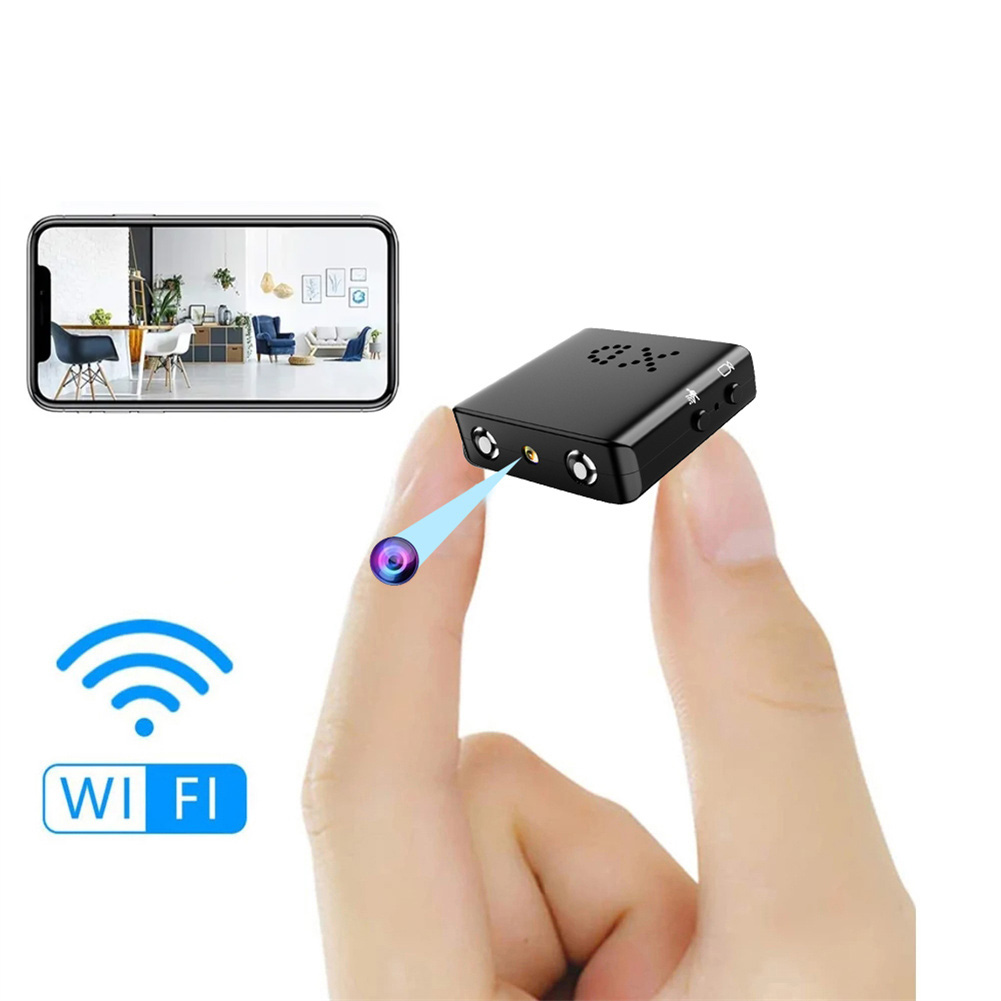
Bkw1 Hidden Camera – Ultra Compact Mini WiFi 1080P IR-Cutting Camera with Night Vision, Motion Detection, and Battery-Free Operation
$59.60
- USB charging for unlimited power supply
- Smallest camera size, easy to carry
- Remote viewing of live video from anywhere in the world
- Night vision feature with up to 5M distance
- Suitable for indoor, outdoor, and company installation
- Intelligent IR cut function for automatic activation of night vision
- Cyclic recording to never miss important moments
- Can be used to record the growth of pets and children
Buy more, save more
Buy 2–4 of this item and save 5%.
Buy 5 or more of this item and save 10%.
Discount is automatic in your cart on regular-priced items. It cannot be combined with coupon codes or sale prices.
Buy 2–4 of this item and save 5%.
Buy 5 or more of this item and save 10%.
Discount is automatic in your cart on regular-priced items. It cannot be combined with coupon codes or sale prices.
Country suggested using IP or browser language; you can change it. Shipping is confirmed at checkout.
Description
Bkw1 Hidden Camera – Ultra Compact Mini WiFi 1080P IR-Cutting Camera with Night Vision, Motion Detection, and Battery-Free Operation,
How to Use the BKW1 Hidden Camera
Step 1: Charging the Camera
- Connect the mini camera to a USB device, such as a mobile power bank or USB plug, using the provided USB cable.
- Ensure that the camera is fully charged before using for the first time.
Step 2: Connecting to Wi-Fi
- Download and install the app recommended by the product manufacturer on your smartphone.
- Open the app and create an account (if necessary).
- Follow the on-screen instructions to connect the camera to your Wi-Fi network.
Step 3: Mounting the Camera
- Choose a suitable location for the camera.
- Ensure that the camera is positioned in a way that captures the desired area to be monitored.
- Use the provided adhesive or mounting bracket to securely attach the camera to a surface.
Step 4: Adjusting Settings
- Open the app on your smartphone and connect to the camera.
- Access the camera settings within the app to customize various options such as video resolution, motion detection sensitivity, and night vision settings.
Step 5: Viewing Live Video
- Open the app on your smartphone and connect to the camera.
- Once connected, you will be able to view the live video feed from the camera in real-time.
- You can access the live video from anywhere in the world as long as you have an internet connection.
Step 6: Recording and Playback
- Insert a memory card (not included) into the camera for video recording.
- Configure the camera settings to enable video recording.
- Recordings will be stored on the memory card.
- To playback recorded videos, go to the app’s playback section and select the desired video file.
Step 7: Reviewing and Managing Recordings
- Access the app on your smartphone and connect to the camera.
- Go to the app’s recordings or gallery section.
- You will be able to review and manage the recorded videos on the memory card.
- Older files will be overwritten when the memory card is full, so make sure to regularly backup important recordings if needed.
Note: Please refer to the product manual for detailed instructions and troubleshooting tips.
, ,
Only logged in customers who have purchased this product may leave a review.
Popular items in this category

Tire Pressure Monitoring System Sensors Cigarette Lighter USB port Auto Security Alarm Systems Tire Pressure
$29.61
Add to cart
Join the Elite Club with Outdoor WiFi Camera with Dual Lens, 4K Resolution, 8MP, Wireless, PTZ Security, Night Vision, AI Humanoid Detection, Auto Tracking, Two-Way Audio, ONVIF H.265+, IP Cameras
$16.10
Add to cart
Best Offer Intelligent Thermostatic Radiator Valve with Zigbee Connectivity for Smart Home Control via APP, Voice, Alexa and Google Home
$16.10
Add to cart
Sensational Savings Wireless Smart Camera with WiFi Connectivity, 1080p Resolution, IR Night Vision, AI Motion Detection, Wide Angle View, Dual Storage, and Enhanced Security Features
$16.10
Add to cartSimilar items you might like

Join the Elite Club with ESCAM QF005 3MP WiFi IP Camera with Dual Light Source, Motion Detection, Two-way Intercom, Night Vision, and Memory Card Support for Home Security Monitoring
$16.10
Add to cart
Exceptional Smart Home Zigbee 3.0 Human Presence Sensor with Microwave Radar Detection - Sonoff SNZB-06P - Compatible with IFTTT, Alexa, and Google Home
$16.10
Add to cart
Discover the Secret Hiseeu 4K 32-Channel NVR for IP Camera Security Surveillance System with H.265+ Support, 5MP DVR, Network Video Audio Recorder, Humanoid Detection, and EU Plug
$16.10
Add to cart
Limited-Time Offer HD WiFi PTZ Camera with ICSEE App for Remote Monitoring, Night Vision, Motion Detection, Two-Way Audio, Alarm Alerts, Video Playback, and Home Security Surveillance
$16.10
Add to cartProducts related to this item
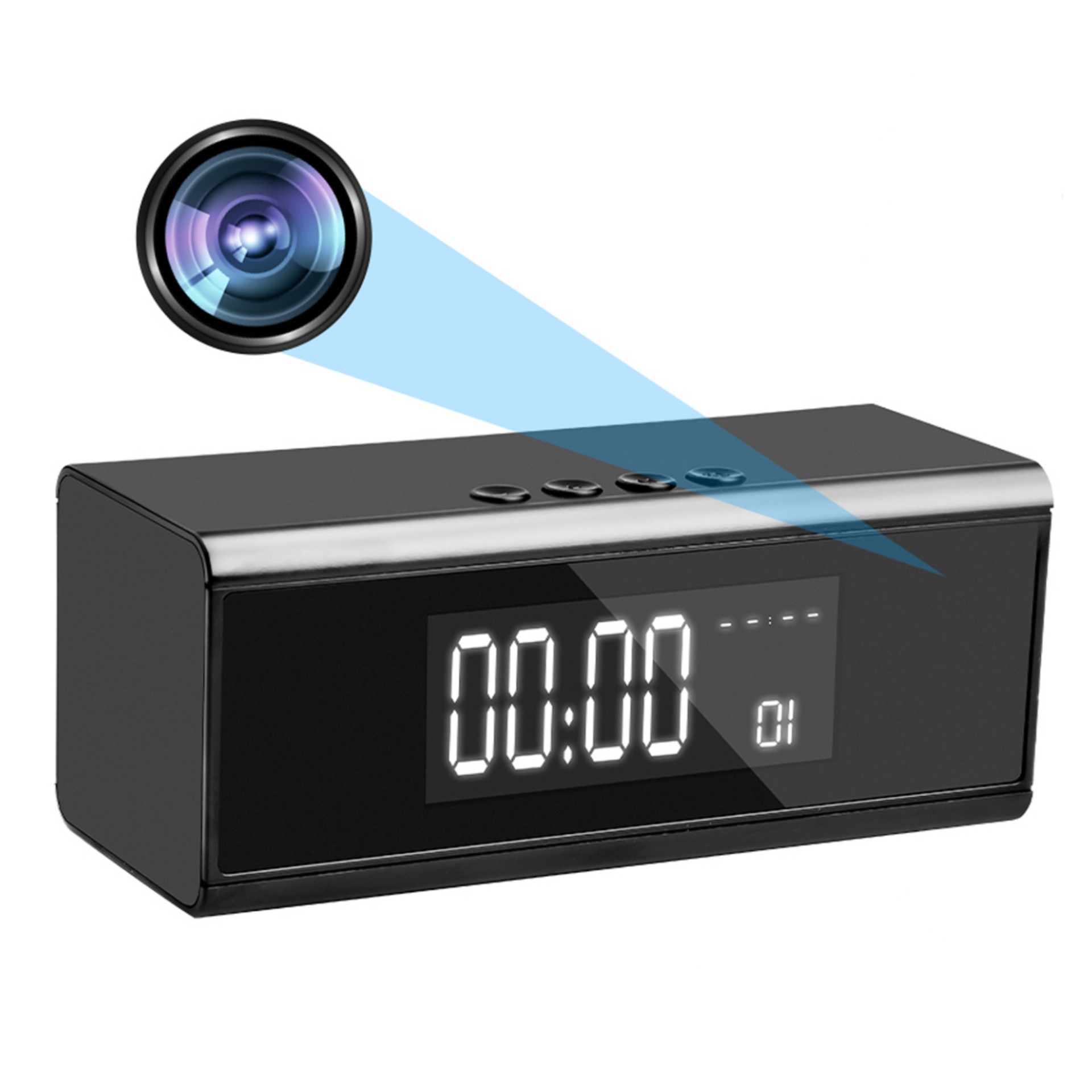
Black 4K HD Bluetooth Speaker Camera with Motion Detection for Home Security Surveillance and Nanny Cam
$169.60
Add to cart
HD Noise Reduction Business Meeting Recording Pen Q90b with LED Light Player for Student Class - 16GB
$50.40
Add to cart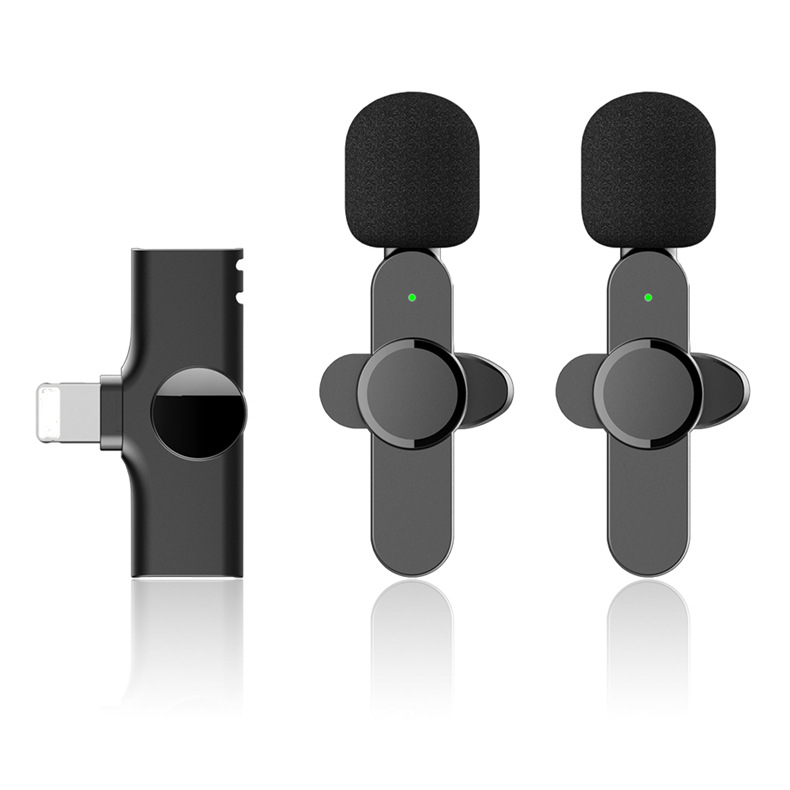
One for Two Wireless Clip-on Lavalier Microphones Plug-and-Play Mic for Interview, Vlog, Live Streaming, and Video Recording (Black)
$50.30
Add to cart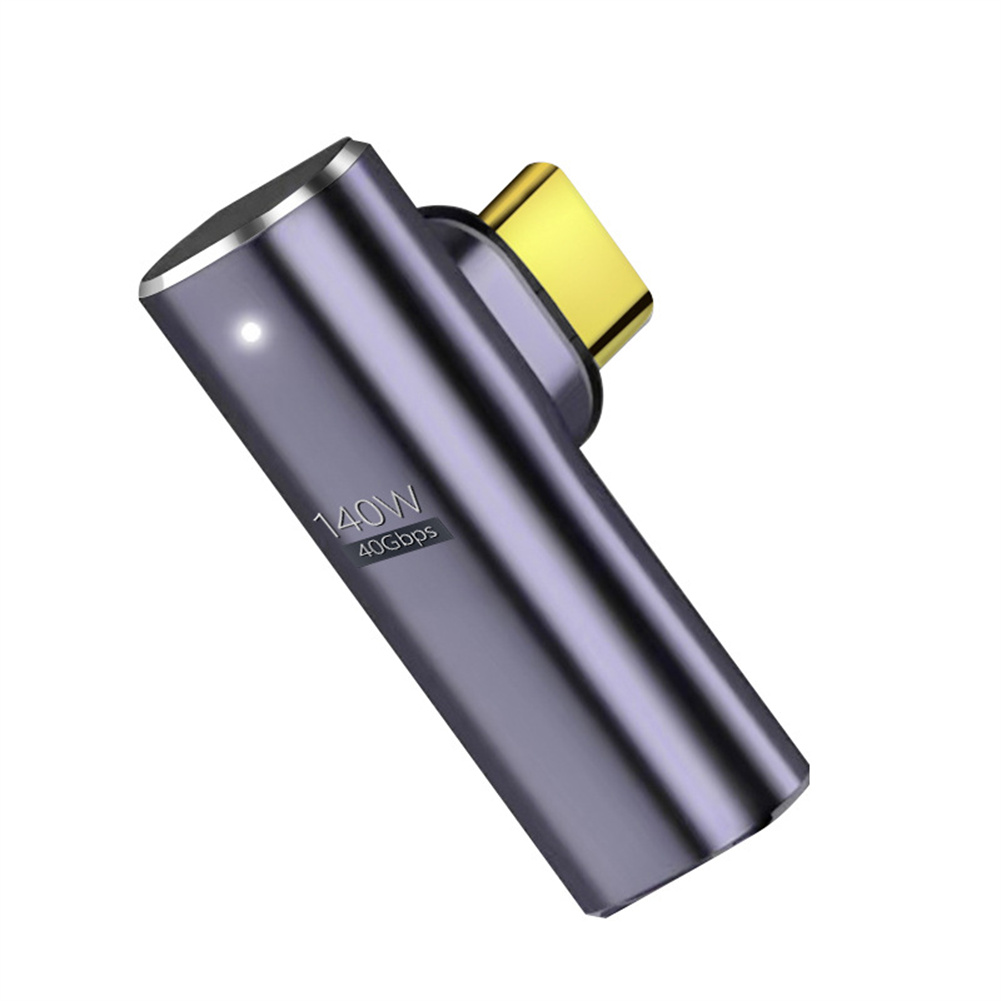
Uncover Your True Potential with Magnetic Type-C Adapter with 140W Fast Charging, 40Gbps Data Transfer, 8K HD Video Transmission and Elbow Design
$25.80
Add to cartProducts you may also like
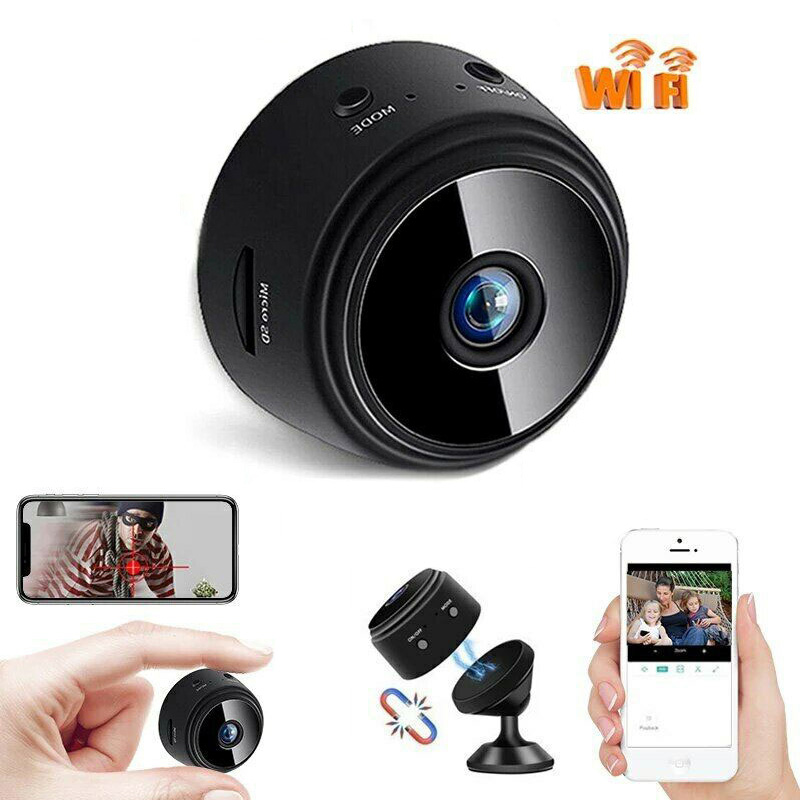
Join the Elite Club with A9 Black Wireless Wifi Camera with 1080p HD, Motion Detection, and Home Security Monitoring
$26.50
Add to cart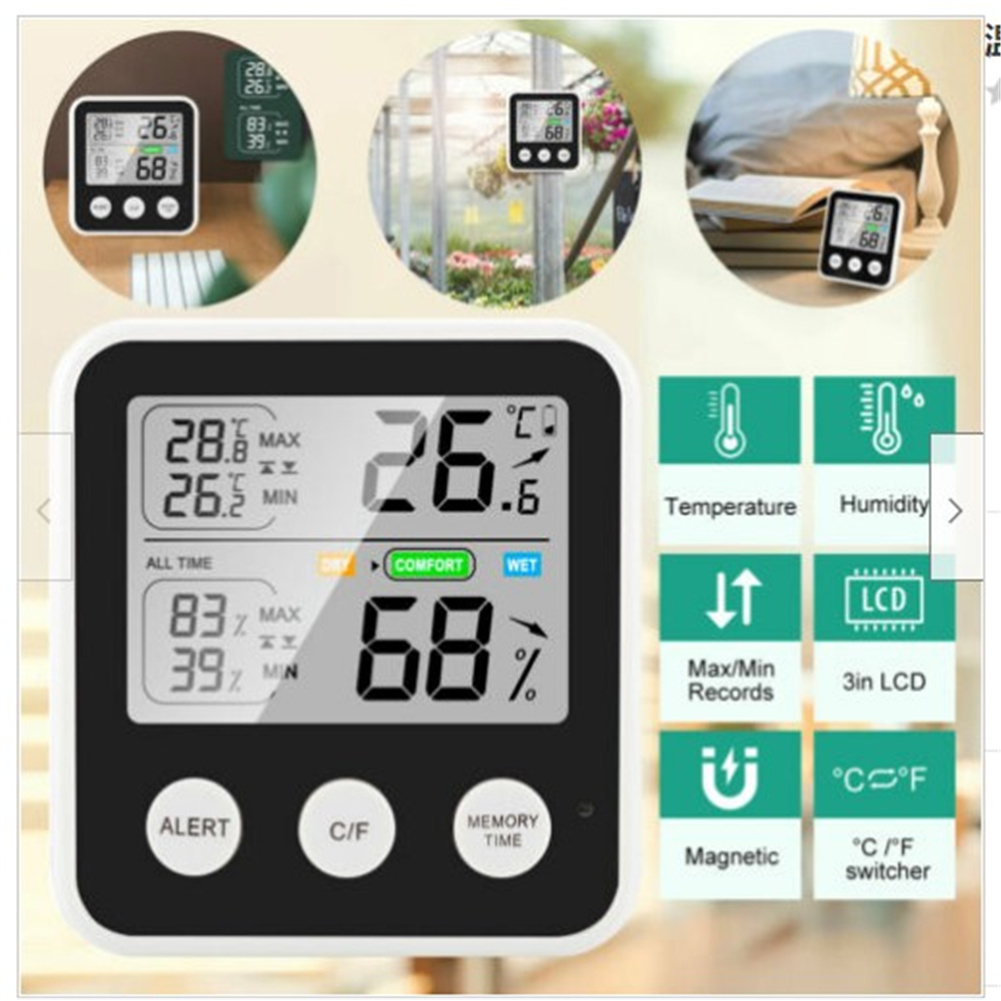
TS-9909-B Digital LCD Hygrometer Thermometer with High Precision for Indoor and Outdoor Temperature and Humidity Measurement
$36.90
Add to cart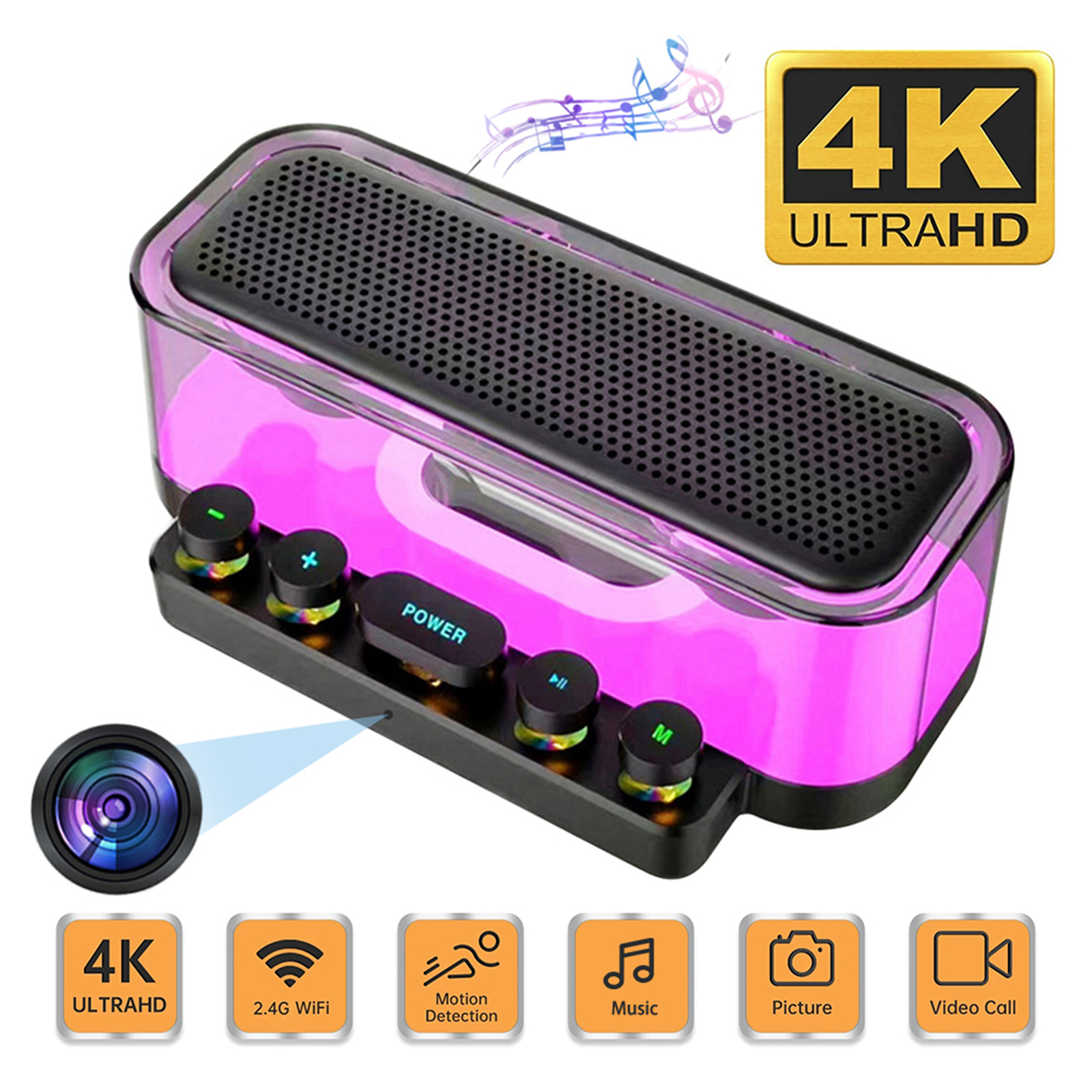
Premium Camera Speaker 160° Wide Angle 5MP Pixel Lens Easy Operating Premium Speaker Cams 1080P Mini Home Camcorders
$138.60
Add to cart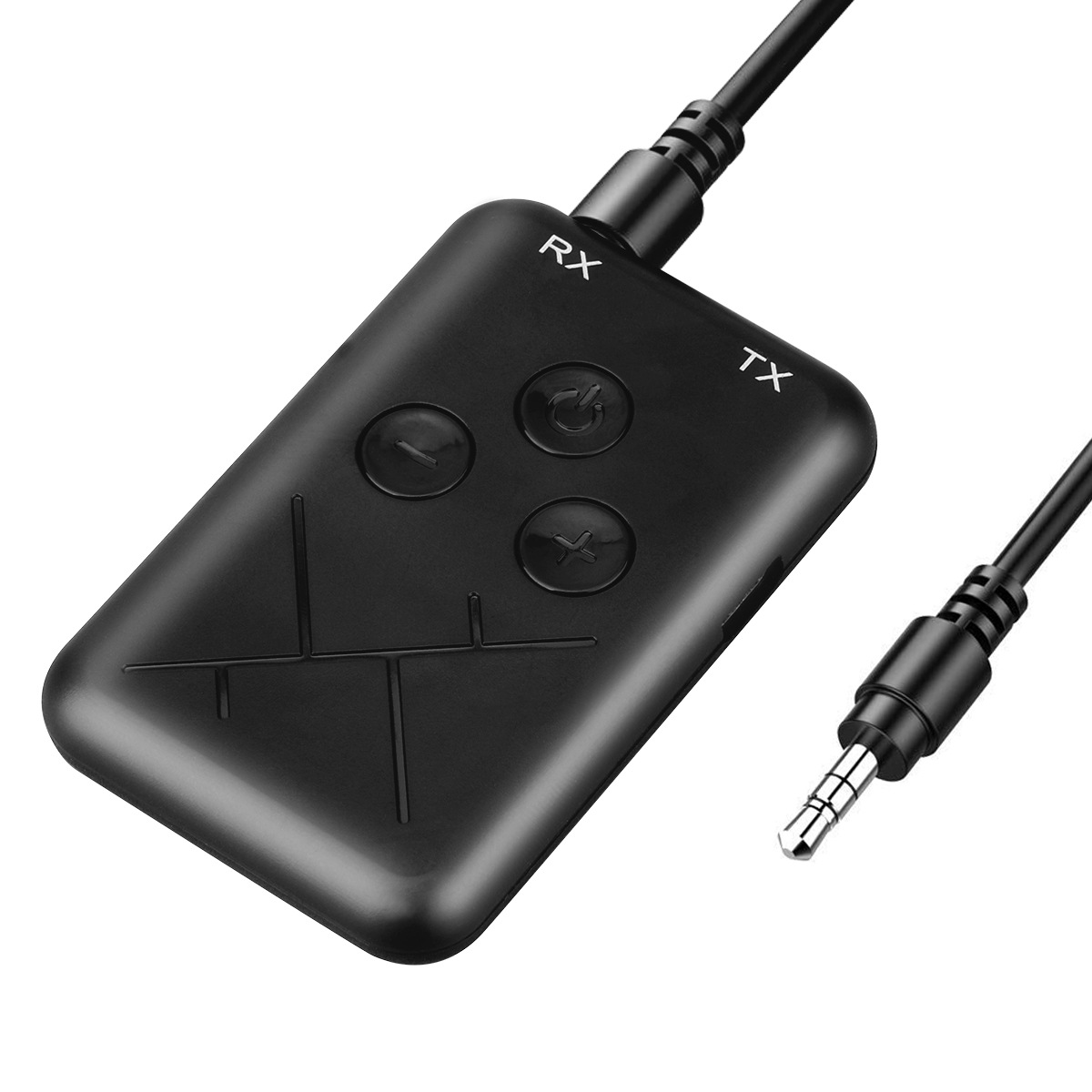
Black 2 in 1 Bluetooth 4.2 Transmitter Receiver Adapter with 3.5mm Audio Wireless Capability
$29.00
Add to cartRecommended for You

Sensational Savings 8 Channel POE NVR Security Surveillance System with 8MP 4K Cameras, Face Detection, and Audio Recording - Hiseeu H5NVR-P-8 (EU Plug)
$16.10
Add to cart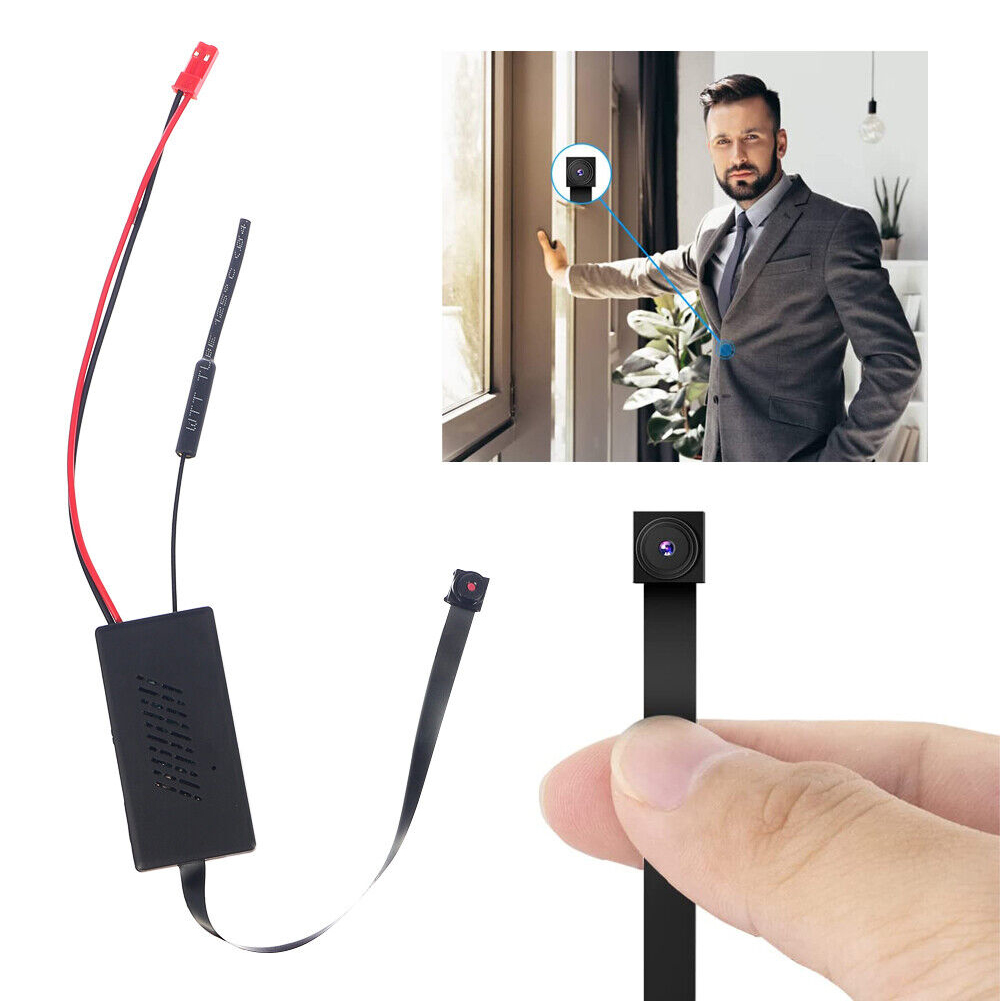
Wireless Home Camera with Wifi and App Connectivity, Easy Battery Setup, Security Protection, Hidden 1080P Video Recorder - V77
$66.80
Add to cart
Revitalize Your Routine Home Security System with Hiseeu 16CH NVR, 4MP/8MP PTZ PoE Cameras, Color Night Vision, Two-way Audio, Human Detection - Outdoor IP Camera Solution
$16.10
Add to cart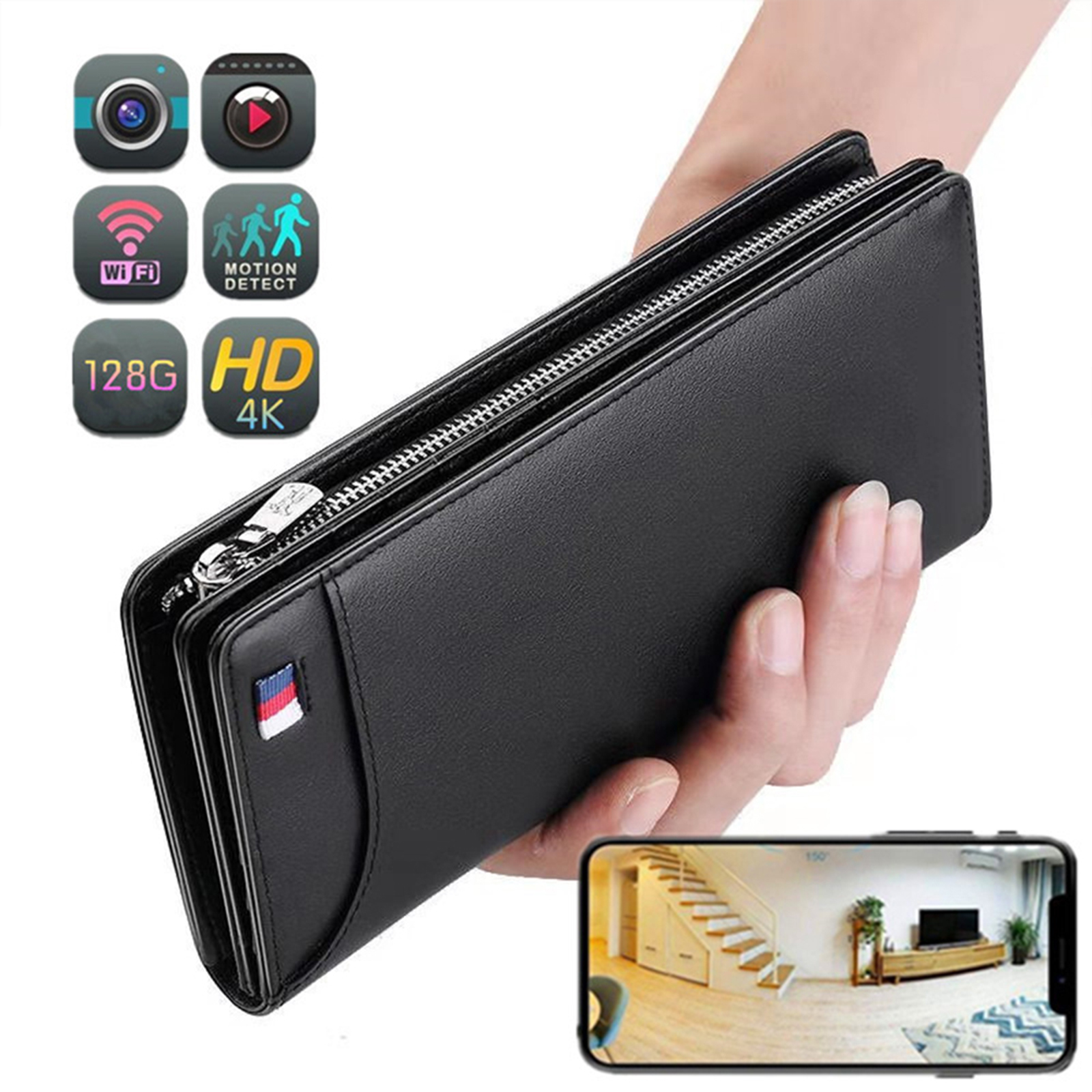
Portable Mini Wi-Fi Camera with 4K Resolution, 1080p HD, Motion Detection, Wireless Connectivity, and 64GB Storage - Ideal for Home Security (Black)
$155.80
Add to cartRelated products
-
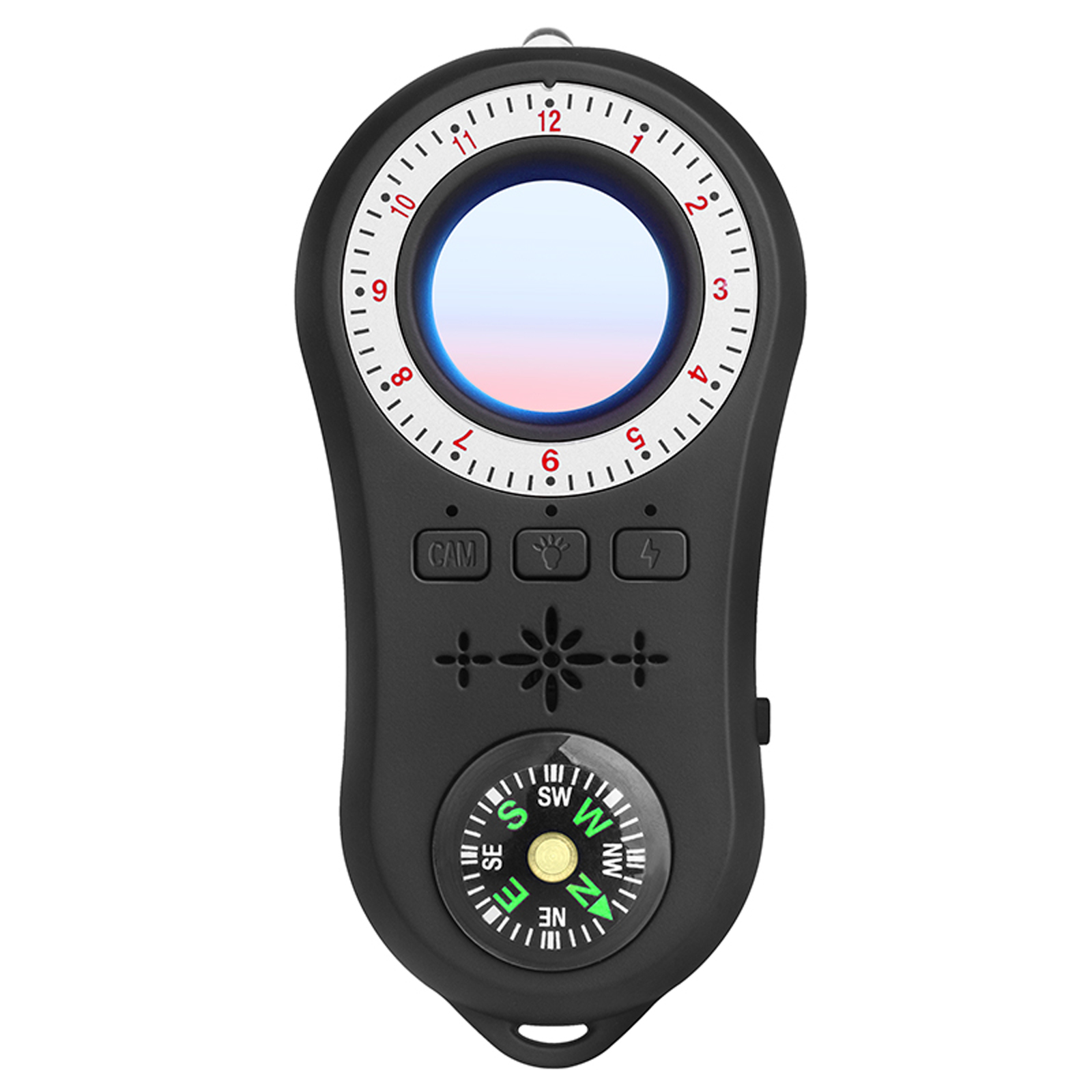
Multi-functional Infrared Detector with Vibration Alarm and Compass for Hotel Security in Black
$59.30 -
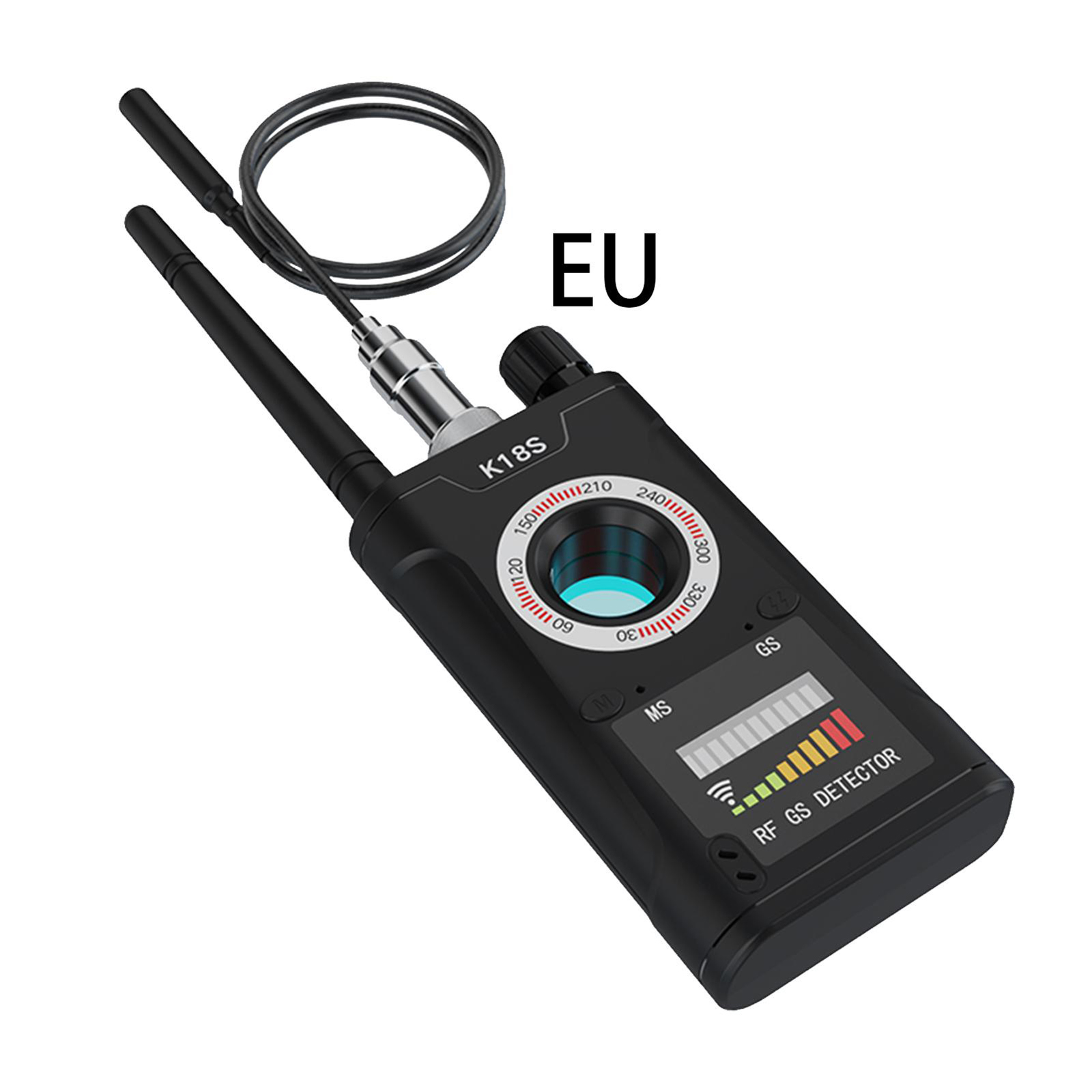
EU Plug K18s Camera Detector: Signal Detection Scanner, Infrared Finder, GPS Anti-location Detector for Home, Office, Hotel
$60.50 -
Portable Mini Wi-Fi Camera with 4K Resolution, 1080p HD, Motion Detection, Wireless Connectivity, and 64GB Storage – Ideal for Home Security (Black)
$155.80 -
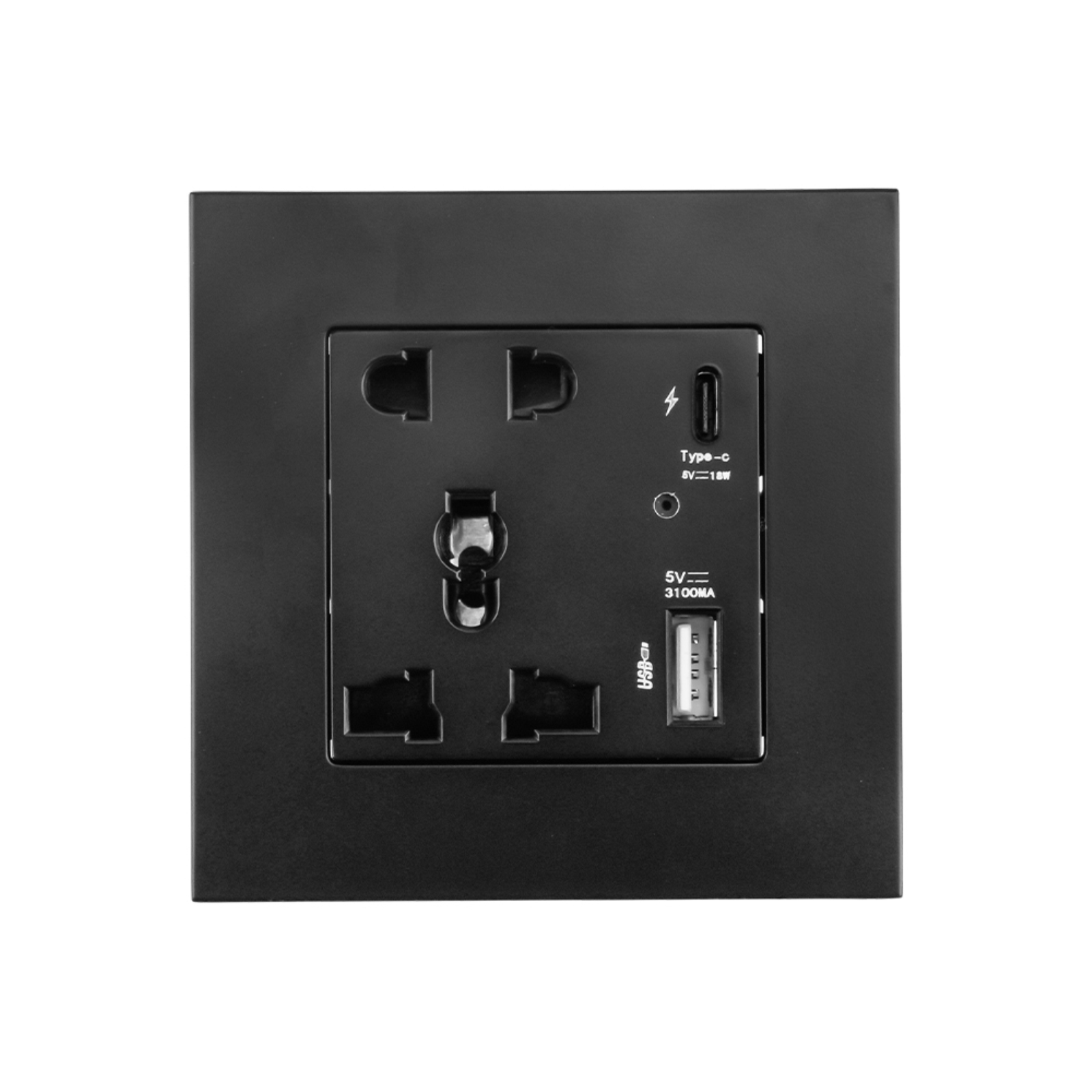
Q42 Black Mini Camera Wall Plug with Wifi, 1080p Resolution, 110 Degree Rotation, Motion Detection, and Security Monitoring
$132.20

Reviews
There are no reviews yet.