
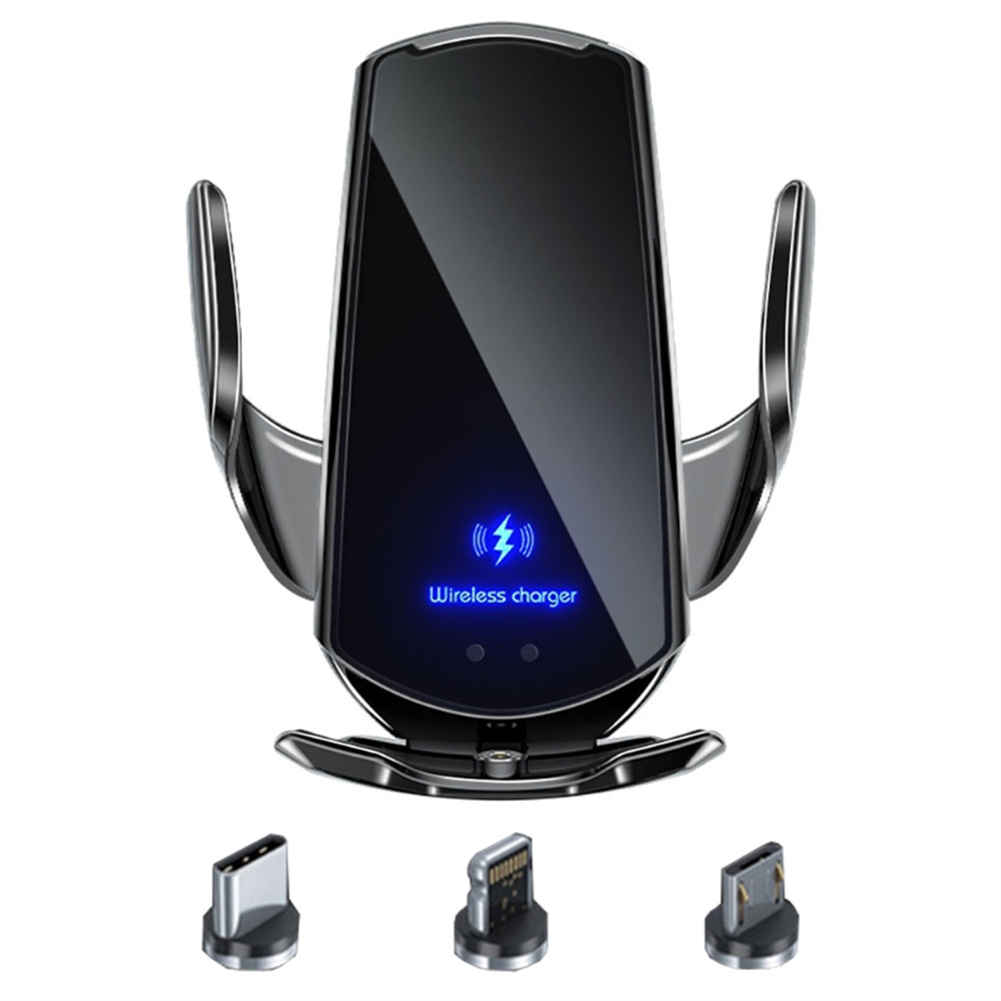
Wireless Car Charger Mount, Fast Charging
$58.30
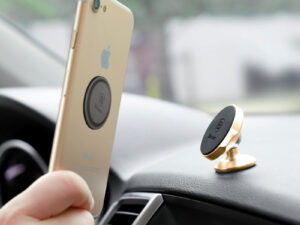
- Car wireless charger and phone holder in one
- Provides fast wireless charging
- One-hand operation for easy use while driving
- One-button release for easy phone removal
- Grip and bottom made of non-slip silicone material
Buy more, save more
Buy 2–4 of this item and save 5%.
Buy 5 or more of this item and save 10%.
Discount is automatic in your cart on regular-priced items. It cannot be combined with coupon codes or sale prices.
Buy 2–4 of this item and save 5%.
Buy 5 or more of this item and save 10%.
Discount is automatic in your cart on regular-priced items. It cannot be combined with coupon codes or sale prices.
Country suggested using IP or browser language; you can change it. Shipping is confirmed at checkout.
Description
Wireless Car Charger Mount, Fast Charging,
How to Use the Car Wireless Charger Phone Bracket Navigation Fixing Frame Fast Charging Auto Holder
Step 1: Installation
- Attach the car wireless charger to the desired spot on your dashboard or windshield using the adhesive pad.
- Ensure that the charger is securely mounted and does not obstruct your view while driving.
Step 2: Connecting your Phone
- Plug the car wireless charger into your car’s cigarette lighter or USB port using the provided cable.
- Make sure the charger is receiving power by checking the LED indicator.
- Place your phone on the wireless charger bracket and adjust it to the desired angle.
Step 3: Charging and Operating
- The car wireless charger will automatically start charging your phone once it detects a compatible device.
- To remove your phone, simply touch the one-button release on the sensor area located on the back of the charger.
- Once released, you can safely pick up your phone without having to unplug any cables.
- Ensure to place your phone back on the charger bracket when not in use to continue charging.
Notes:
- Ensure that your phone supports wireless charging before using this product.
- For optimal charging speed, use a QC 3.0 car charger adapter.
- Keep the silicone grip and bottom clean to maintain a secure, non-slip hold.
- Do not use this product in extremely hot or cold conditions, as it may affect the charging performance.
, ,
Only logged in customers who have purchased this product may leave a review.
Special deals for you
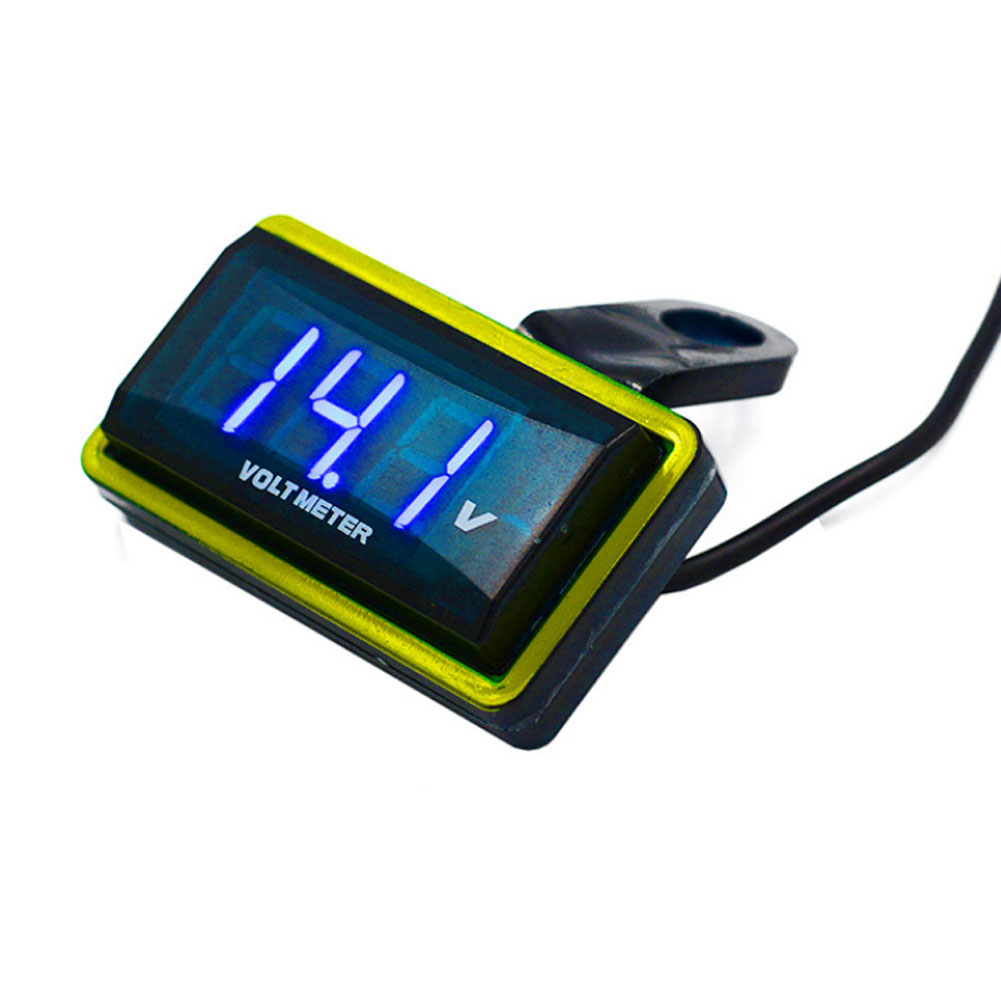
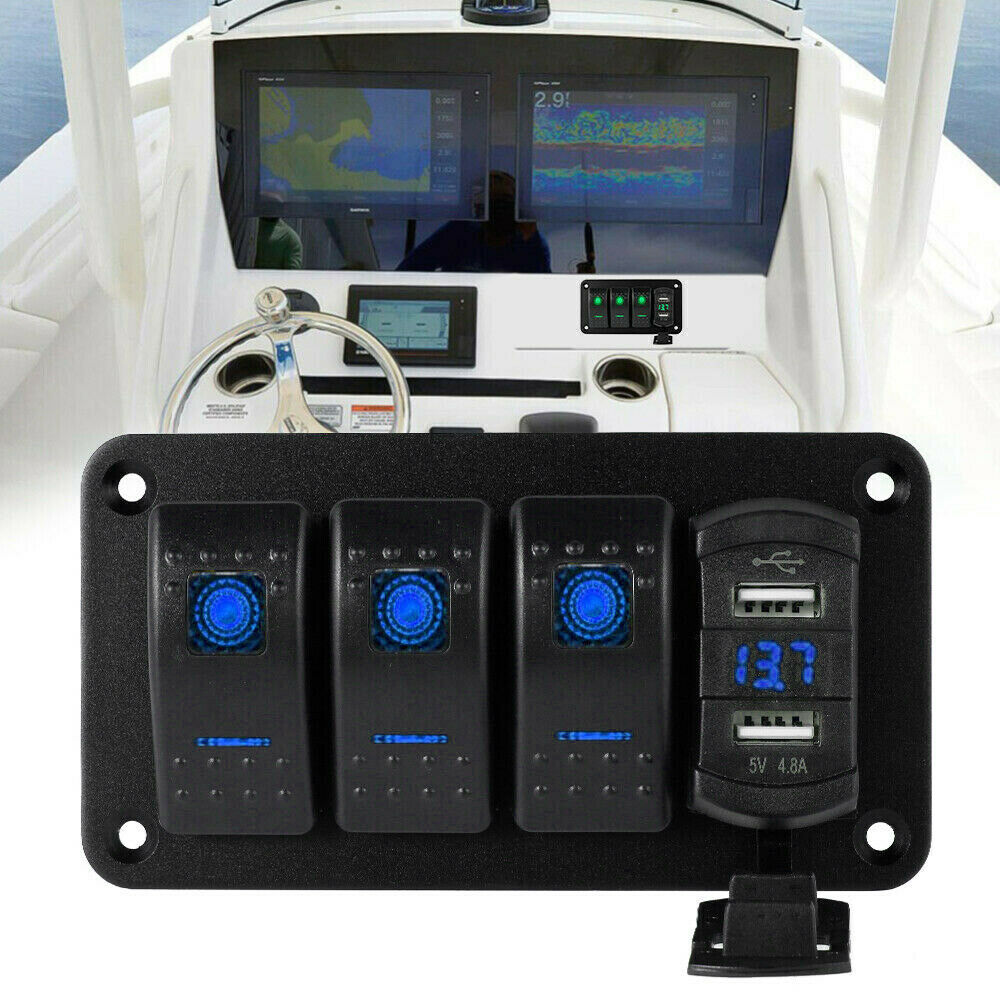
12V Car Voltmeter with Digital LED Display
Original price was: $20,030.60.$20.60Current price is: $20.60.
Add to cartPopular items in this category

Meterk 6-Tooth Wood Carving Disc – 16mm Bore Angle-Grinder Attachment
Price range: $12.08 through $26.62
Select options
Motorcycle accessories
$6.33
Add to cart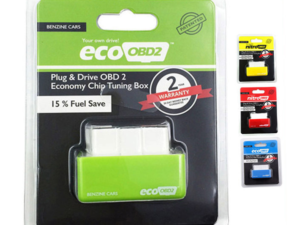
ECO OBD2 Plug-In Vehicle Module – Fuel-Saving Claims Not Verified
Price range: $2.67 through $14.61
Select options
Motorcycle-Style Leather Jacket – Black, Brown and Dark Brown
$26.88
Select optionsSimilar items you might like


Products related to this item
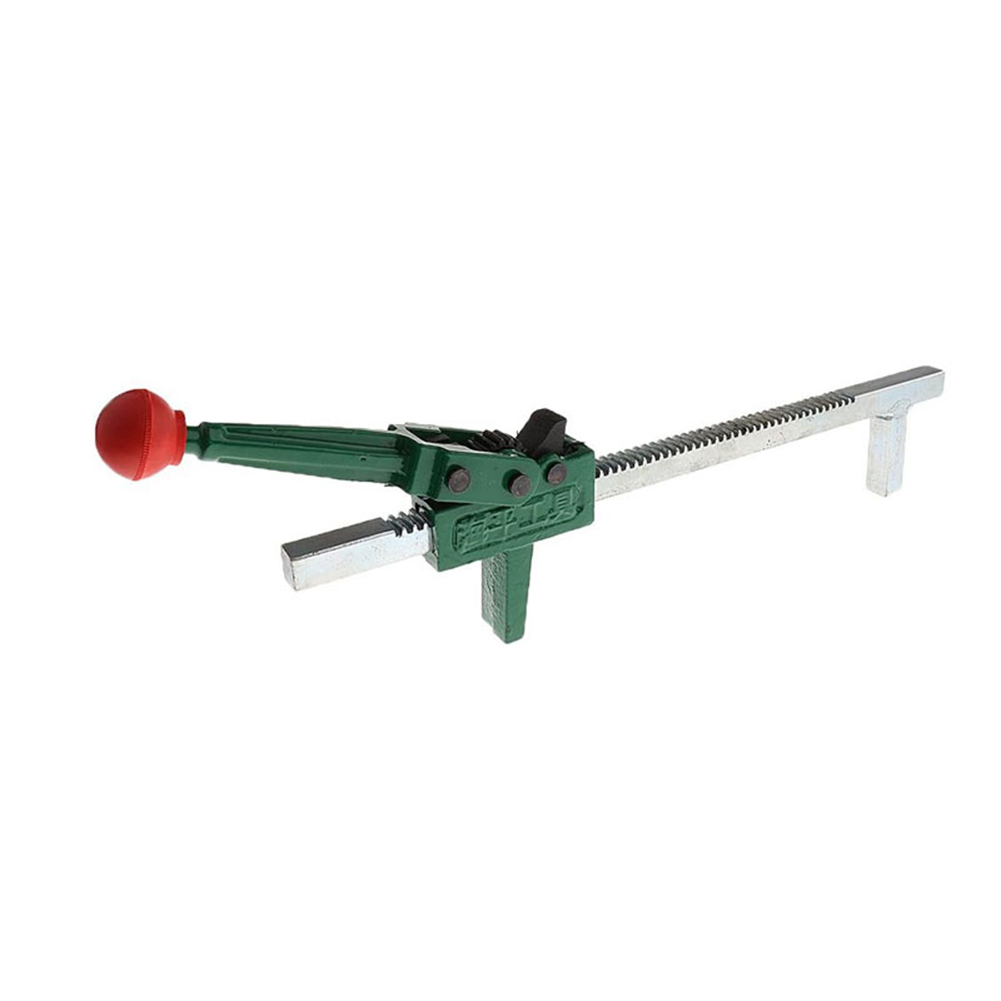
Manual Tire Expander Repair Tool Portable Wheel Tire Manual Hand Expander Tool Automotive Maintenance Parts 40cm
$89.90
Add to cart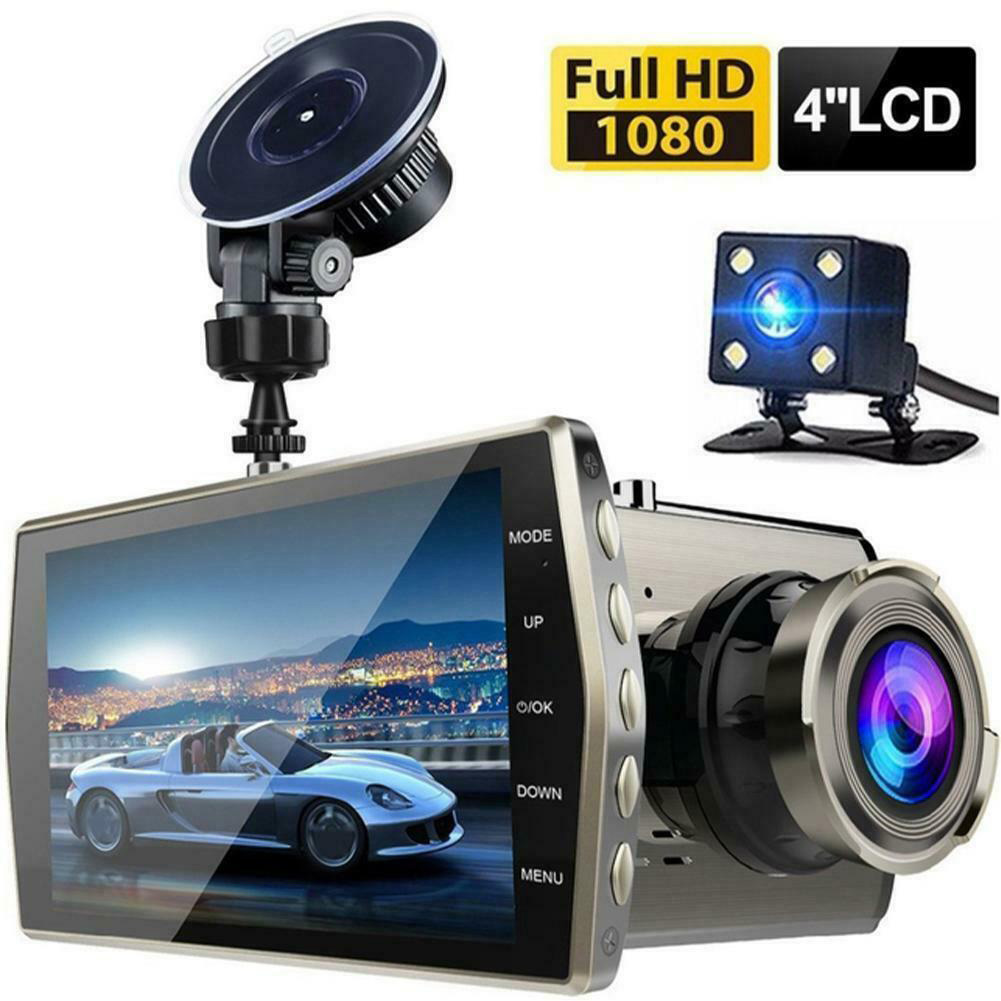
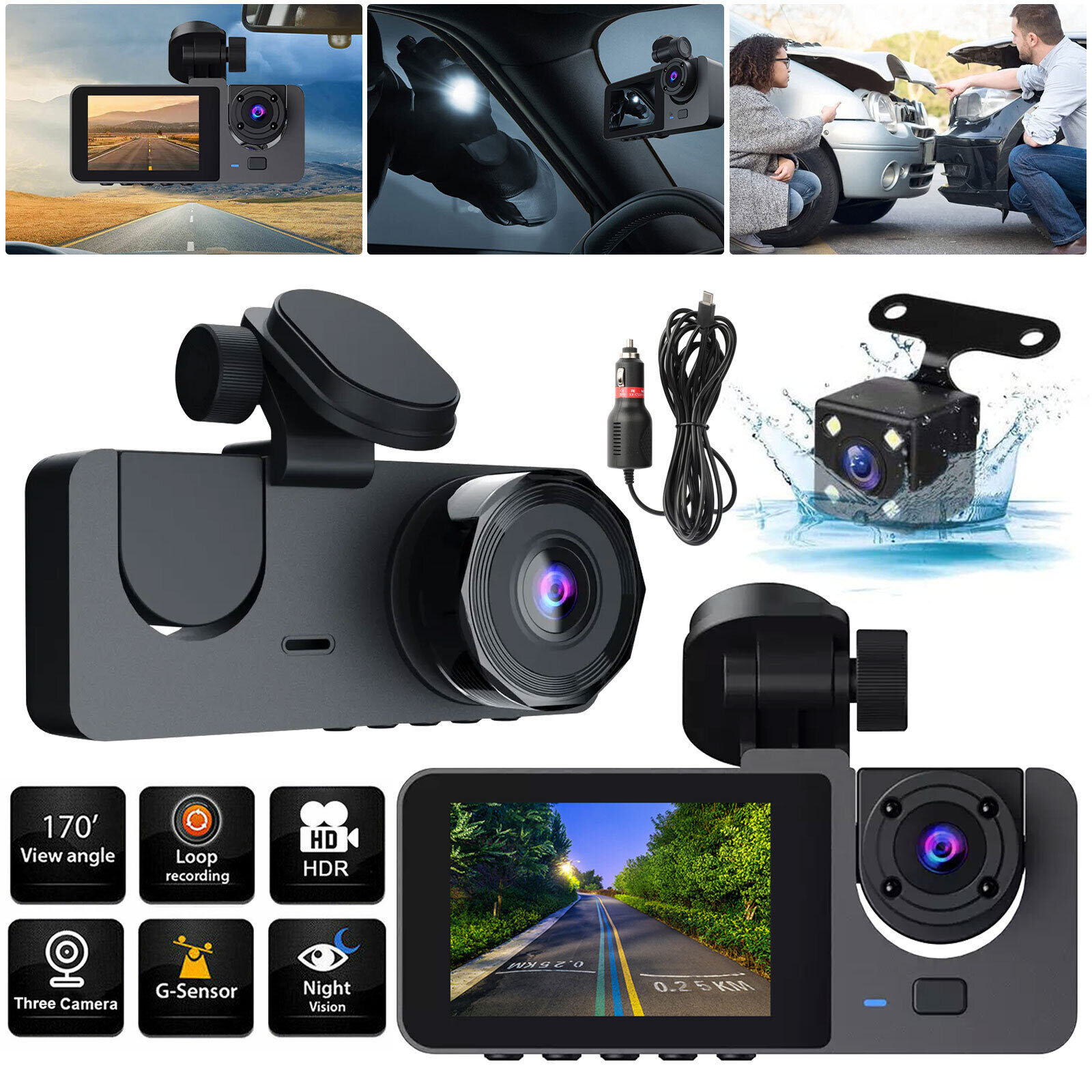
HD Screen Car Dash Cam with Night Vision
$77.70
Add to cart
GPS Tracker Car 5000mAh 90 Days Standby 2G Vehicle Tracker GPS Locator Waterproof Magnet Voice Monitor Free Web APP black
$139.40
Add to cart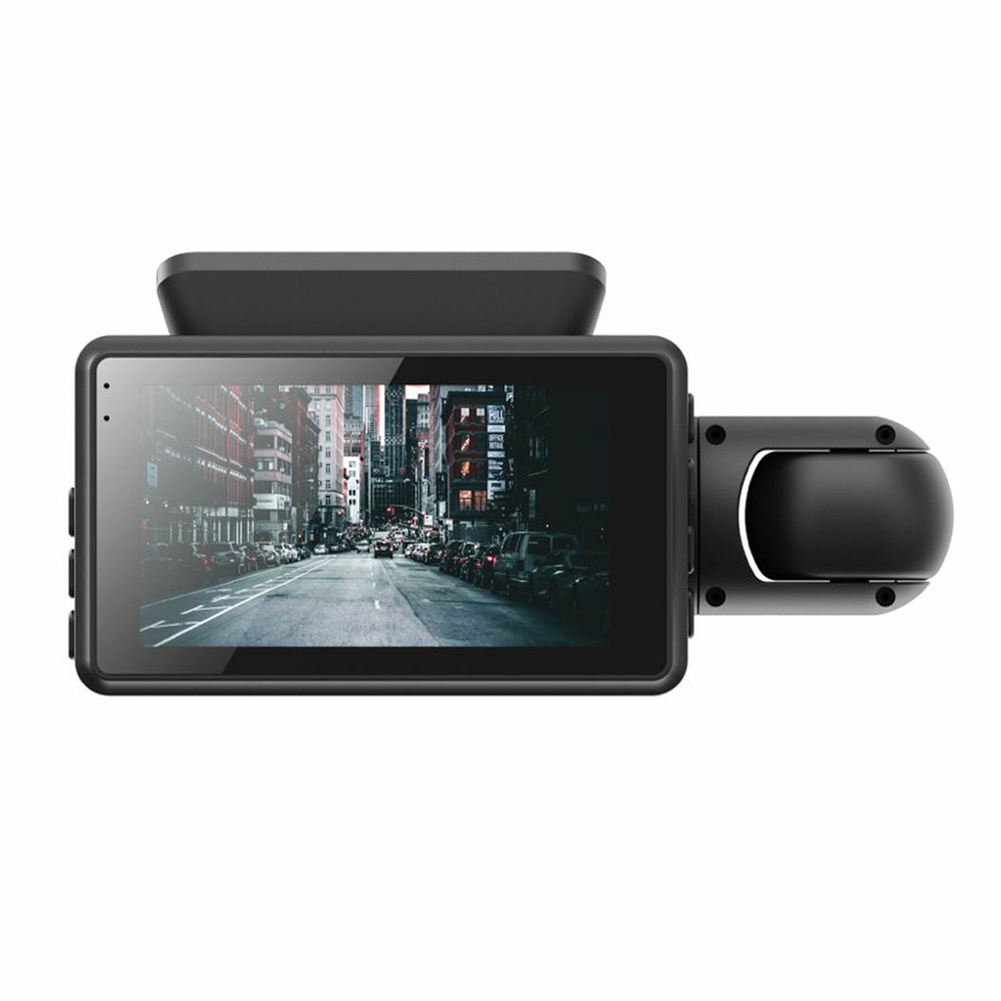
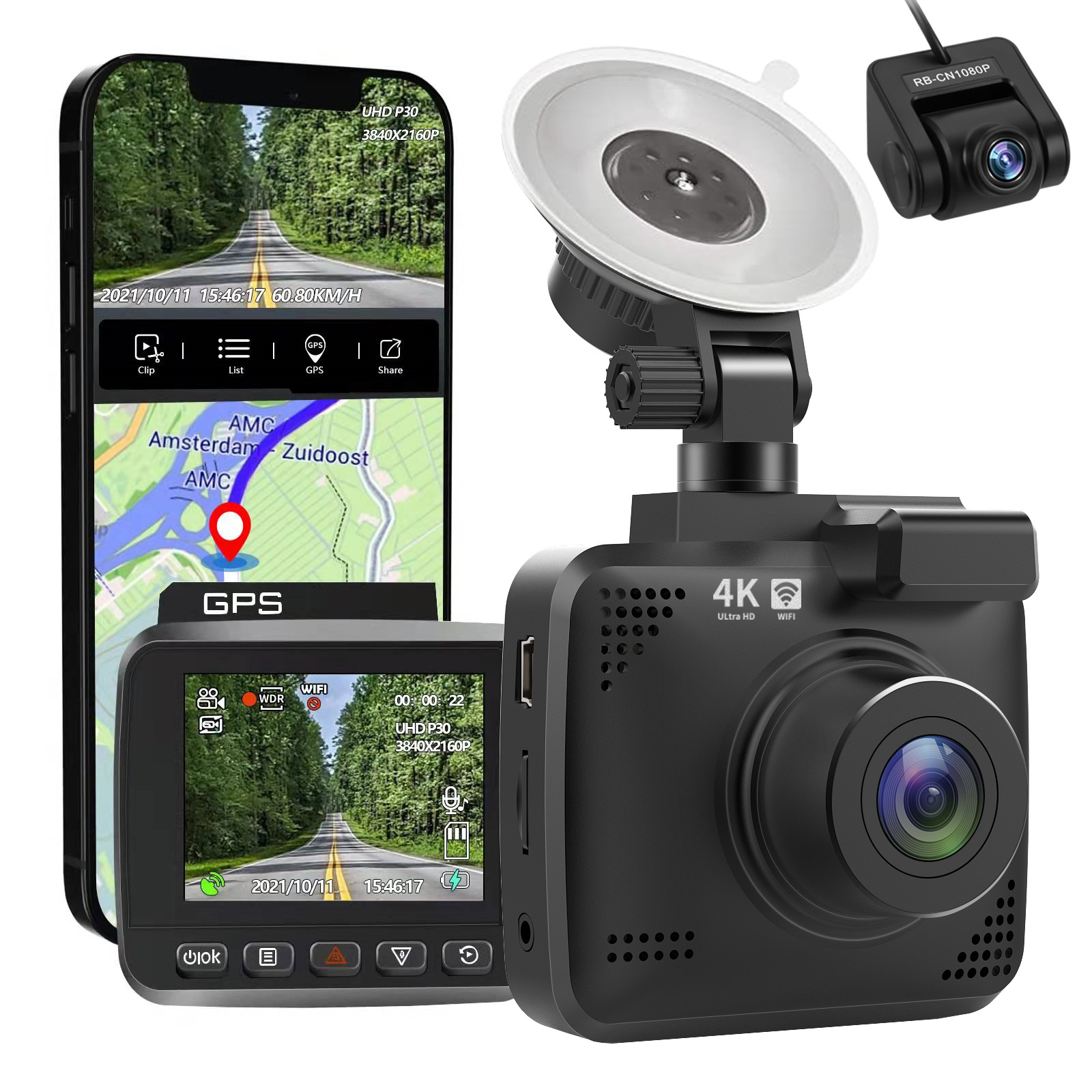
Dual Lens Car Video Recorder HD 1080P Dash Cam 3.0 Inch Ips Camera Night Vision G Sensor with 32GB card
$74.00
Add to cartProducts you may also like
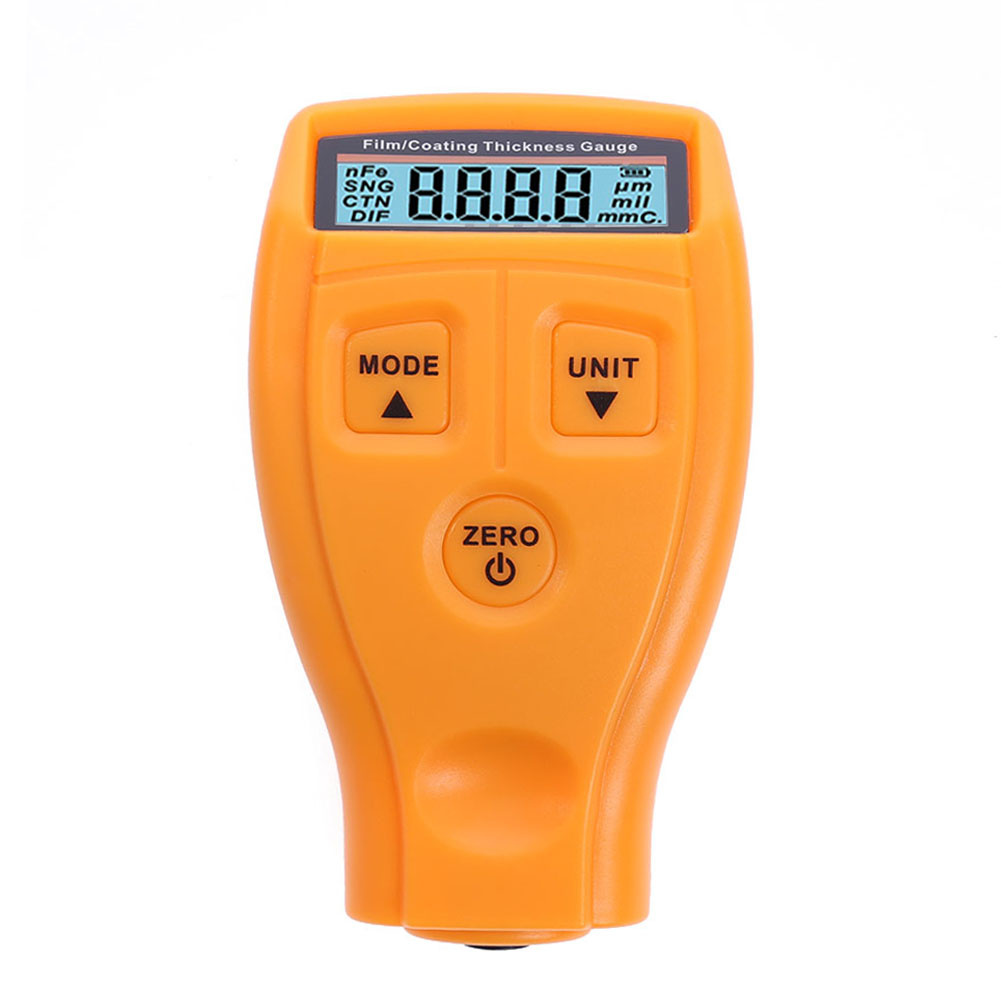
GM200 Automotive Painting Thickness Tester Digital Lcd Display Orange
$47.20
Add to cart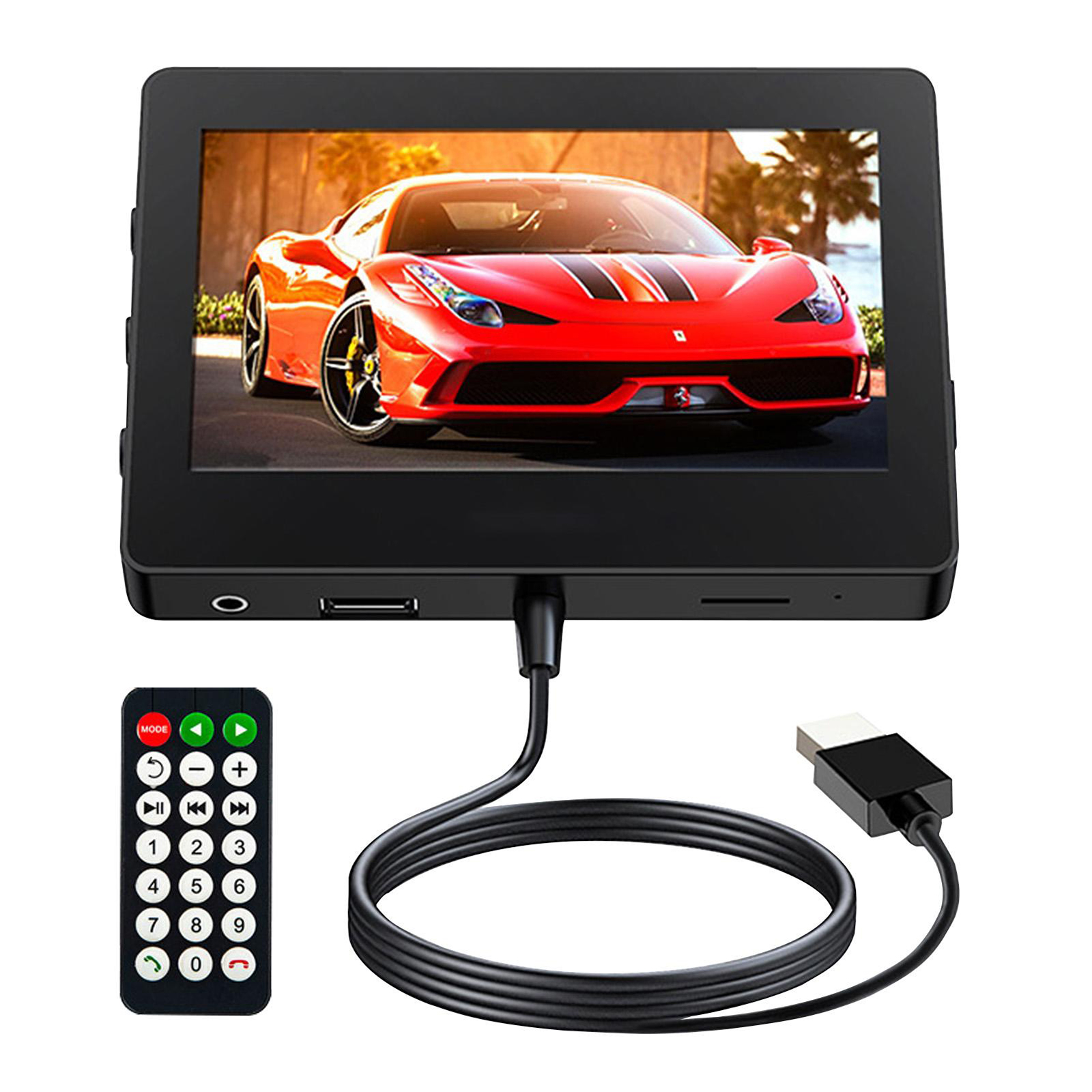
4.3 Inch Car Mp5 Player
$94.00
Add to cart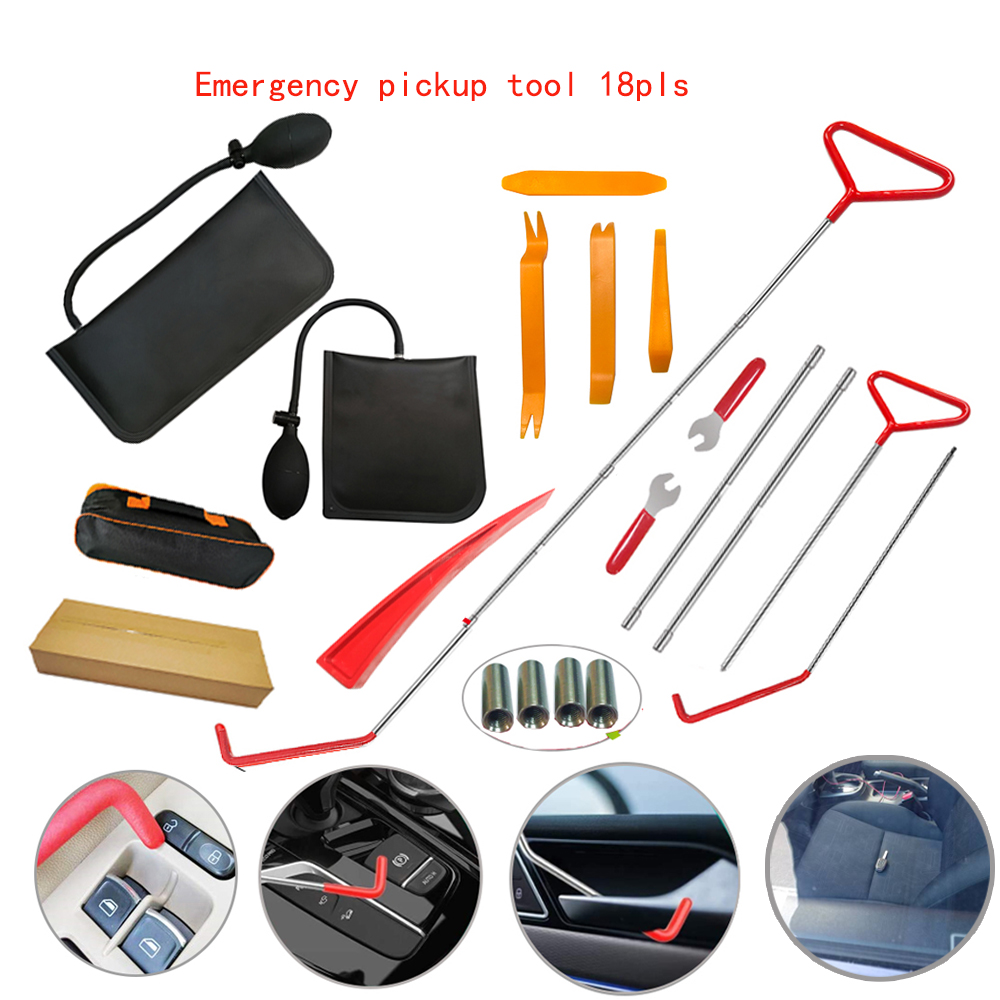
Enhance Your Everyday US 18pcs Car Tools Kit Air Bladder Trim Removal Tools Fastener Nuts for All Vehicle Types
$116.00
Add to cart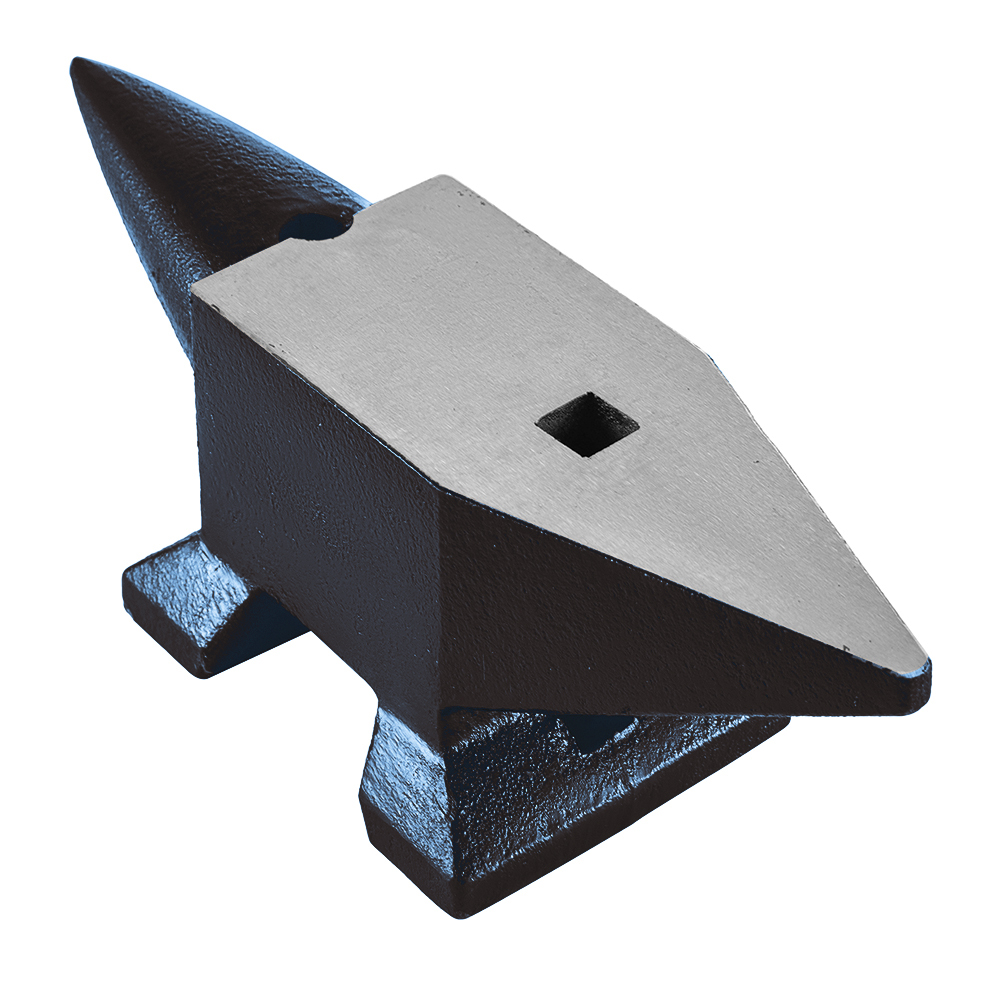
Exceptional US Cast Steel Anvil Anvil Blacksmith for Sale Forge Tools Jewelers Metalsmith Blacksmith Tool Blue 132 Lbs
$1,783.90
Add to cartRecommended for You

Car Sticker 3D Sport Emblem Racing Car Sticker Badge Door Side Logo Adhesive Tail For Trunk Cars Car Styling Accessories red
$12.30
Add to cart
Baby Car With Car Foldable Safety Seat Basket Portable Car Cradle
Price range: $39.26 through $42.61
Select options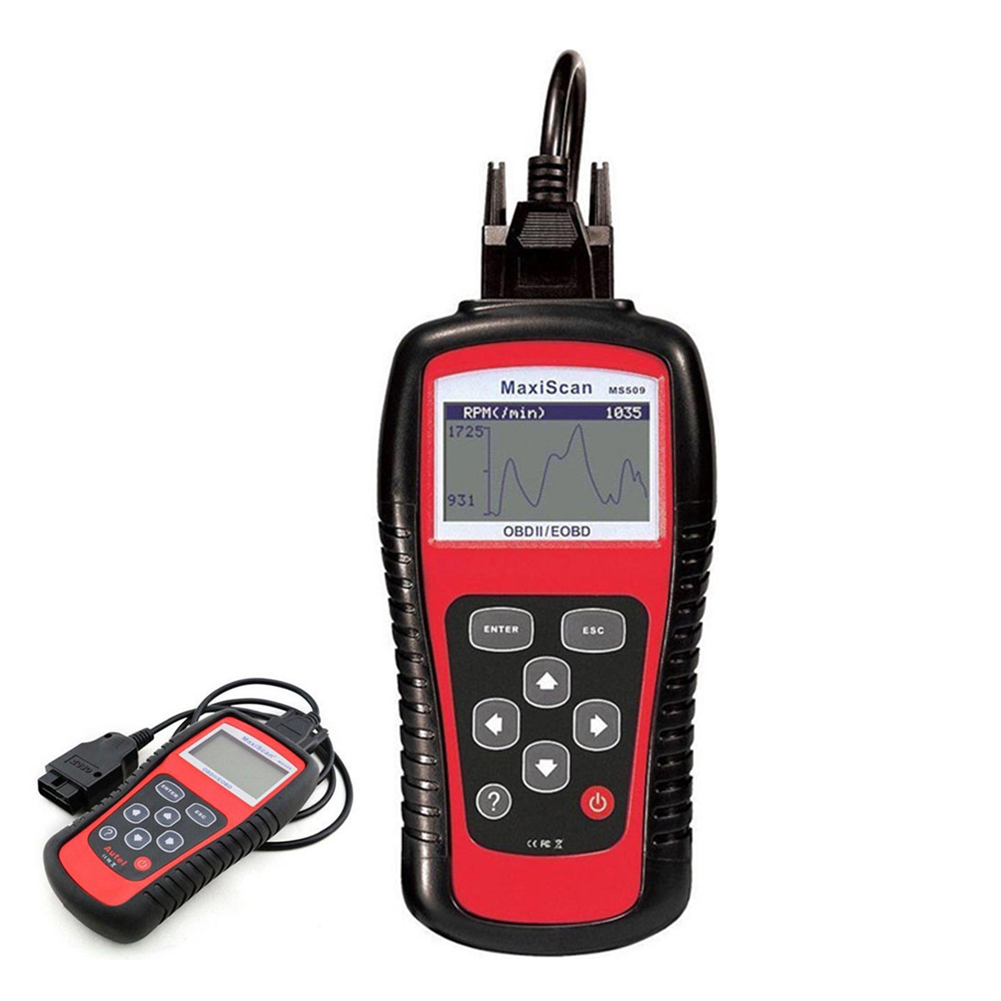
Automobile Diagnosing Instruments Code Reader Automobile Scanning Tool obd2 Real-time Data Red black
$97.50
Add to cart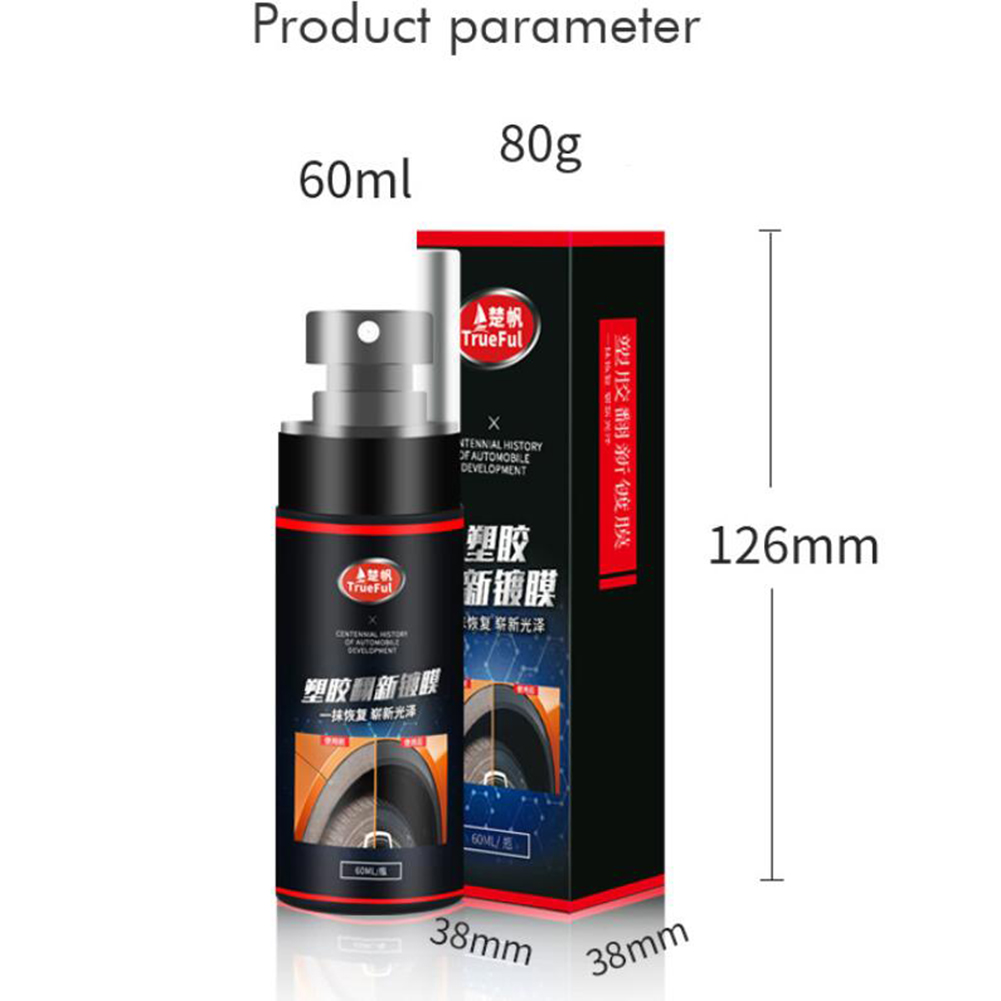
60ml car plastic refurbishment agent Instrument Panel Wax car interior leather Seat Restore Leather cleaning Repair agent Black red_60ml
$20.10
Add to cart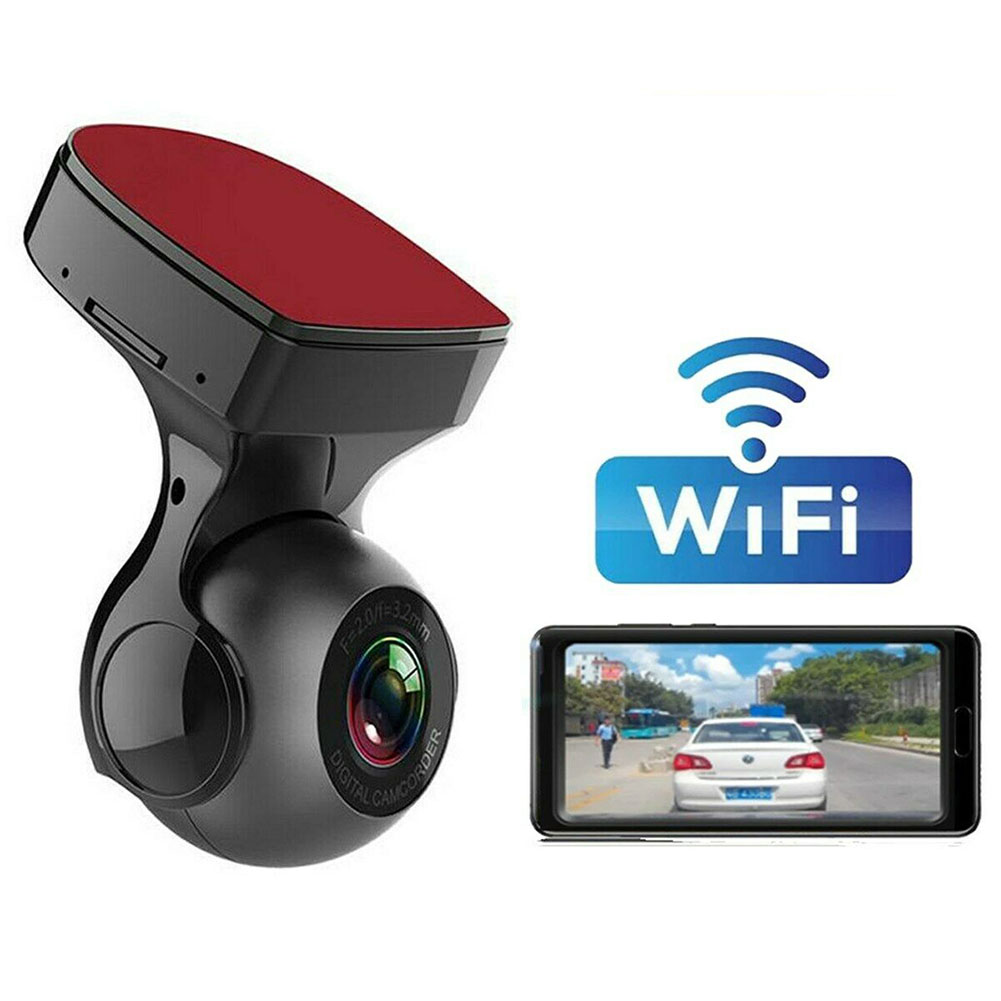

Reviews
There are no reviews yet.