

Magnetic GPS Tracker with Long Standby
$26.90
- Small size and light weight for easy carrying
- Black shell for easy hiding and tracking
- Perfect for tracking vehicles, teens, spouses, elderly persons, or assets
- Requires a working SIM card (not included) for tracking and mapping in real-time
- Ability to hear voice around the tracker by dialing the SIM card number
- Silent and secret monitoring and spying without light and noise
Buy more, save more
Buy 2–4 of this item and save 5%.
Buy 5 or more of this item and save 10%.
Discount is automatic in your cart on regular-priced items. It cannot be combined with coupon codes or sale prices.
Buy 2–4 of this item and save 5%.
Buy 5 or more of this item and save 10%.
Discount is automatic in your cart on regular-priced items. It cannot be combined with coupon codes or sale prices.
Country suggested using IP or browser language; you can change it. Shipping is confirmed at checkout.
Description
Magnetic GPS Tracker with Long Standby,
How to Use the Mini GPS Long Standby Magnetic SOS Tracker Locator Device Voice Recorder
- Insert a working SIM card (NOT included) into the device.
- Make sure the device is fully charged before use.
- Turn on the device by pressing the power button for 3 seconds. The indicator light will turn on and flash.
- Wait for about 30 seconds until the indicator light stops flashing. This means the device has successfully connected to the network.
- To track the device in real-time, open the browser on your computer or smartphone and enter the website: www.trackdevice.com. You can also use the mobile app for tracking.
- Log in with your account credentials. If you do not have an account, click on “Sign Up” to create one.
- Once logged in, you will see the device listed on the dashboard. Click on it to view its location on the map.
- You can also use Google Maps integration for a more detailed view of the device’s location.
- If you want to listen to the surroundings of the tracker, call the SIM card number inserted in the device from your phone. The device will not ring, and you will be able to listen to the audio discreetly.
- To stop listening, hang up the call.
- For SOS emergencies, press the SOS button on the device for 3 seconds. It will send an SOS message and call the preset SOS phone number.
- If you want to change any settings of the device, such as the SOS phone number or tracking interval, please refer to the user manual provided with the product.
, ,
Only logged in customers who have purchased this product may leave a review.
Special deals for you
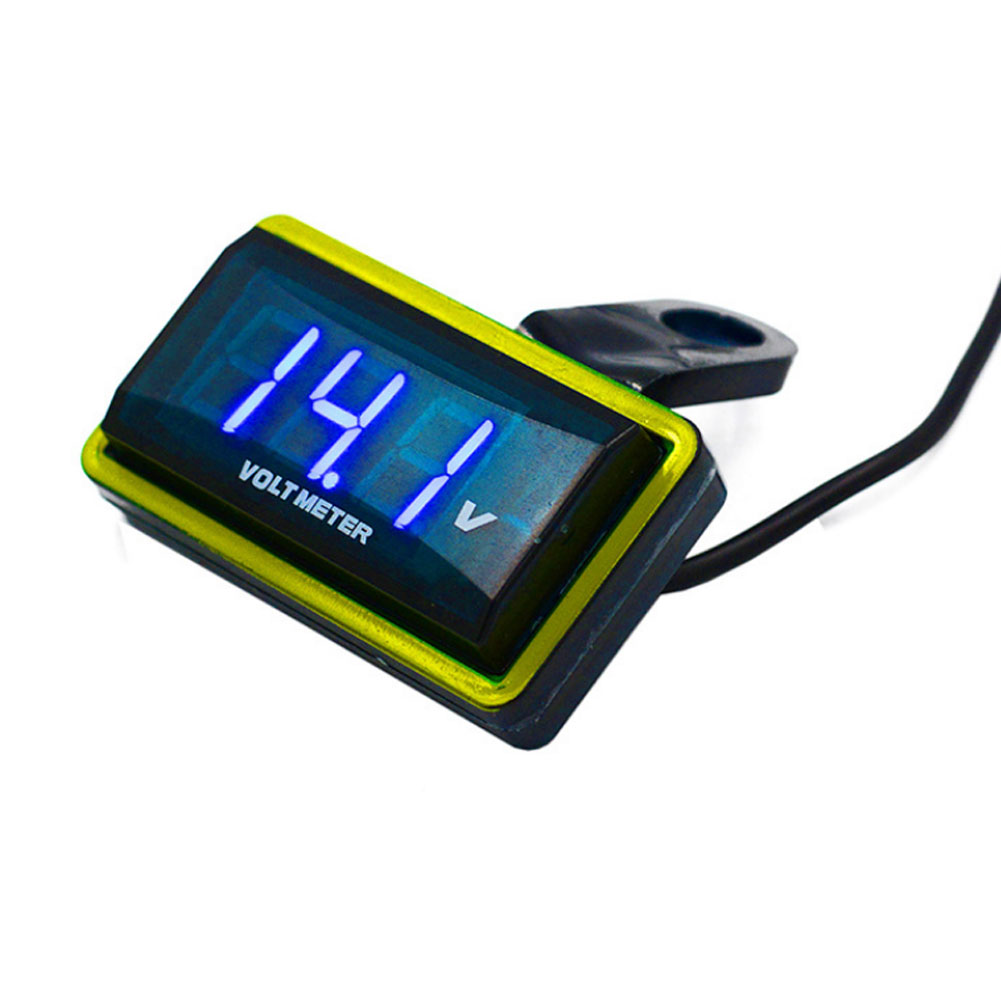
12V Car Voltmeter with Digital LED Display
Original price was: $20,030.60.$20.60Current price is: $20.60.
Add to cartPopular items in this category

Meterk 6-Tooth Wood Carving Disc – 16mm Bore Angle-Grinder Attachment
Price range: $12.08 through $26.62
Select options
Motorcycle accessories
$6.33
Add to cart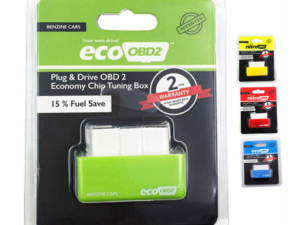
ECO OBD2 Plug-In Vehicle Module – Fuel-Saving Claims Not Verified
Price range: $2.67 through $14.61
Select options
Motorcycle-Style Leather Jacket – Black, Brown and Dark Brown
$26.88
Select optionsSimilar items you might like


Products related to this item
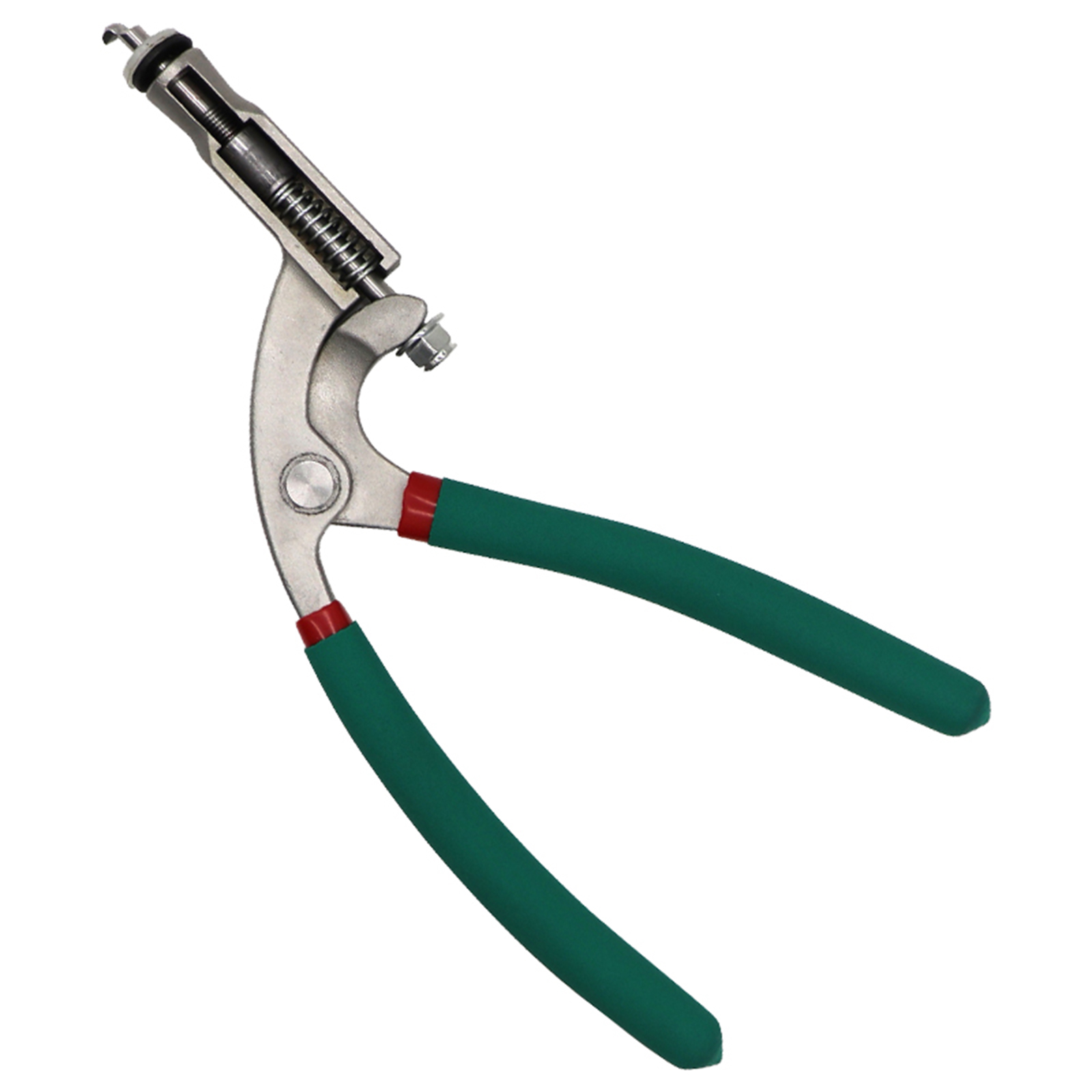
Best Offer US Car Hood Repair Tool Body Hood Pliers Automobile Depression Pit Removal Tool Sheet Metal Clamping Edge Pliers Green flat hole pliers
$90.30
Add to cartMagnetic GPS Tracker with Long Standby
$26.90
Add to cart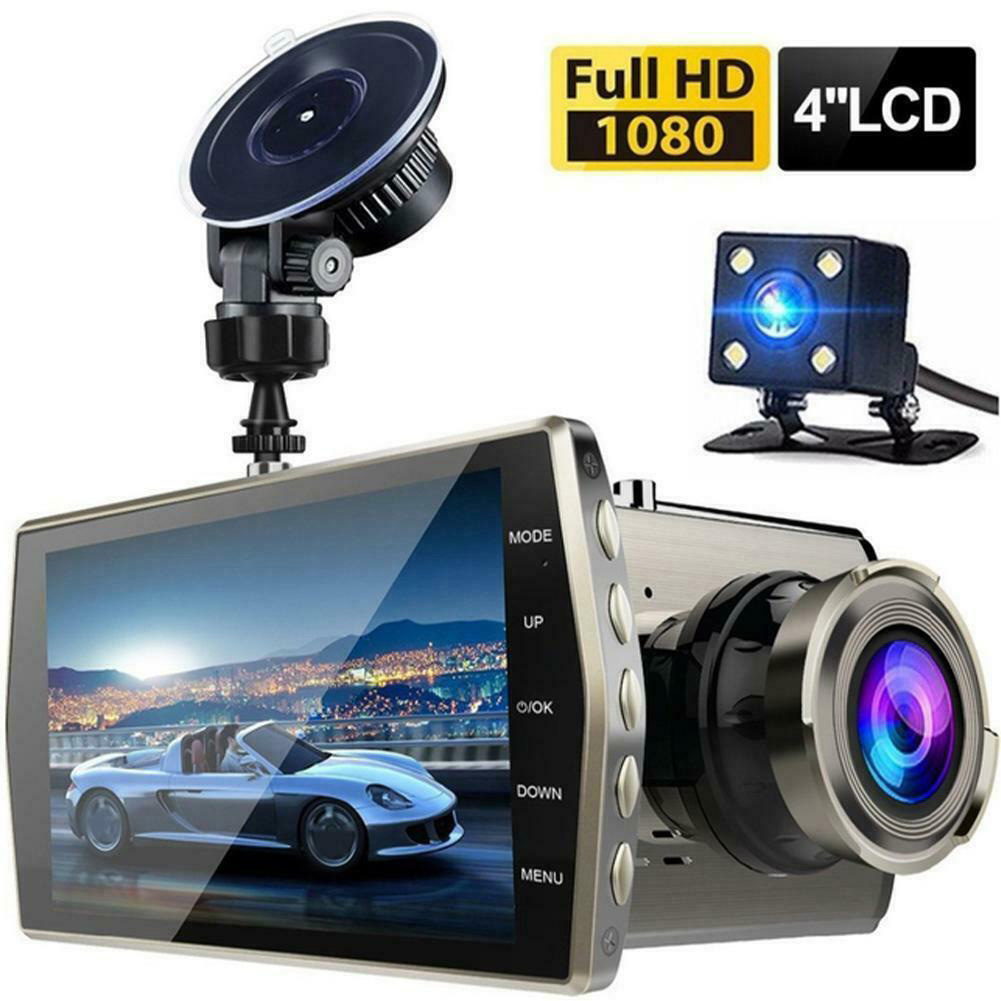
HD Screen Car Dash Cam with Night Vision
$77.70
Add to cart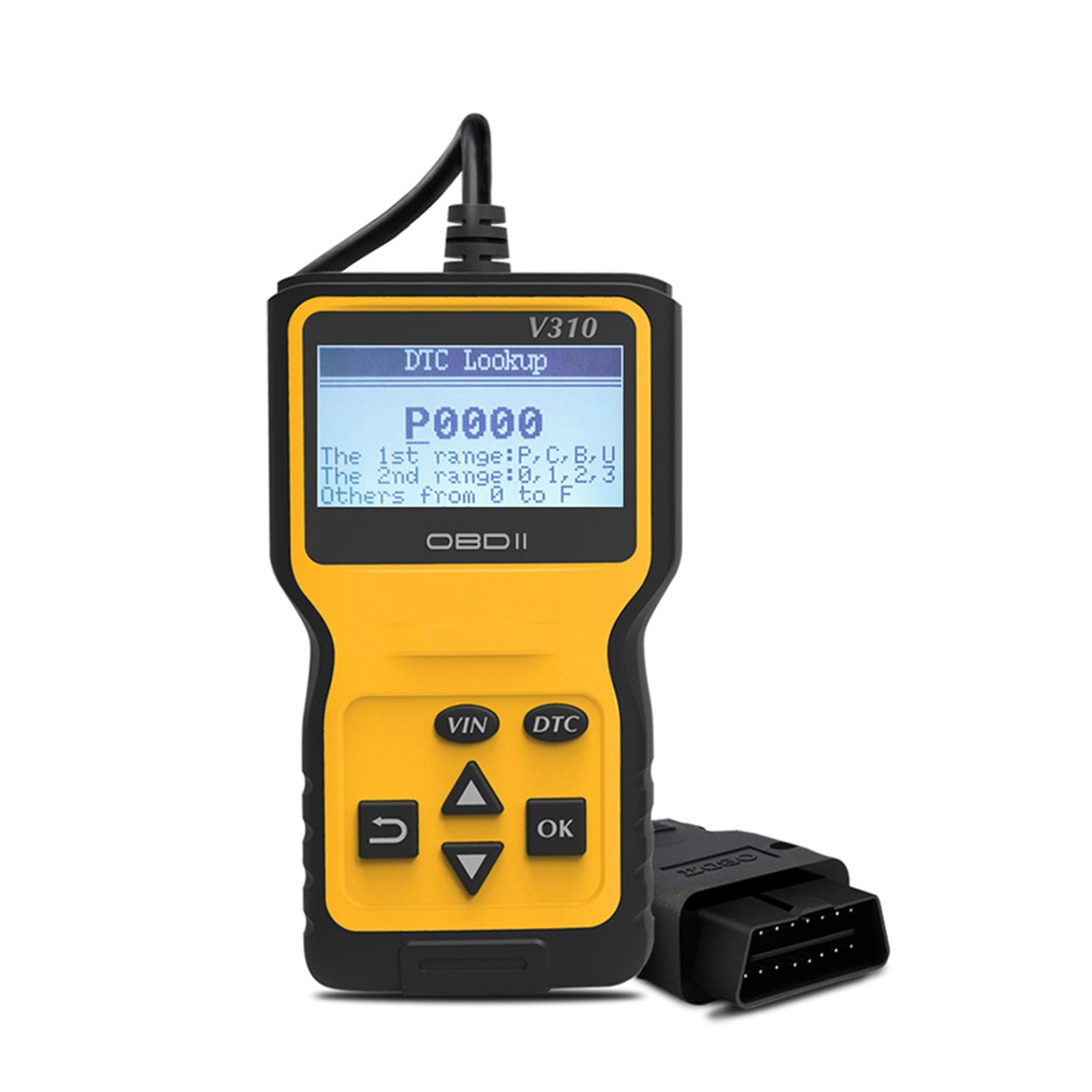
Obd2 Scanner Car Engine Fault Code Reader Obd Ii Tester Auto Diagnostic Scan Tool Screen Display Decoder Detector Yellow
$65.80
Add to cartProducts you may also like
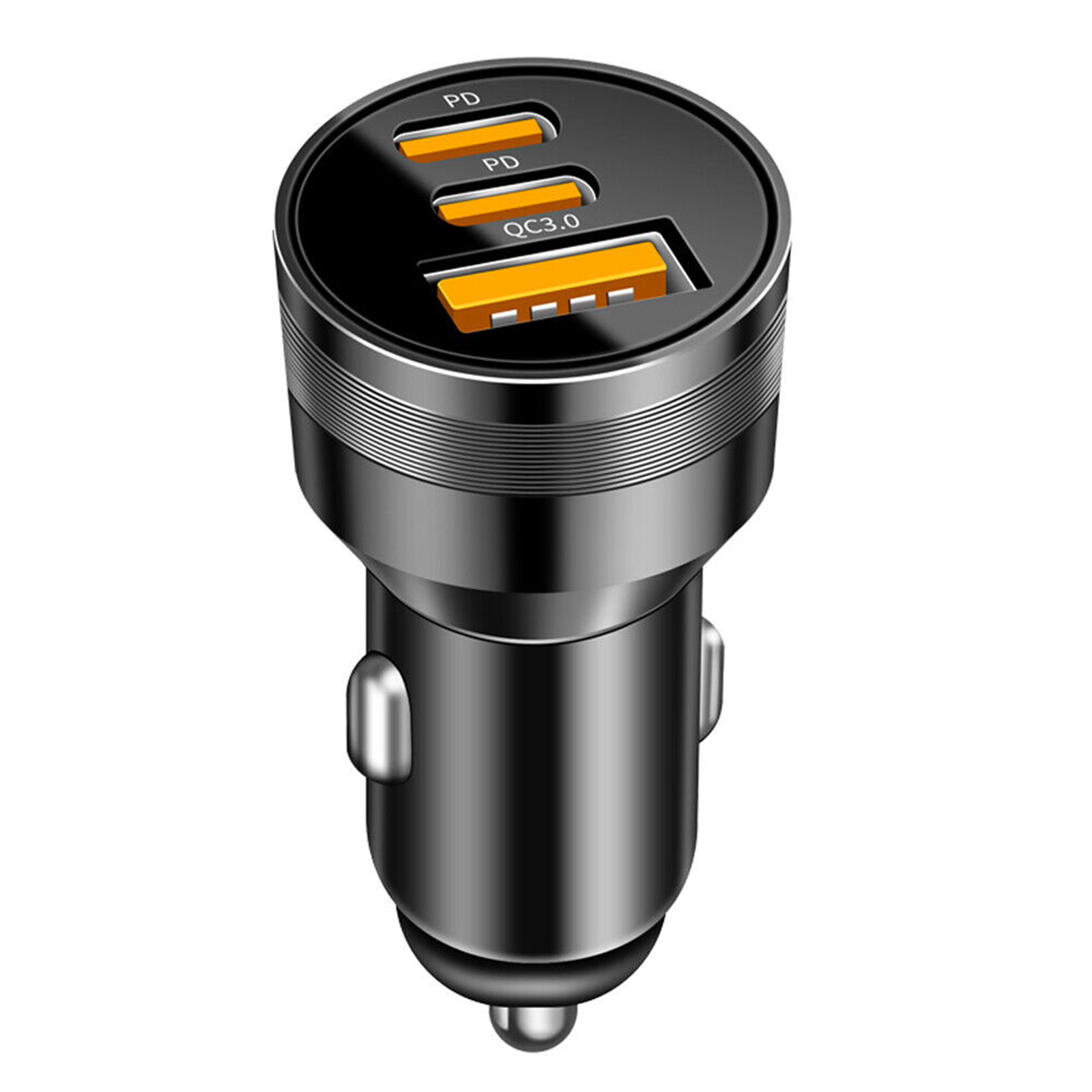
78W PD USB C Car Charger Dual PD QC3.0 Fast Power Charging Block Cigarette Lighter Socket Splitter Power Adapter black
$21.60
Add to cart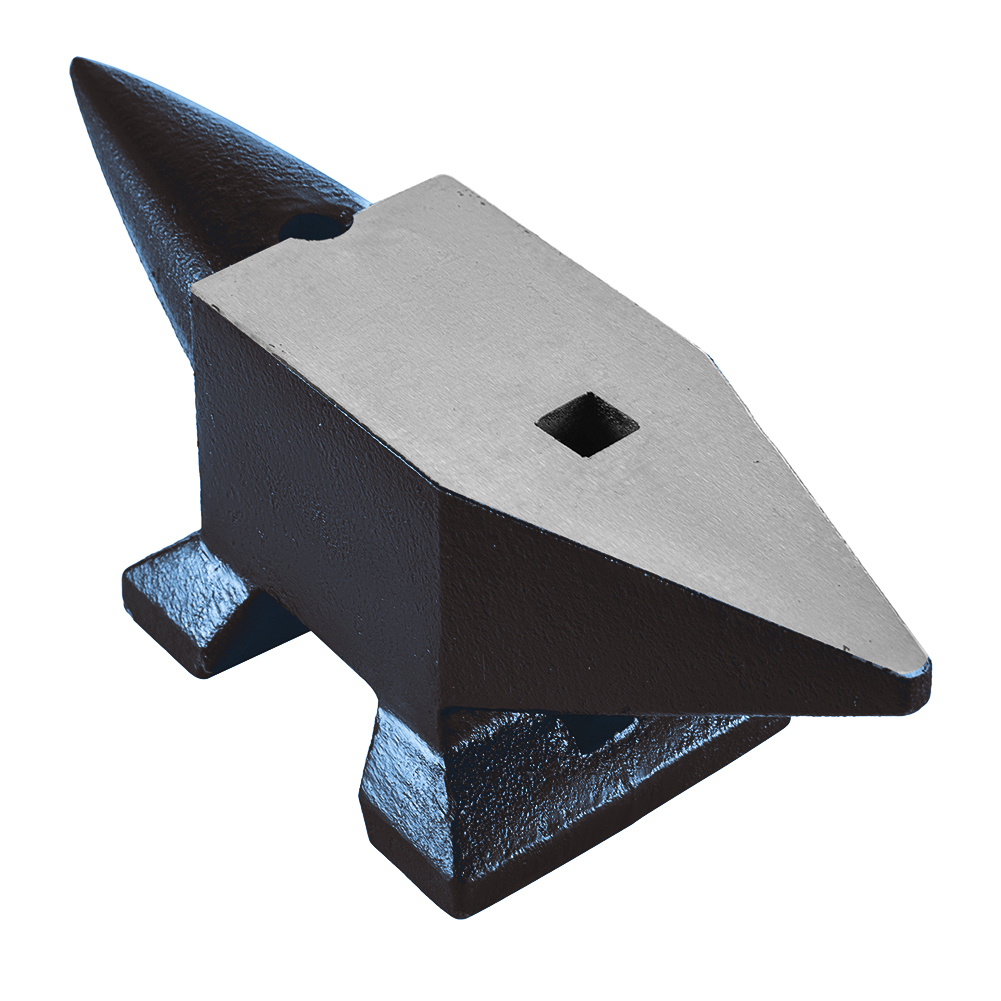
Exceptional US Cast Steel Anvil Anvil Blacksmith for Sale Forge Tools Jewelers Metalsmith Blacksmith Tool Blue 132 Lbs
$1,783.90
Add to cart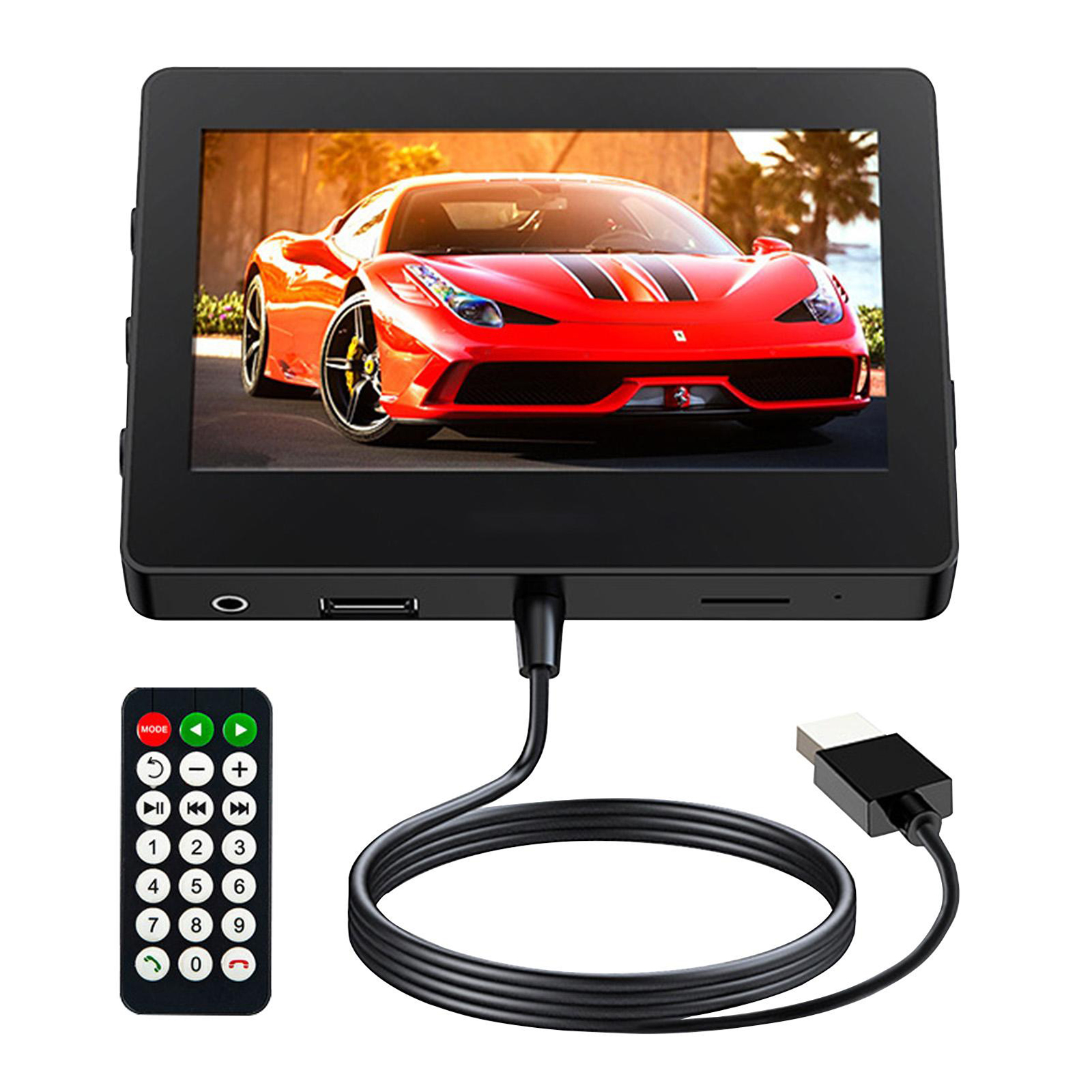
4.3 Inch Car Mp5 Player
$94.00
Add to cart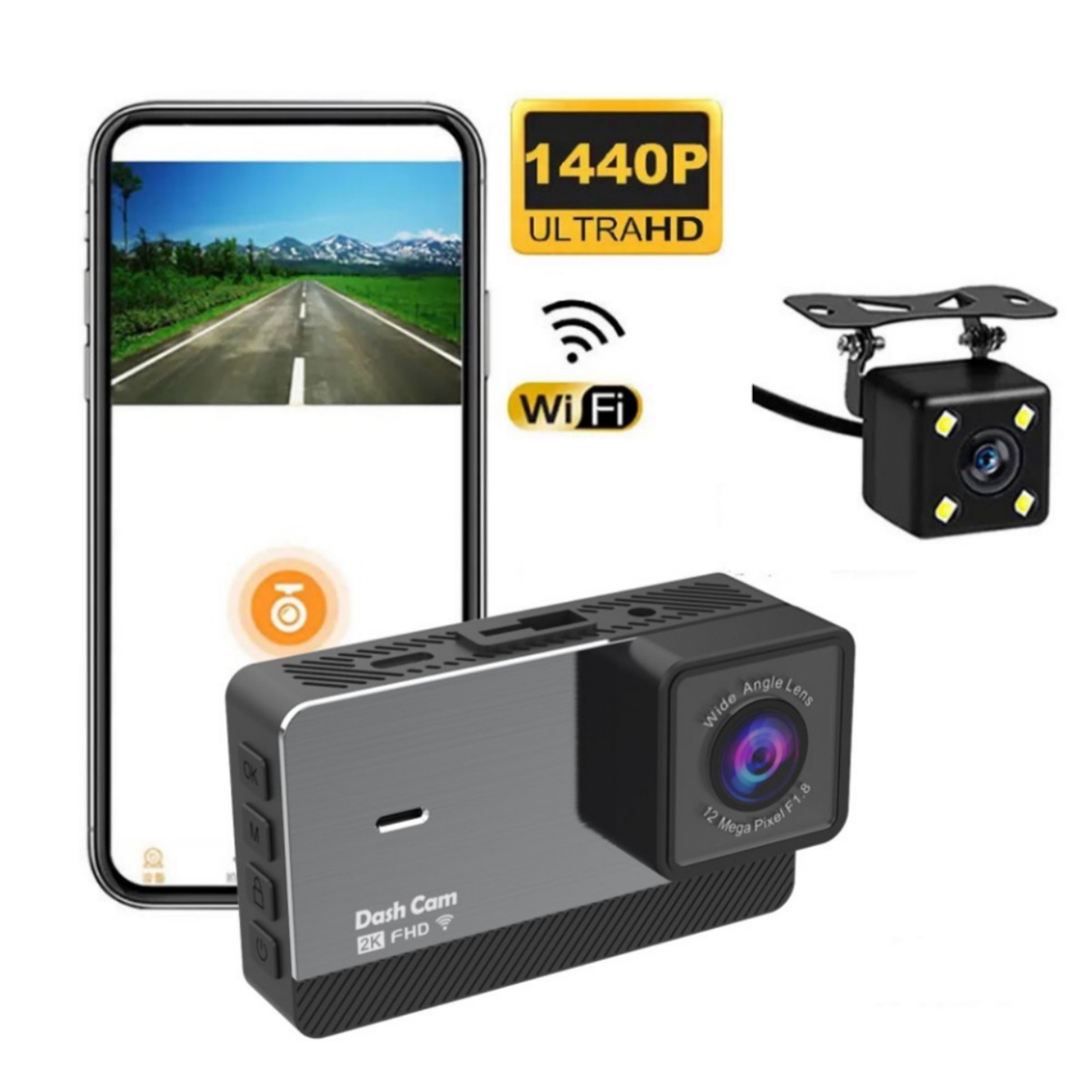
2k HD Dual Recording Driving Recorder
$133.30
Add to cartRecommended for You

Motorcycle / Scooter – Gasoline or Electric Variant to Confirm
$2,025.00
Add to cart
Jinbao Golden Leopard GS150 150cc Gasoline Motorcycle
$1,274.40
Add to cart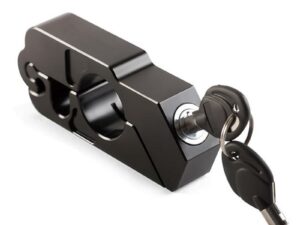
Motorcycle Handlebar Lock
$16.41
Select options
Instant Results Simple Comfortable Car Front Cushion Non-slip Breathable Car Cushion
$20.50
Add to cartRelated products
-

G10 Hud Gps Head Up Display Speedometer Overspeed Led Monitor Green Light
$70.10 -
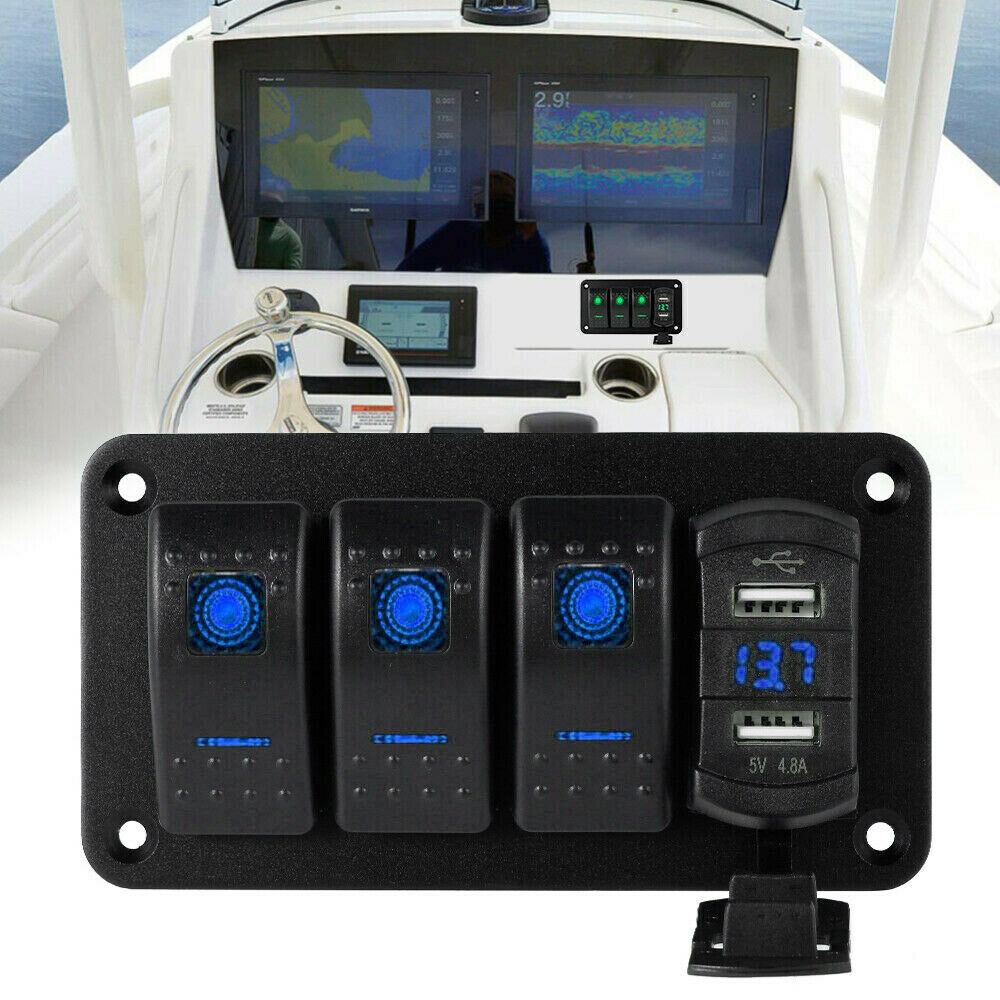
Rocker Switch Panel Dual Usb+ Voltage Digital Display Panel Car Modification Parts Blue light
$62.40 -
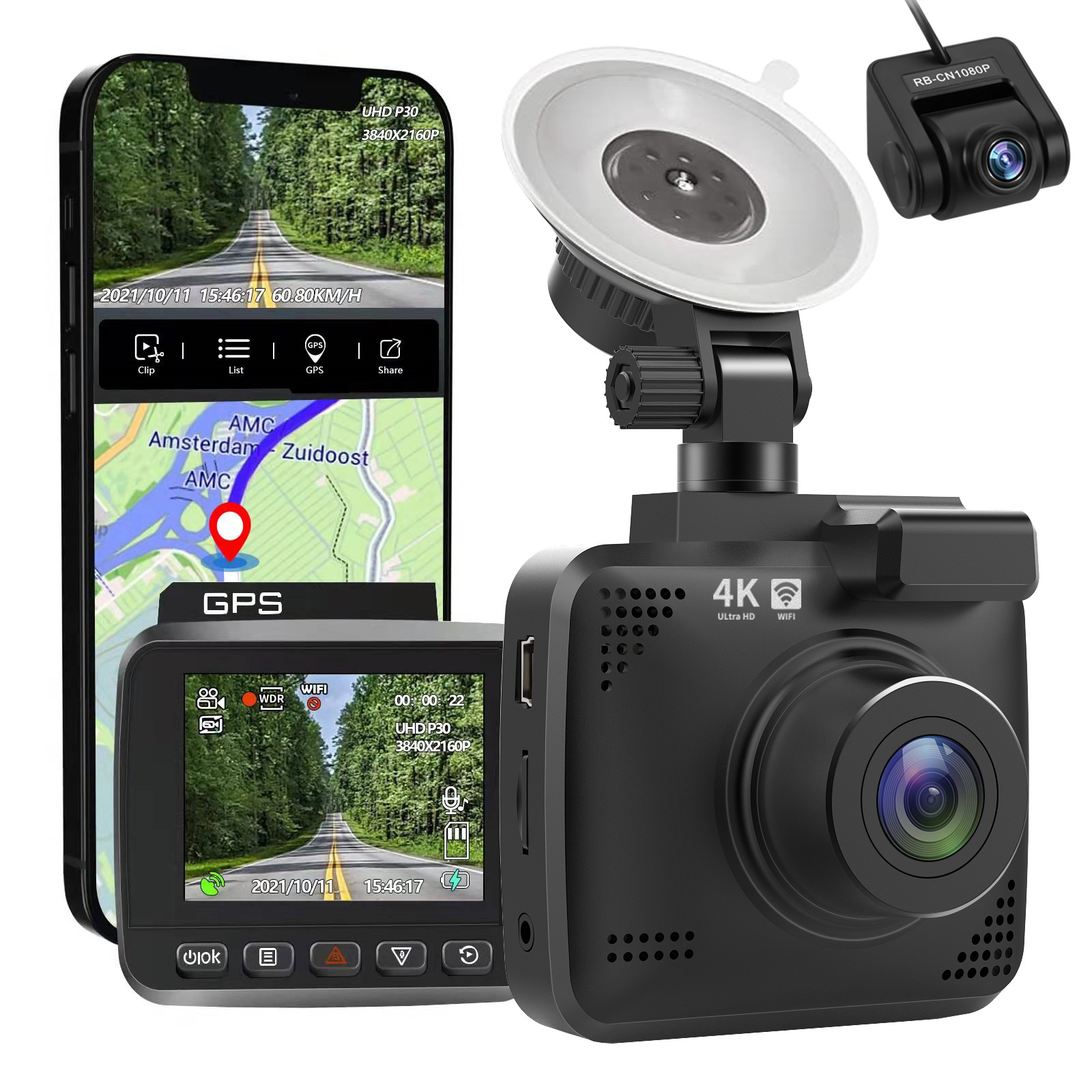
4k Wifi GPS Car Dash Cam
$197.20 -
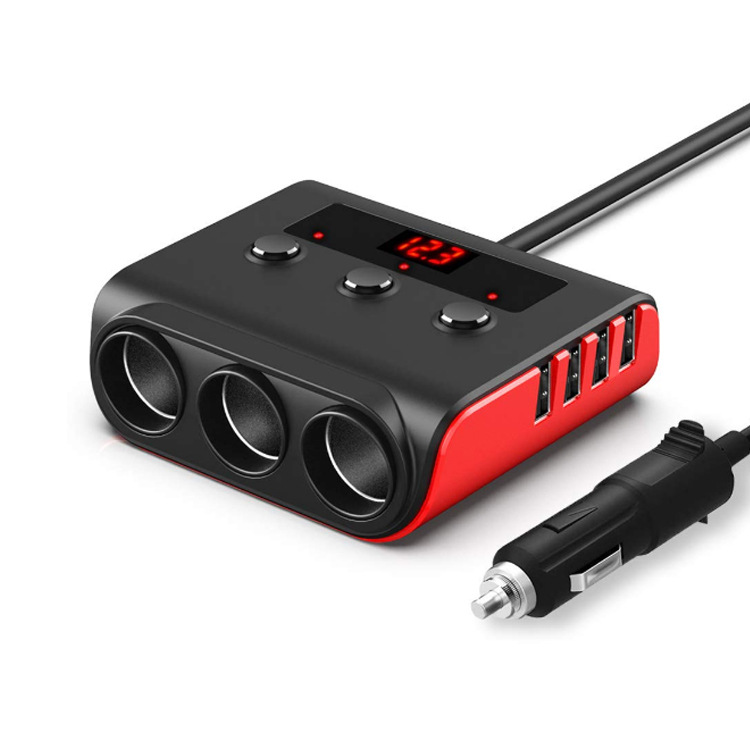
120w Car Cigarette Lighter Adapter Quick Charge 3.0 12v/24v 3 Outlet Power Splitter Dc Outlet With 8.5a 4 Usb Ports black red
$49.70

Reviews
There are no reviews yet.