
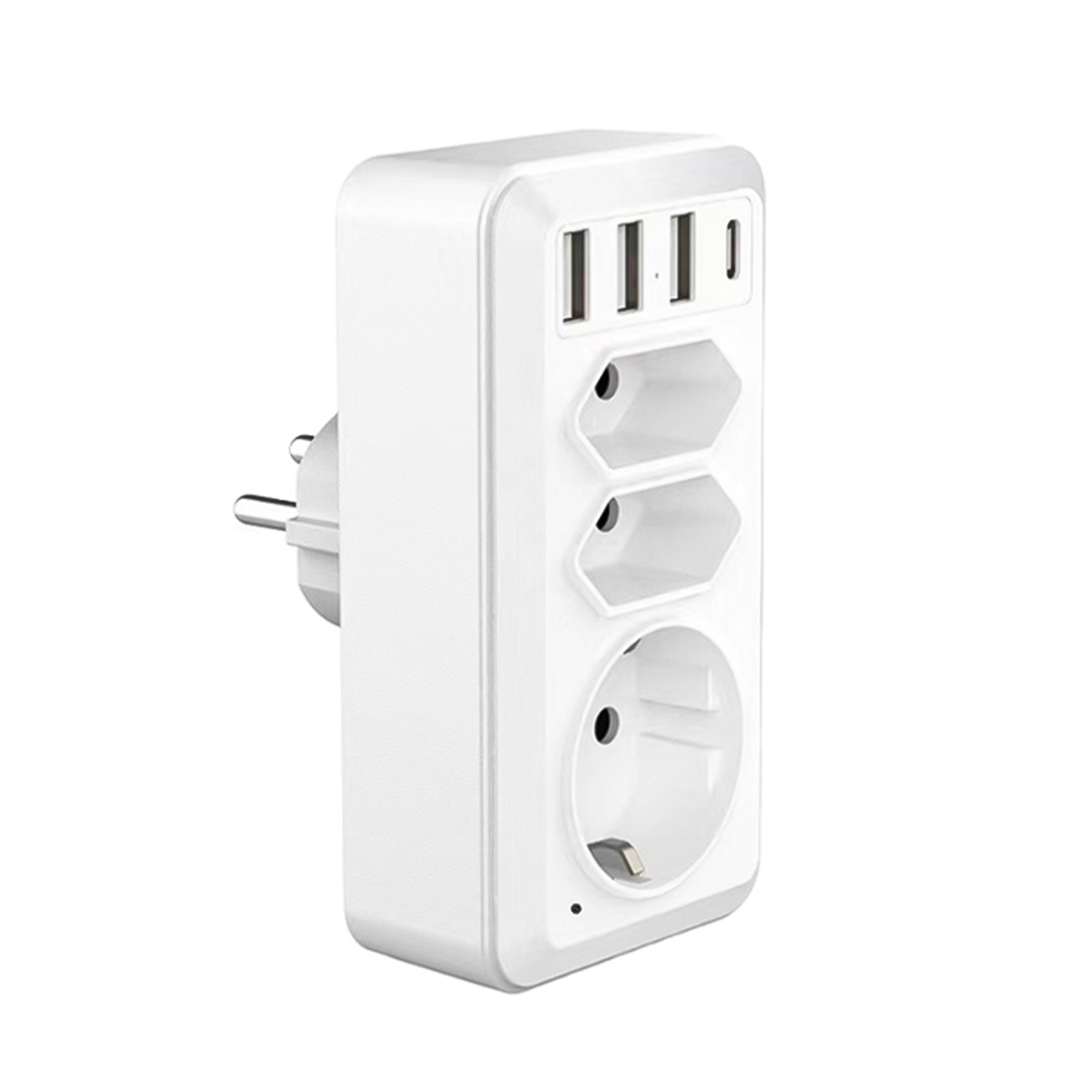
White EU Plug Portable Home Security Cam with USB Type-C Interface – HD WiFi Camera Wall Socket Camcorder
$139.40
- Multifunctional socket that can be used as a household socket or a mini camera
- Equipped with 3 USB ports and 1 Type-C interface
- Has two EU plug interfaces
- Advanced motion detection with smart reminder function
- Instant notifications on phone when an object or person moves in the field of view
- Allows for viewing events without delay and works at night
Buy more, save more
Buy 2–4 of this item and save 5%.
Buy 5 or more of this item and save 10%.
Discount is automatic in your cart on regular-priced items. It cannot be combined with coupon codes or sale prices.
Buy 2–4 of this item and save 5%.
Buy 5 or more of this item and save 10%.
Discount is automatic in your cart on regular-priced items. It cannot be combined with coupon codes or sale prices.
Country suggested using IP or browser language; you can change it. Shipping is confirmed at checkout.
Description
White EU Plug Portable Home Security Cam with USB Type-C Interface – HD WiFi Camera Wall Socket Camcorder,
HOW TO USE
Step 1: Plugging in and Setting Up
- Plug the device into an available wall socket.
- Make sure the socket is connected to power.
- Download and install the companion mobile app from your app store.
- Open the mobile app and create a new account or sign in if you already have one.
Step 2: Connecting to Wi-Fi
- In the app, go to the settings menu and select “Wi-Fi Settings”.
- Follow the on-screen instructions to connect the device to your Wi-Fi network.
Step 3: Monitor and Control
- Once connected, you will see a live feed from the camera on the app’s main screen.
- You can tap on the video feed to view it in full screen mode.
- Use the app’s controls to pan, tilt, zoom, and adjust the camera’s settings as desired.
Step 4: Motion Detection
- To enable motion detection, go to the app’s settings and select “Motion Detection”.
- You can customize the sensitivity and other settings according to your preference.
- When motion is detected, you will receive an instant notification on your phone.
Step 5: Playback and Storage
- Recorded footage will be stored on a microSD card (not included) inserted in the device.
- To access recorded footage, go to the app’s main screen and select “Playback”.
- You can search for specific dates and times to view recorded events.
Step 6: Additional Features
- Connect your phone to the device’s USB or Type-C interface to charge or transfer files.
- The device also functions as a regular European socket, allowing you to power other devices.
- For further information and troubleshooting tips, refer to the user manual included with the product.
Congratulations! You are now ready to use the 1080p Hd Wifi Camera Wall Socket Camcorder for enhanced home security and convenience.
, ,
Only logged in customers who have purchased this product may leave a review.
Popular items in this category
Tire Pressure Monitoring System Sensors Cigarette Lighter USB port Auto Security Alarm Systems Tire Pressure
$29.61
Add to cart
Join the Elite Club with Outdoor WiFi Camera with Dual Lens, 4K Resolution, 8MP, Wireless, PTZ Security, Night Vision, AI Humanoid Detection, Auto Tracking, Two-Way Audio, ONVIF H.265+, IP Cameras
$16.10
Add to cart
Best Offer Intelligent Thermostatic Radiator Valve with Zigbee Connectivity for Smart Home Control via APP, Voice, Alexa and Google Home
$16.10
Add to cart
Sensational Savings Wireless Smart Camera with WiFi Connectivity, 1080p Resolution, IR Night Vision, AI Motion Detection, Wide Angle View, Dual Storage, and Enhanced Security Features
$16.10
Add to cartSimilar items you might like

Join the Elite Club with ESCAM QF005 3MP WiFi IP Camera with Dual Light Source, Motion Detection, Two-way Intercom, Night Vision, and Memory Card Support for Home Security Monitoring
$16.10
Add to cart
Exceptional Smart Home Zigbee 3.0 Human Presence Sensor with Microwave Radar Detection - Sonoff SNZB-06P - Compatible with IFTTT, Alexa, and Google Home
$16.10
Add to cart
Discover the Secret Hiseeu 4K 32-Channel NVR for IP Camera Security Surveillance System with H.265+ Support, 5MP DVR, Network Video Audio Recorder, Humanoid Detection, and EU Plug
$16.10
Add to cart
Limited-Time Offer HD WiFi PTZ Camera with ICSEE App for Remote Monitoring, Night Vision, Motion Detection, Two-Way Audio, Alarm Alerts, Video Playback, and Home Security Surveillance
$16.10
Add to cartProducts related to this item
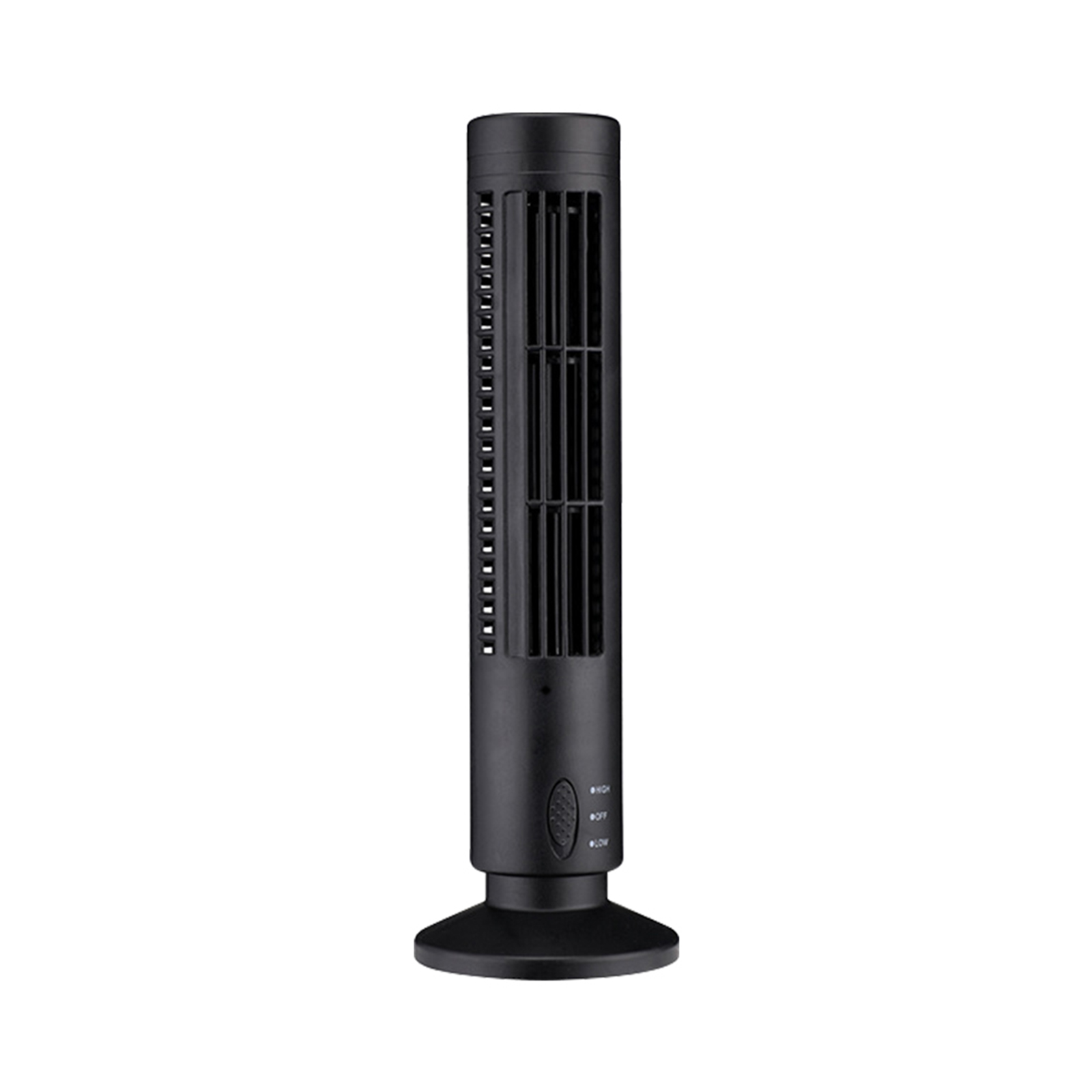
Black USB Tower Fan Camcorder with 1080p HD Wifi, Motion Detection for Home Security and Nanny Cam
$143.50
Add to cart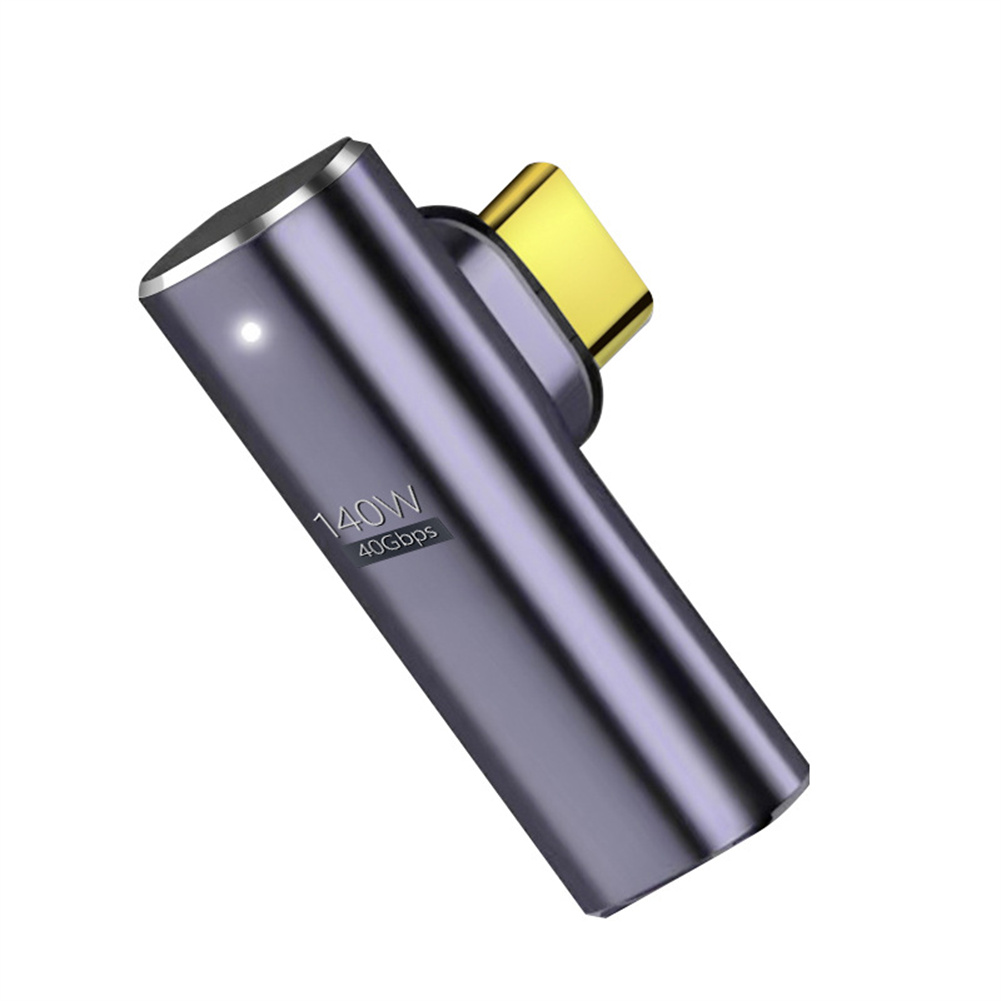
Uncover Your True Potential with Magnetic Type-C Adapter with 140W Fast Charging, 40Gbps Data Transfer, 8K HD Video Transmission and Elbow Design
$25.80
Add to cart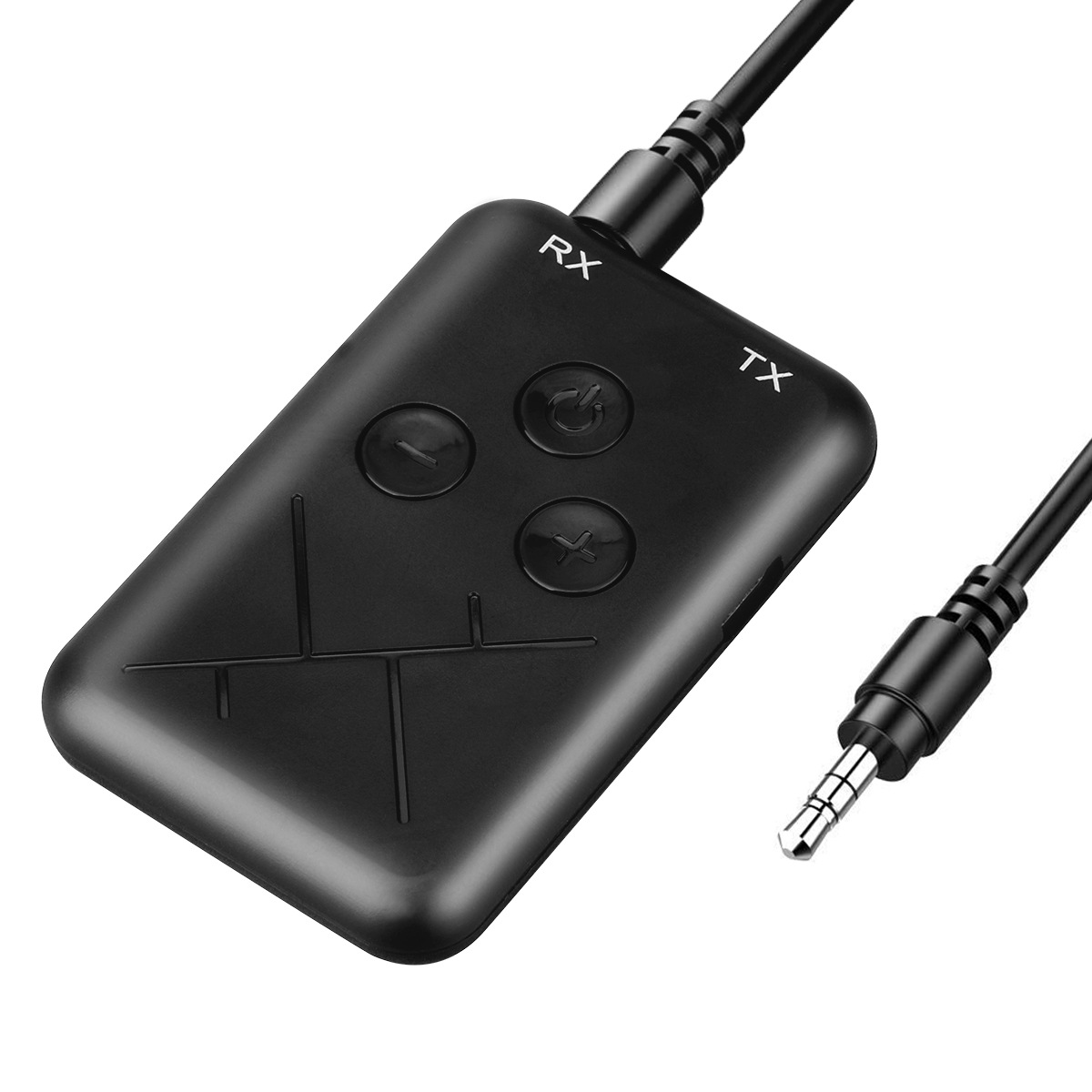
Black 2 in 1 Bluetooth 4.2 Transmitter Receiver Adapter with 3.5mm Audio Wireless Capability
$29.00
Add to cart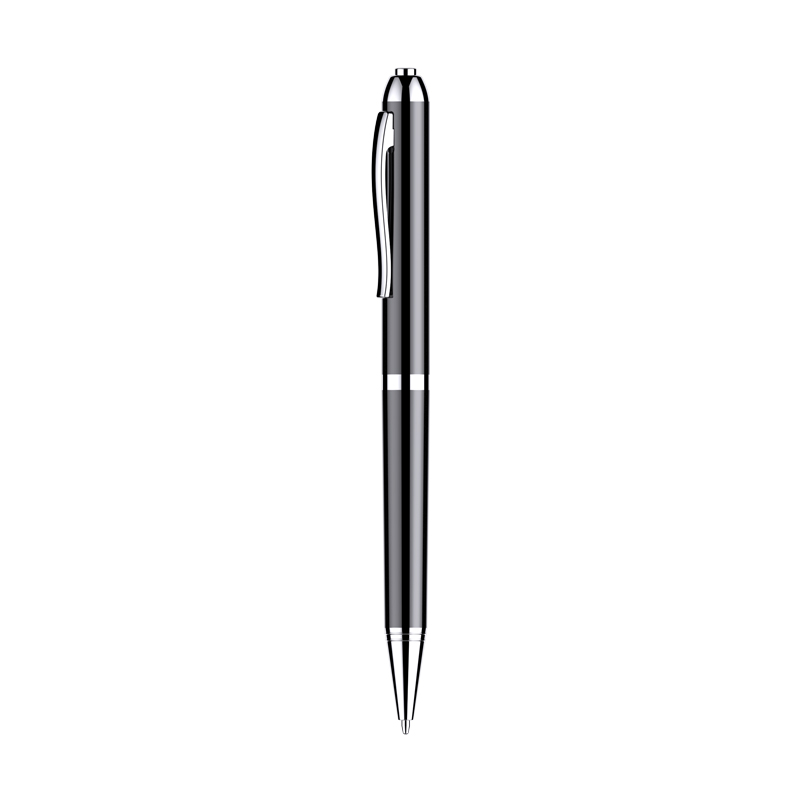
HD Noise Reduction Business Meeting Recording Pen Q90b with LED Light Player for Student Class - 16GB
$50.40
Add to cartProducts you may also like

Home Security Water Immersion Sensor: Remote Alarm Flood Water Leak Detector with Soaking Sensor - White
$46.60
Add to cart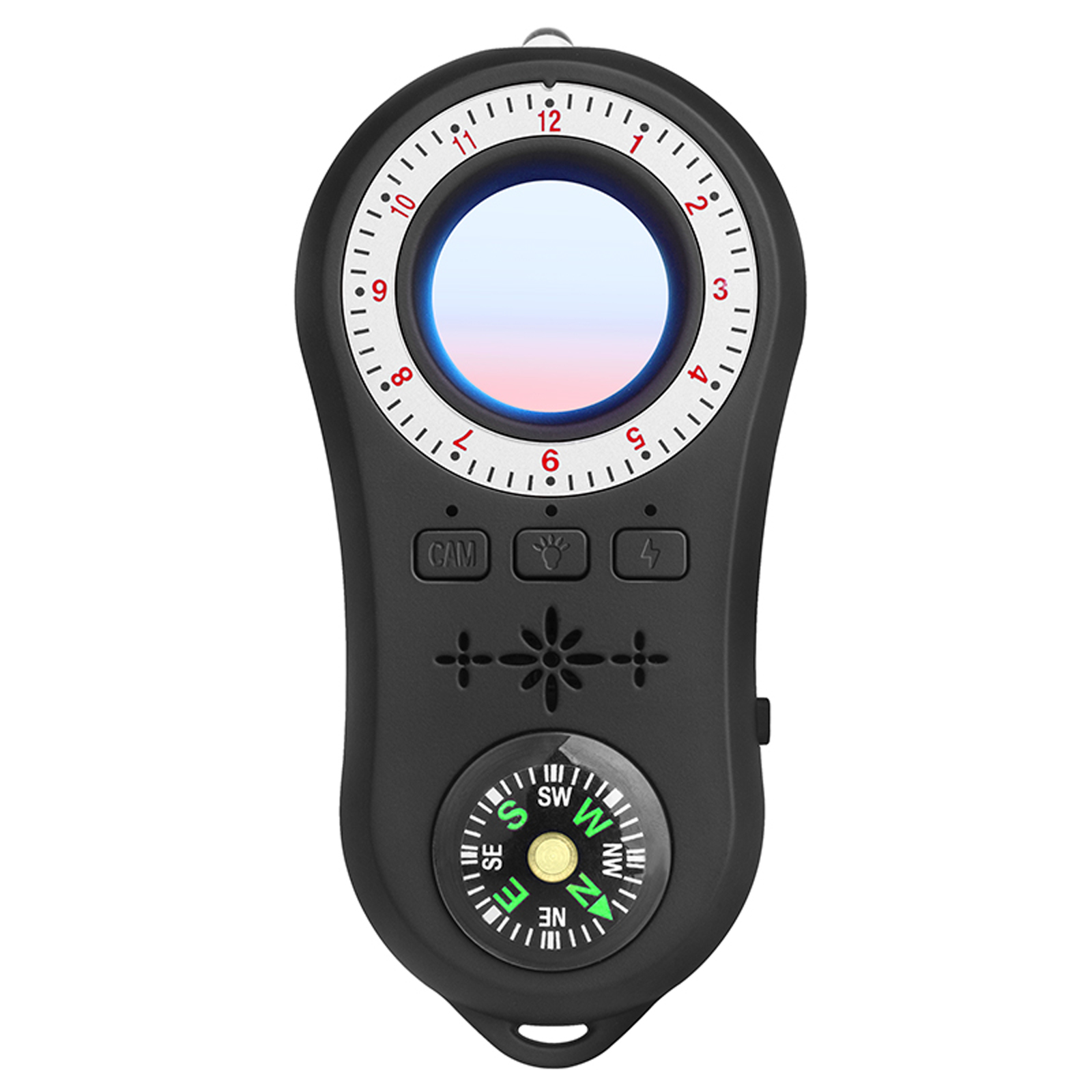
Multi-functional Infrared Detector with Vibration Alarm and Compass for Hotel Security in Black
$59.30
Add to cart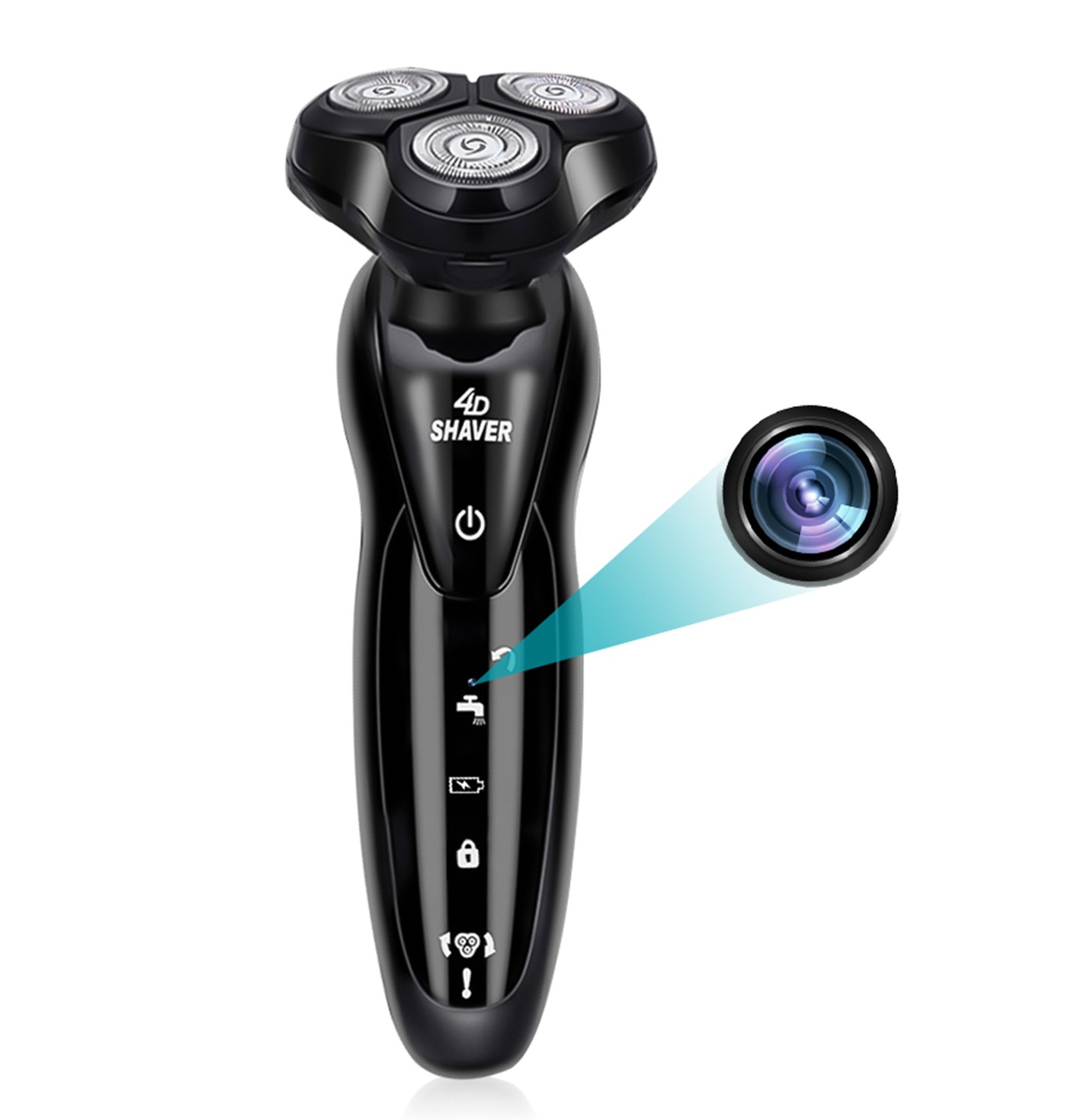
Mini Camera Shaver with Wifi and 4D Technology - HD Camcorder with 1080p Resolution, 64GB Memory Card, and Portable Home Security Surveillance Features
$255.40
Add to cart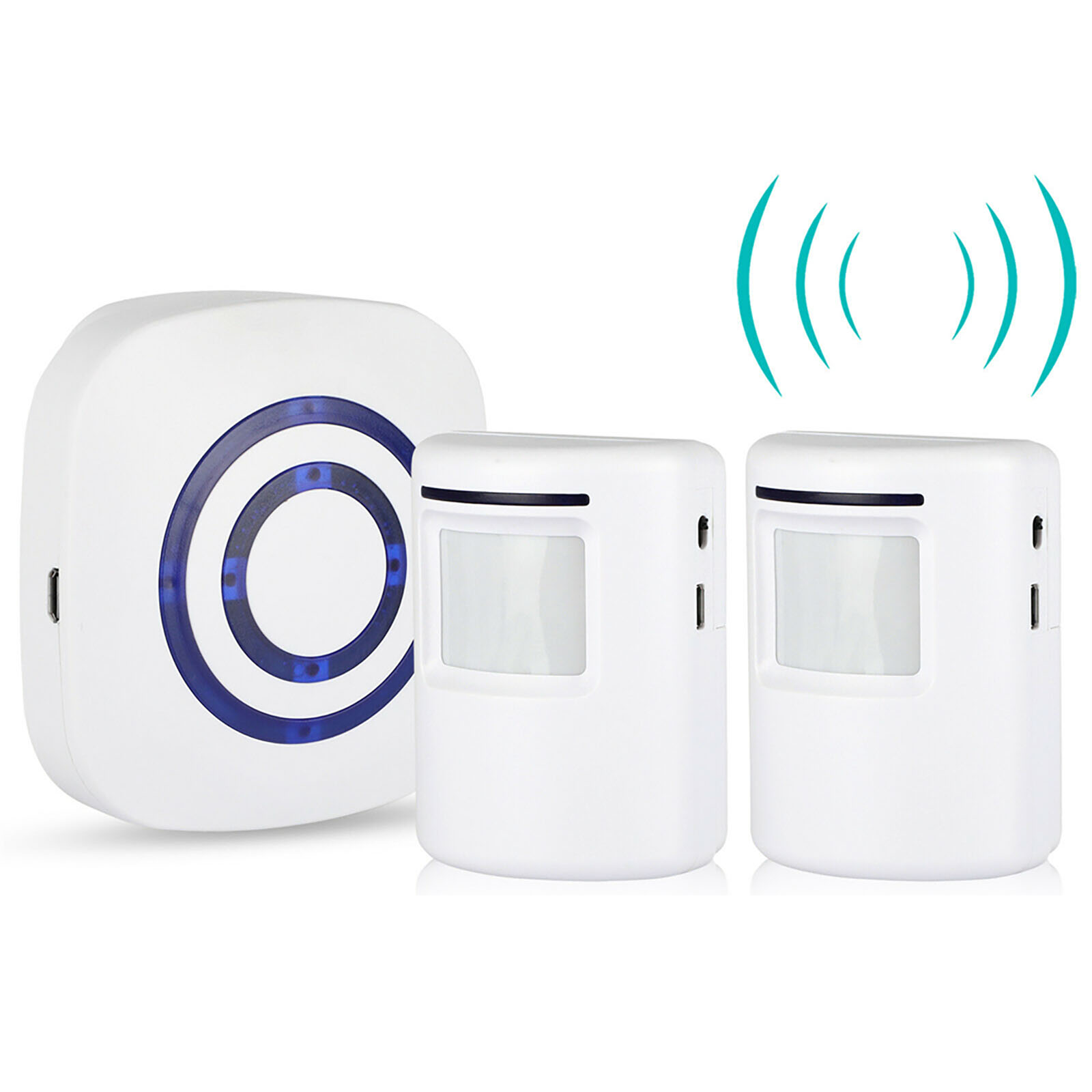
US Plug Wireless Plug-in Receiver Motion Sensor Doorbell Home Security Alarm System
$55.80
Add to cartRecommended for You
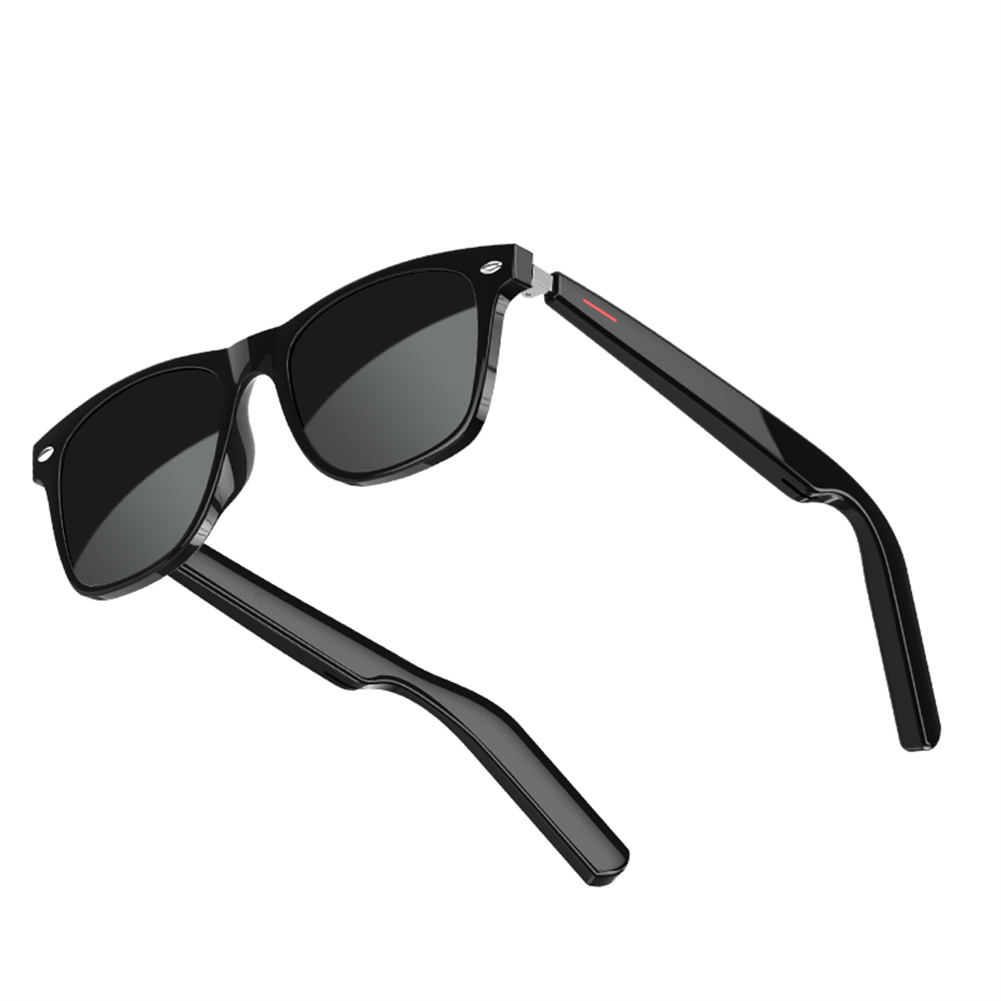
Your Perfect Match Black Lens E10-C Smart Glasses with Wireless Bluetooth 5.0, Hands-Free Calling, Music, and Outdoor Sports Eyeglasses
$85.10
Add to cart
Game-Changer Wireless Smart Wifi Camera with 360 Degree Motion Tracking, 1080P Resolution, Cloud Storage - Ideal for Baby Monitoring and Home Security Surveillance
$16.10
Add to cart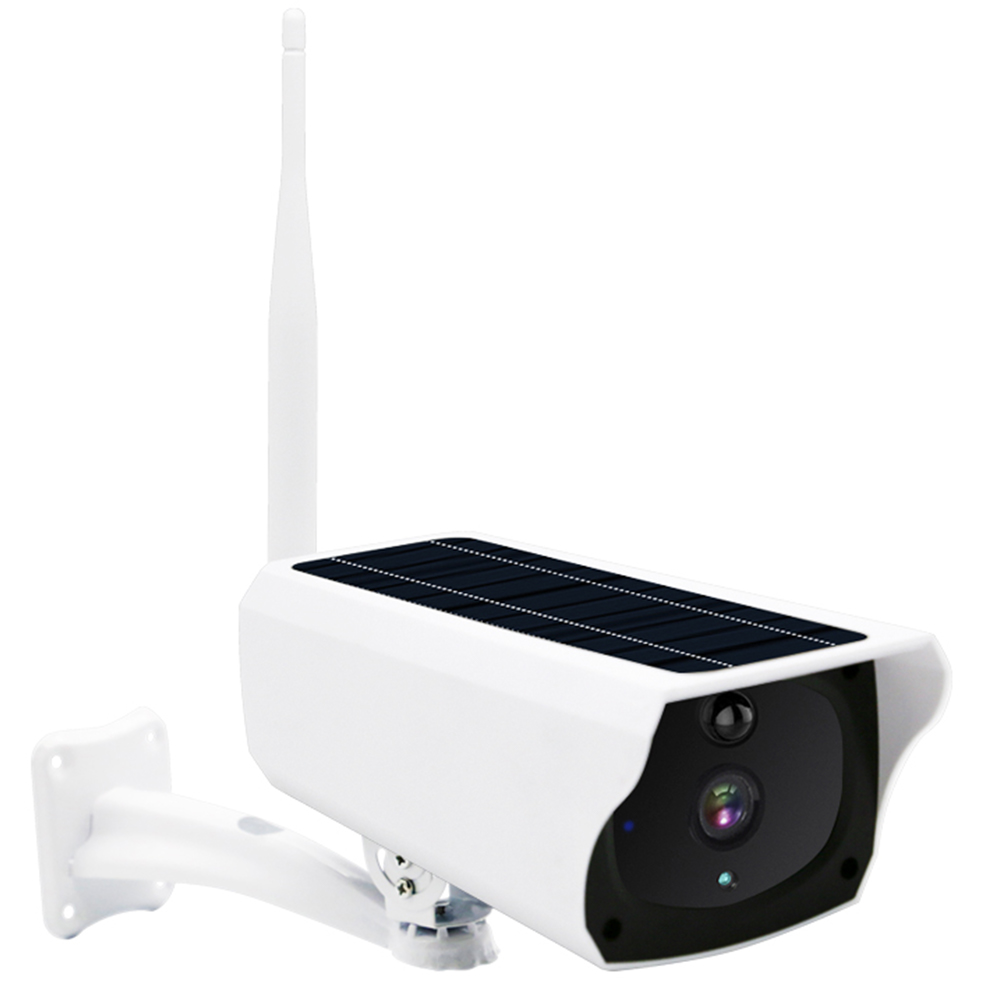
Classic Deal Outdoor Solar Security Camera: AI Motion Detection, Color Night Vision, IP66 Waterproof, 2 Way Audio, 3MP HD with Built-in Battery
$150.90
Add to cart
Shop the Ultimate Collection Outdoor Night Vision 4K 8MP PoE IP Camera with Motion Detection, Two-way Intercom, H.265+ Video Surveillance, Audio Recording - CCTV Home Security Cameras by Hiseeu
$16.10
Add to cartRelated products
-
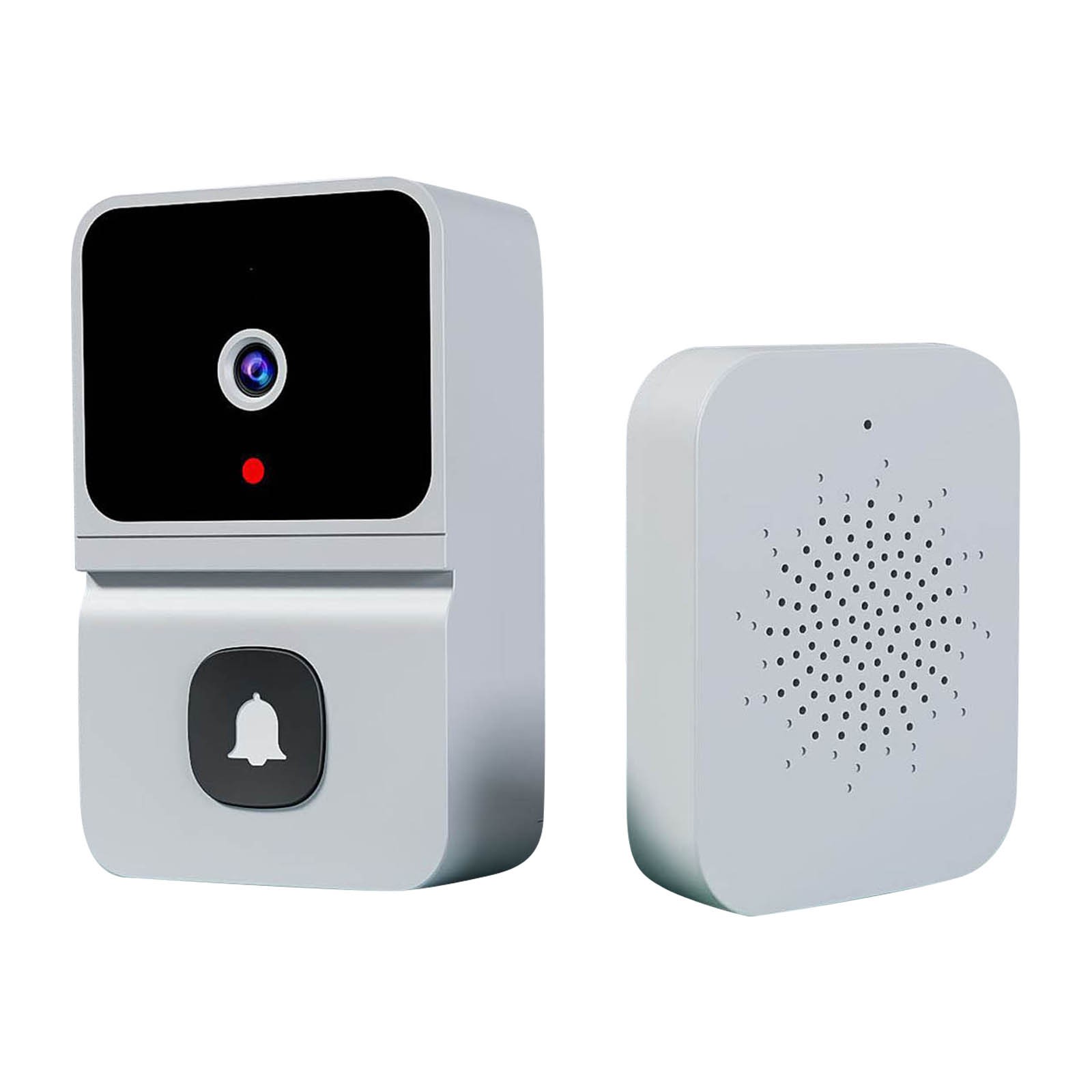
Wireless HD Video Doorbell Camera Z30 with Chime, Night Vision, 2.4ghz Wifi, Smart Door Bell, Two-Way Audio, in White
$47.00 -
Smart Wireless WIFI Motion Sensor Human Body Detector – White
$60.70 -
360 Degree Panoramic Light Bulb Camera with 960p 2.0MP H.265 Security, Wifi, IP CCTV, Video Surveillance, Fisheye HD, Night Vision, and Dual Light Source
$54.30 -
Black Wifi Camera with HD 1080p Resolution, Motion Detection, and Home Security Capabilities
$138.20

Reviews
There are no reviews yet.