
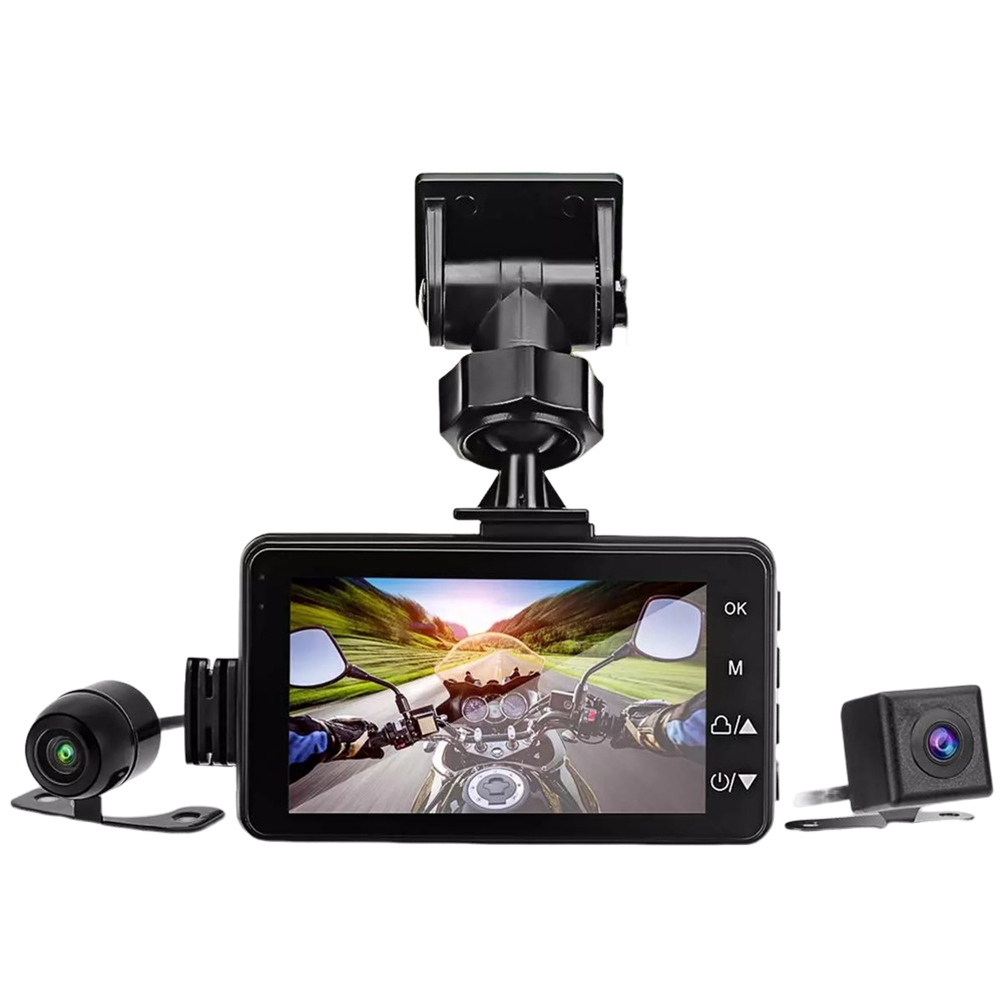
Motorcycle Dash Cam Dual Video Recorder
$95.70
- Front lens 120°, rear lens 90°
- 1280 x 720P/30FPS rear, 640 x 480 resolution
- 3.0 LCD display for split-screen preview
- High definition and brightness RGB display screen
- Built-in collision sensor for real-time detection
- Sealed and waterproof lenses for use in most weather conditions
- Automatic recording when motorcycle is powered on
- Eliminates the need for manual opening of the recorder
Buy more, save more
Buy 2–4 of this item and save 5%.
Buy 5 or more of this item and save 10%.
Discount is automatic in your cart on regular-priced items. It cannot be combined with coupon codes or sale prices.
Buy 2–4 of this item and save 5%.
Buy 5 or more of this item and save 10%.
Discount is automatic in your cart on regular-priced items. It cannot be combined with coupon codes or sale prices.
Country suggested using IP or browser language; you can change it. Shipping is confirmed at checkout.
Description
Motorcycle Dash Cam Dual Video Recorder,
How to use the MT80 Motorcycle Dash Cam
Step 1: Mounting the Dash Cam
- Choose a suitable location on your motorcycle to mount the dash cam.
- Ensure that the mounting surface is clean and dry.
- Attach the dash cam securely to the chosen location using the provided mounts and accessories.
Step 2: Powering the Dash Cam
- Connect the dash cam to the motorcycle’s power supply using the included power cable.
- Ensure that the dash cam is properly connected before proceeding.
Step 3: Starting the Dash Cam
- Turn on the motorcycle’s ignition key to power the vehicle.
- The dash cam will automatically start recording as soon as power is supplied.
Step 4: Viewing the Recorded Videos
- To view the recorded videos, press the power button on the dash cam to turn it off.
- Remove the memory card from the dash cam and insert it into a compatible device (such as a computer or smartphone).
- Open the file explorer or media player on the device and locate the videos stored in the memory card.
- Double-click or tap on a video file to play it and view your recorded footage.
Step 5: Changing Dash Cam Settings
- To access and change the dash cam’s settings, use the buttons and controls on the device.
- Refer to the user manual for detailed instructions on navigating the settings menu.
- Make any desired changes to the camera’s settings and confirm the changes.
, ,
Only logged in customers who have purchased this product may leave a review.
Special deals for you
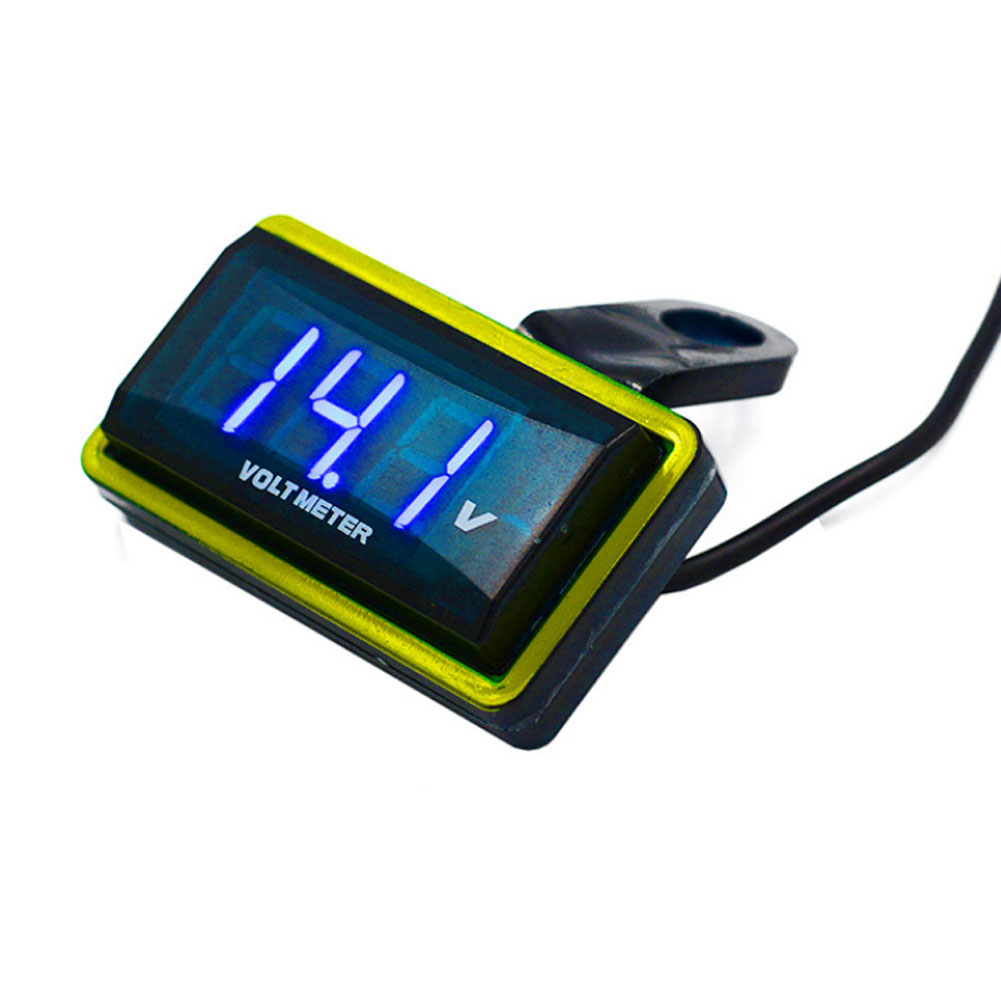
12V Car Voltmeter with Digital LED Display
Original price was: $20,030.60.$20.60Current price is: $20.60.
Add to cartPopular items in this category
Meterk 6-Tooth Wood Carving Disc – 16mm Bore Angle-Grinder Attachment
Price range: $12.08 through $26.62
Select options
Motorcycle accessories
$6.33
Add to cart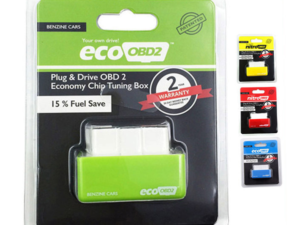
ECO OBD2 Plug-In Vehicle Module – Fuel-Saving Claims Not Verified
Price range: $2.67 through $14.61
Select options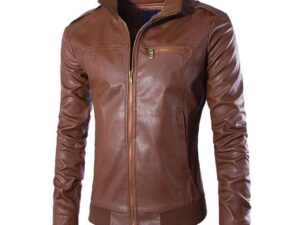
Motorcycle-Style Leather Jacket – Black, Brown and Dark Brown
$26.88
Select optionsSimilar items you might like
Products related to this item
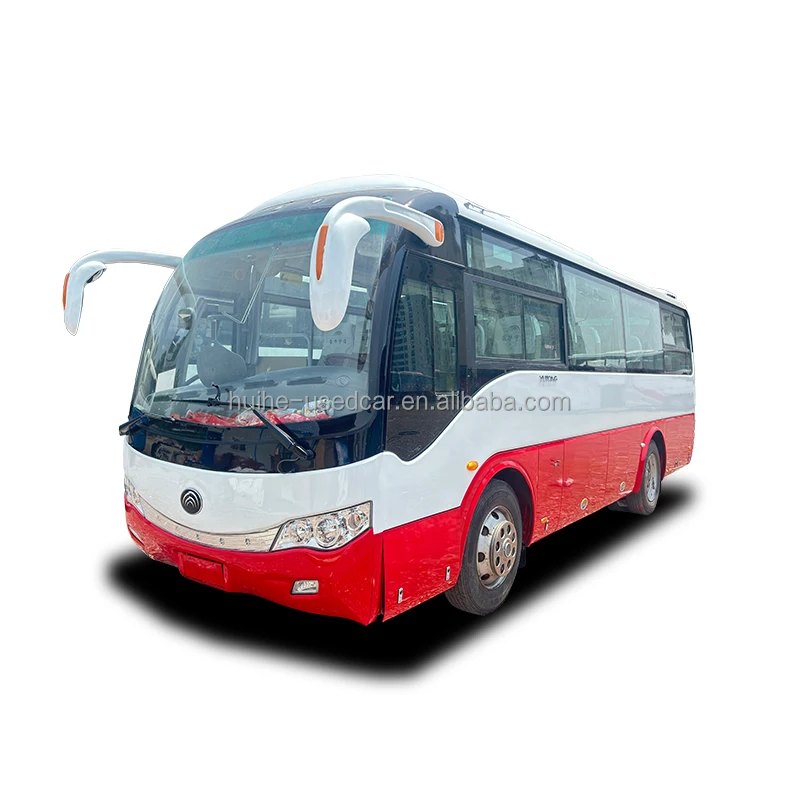
Used Yutong Diesel Coach Bus with Manual Transmission
$21,600.00
Add to cart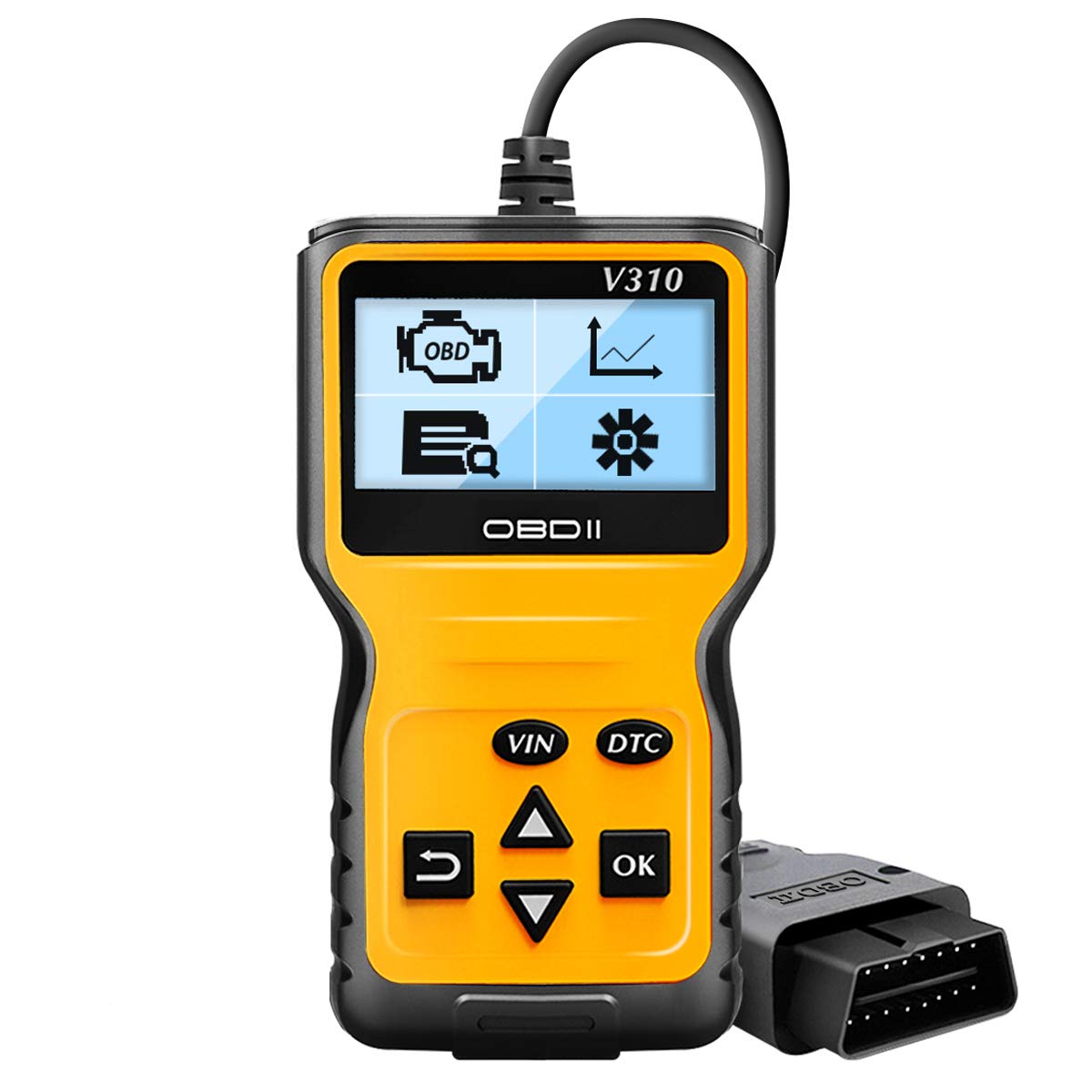
OBD2 Scanner Reader Universal Car Engine Fault Code Reader CAN Diagnostic Scan Tool for All OBD II Protocol Cars Since 1996 V310
$65.00
Add to cart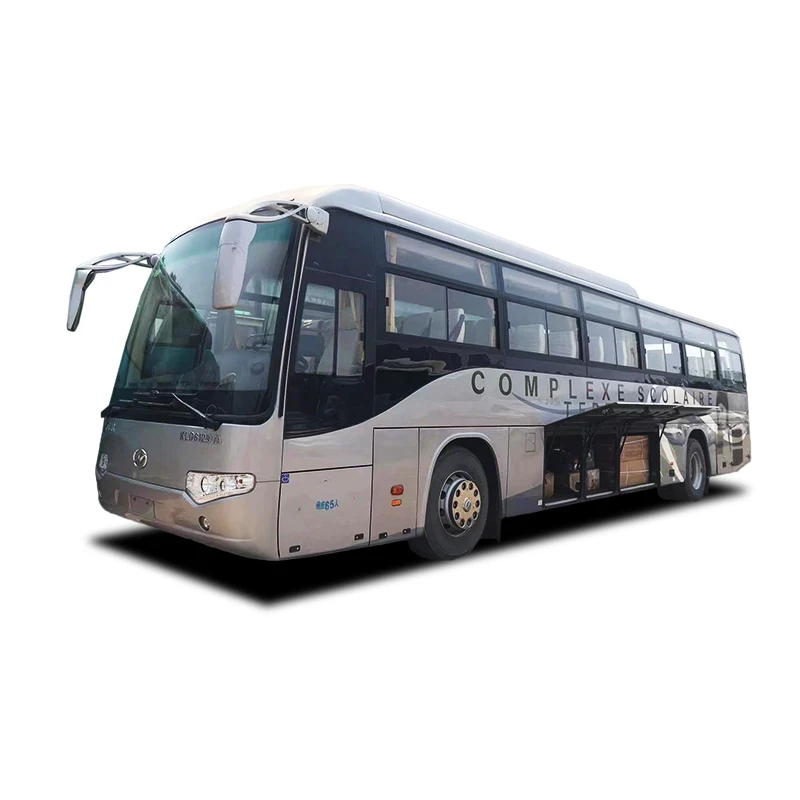
Used Higer Diesel Coach Bus with Manual Transmission
$26,946.00
Add to cart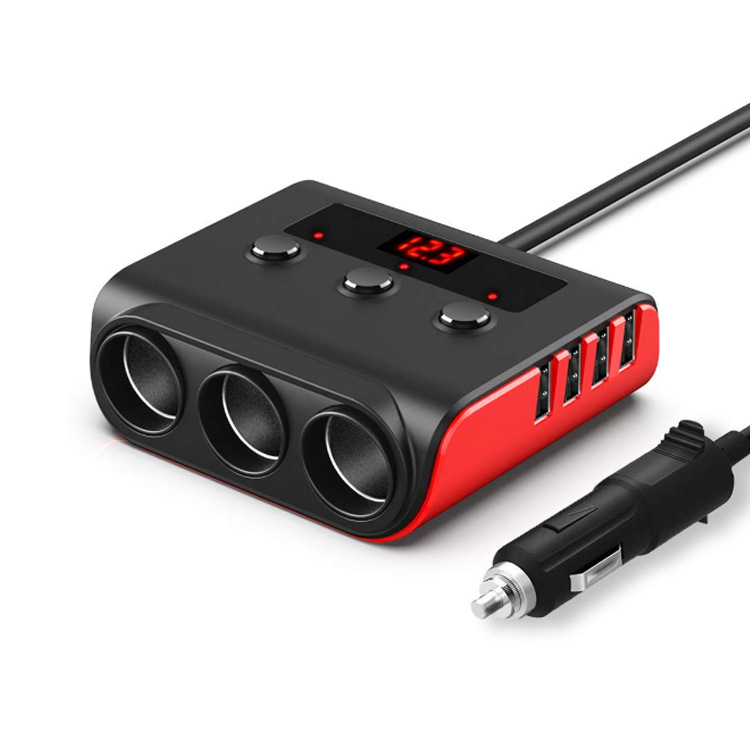
120w Car Cigarette Lighter Adapter Quick Charge 3.0 12v/24v 3 Outlet Power Splitter Dc Outlet With 8.5a 4 Usb Ports black red
$49.70
Add to cartProducts you may also like

Fullway PC369 205/65R16 95H All Season Performance Tire UTQG 380AA
$162.10
Add to cart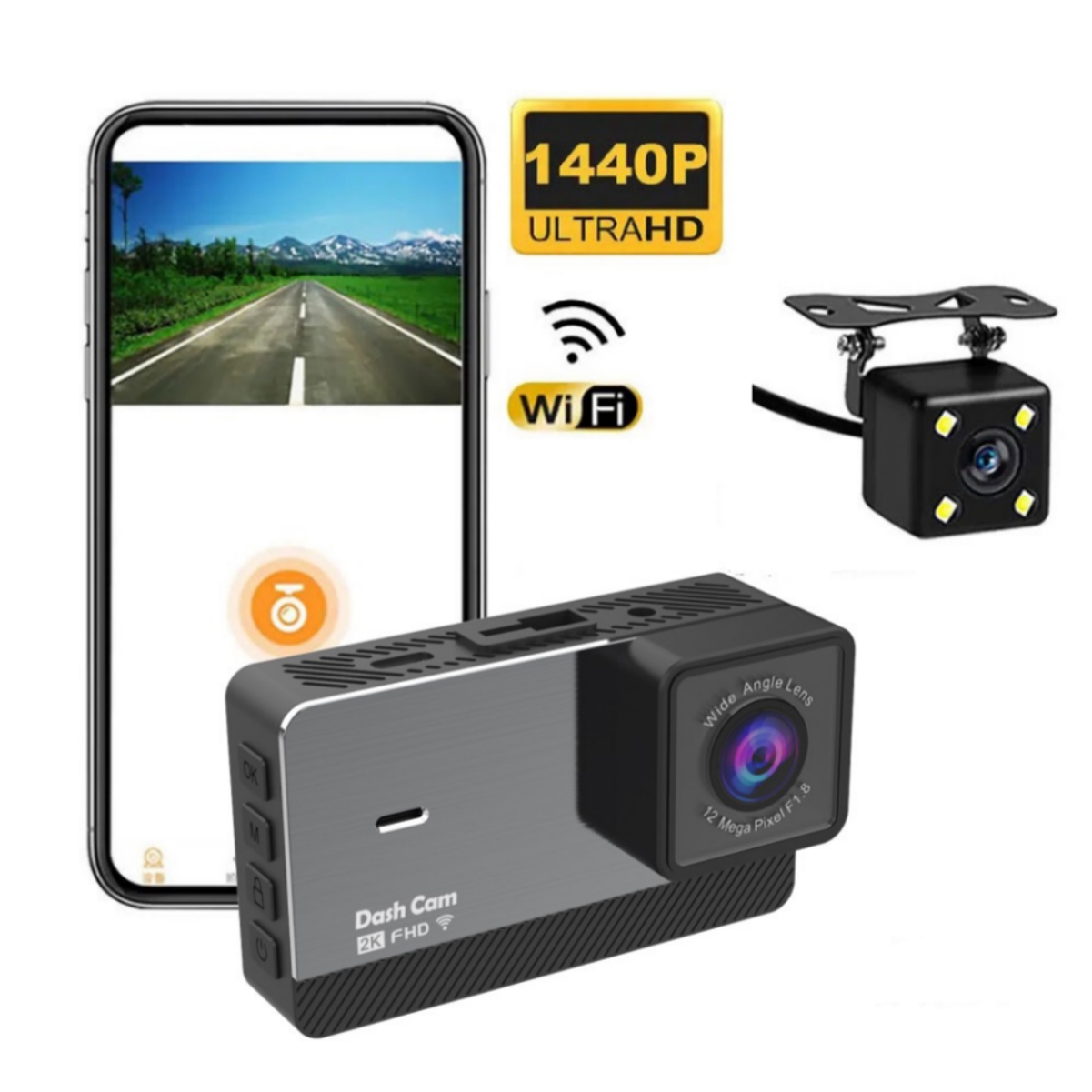
2k HD Dual Recording Driving Recorder
$133.30
Add to cart
Car Sticker 3D Sport Emblem Racing Car Sticker Badge Door Side Logo Adhesive Tail For Trunk Cars Car Styling Accessories red
$12.30
Add to cart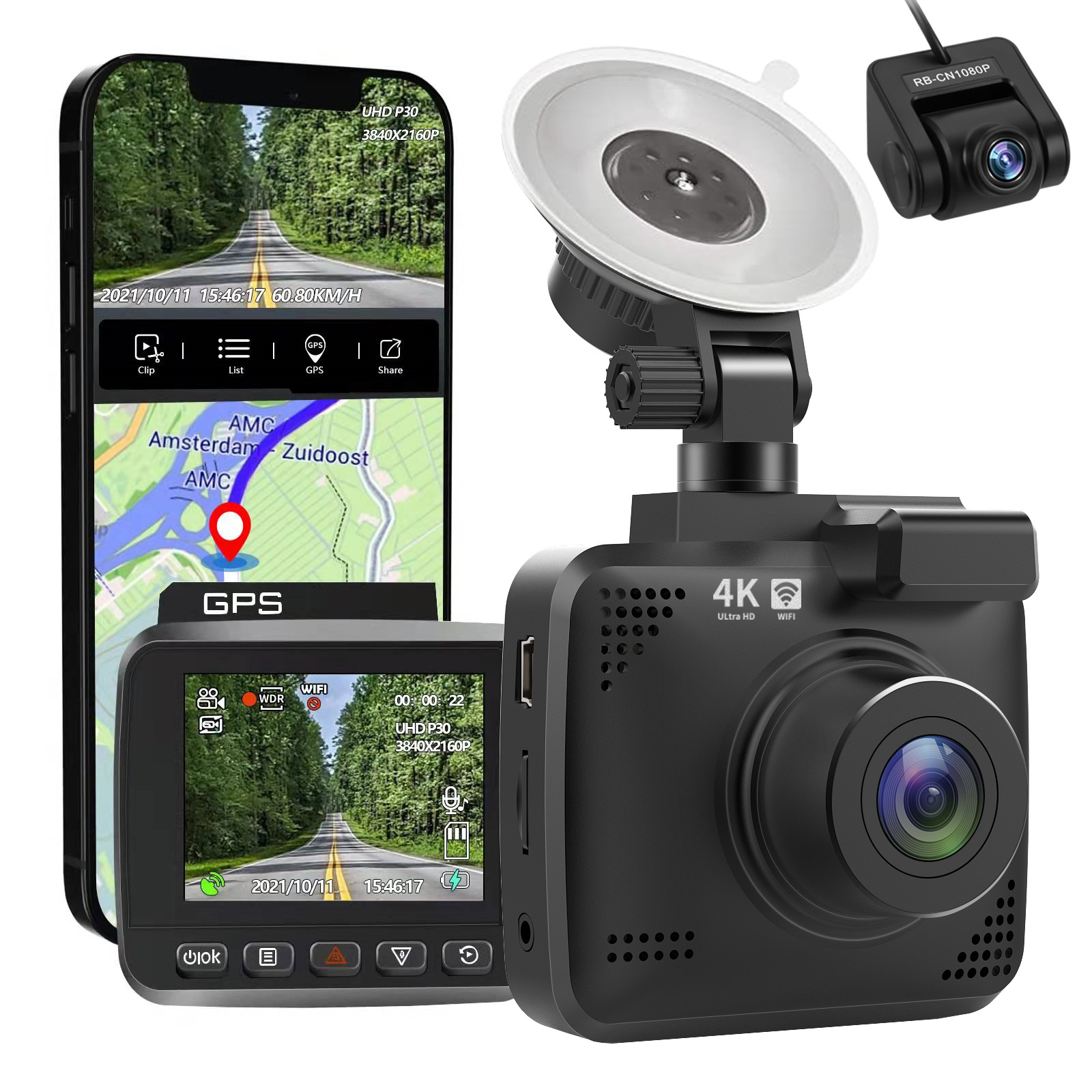
4k Wifi GPS Car Dash Cam
$197.20
Add to cartRecommended for You
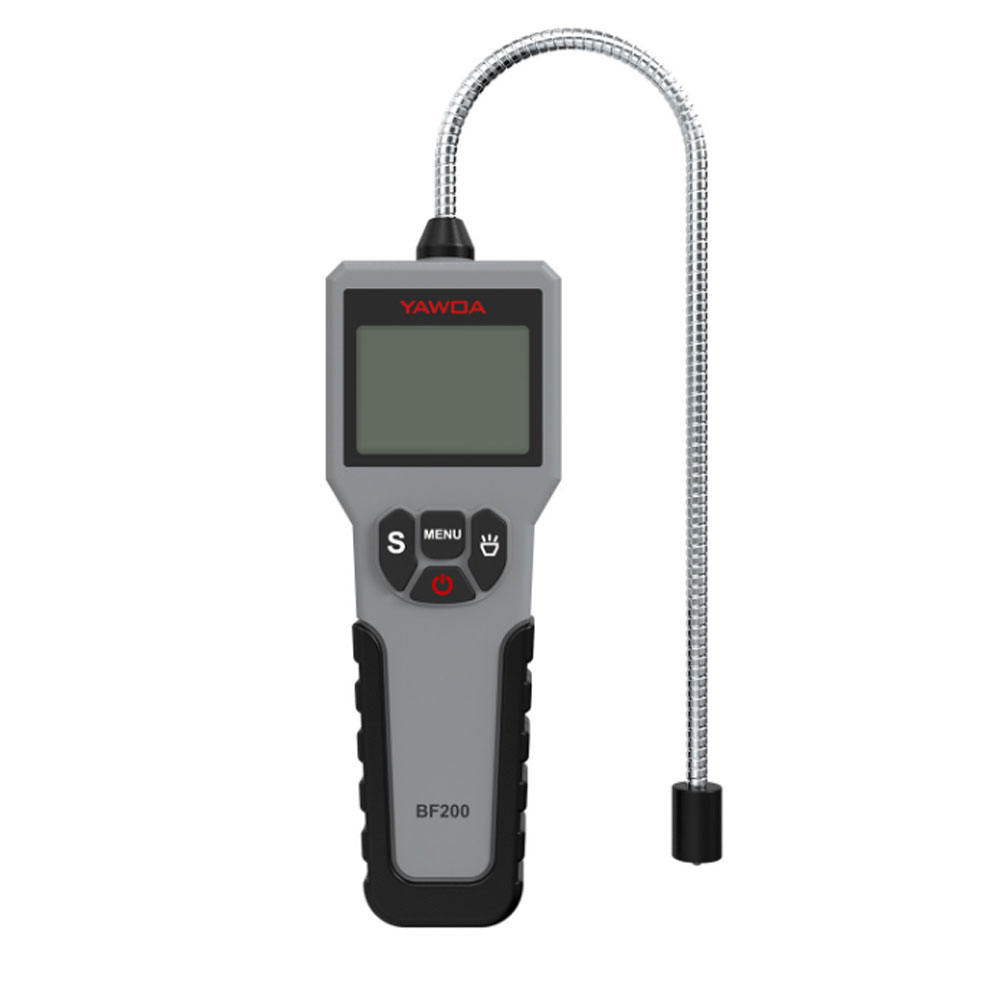
Car Brake Fluid Tester Pen Auto Brake Oil Detector Universal Detector Car Diagnostic Tool Car Fault Diagnosis Instrument grey
$60.20
Add to cart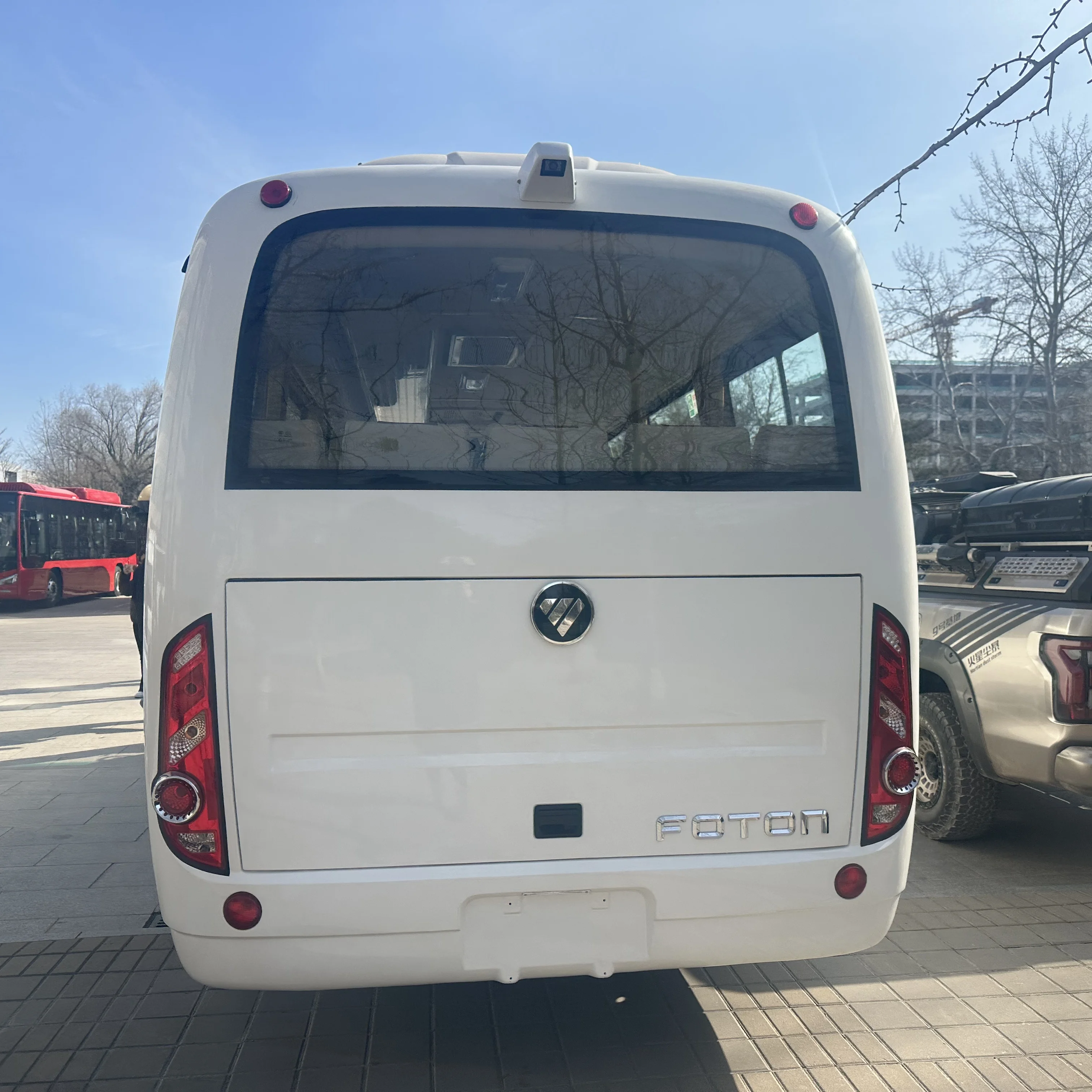
Used 49-Seat Foton Coach – Electric Status to Verify
$33,750.00
Add to cart
Car Paint Repairing Pen Car Scratches Fixing Pen Car Beauty Pen
$8.90
Add to cart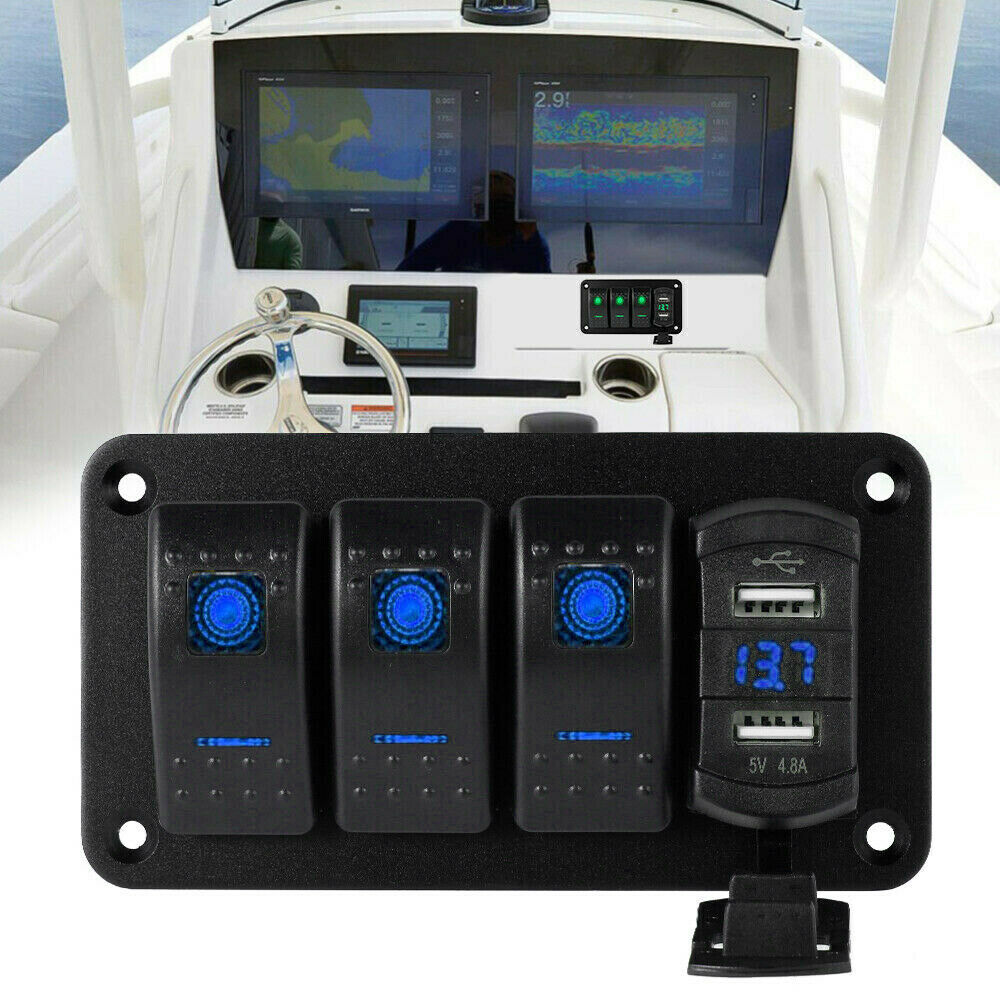
Rocker Switch Panel Dual Usb+ Voltage Digital Display Panel Car Modification Parts Blue light
$62.40
Add to cart

Reviews
There are no reviews yet.